MapsGL - Weather & Map Layers
The MapsGL SDK includes a variety of pre-configured weather layers for you to quickly add to your maps. These built-in layers are styled using standard styles from our raster maps product by default except for new layers made possible with the MapsGL SDK.
While the built-in weather layers are already configured with default styles, you can fully customize their appearance by overriding the default style configuration. Refer to the styling weather data documentation for more details and examples of customizing weather layers.
Use each layer’s code with addWeatherLayer. This page is the published catalog. Your SDK build may include a subset — after the map loads, call controller.weatherProvider.getSupportedLayerIds() for the codes you can add, or getLayerMetadata() for titles, categories, and optional imageUrl thumbnails. See discovering weather layers.
Forecast models
Starting with MapsGL 1.10.0, conditions and radar layers that support individual forecast models list those models under Forecast models on each card below. Model-specific codes follow {model}-{variable}:
controller.addWeatherLayer('gfs-temperatures');
controller.addWeatherLayer('ecmwf-hres-wind-particles');
controller.addWeatherLayer('nbm-conus-radar');
Model clones are not listed as separate catalog rows — refer to the base layer’s card below to see which models apply. A code that is not in the current SDK build is ignored. See the forecast model layers guide for supported models, variables, coverage clipping, and data quality.
Supported layers
The following built-in weather layers are supported within MapsGL. Refer to the layer categories and their respective layers for more information about each layer, including update frequency and coverage regions:
- Style: Layer style used when rendering the layer, using default paint styles that can be overridden
- Animates: Whether the layer is animatable using the MapsGL map timeline
- Updates: Update frequency for the data
- Range: How far back (negative ranges) or how far into the future (positive ranges) the data is available for relative to now. Past ranges consist of archived observed data, whereas future ranges indicate forecast model data. Some weather layers contain both archive and forecast data, in which case time ranges in the past will return archive data and time ranges in the future will return forecast data.
- Regions: Coverage regions included with the data set.
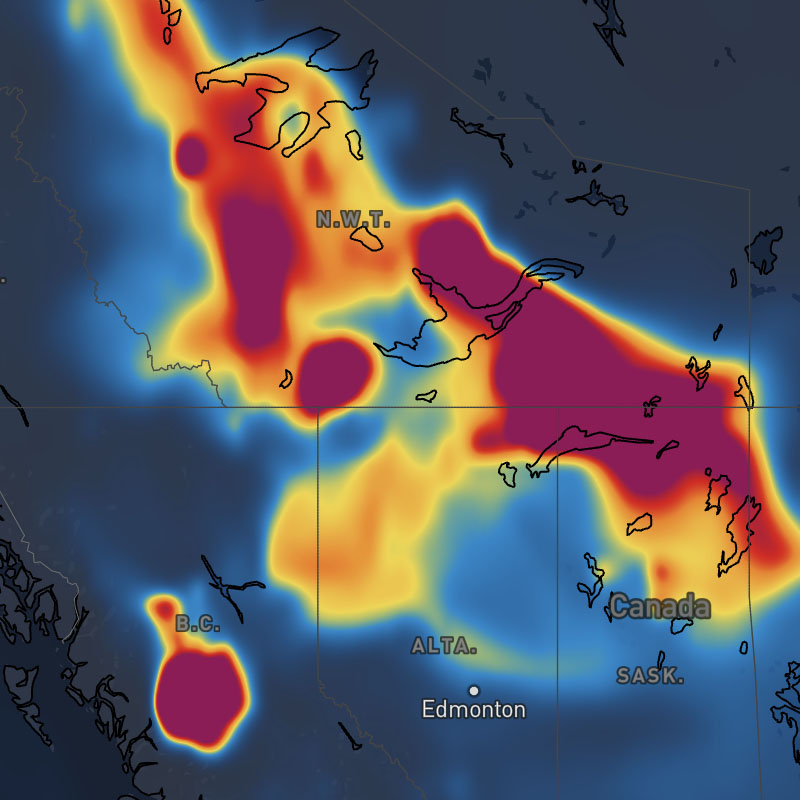
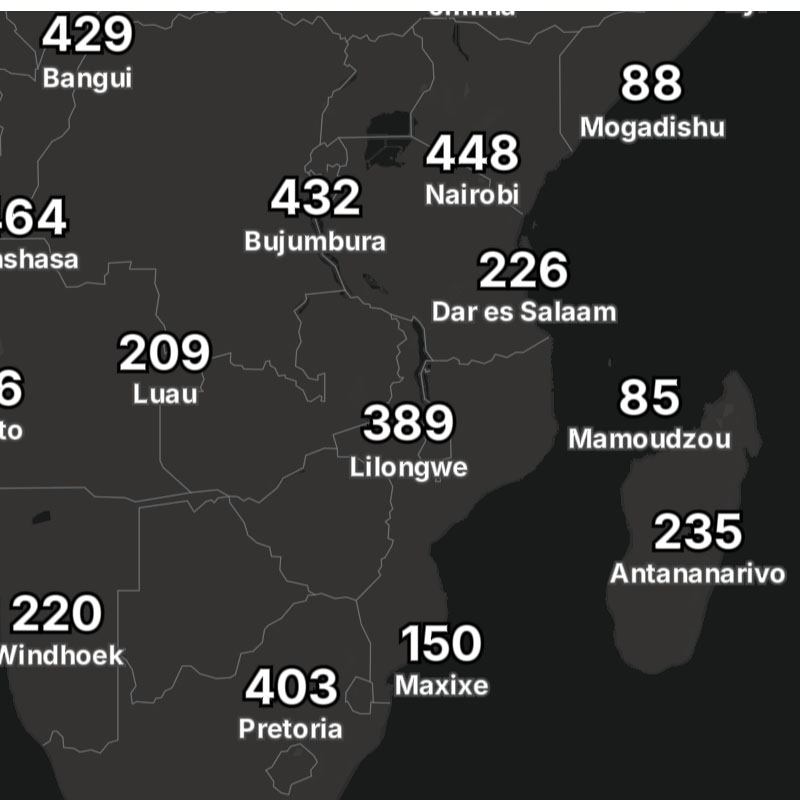
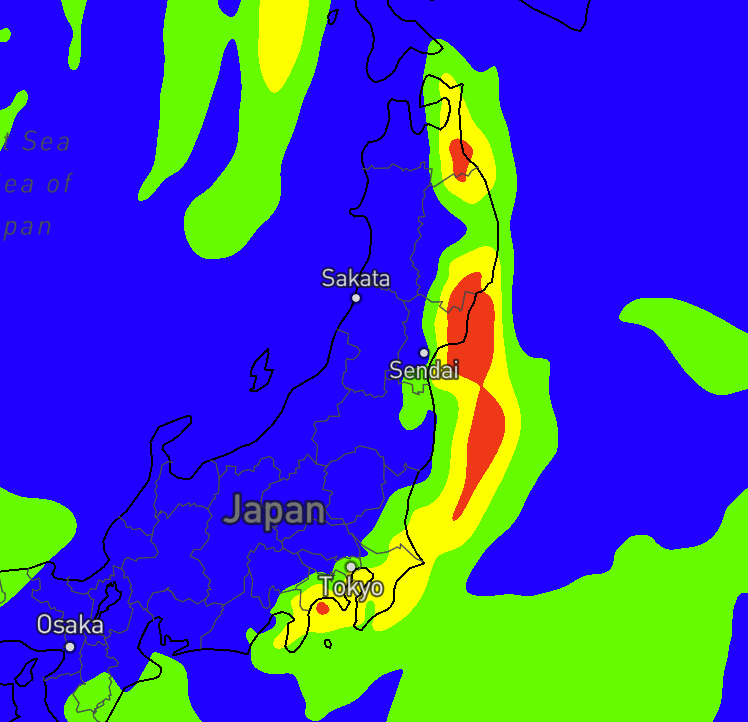
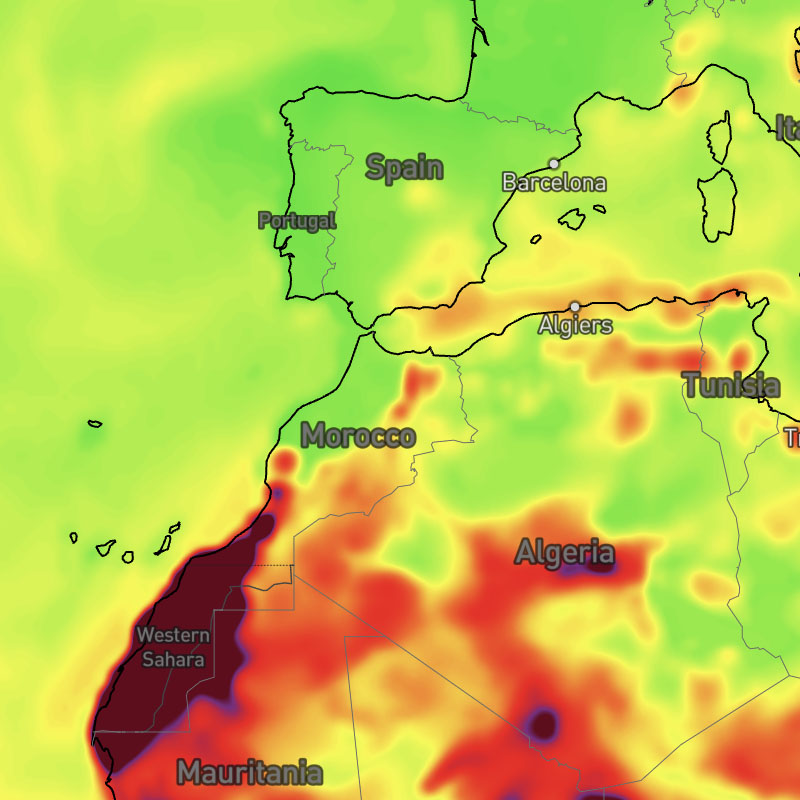
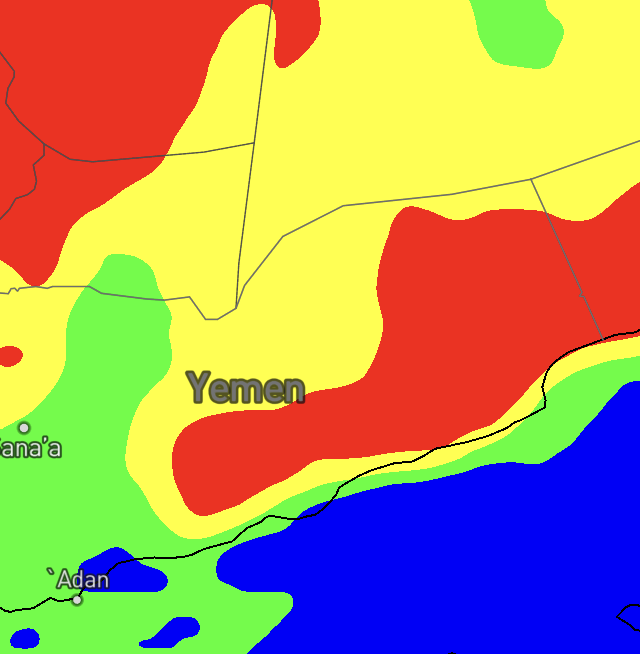
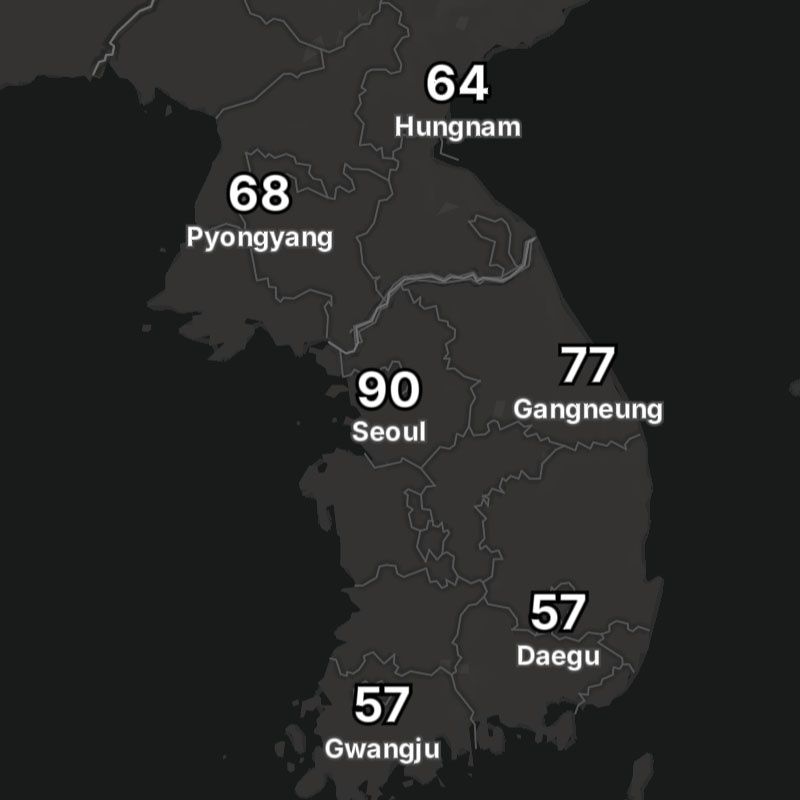
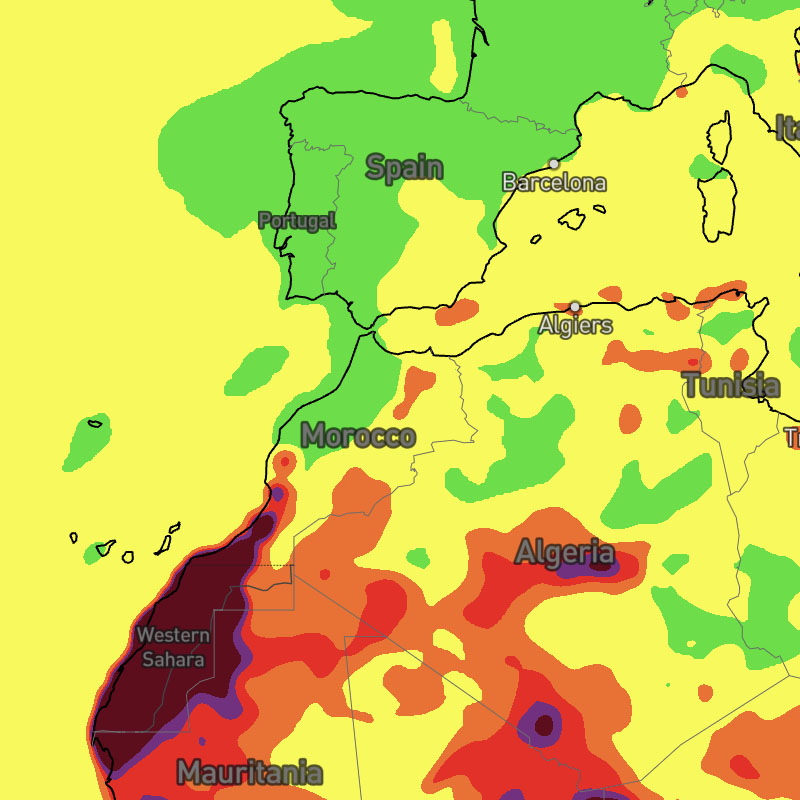
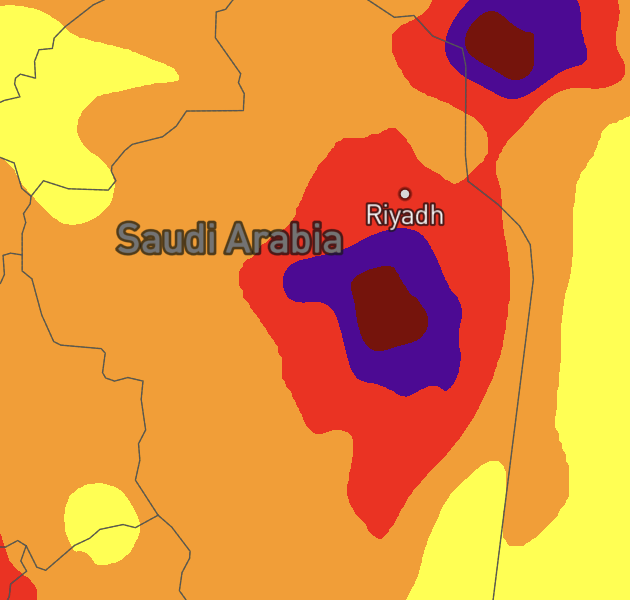
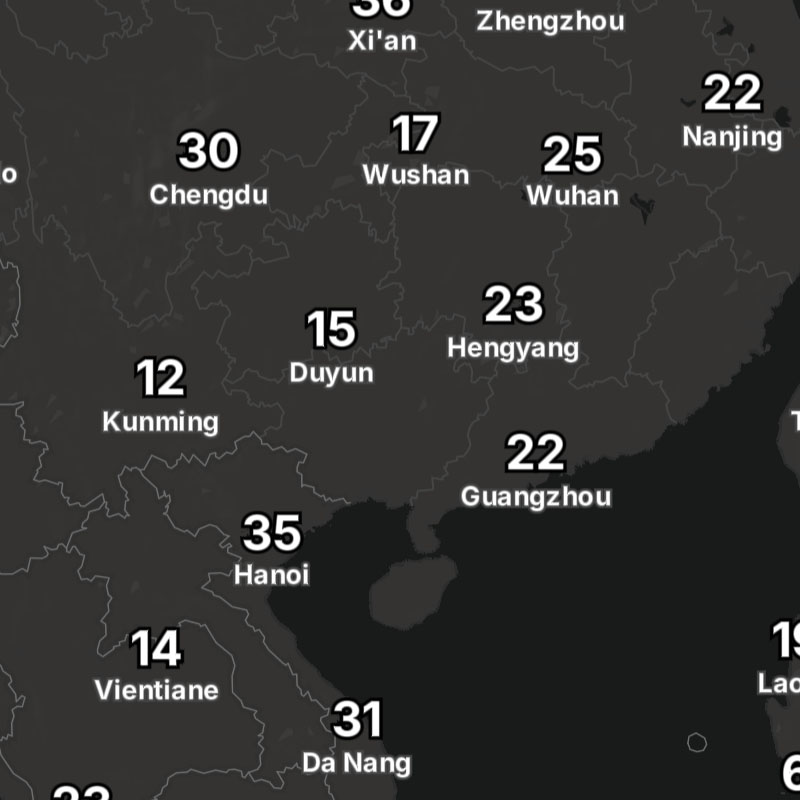
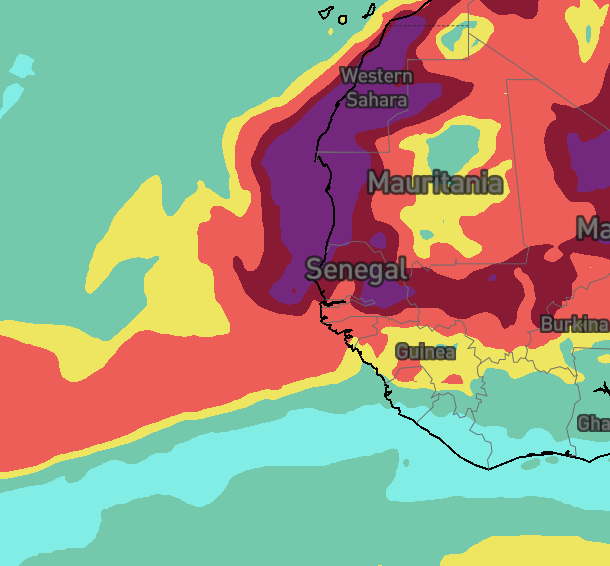
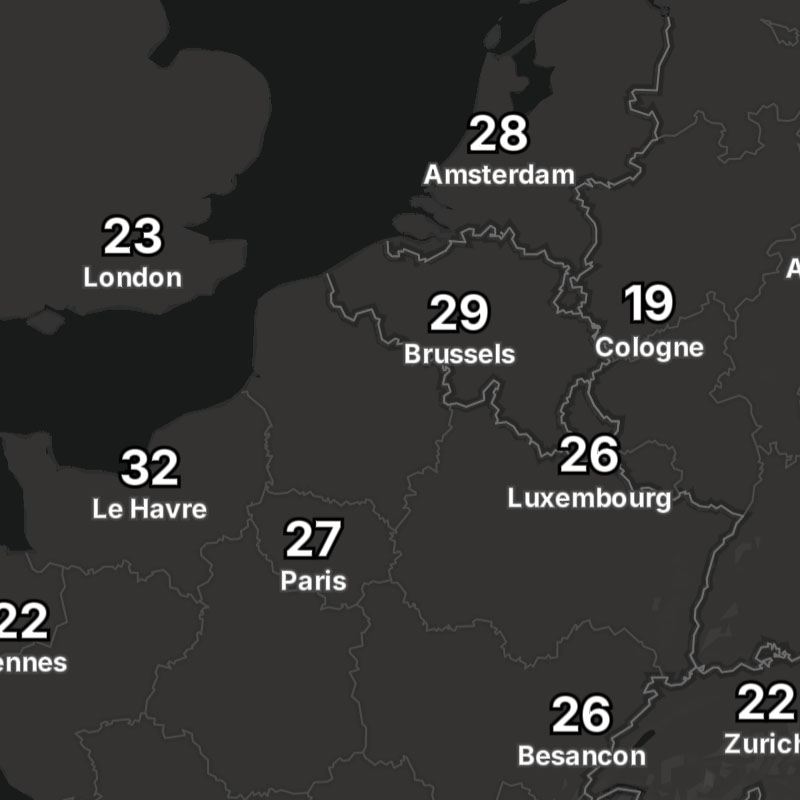
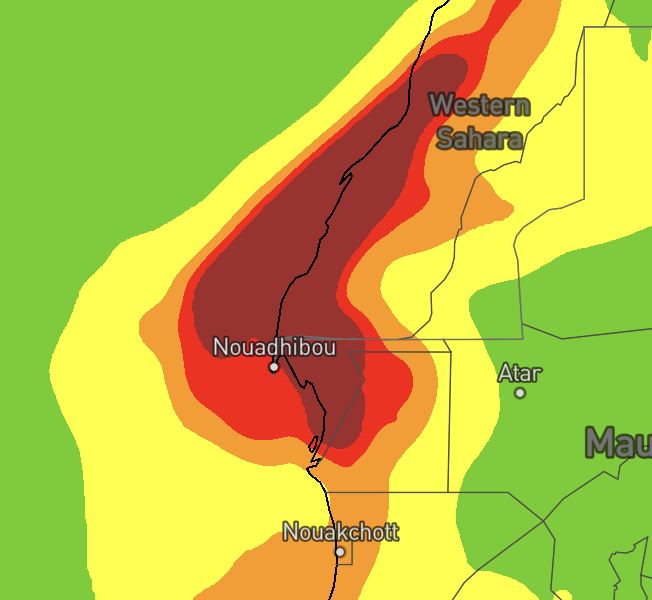
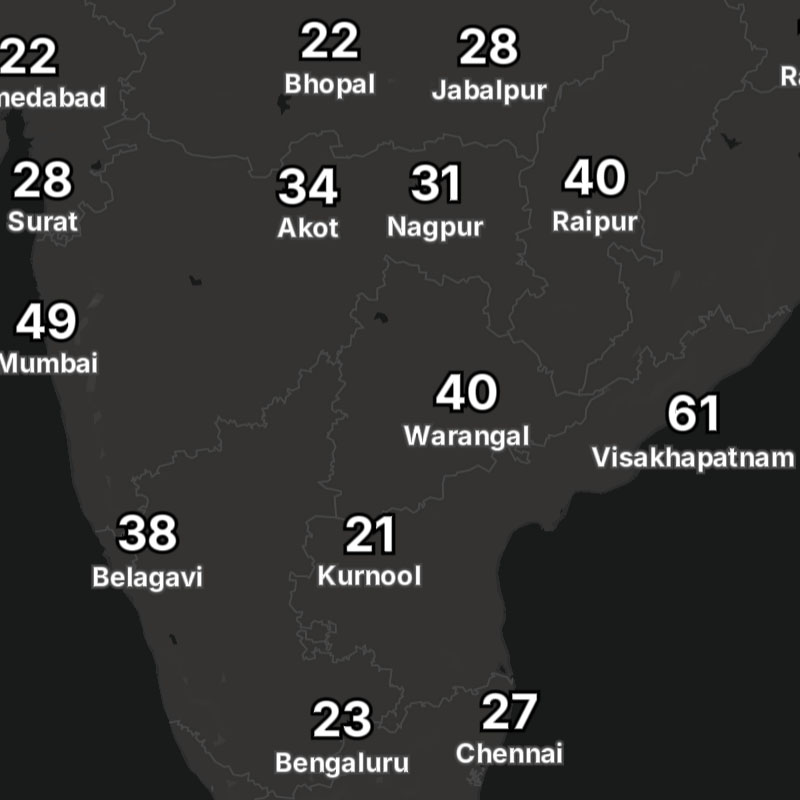
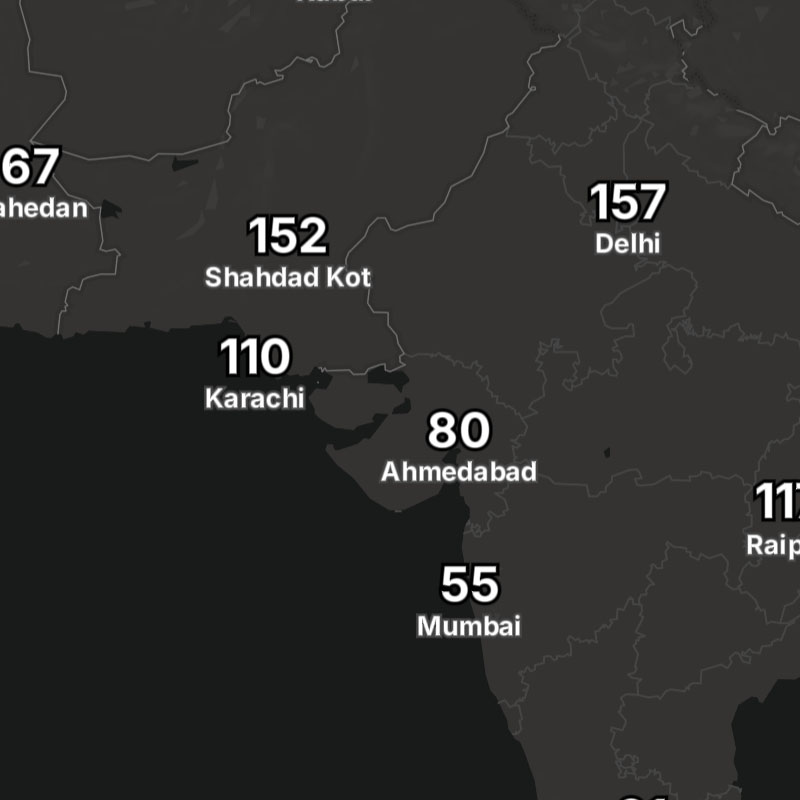
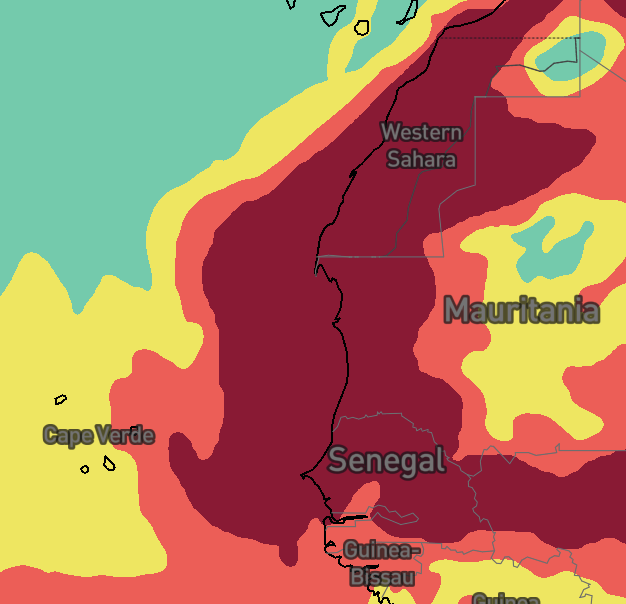
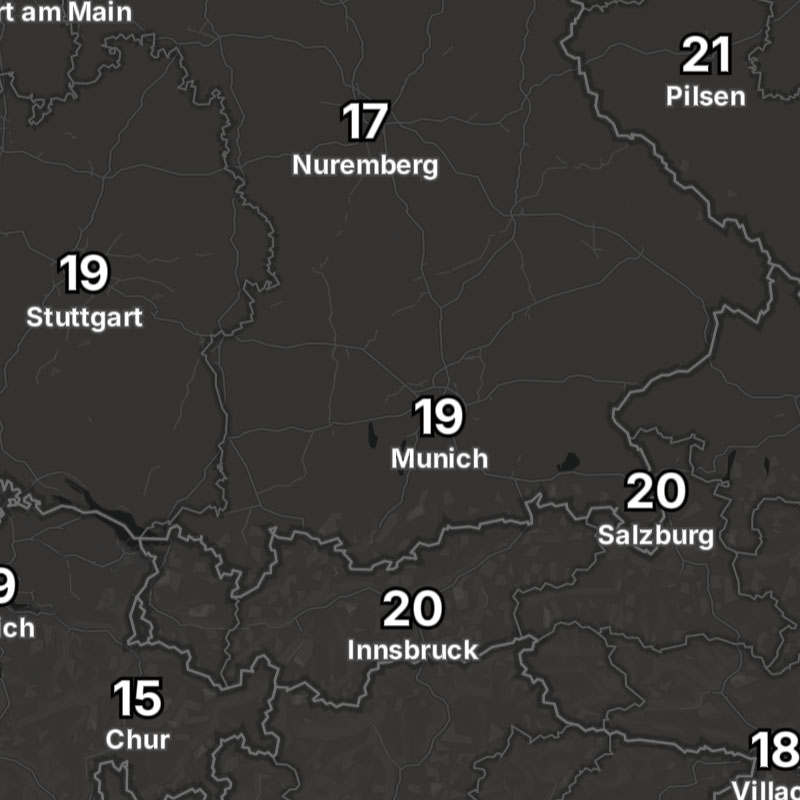
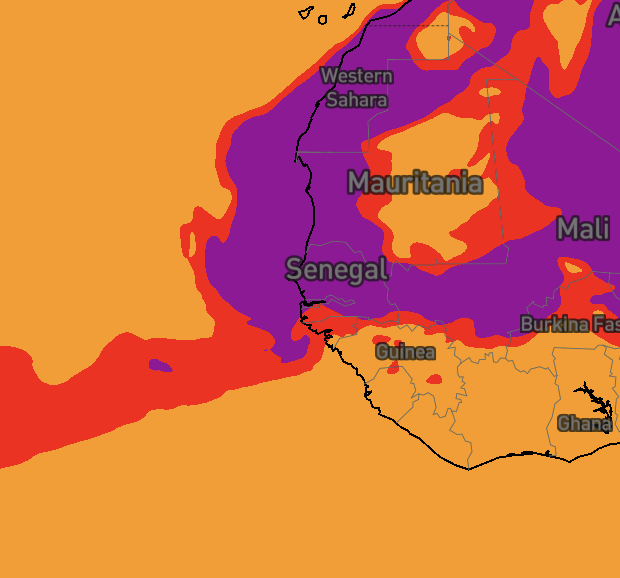
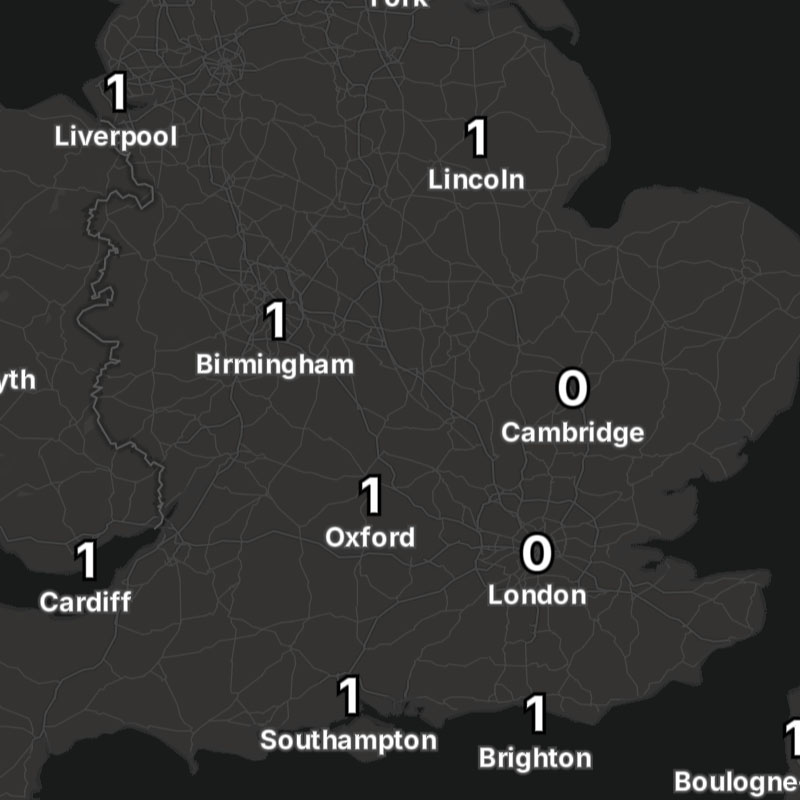
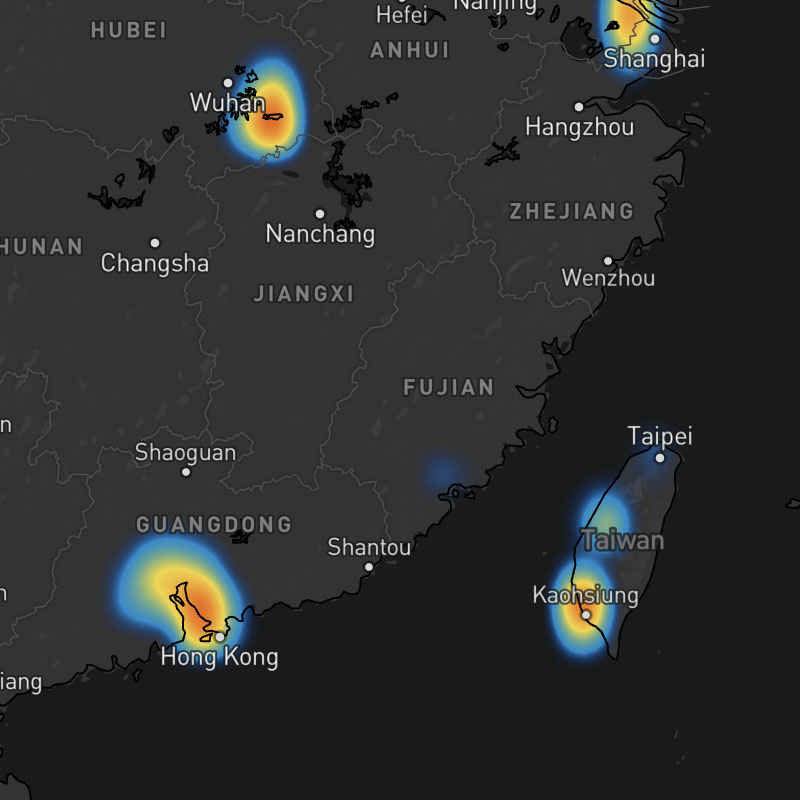
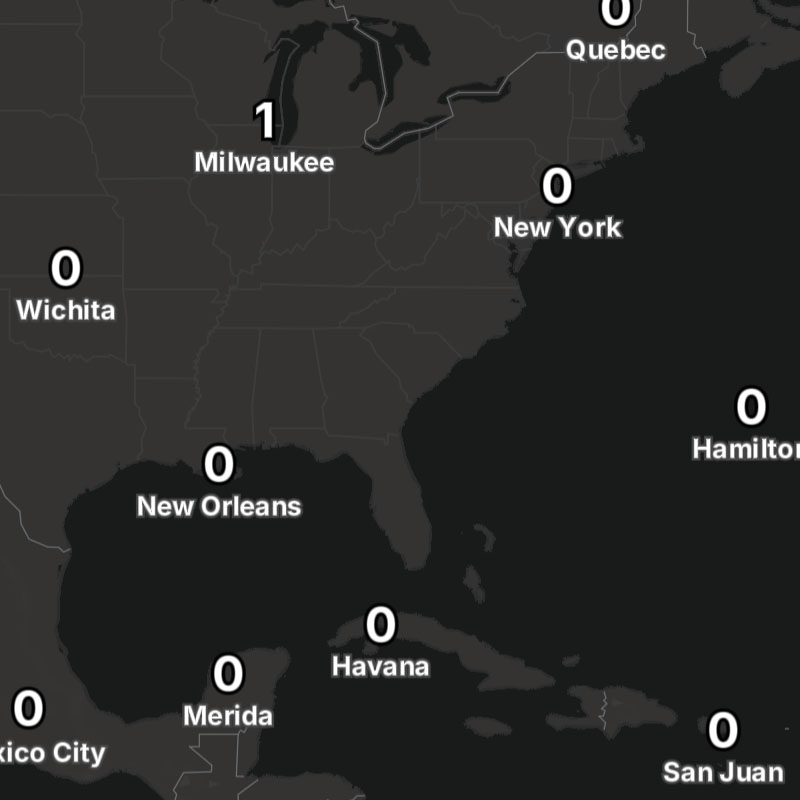
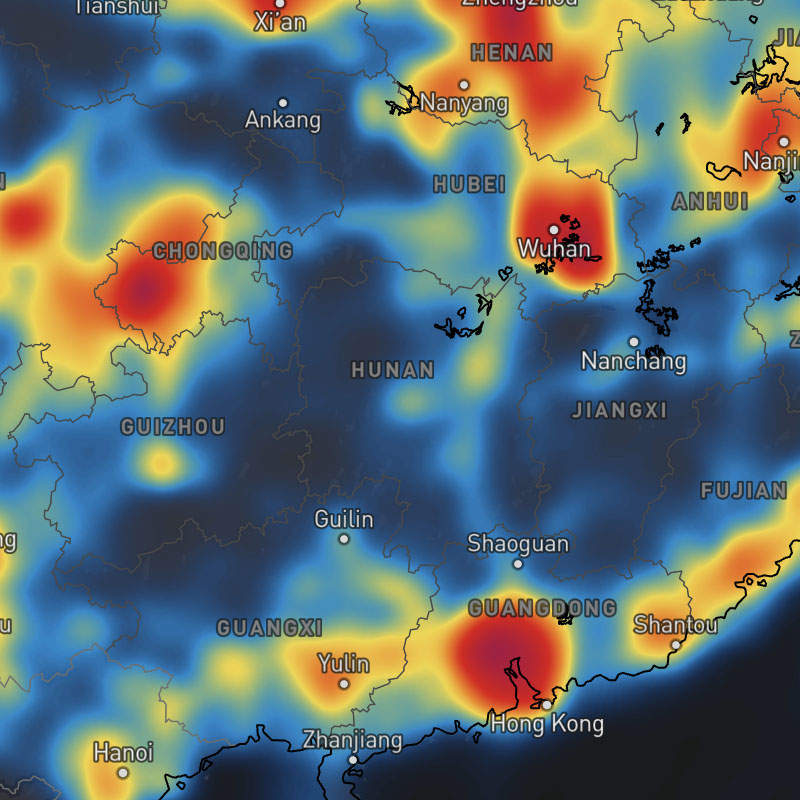
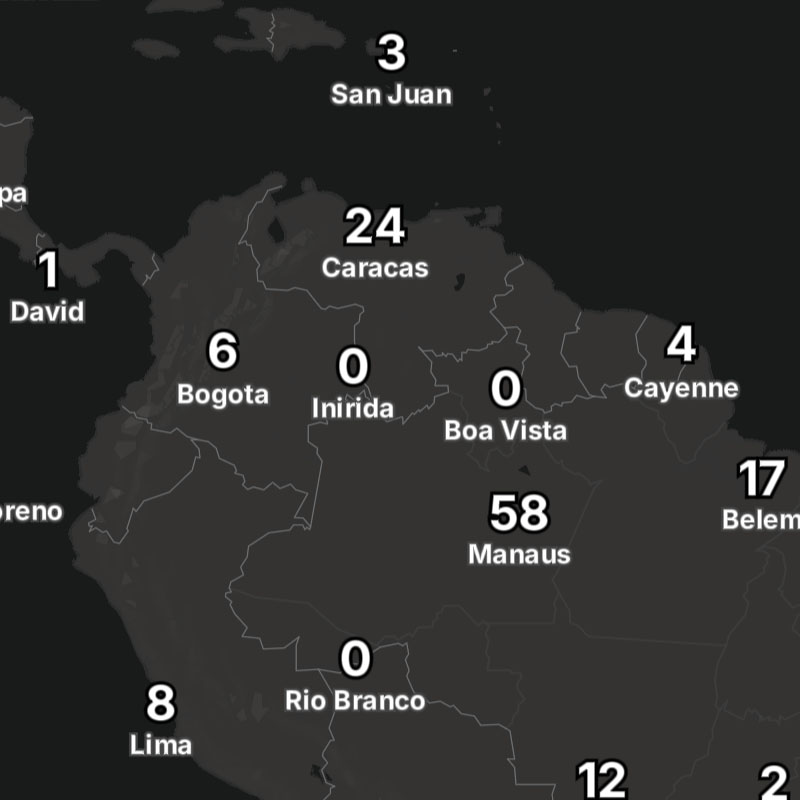
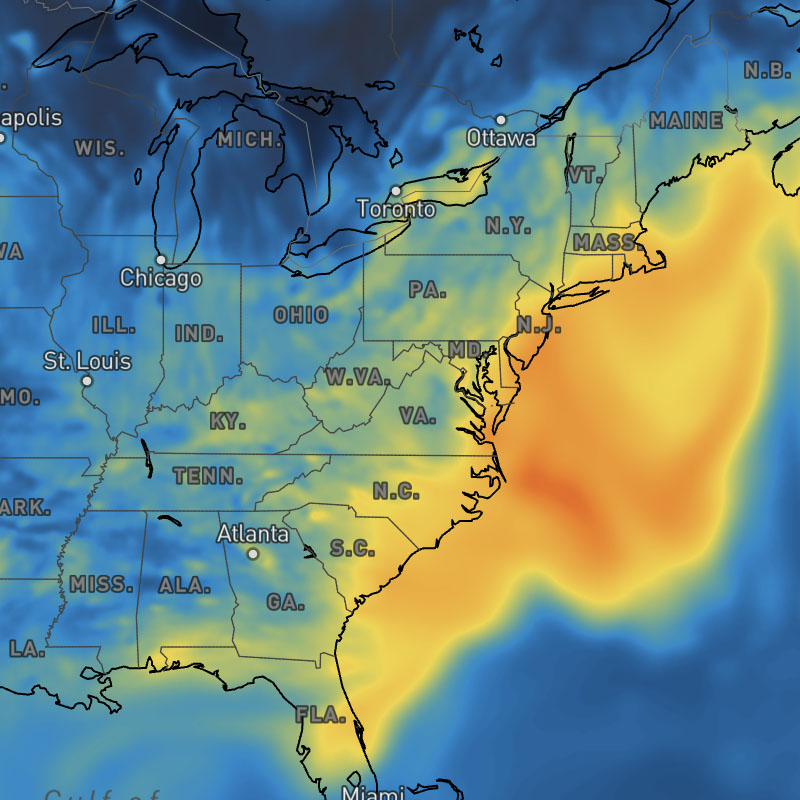
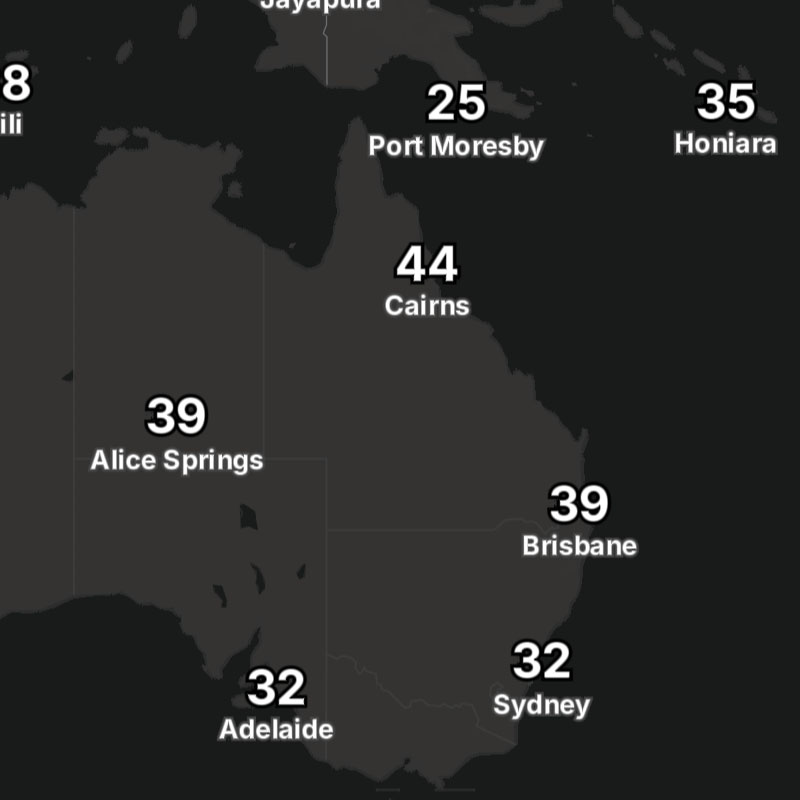
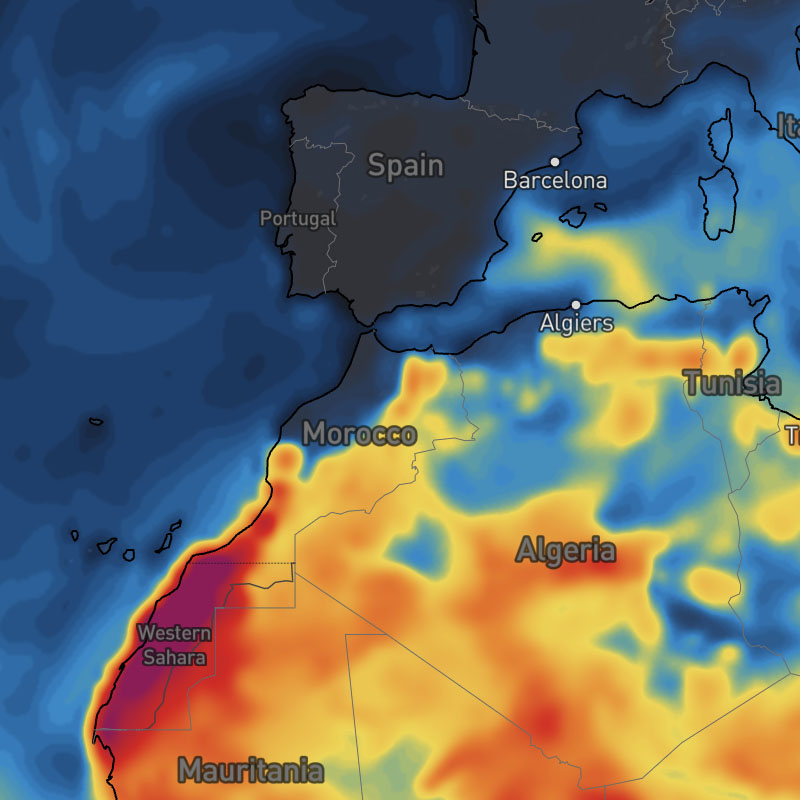
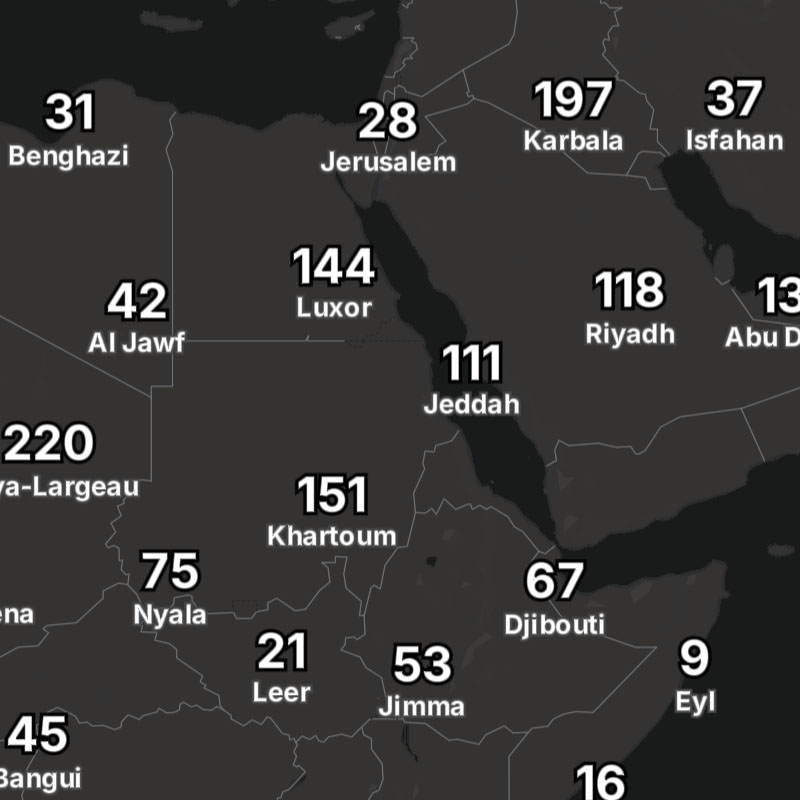
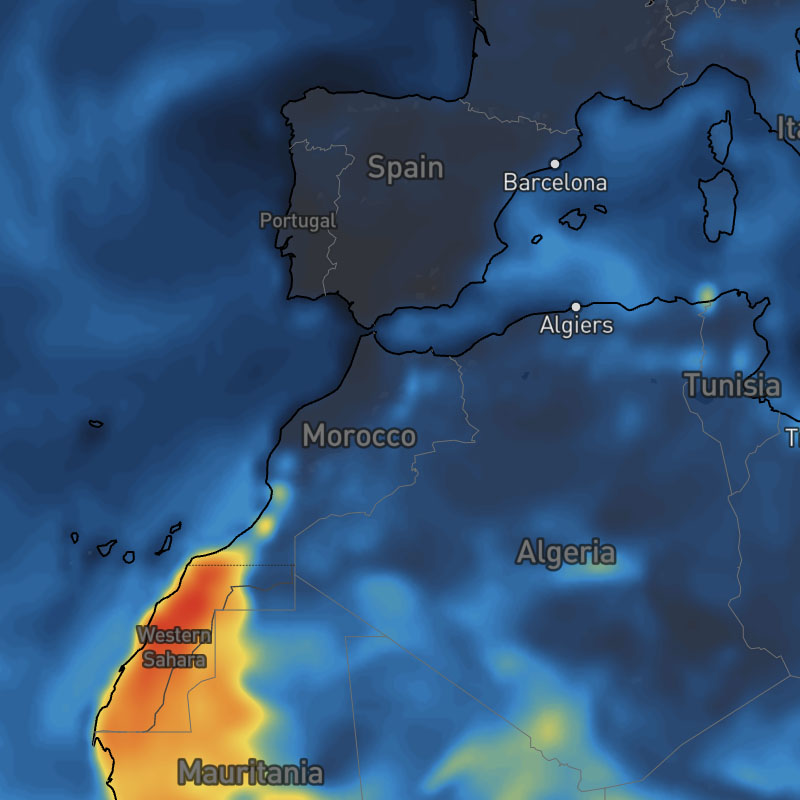
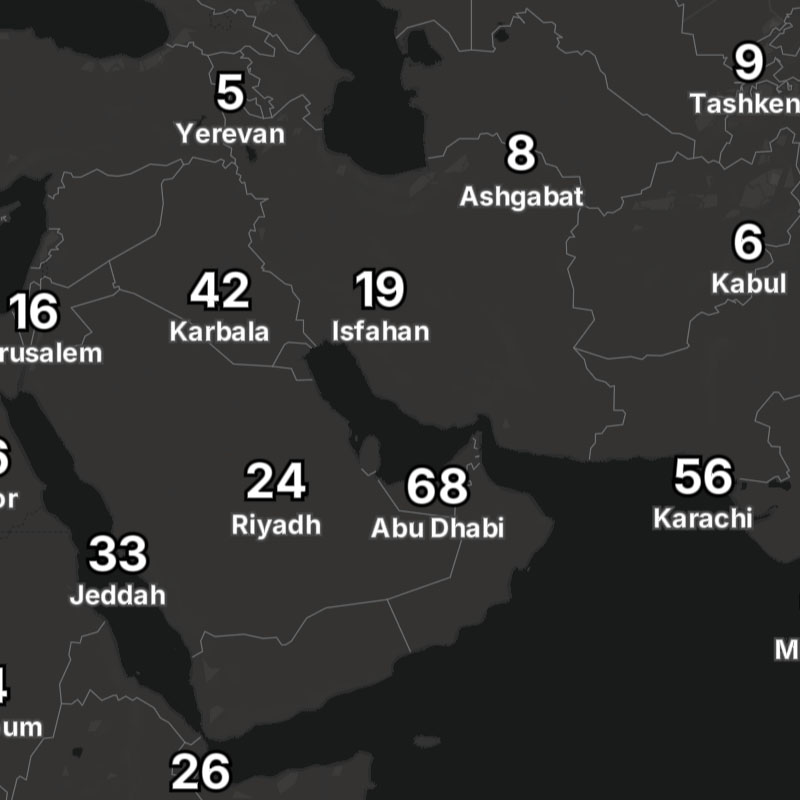
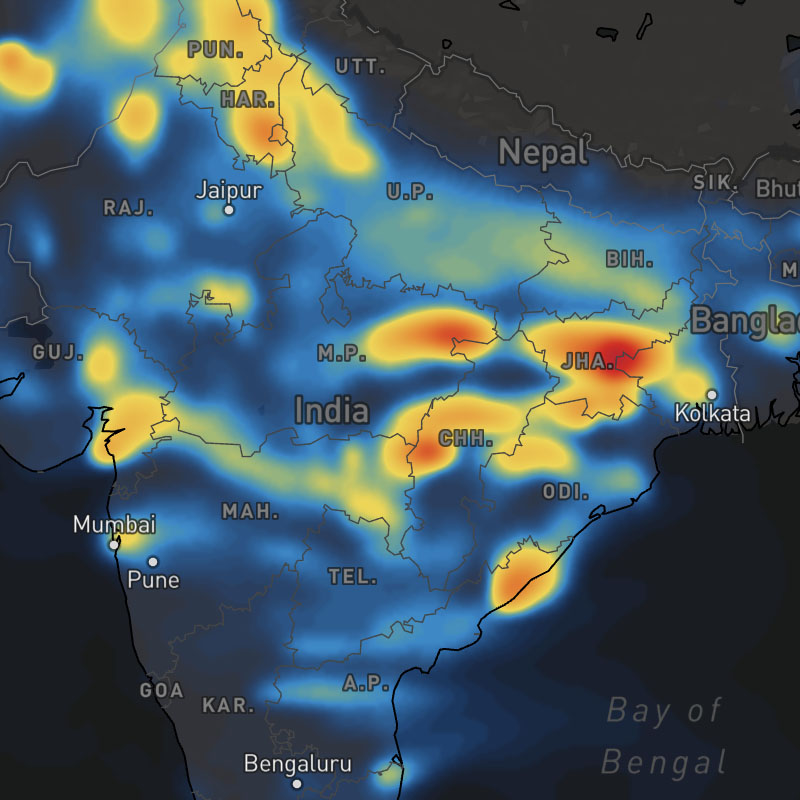
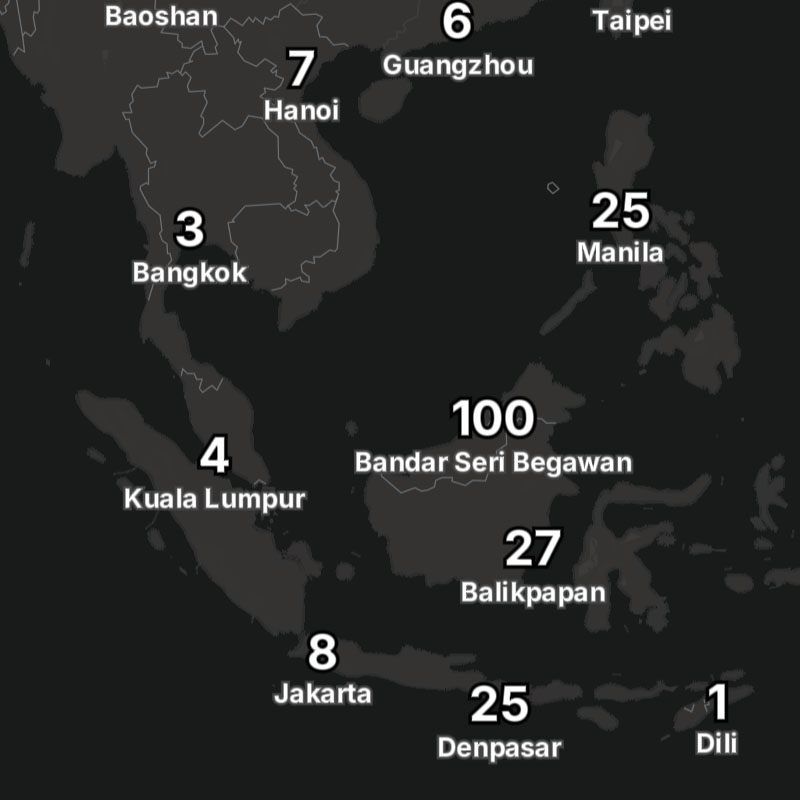
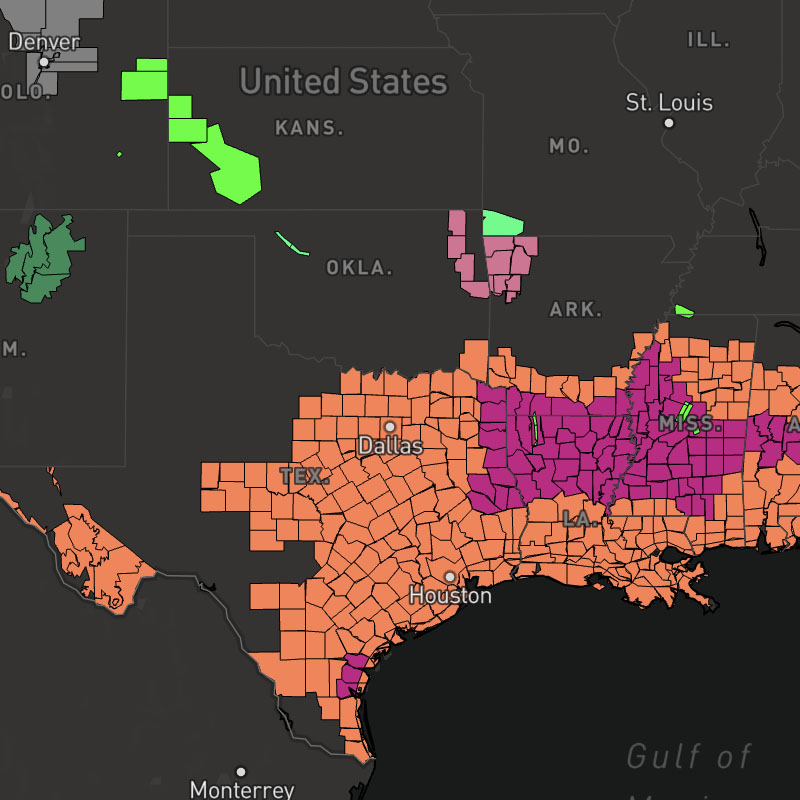
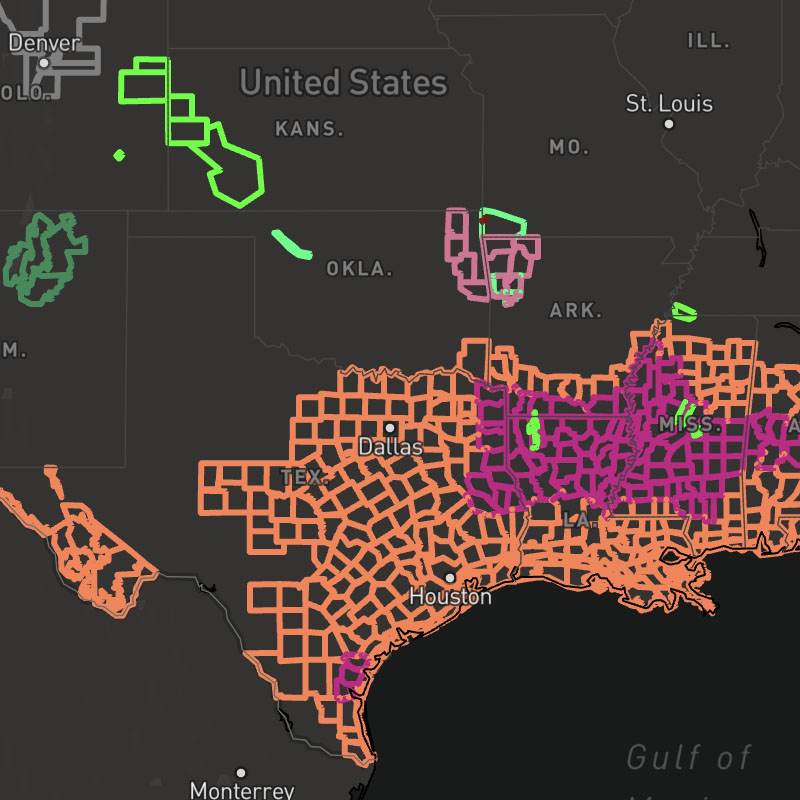
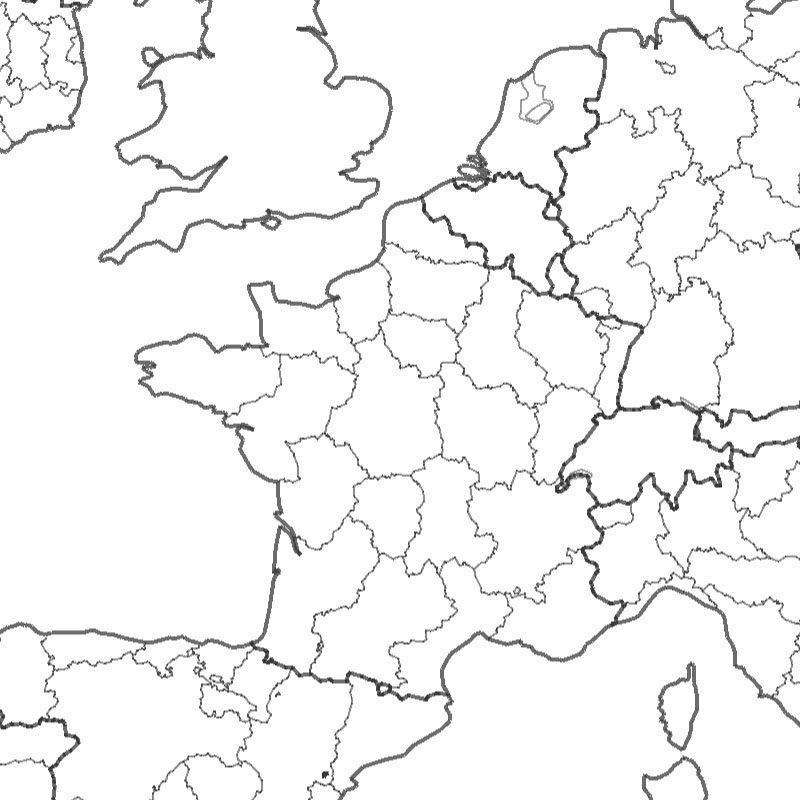
admin-2-boundaries, admin-3-4-boundaries, admin-5-6-boundaries, waterway-ocean-boundaries, waterway-lake-river-boundaries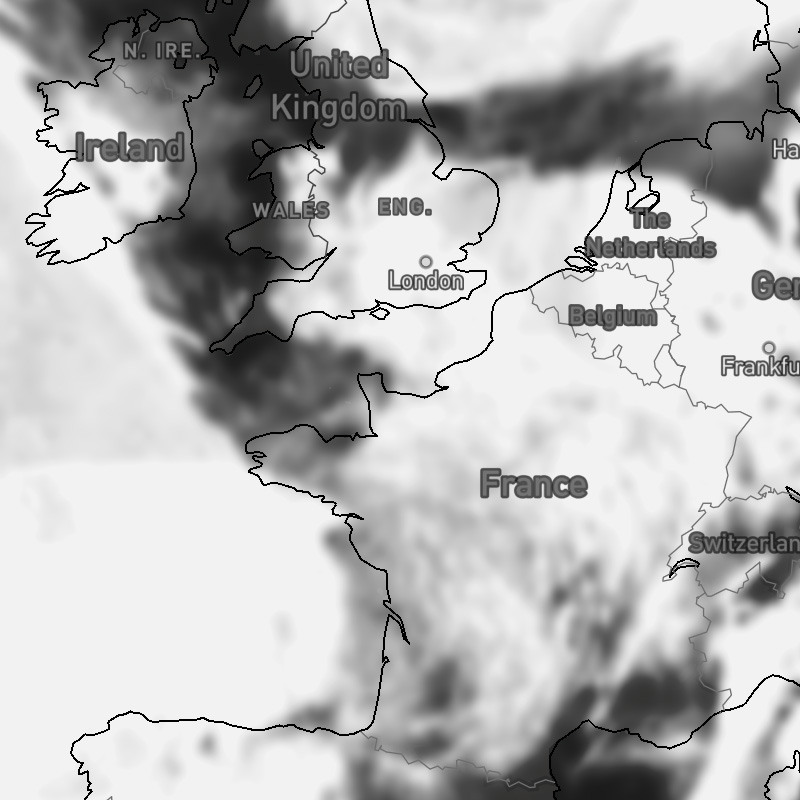
{model}-cloud-cover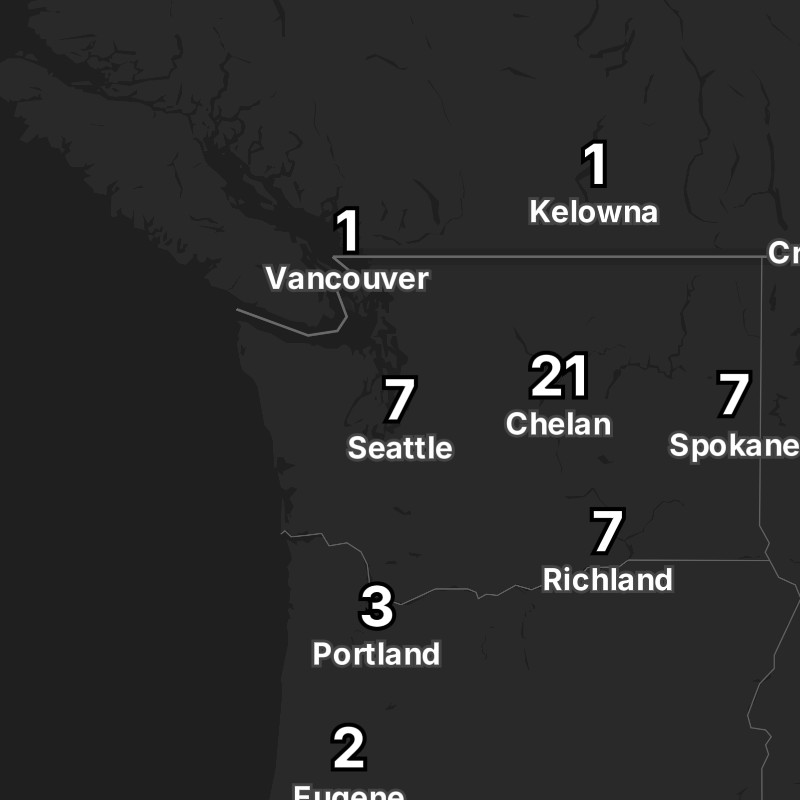
{model}-cloud-cover-text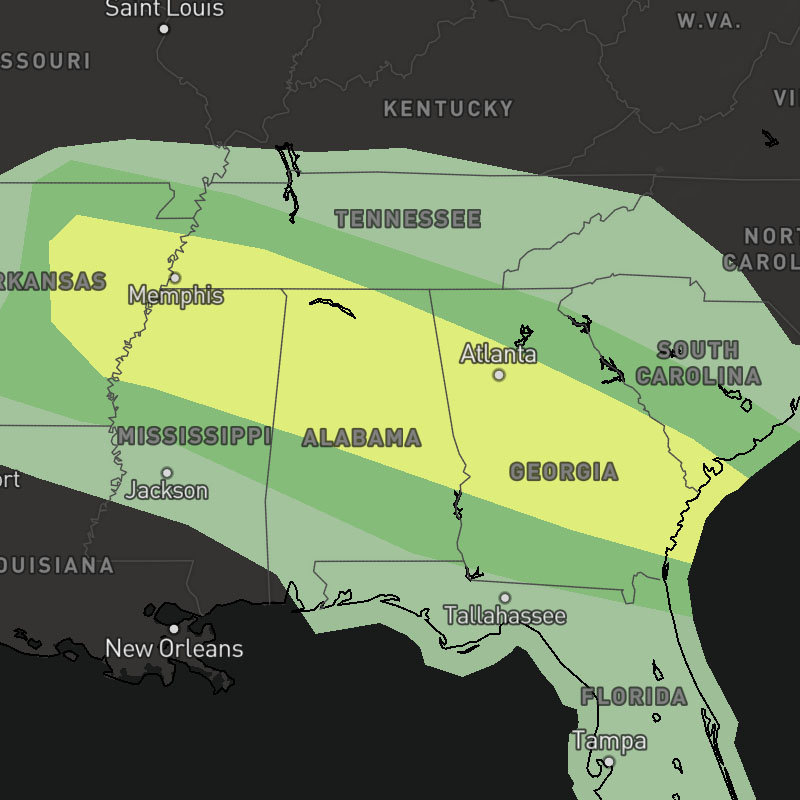
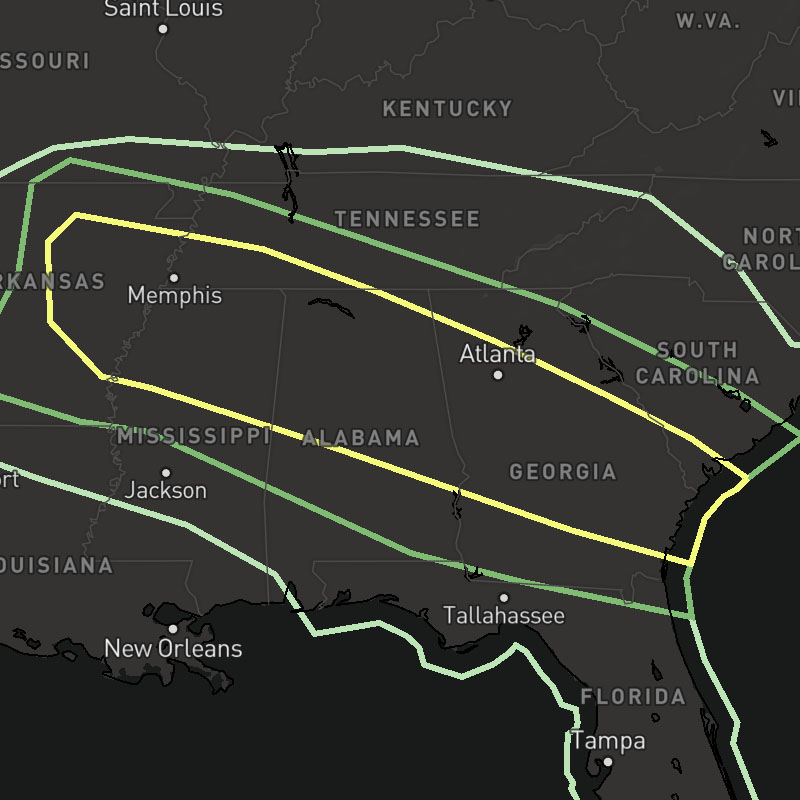
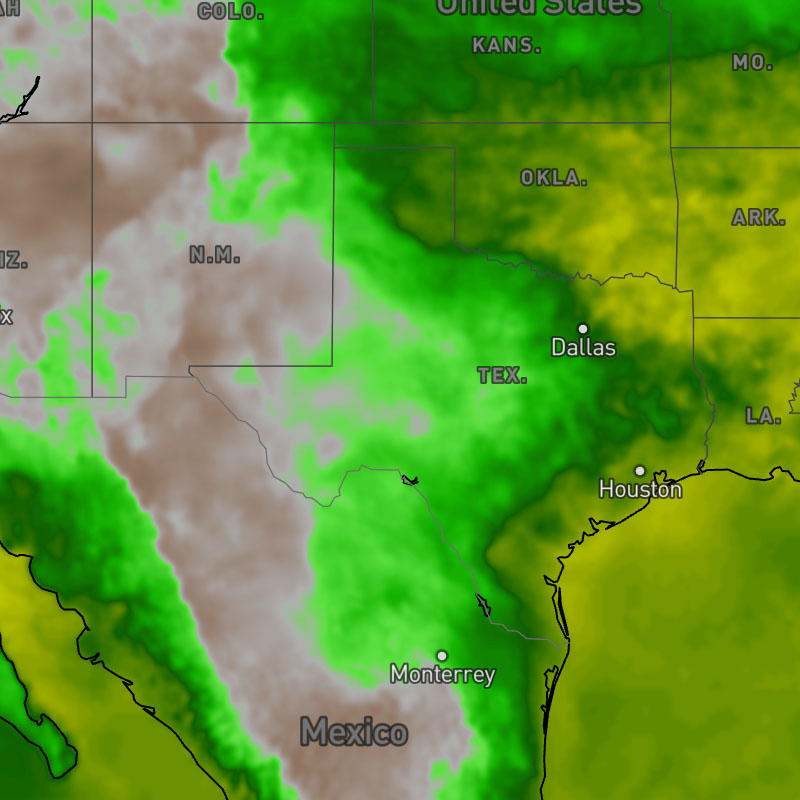
{model}-dew-points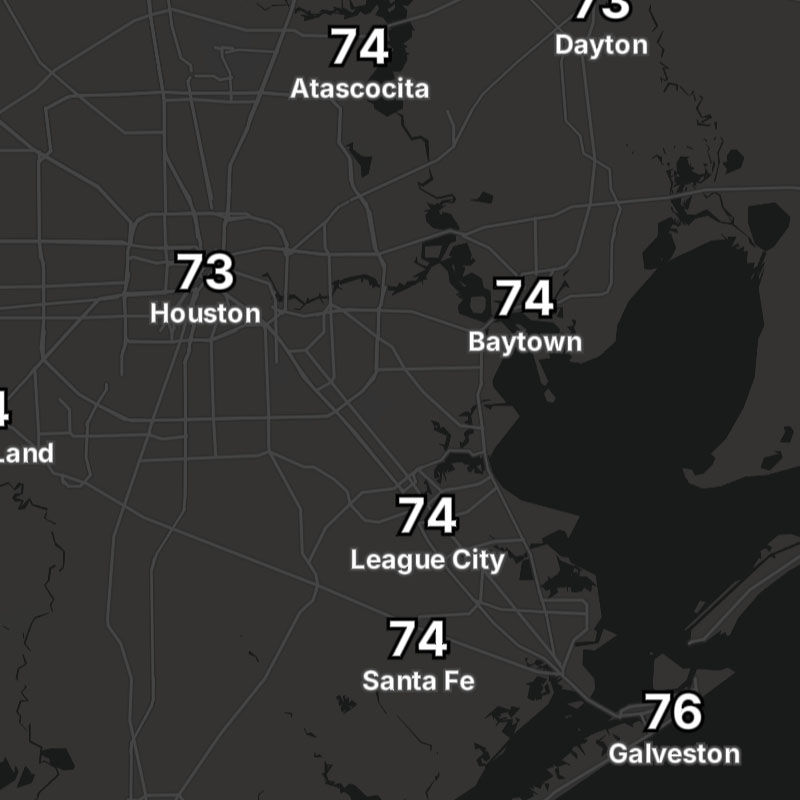
{model}-dew-points-text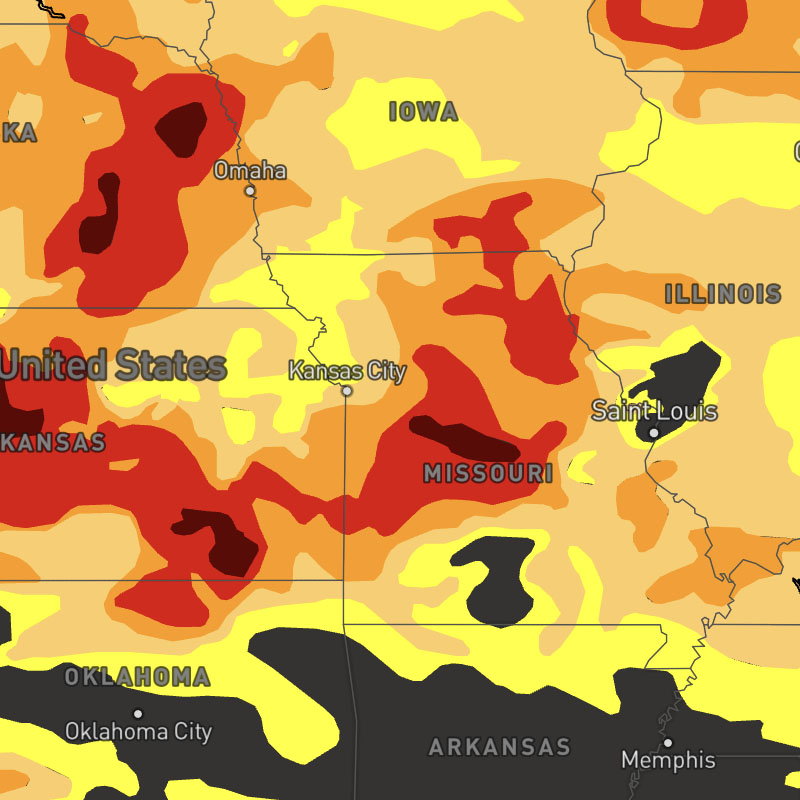
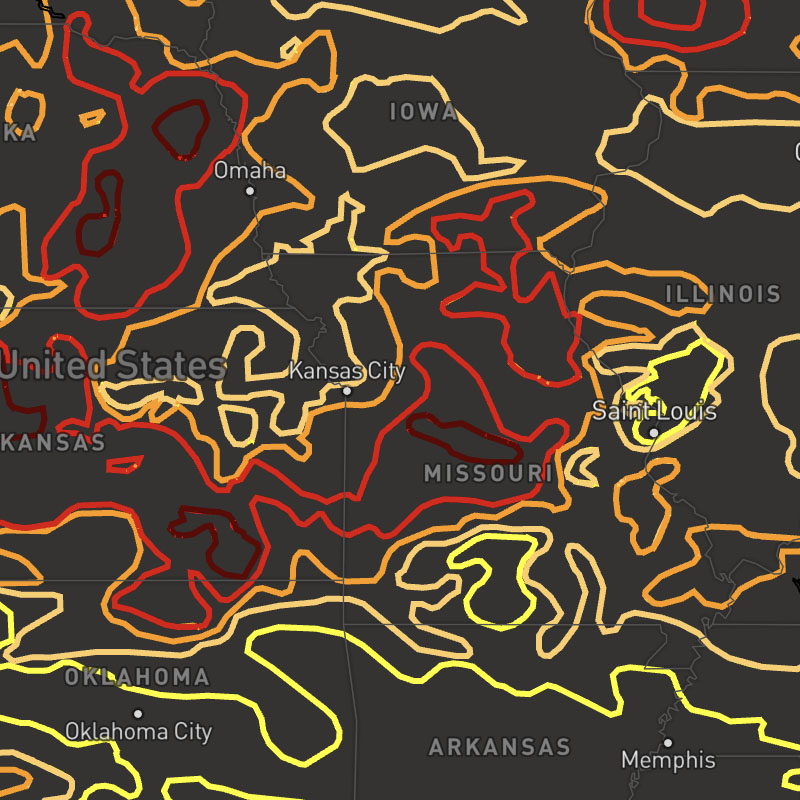
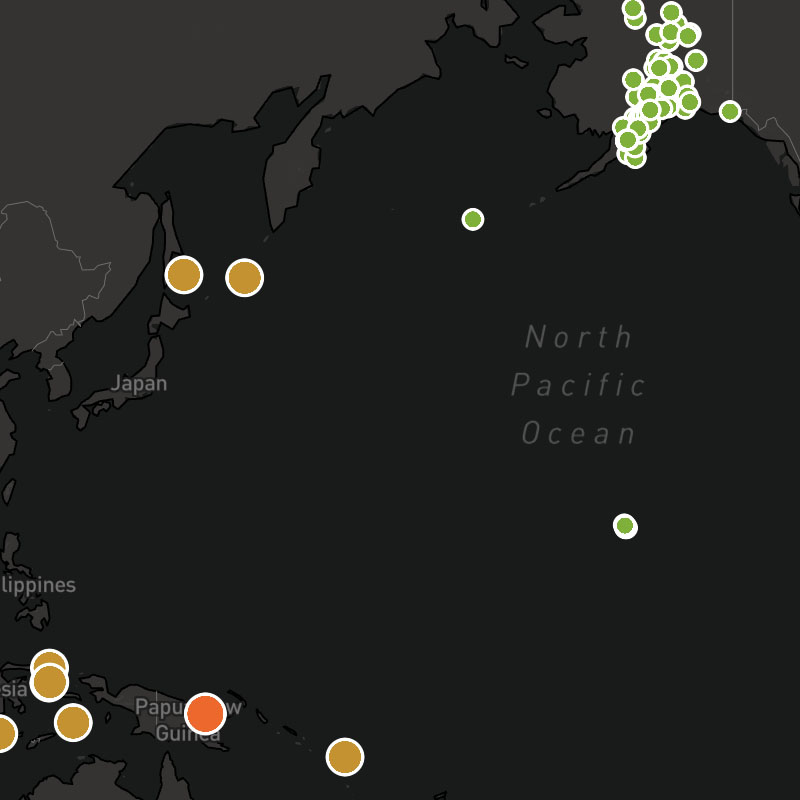
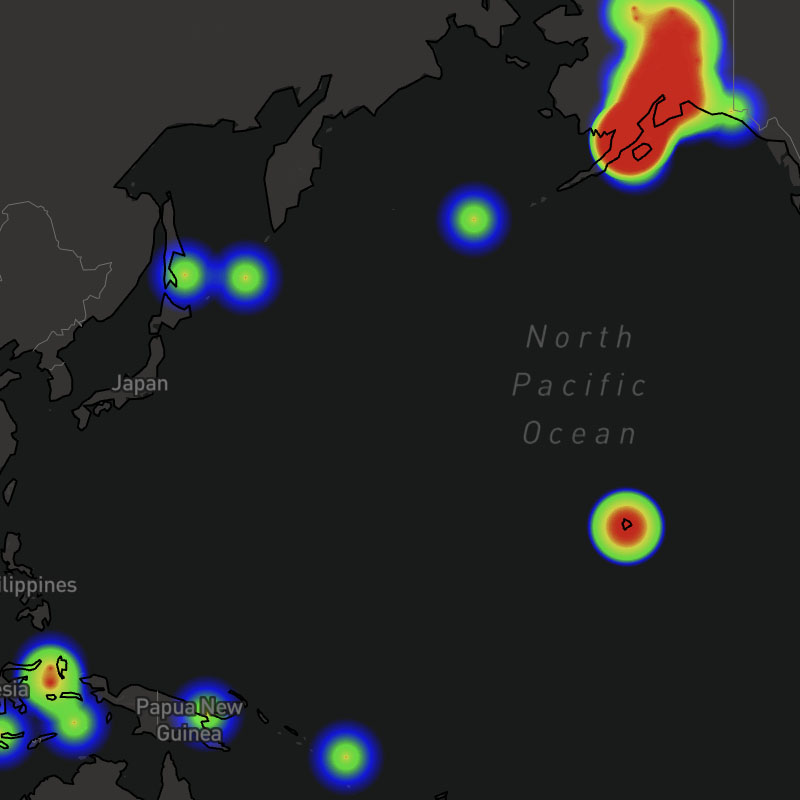
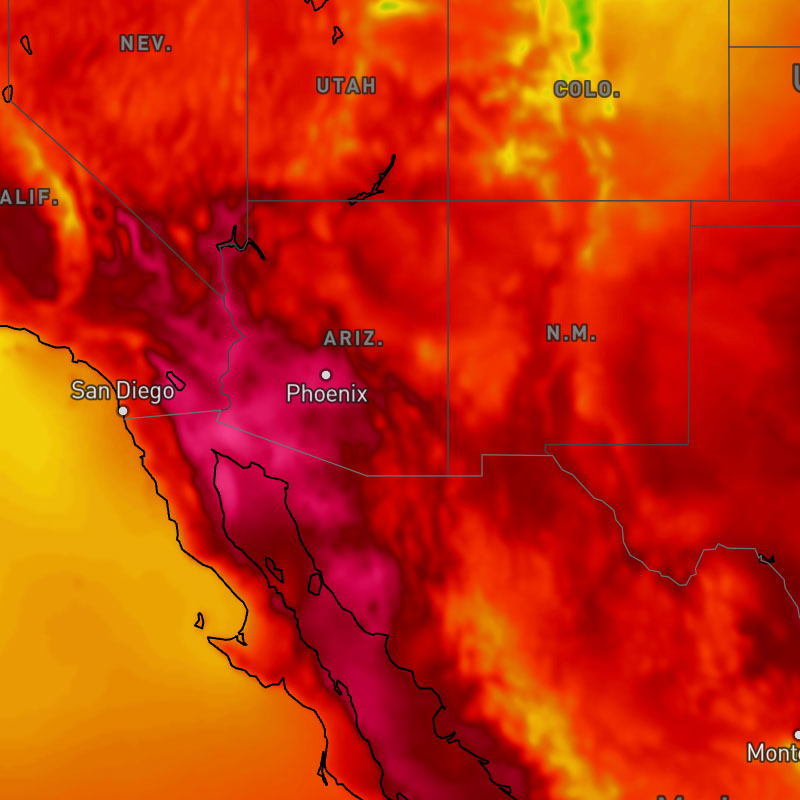
{model}-feels-like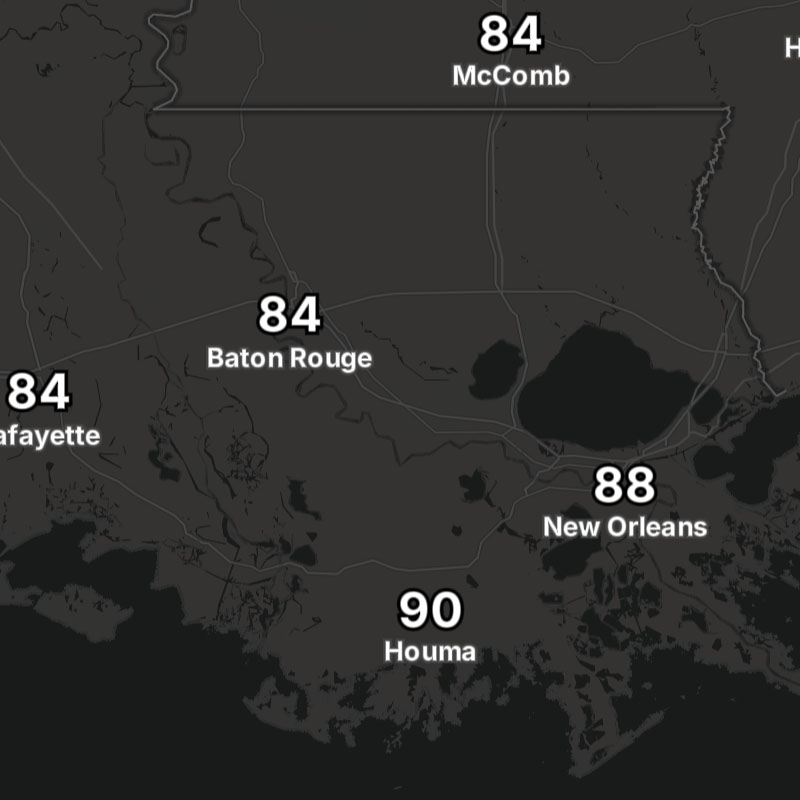
{model}-feels-like-text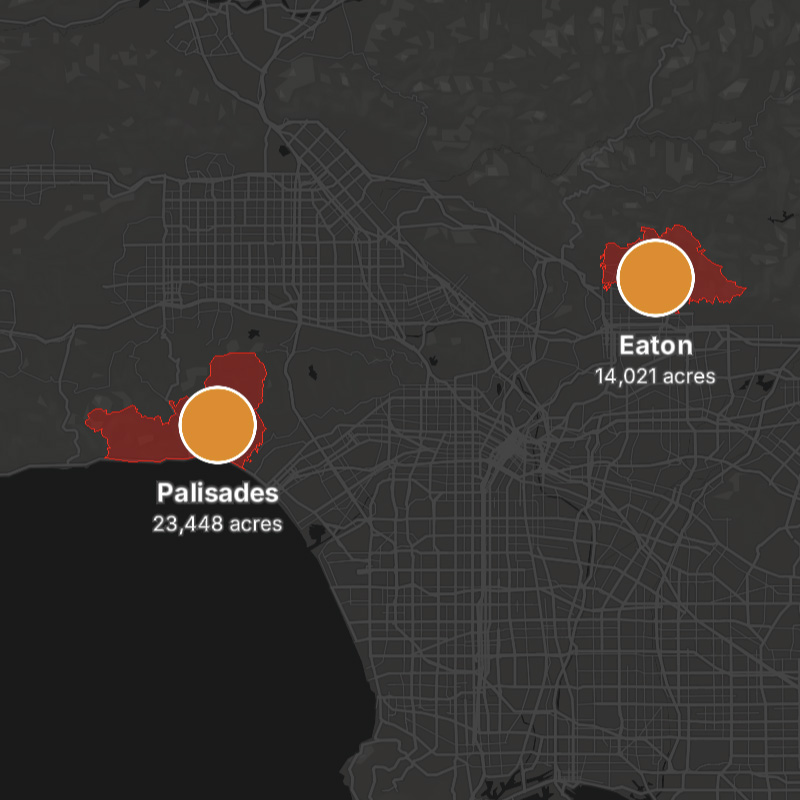
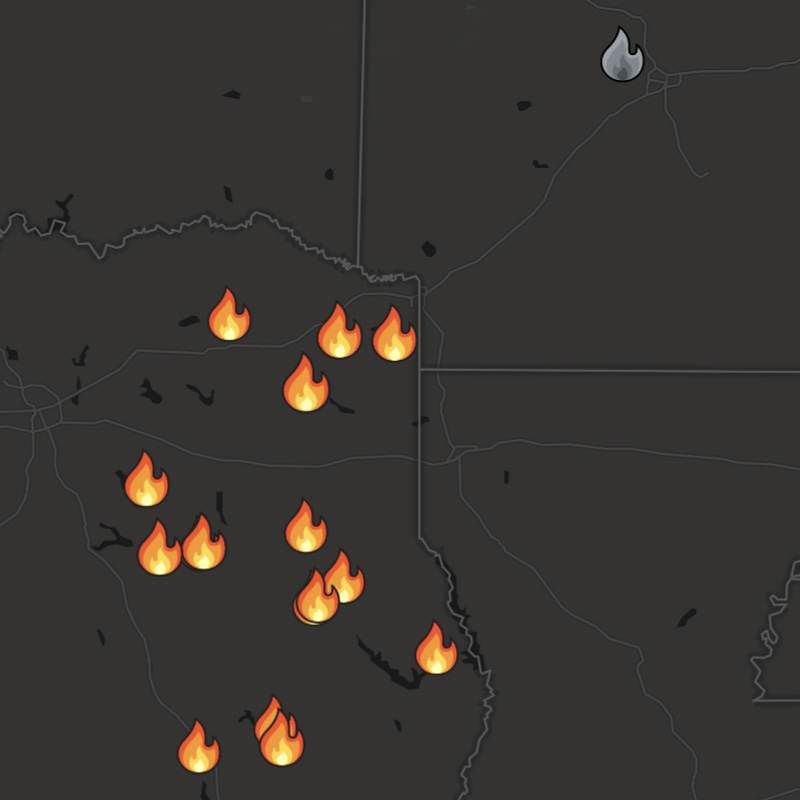
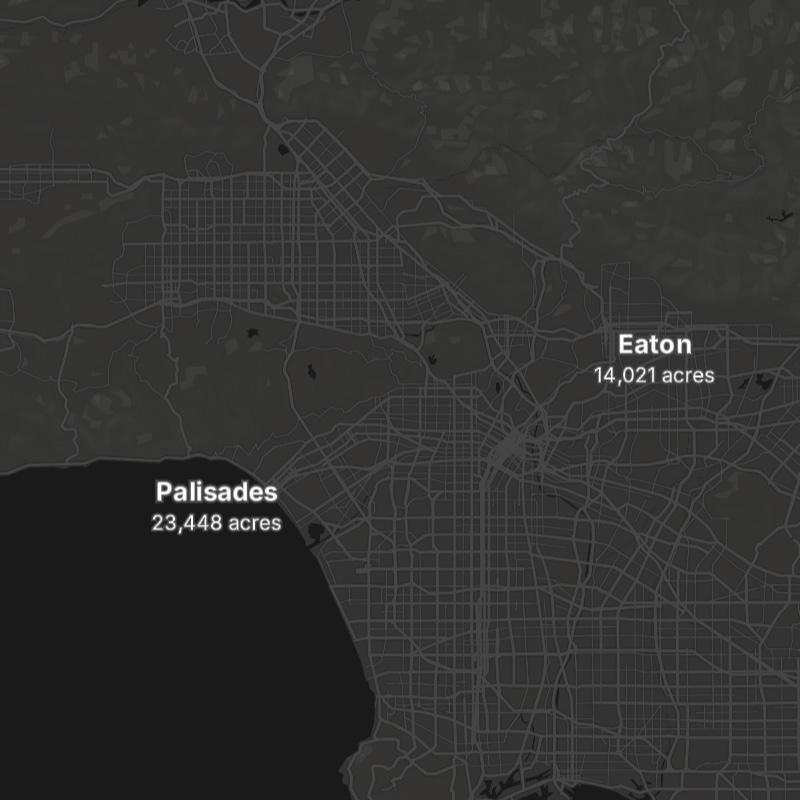
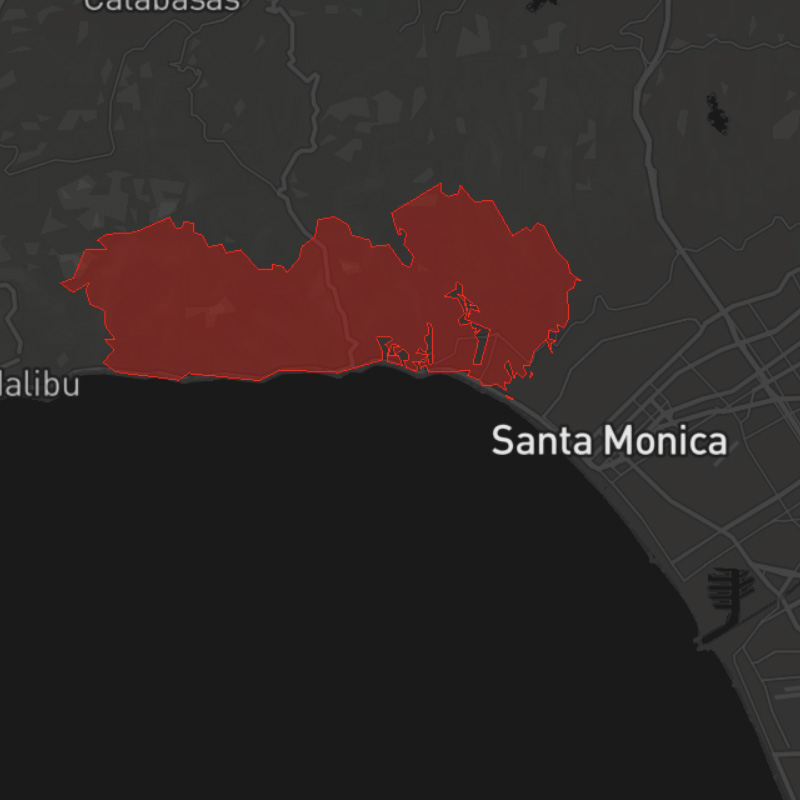
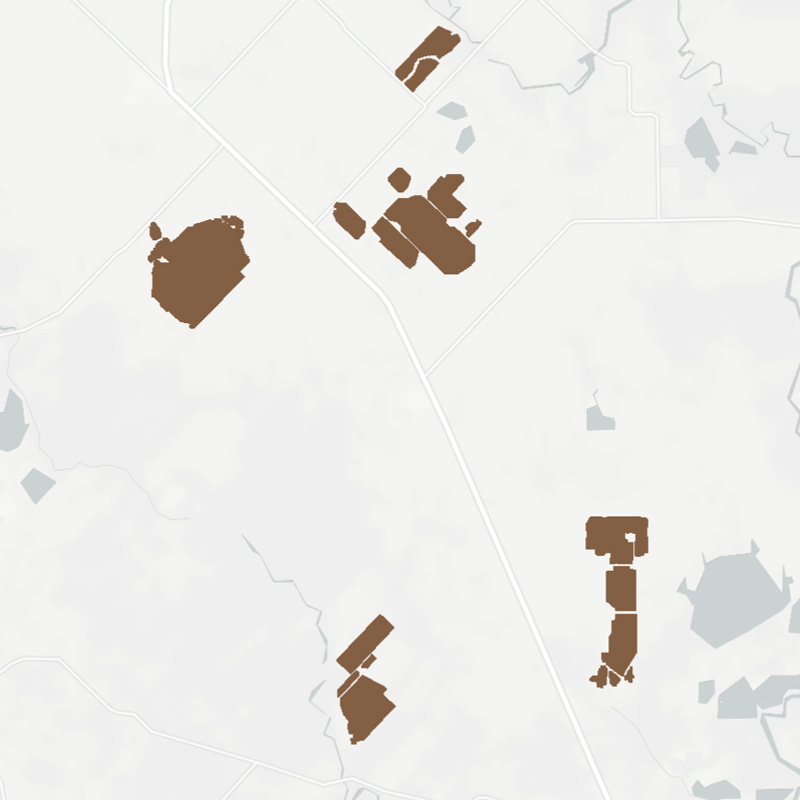
fires-obs, fires-obs-names, fires-perimeter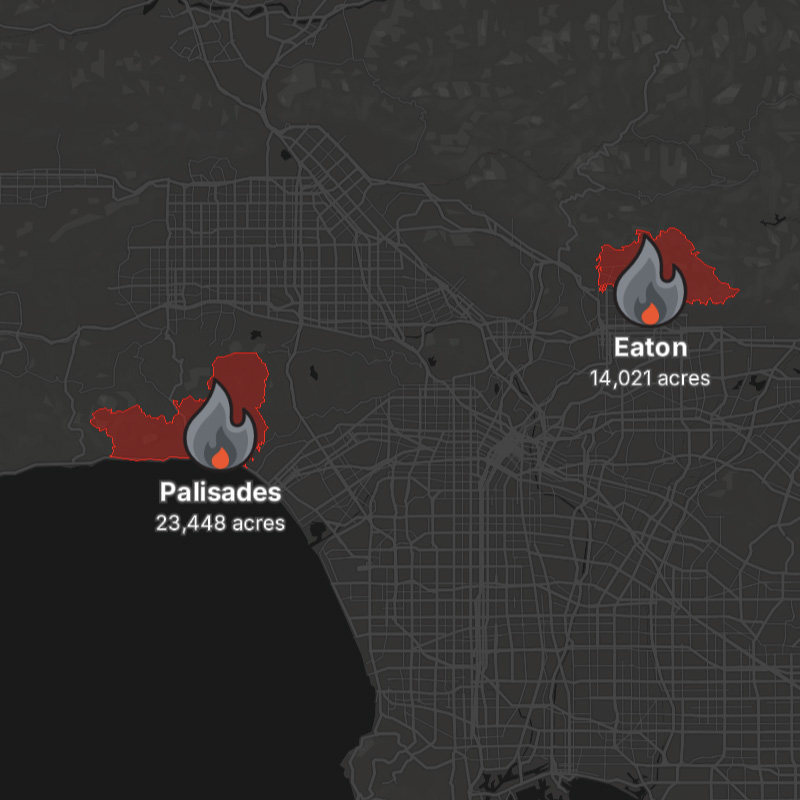
fires-obs-icons, fires-obs-names, fires-perimeter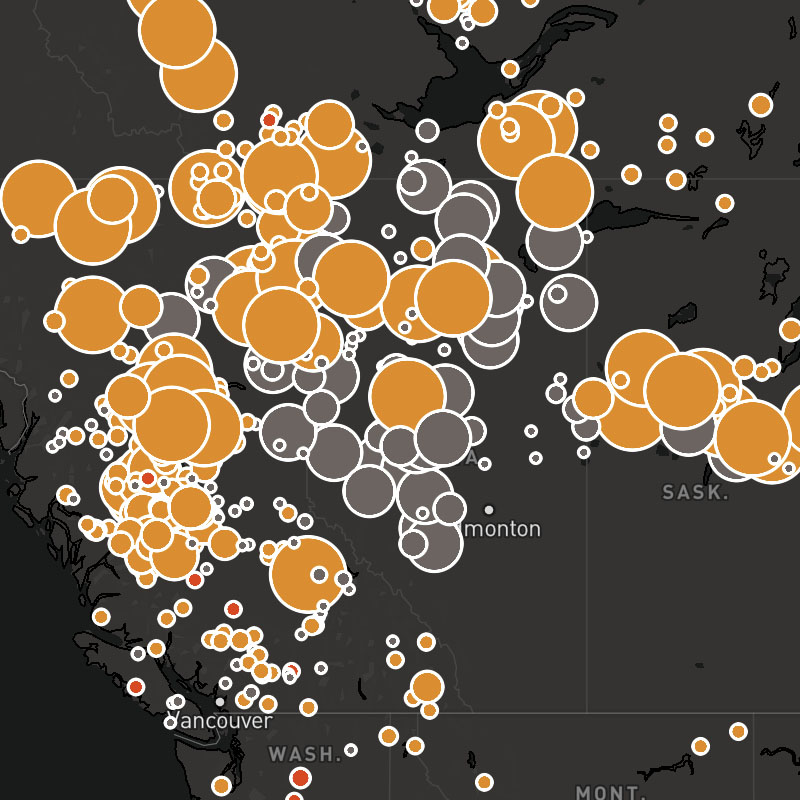
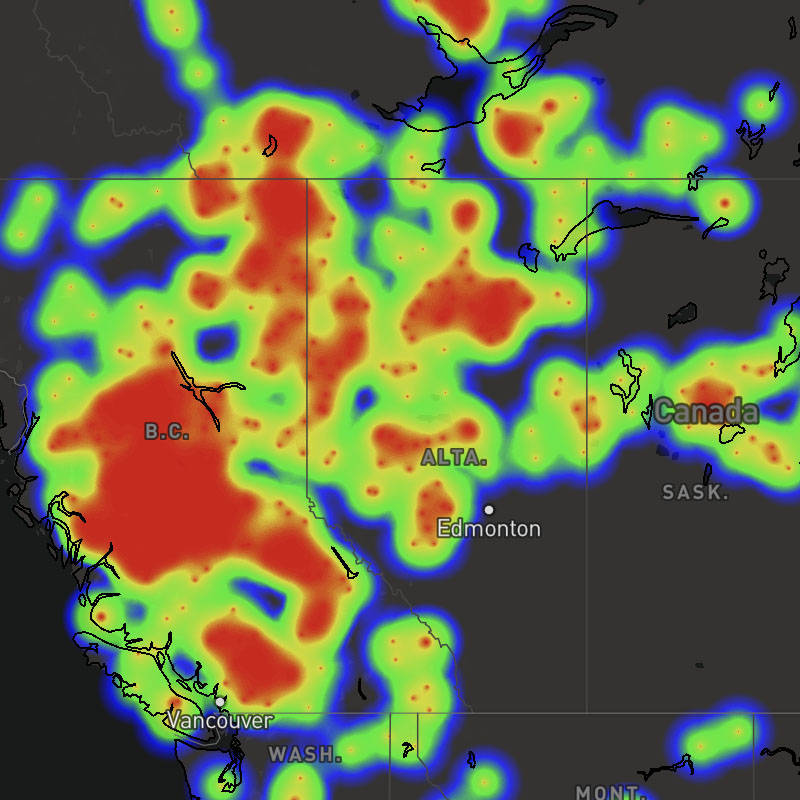
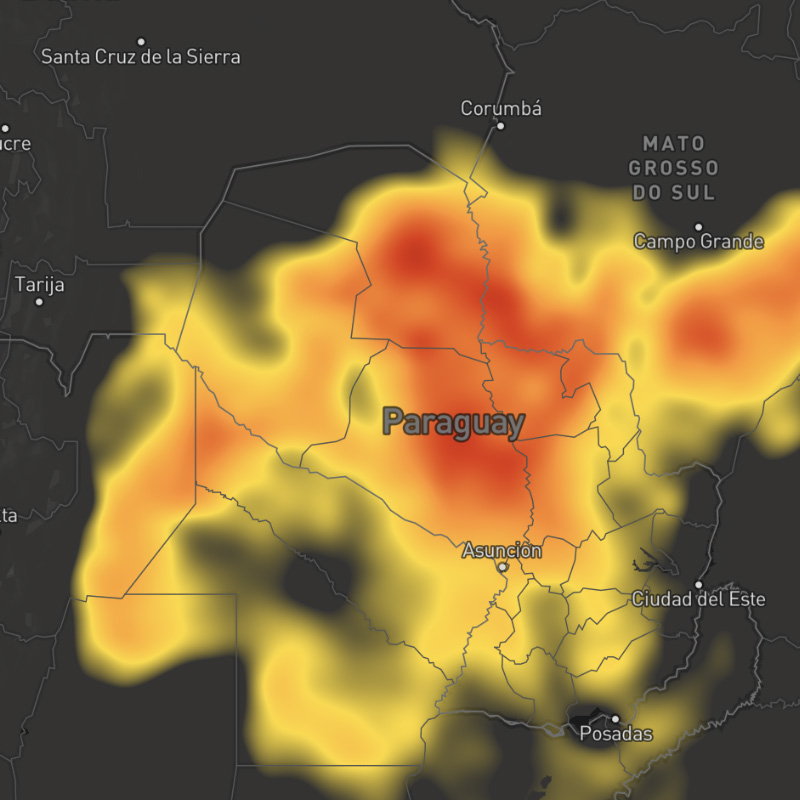
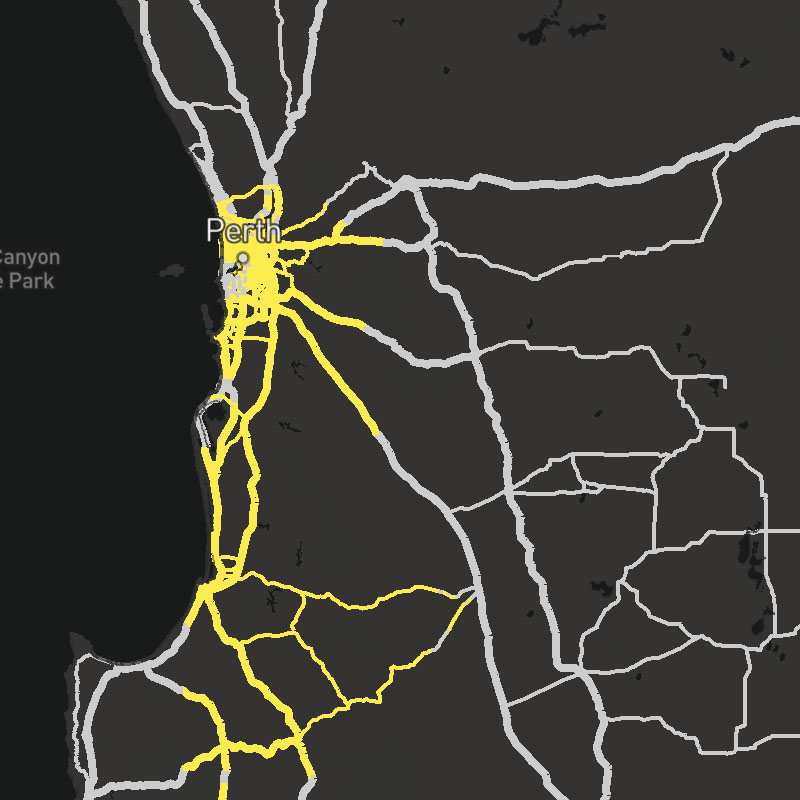
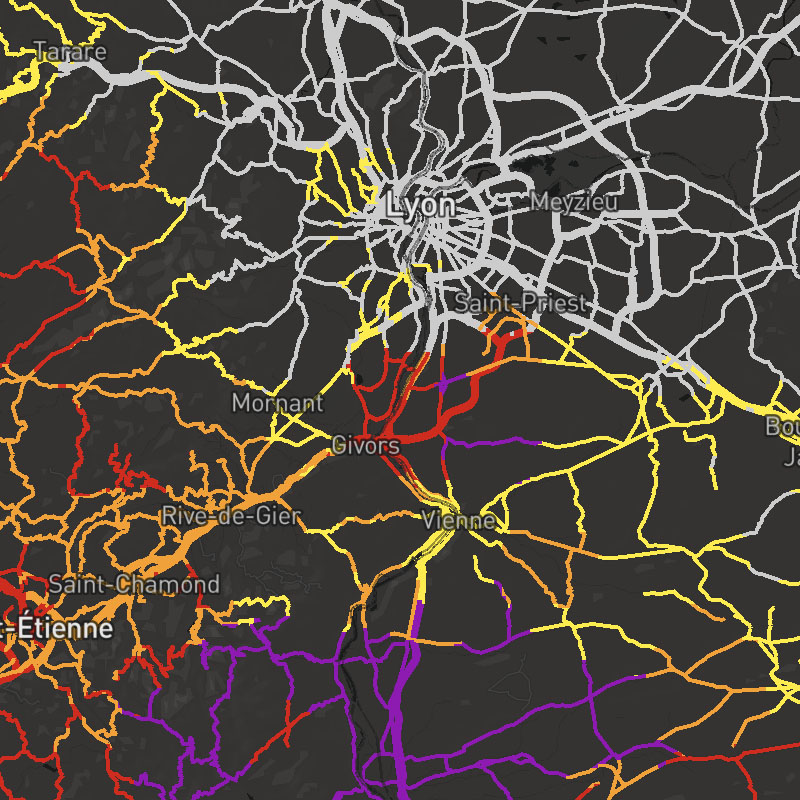
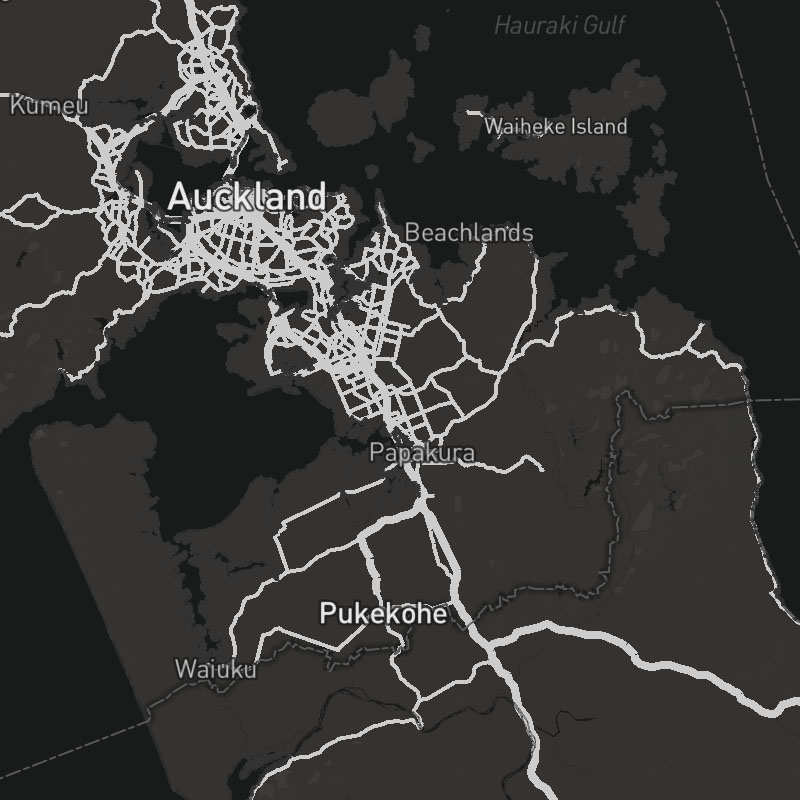
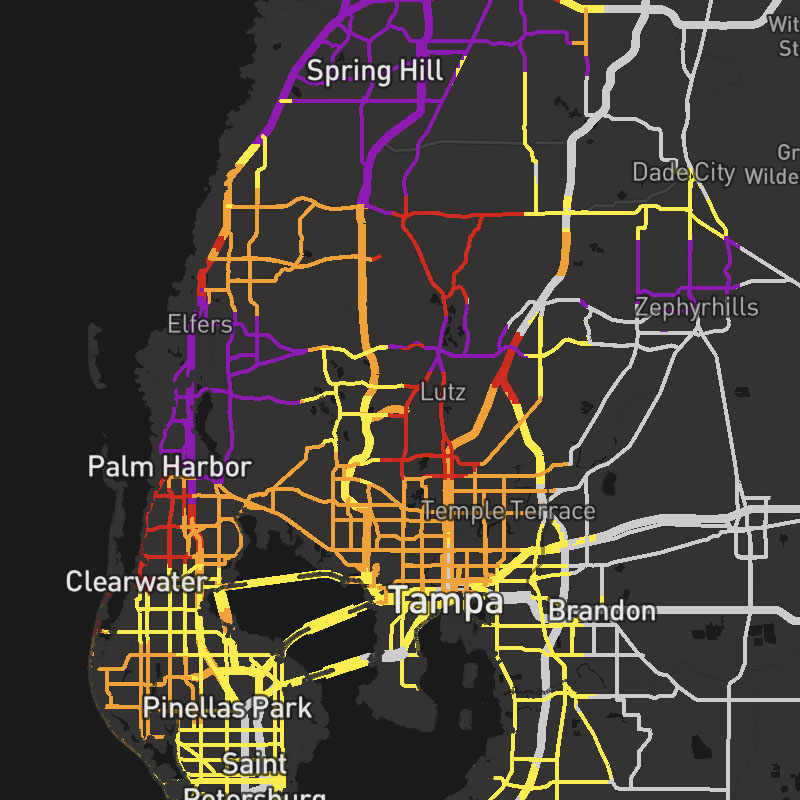
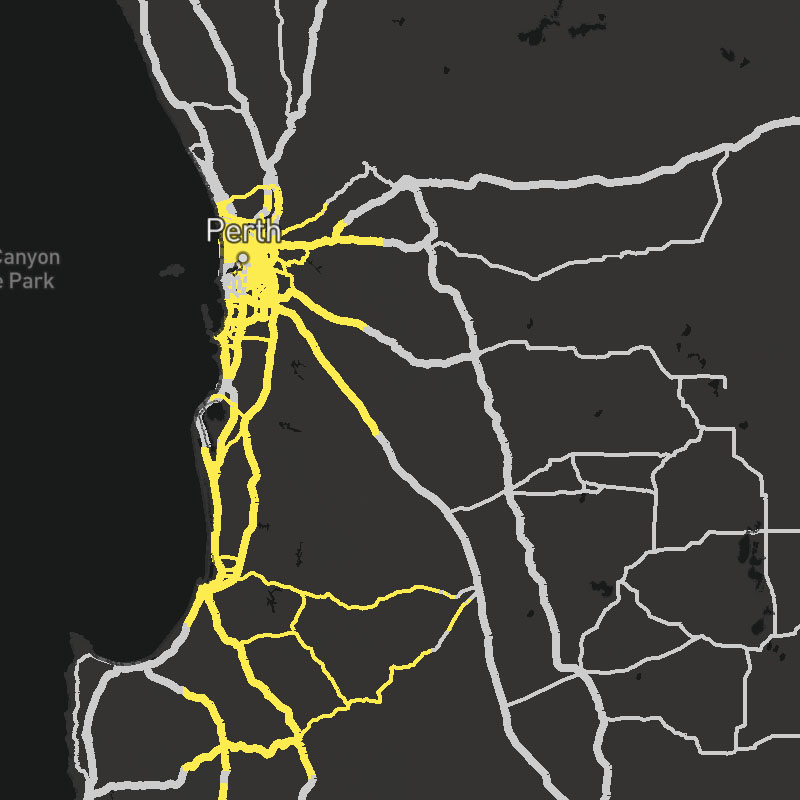
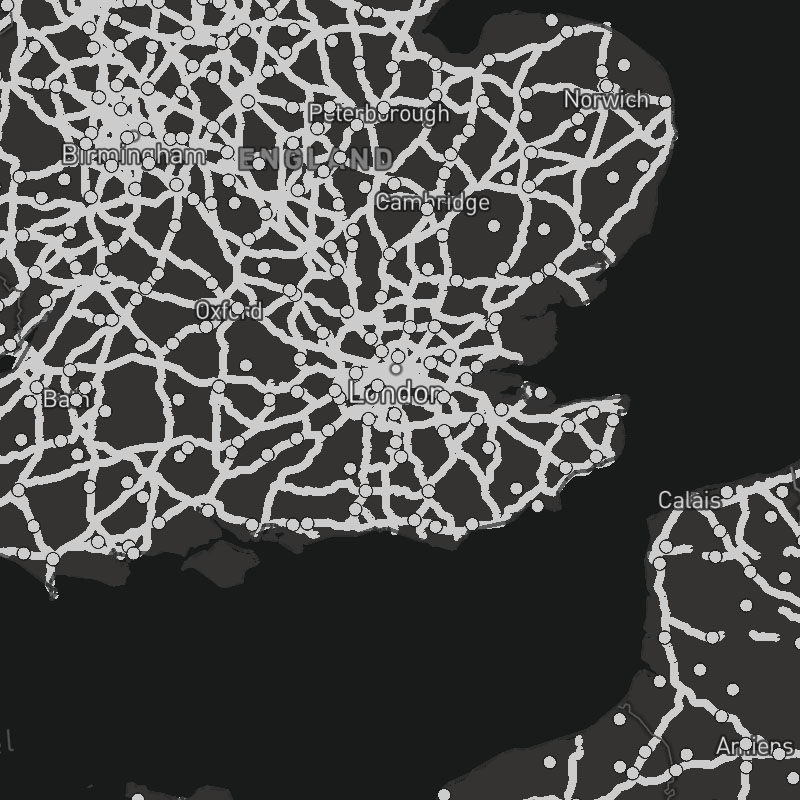
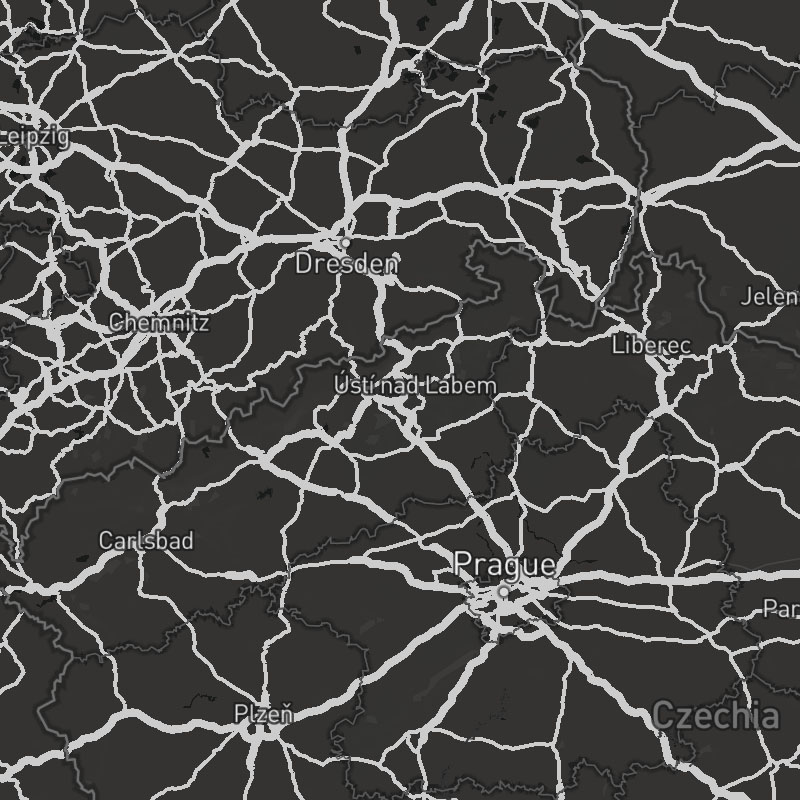
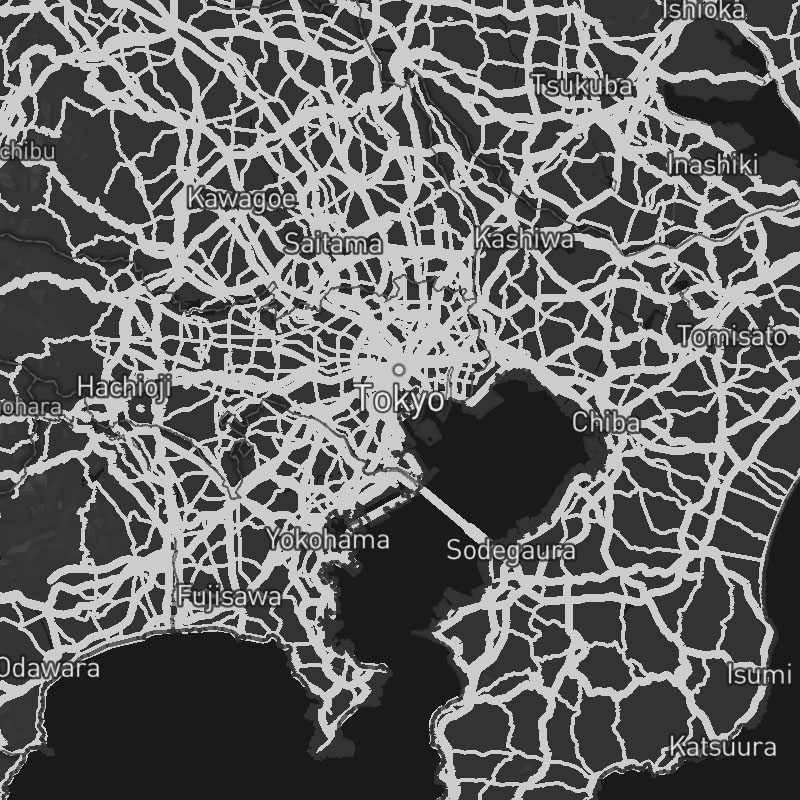
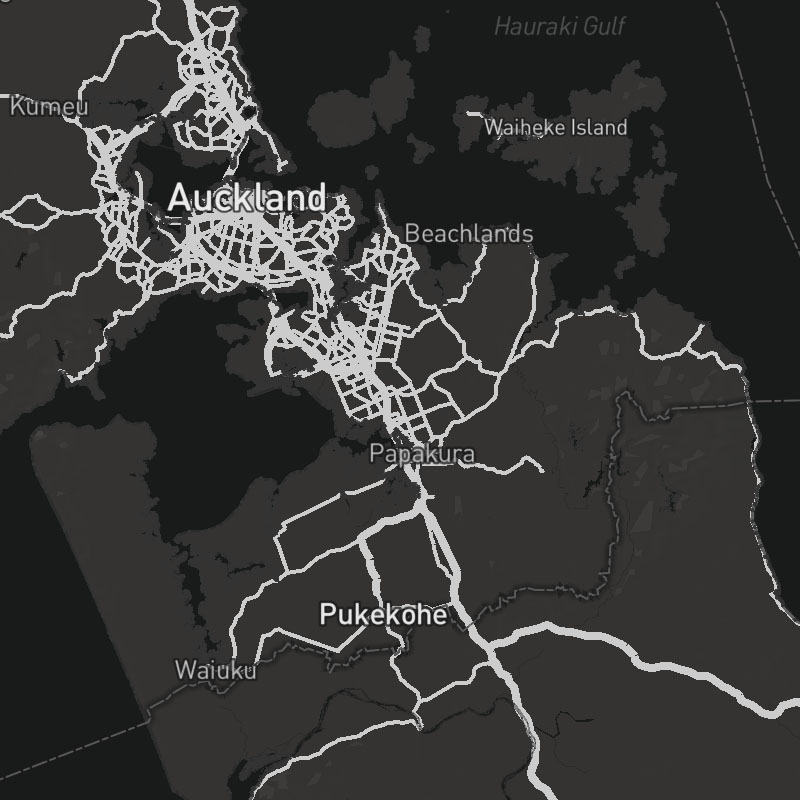
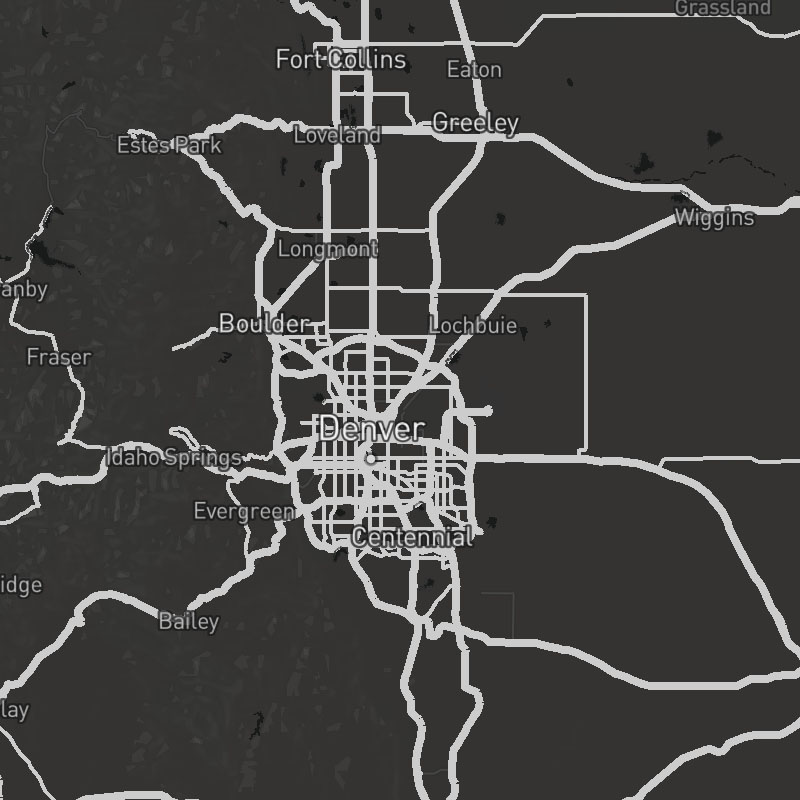
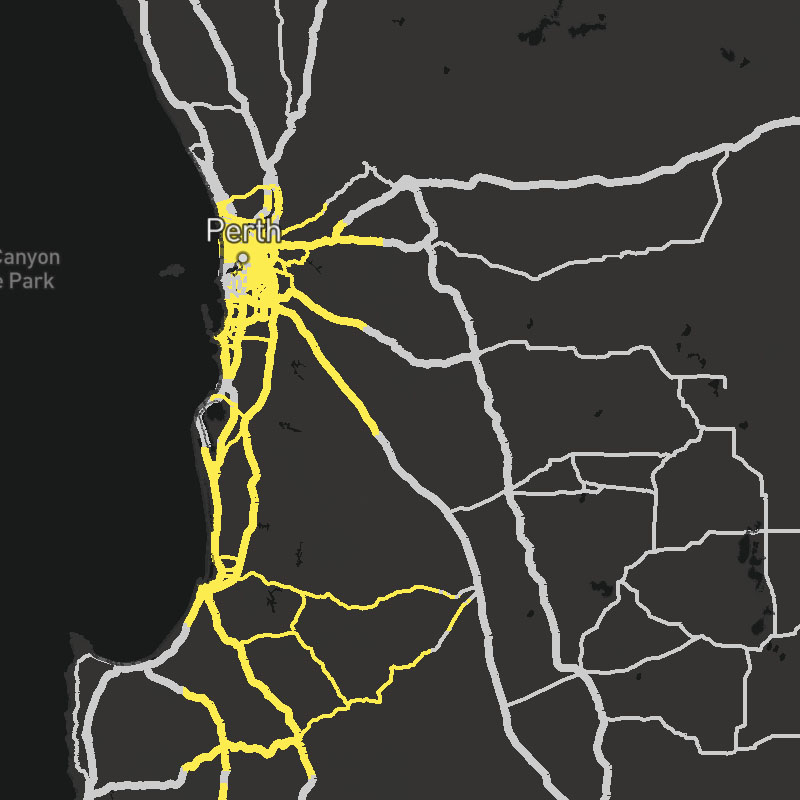
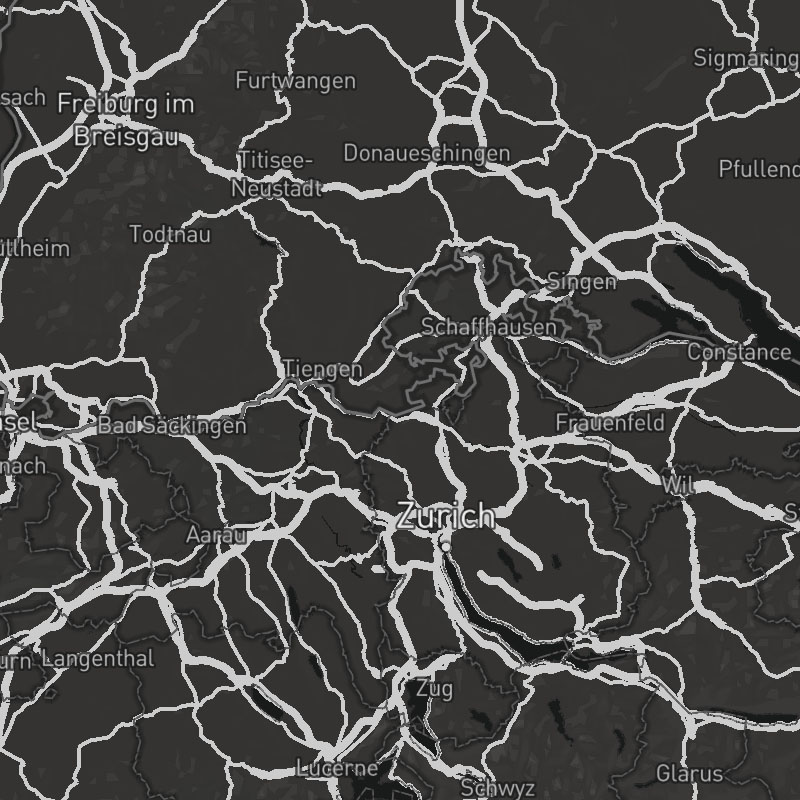
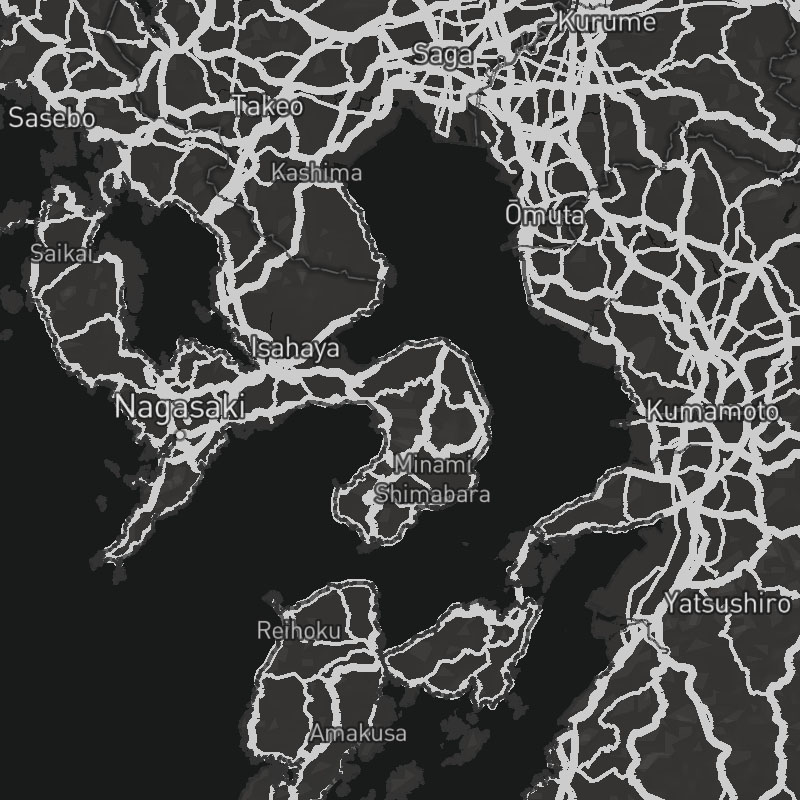
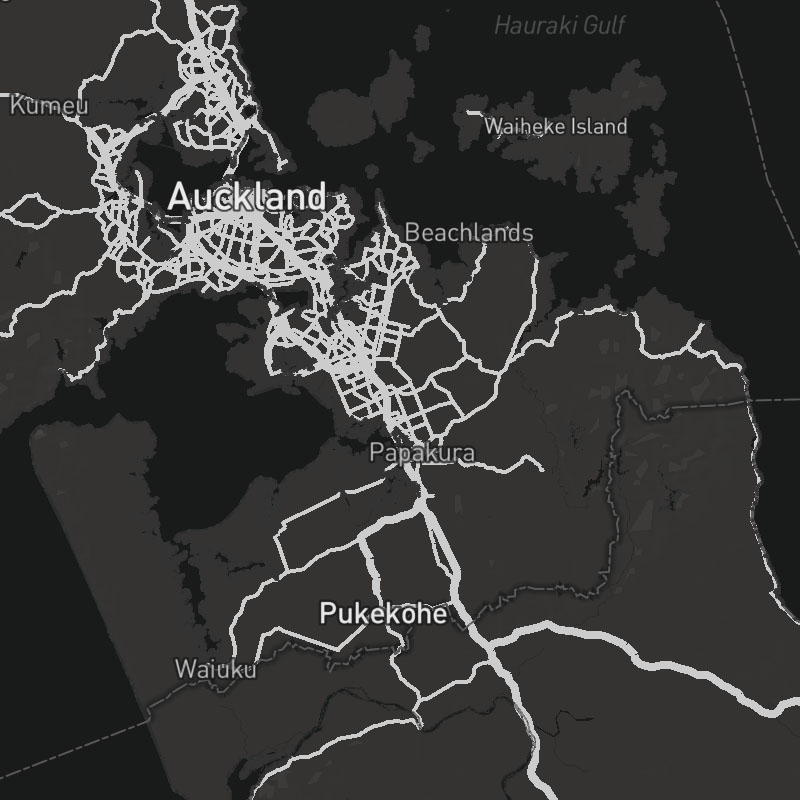
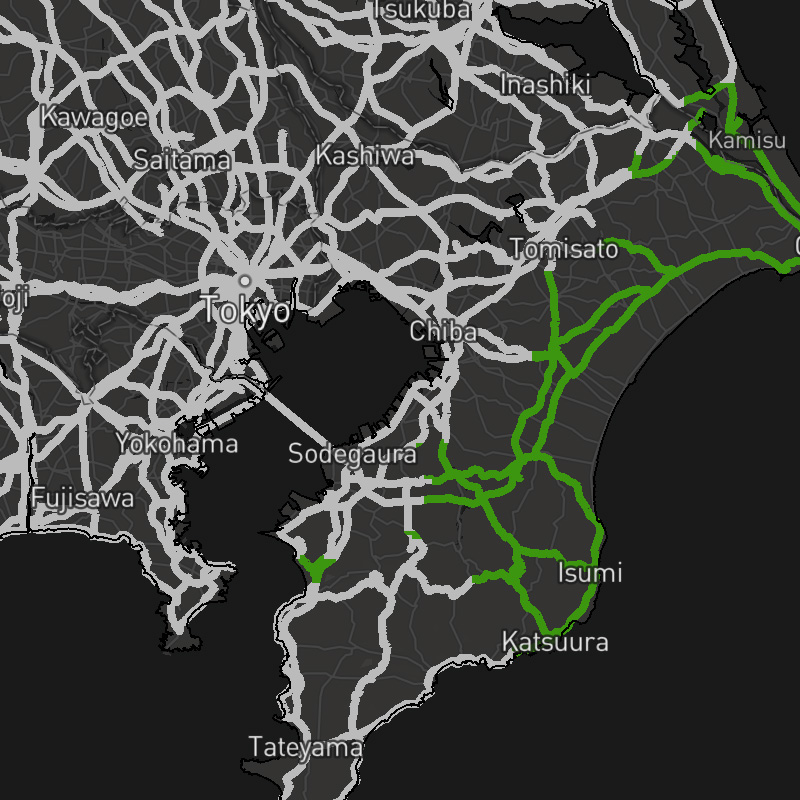
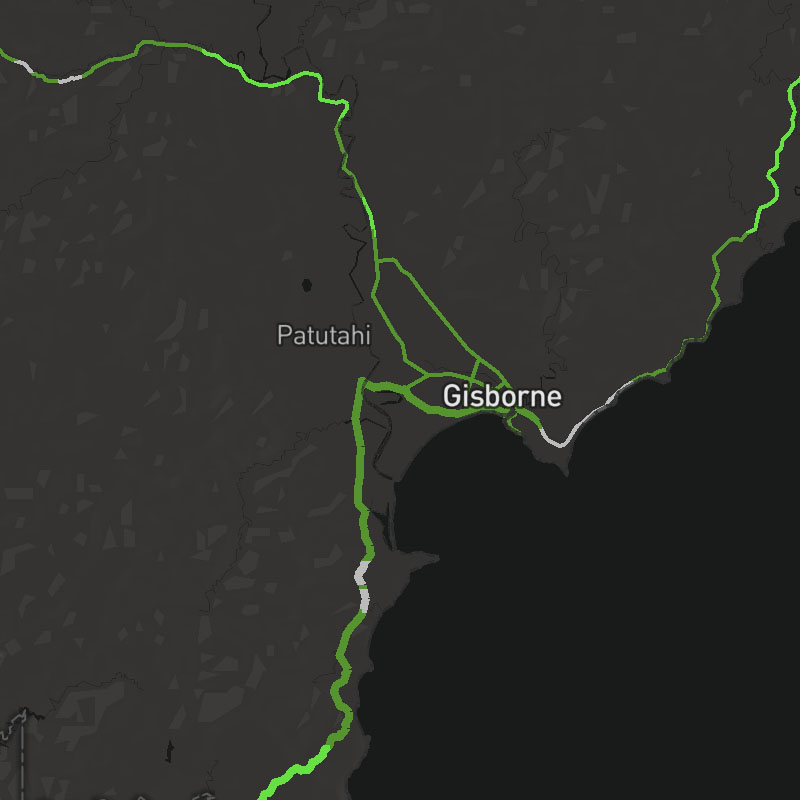
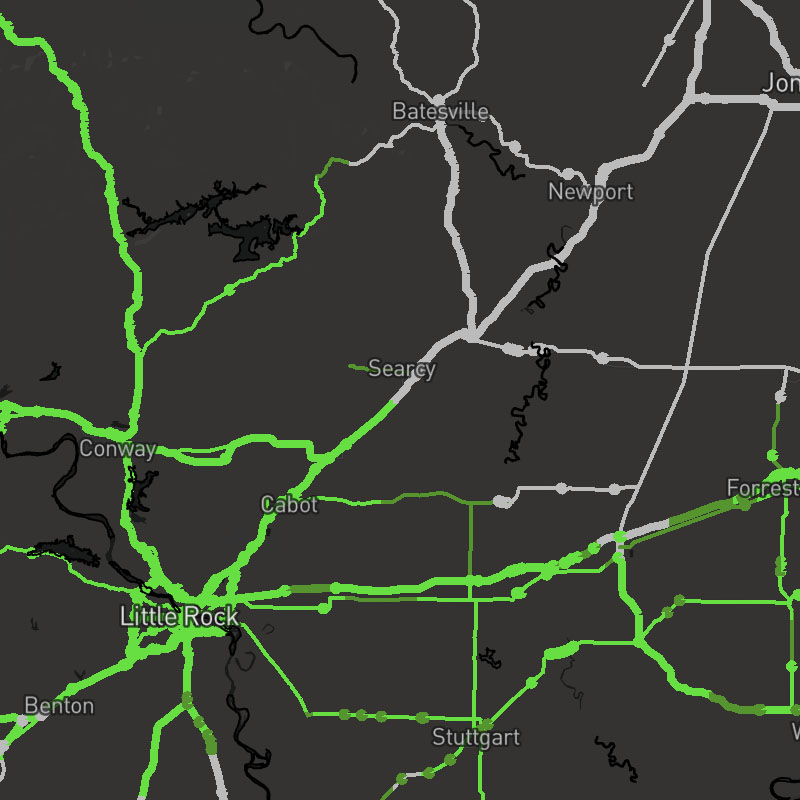
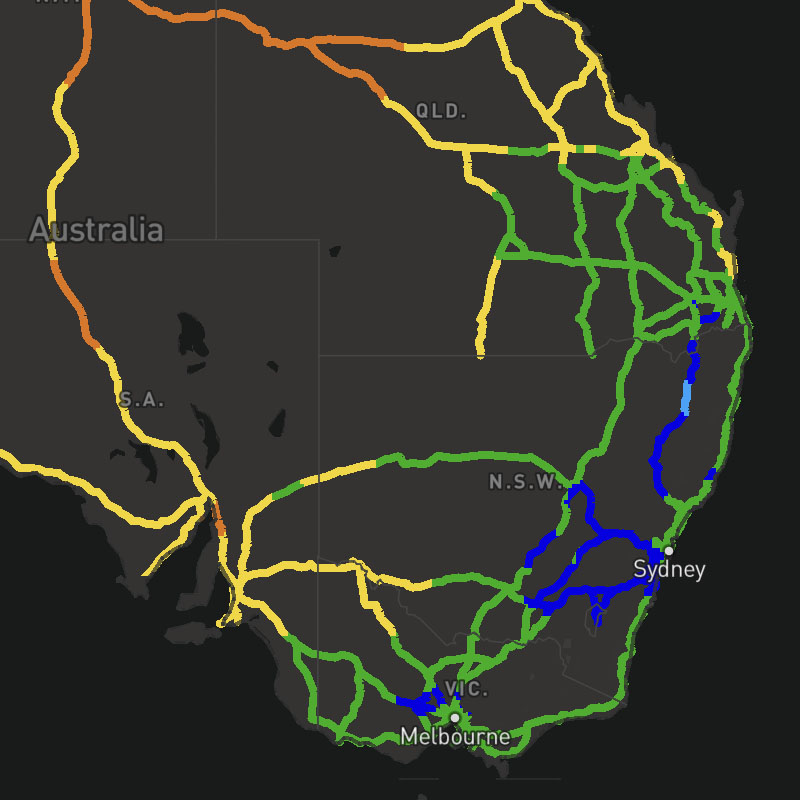
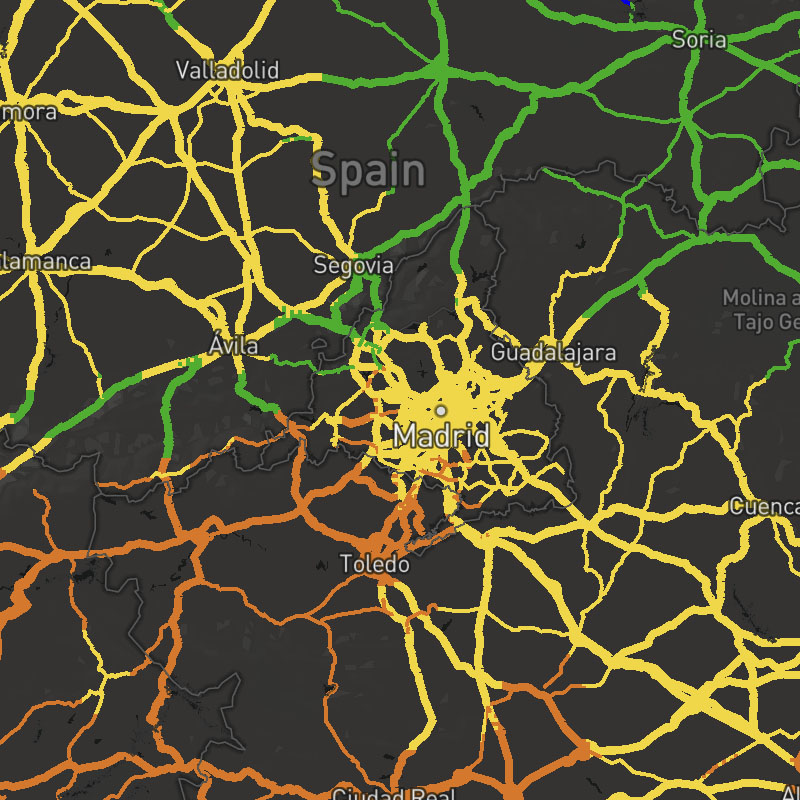
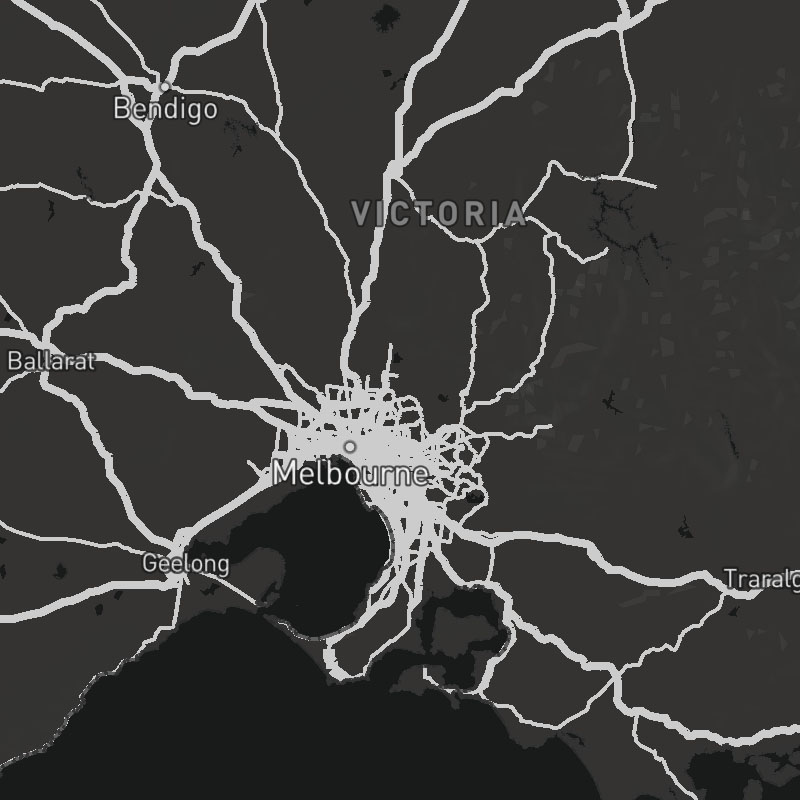
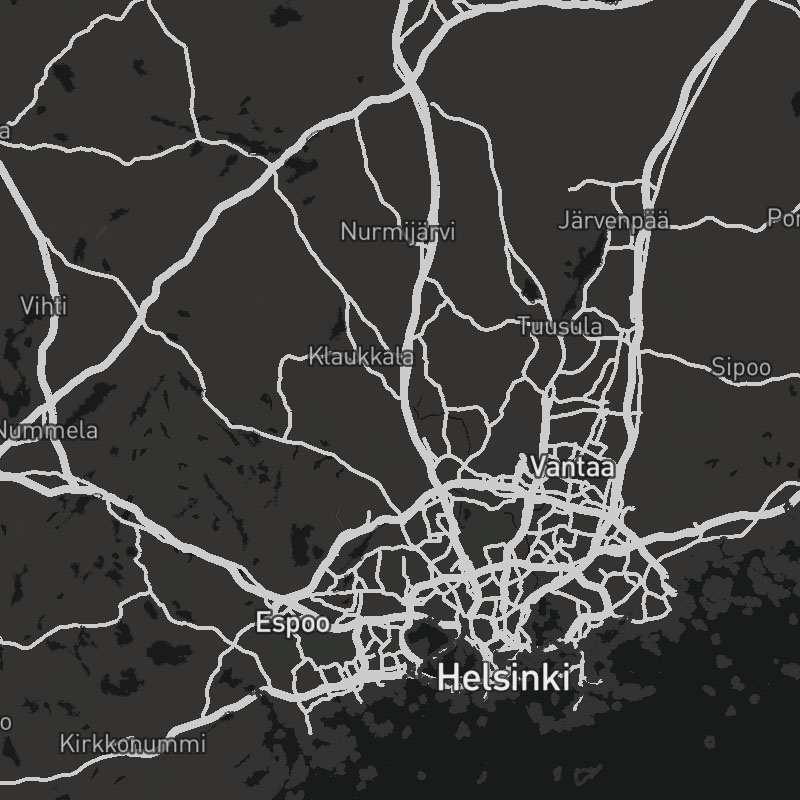
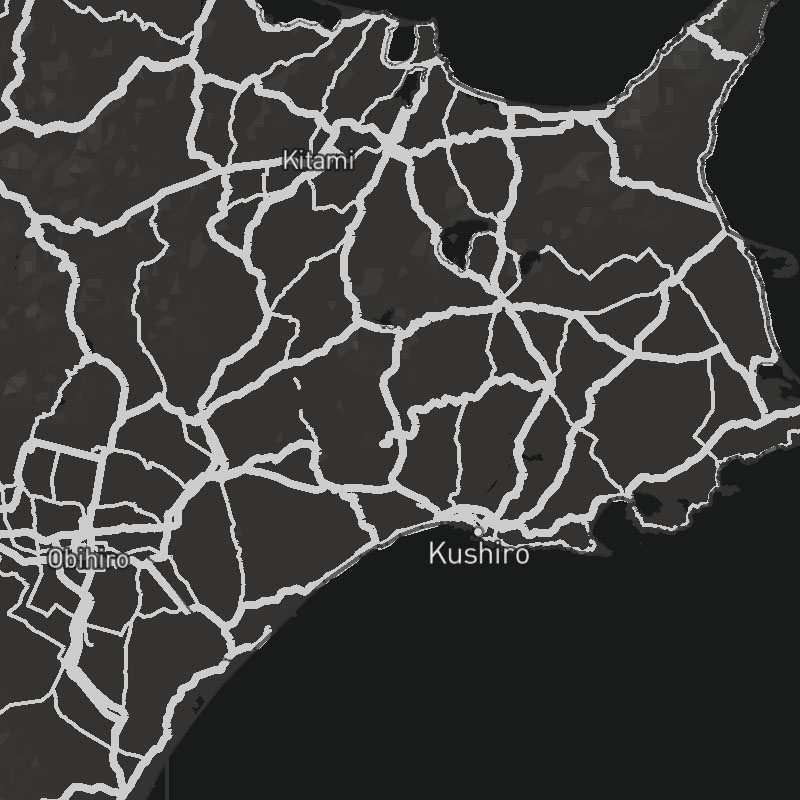
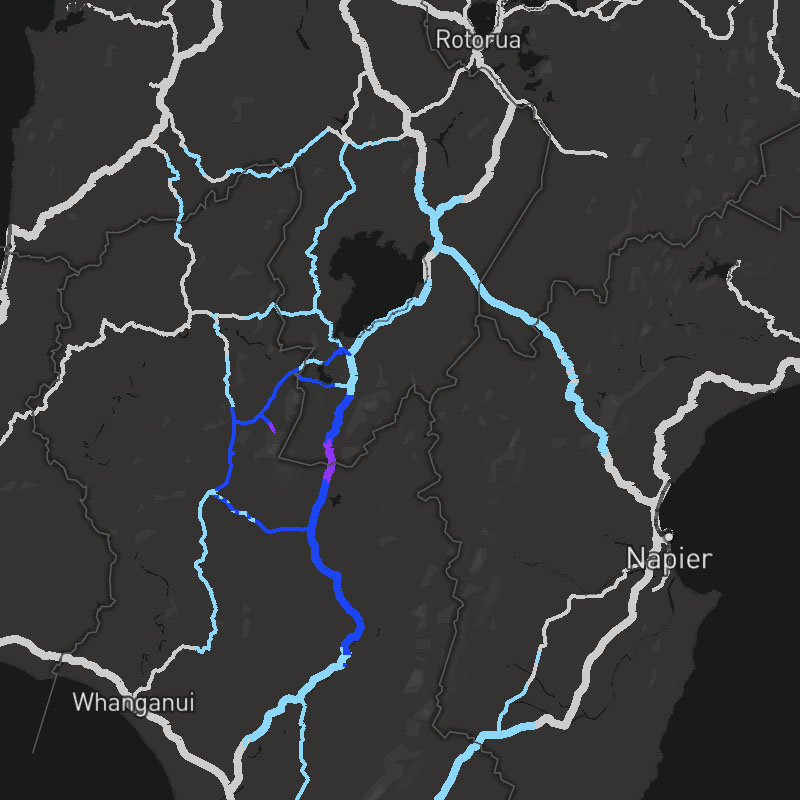
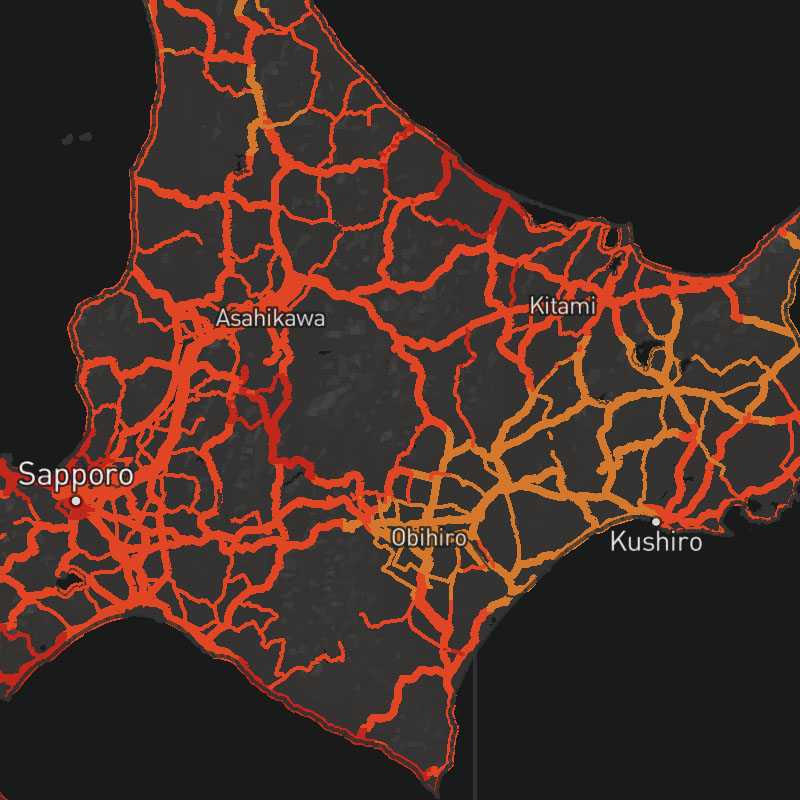
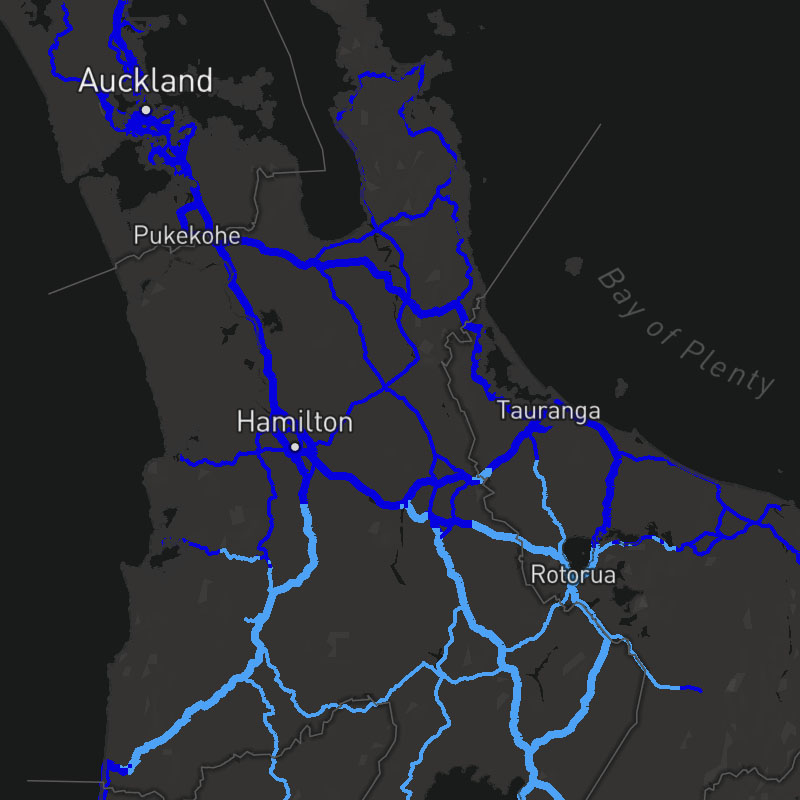
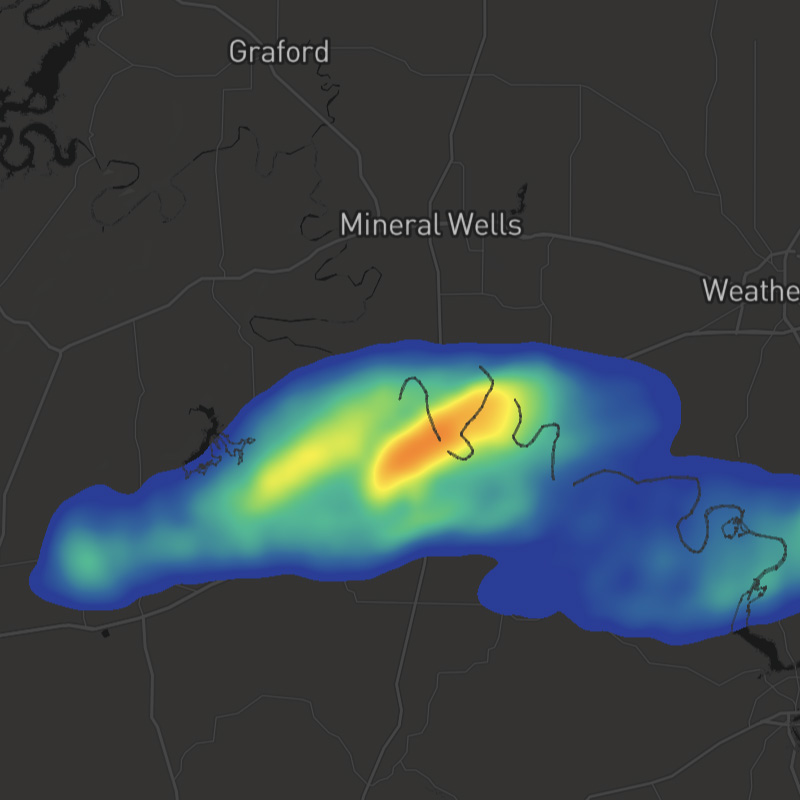
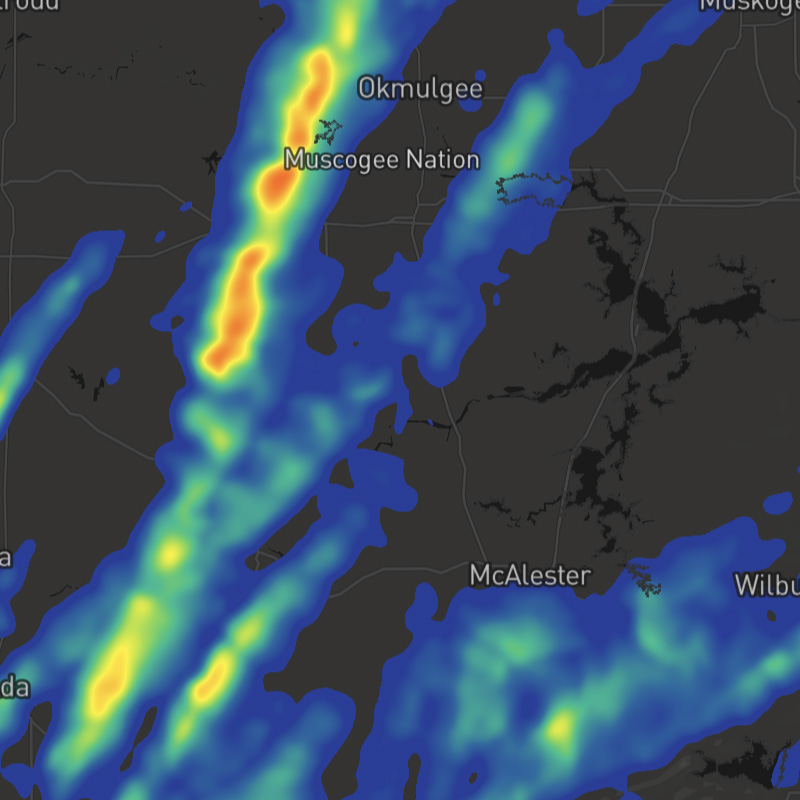
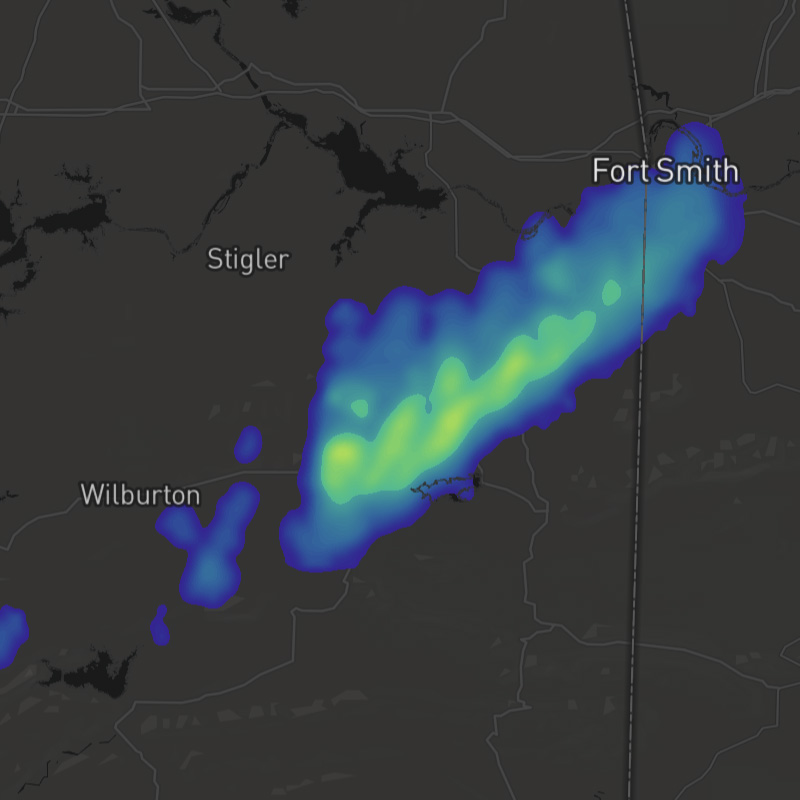
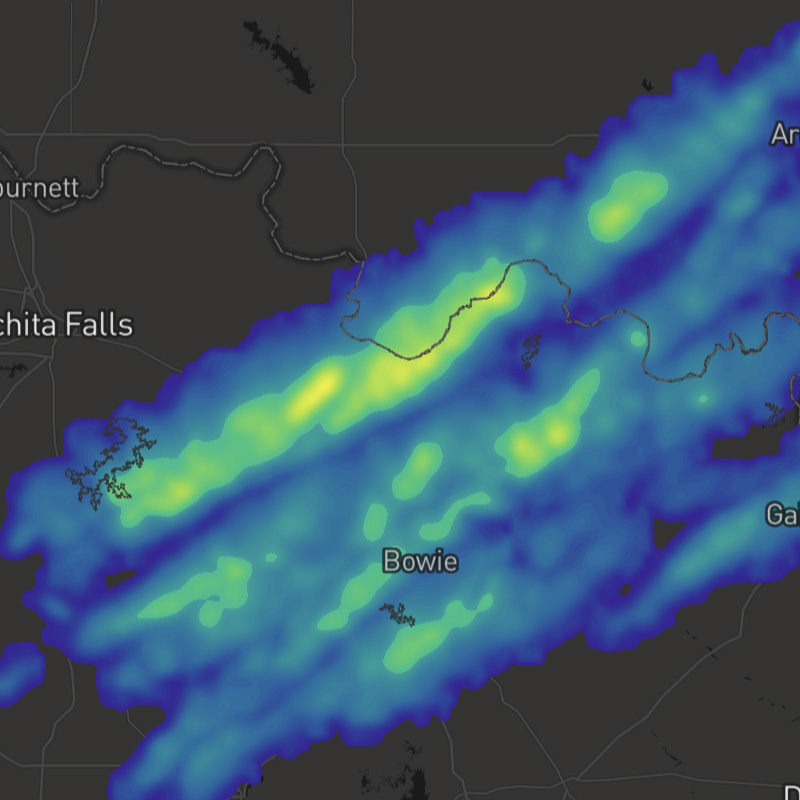
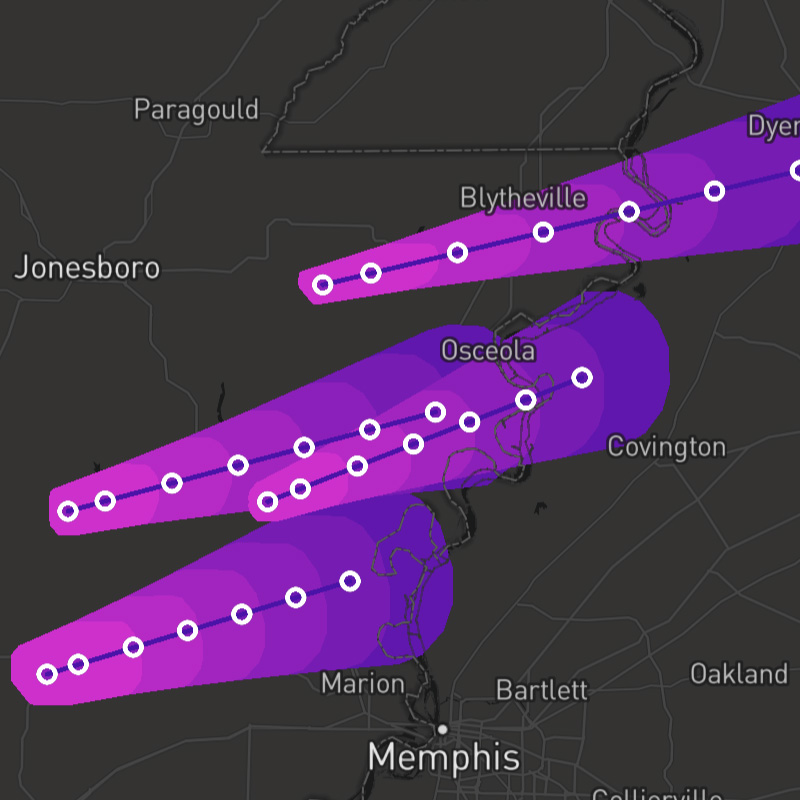
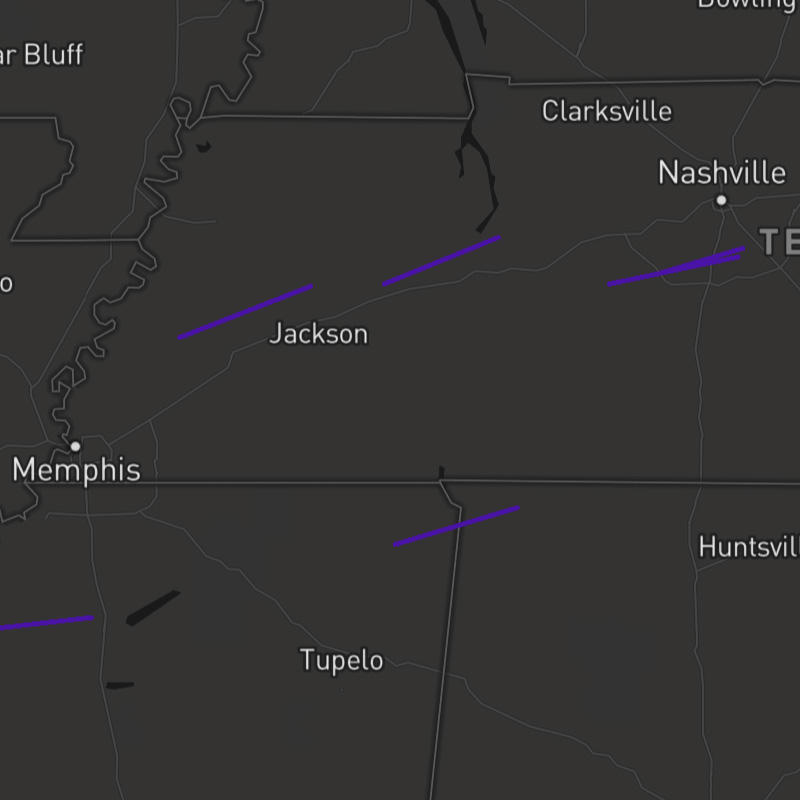
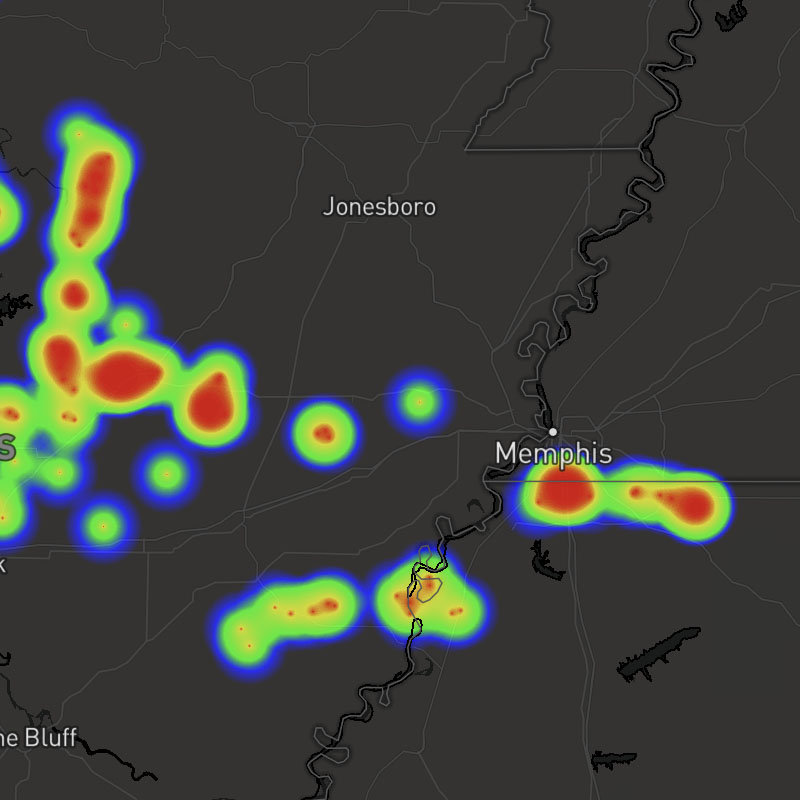
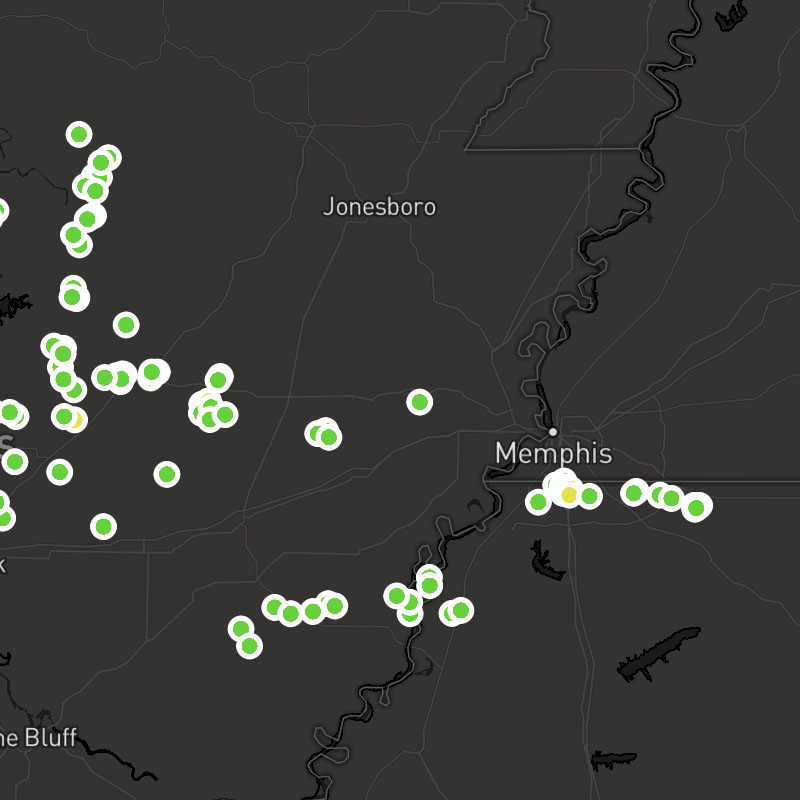
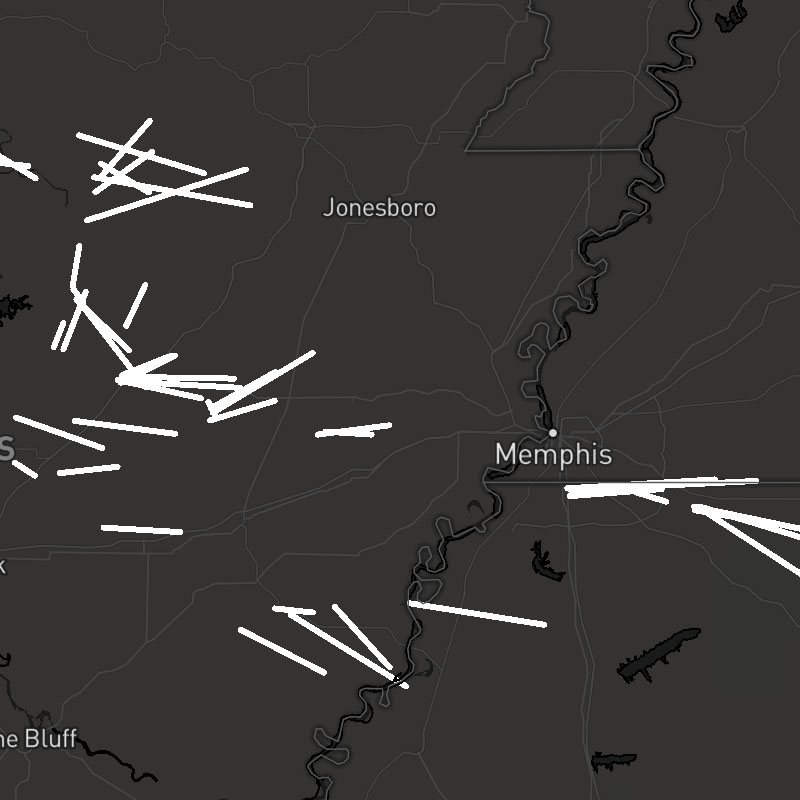
hail-threats-polygons, hail-threats-tracks, hail-threats-points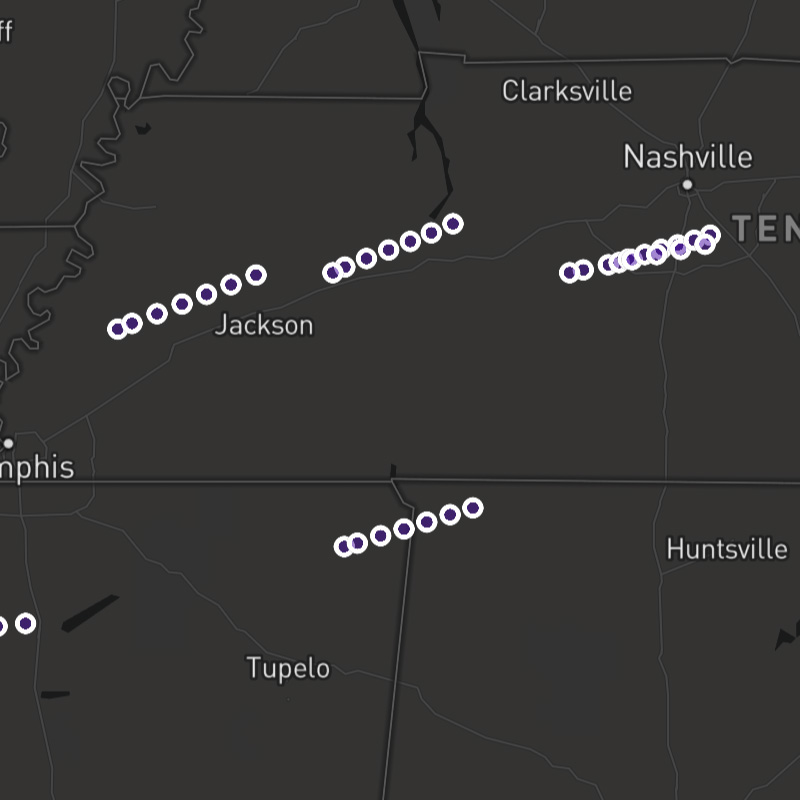
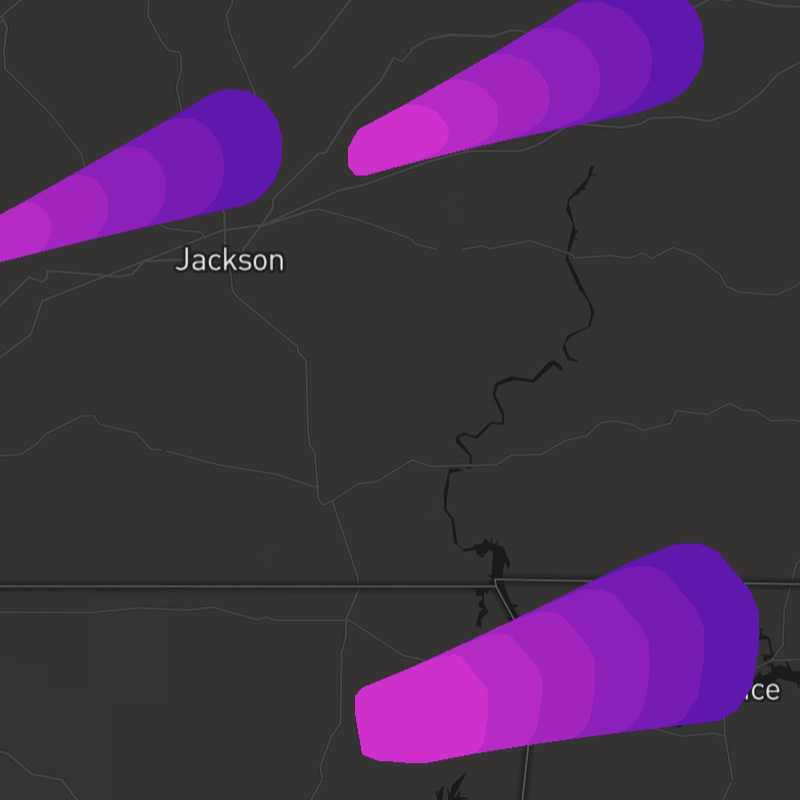
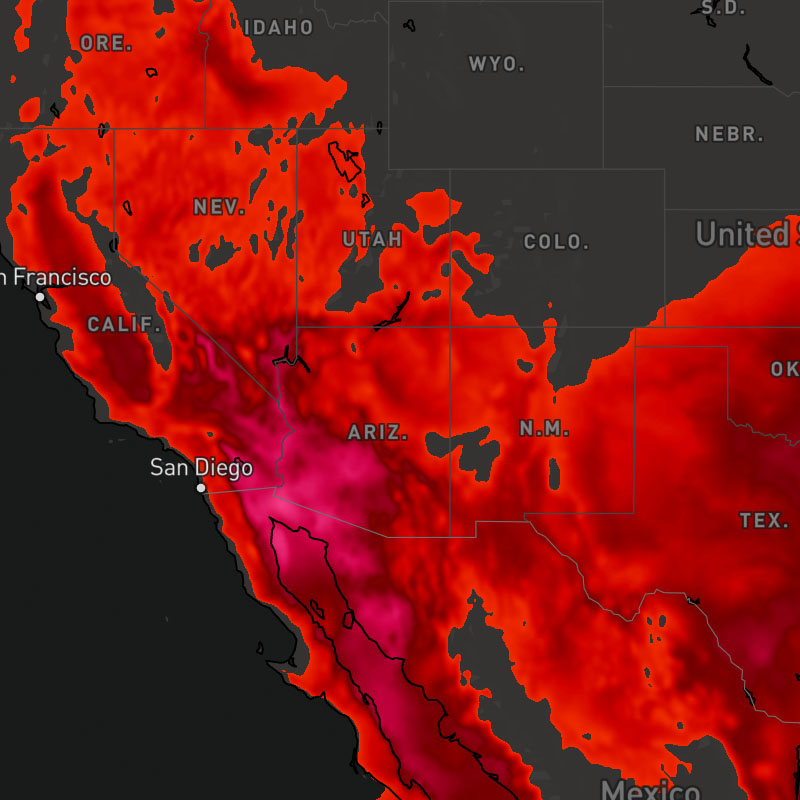
{model}-heat-index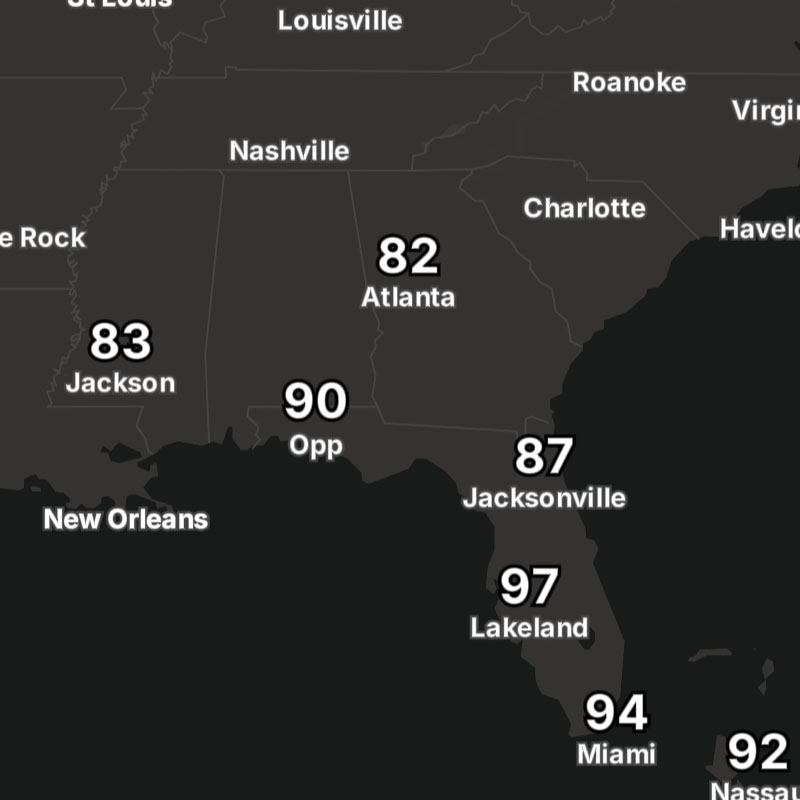
{model}-heat-index-text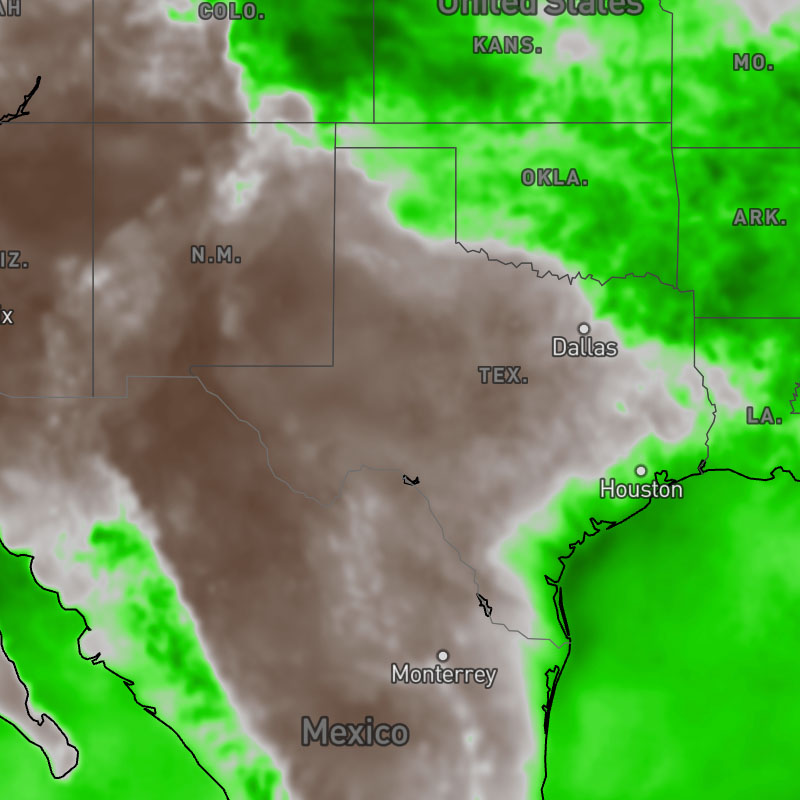
{model}-humidity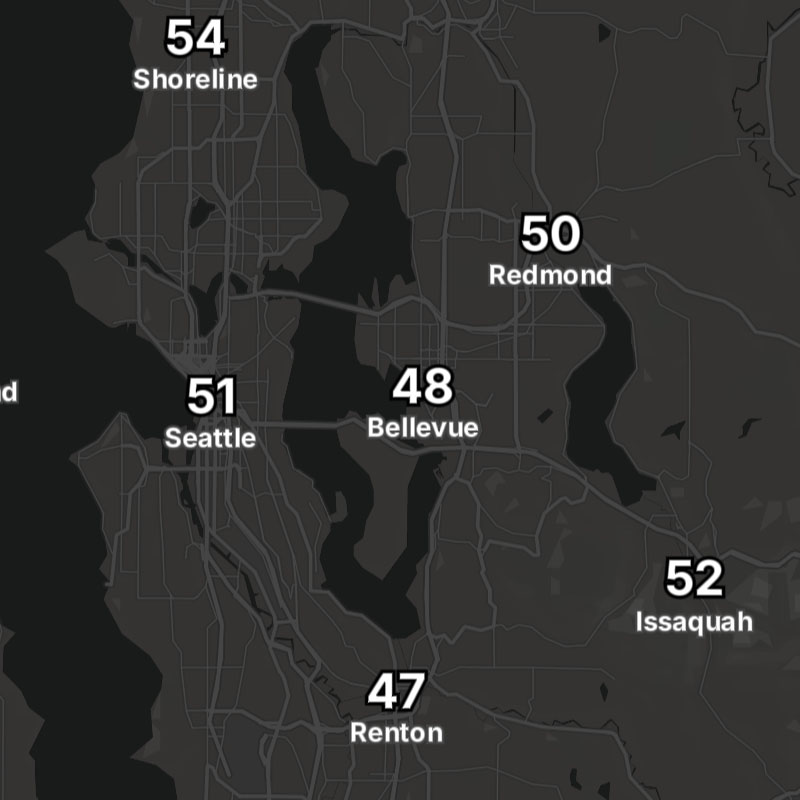
{model}-humidity-text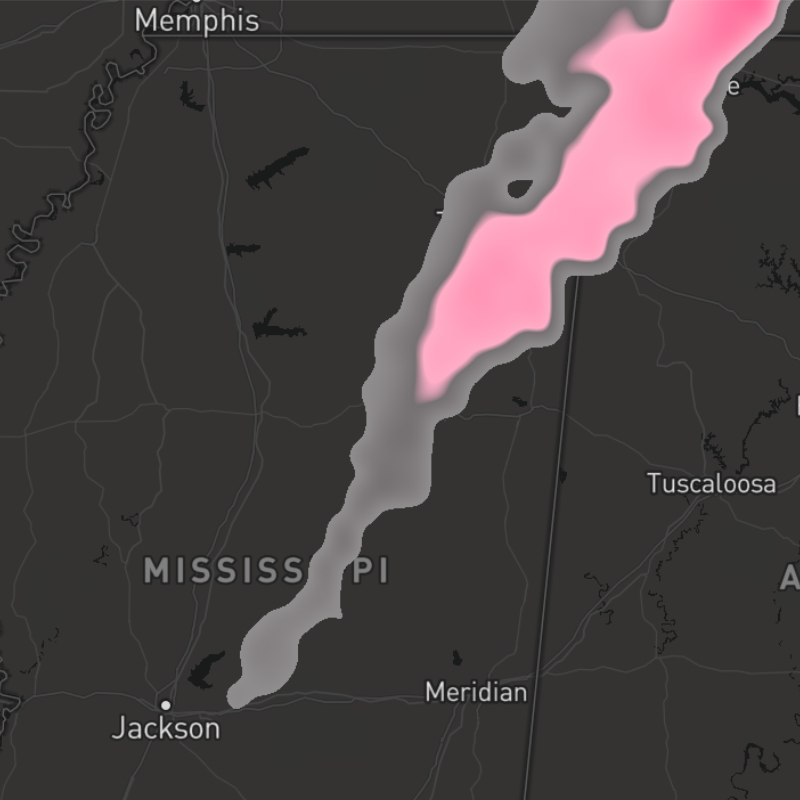
{model}-ice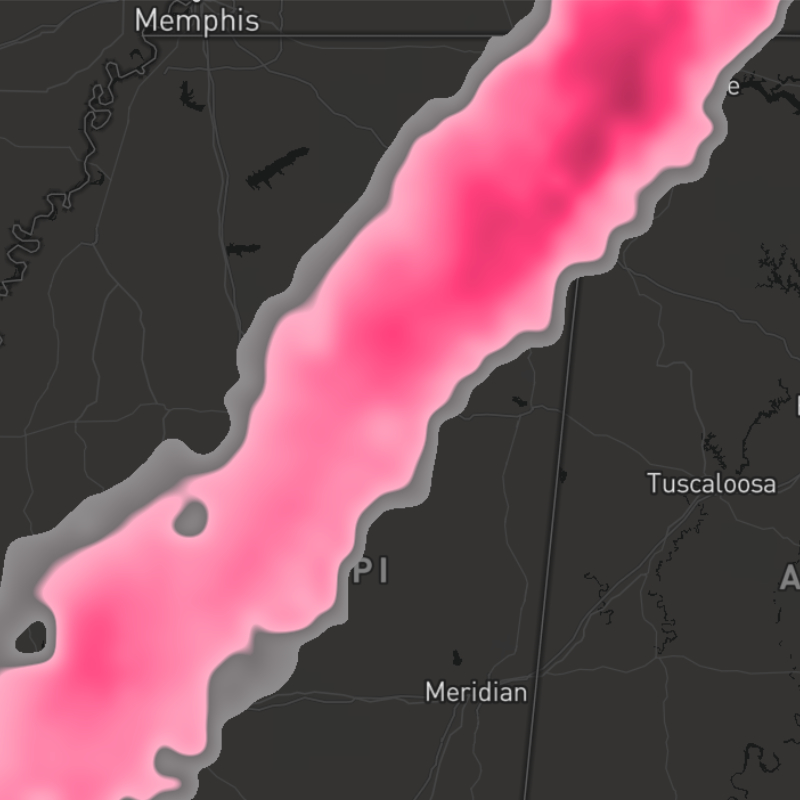
{model}-ice-accum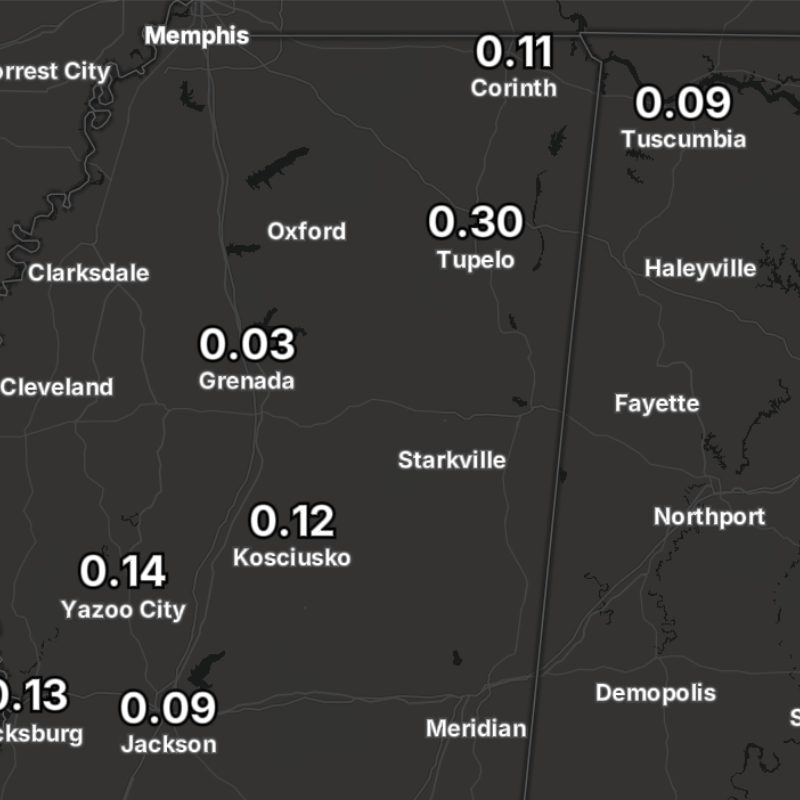
{model}-ice-accum-text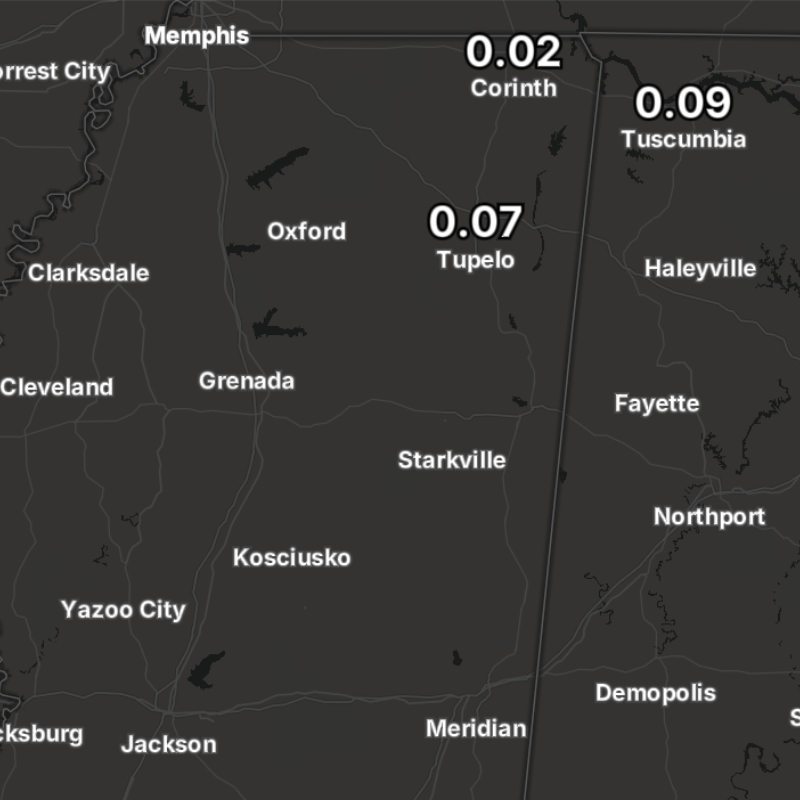
{model}-ice-text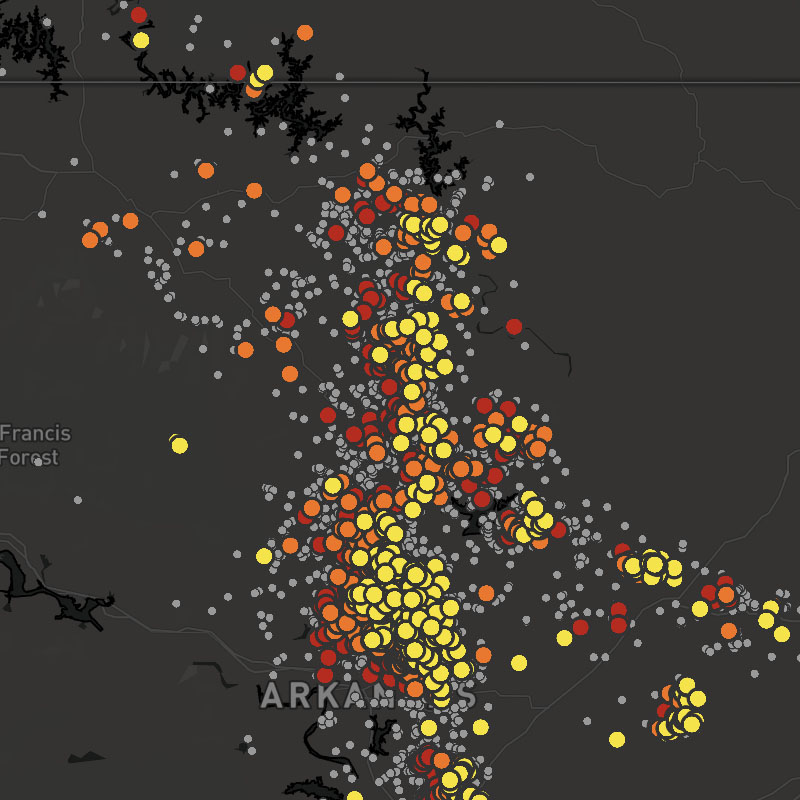
lightning-flash, lightning-strikes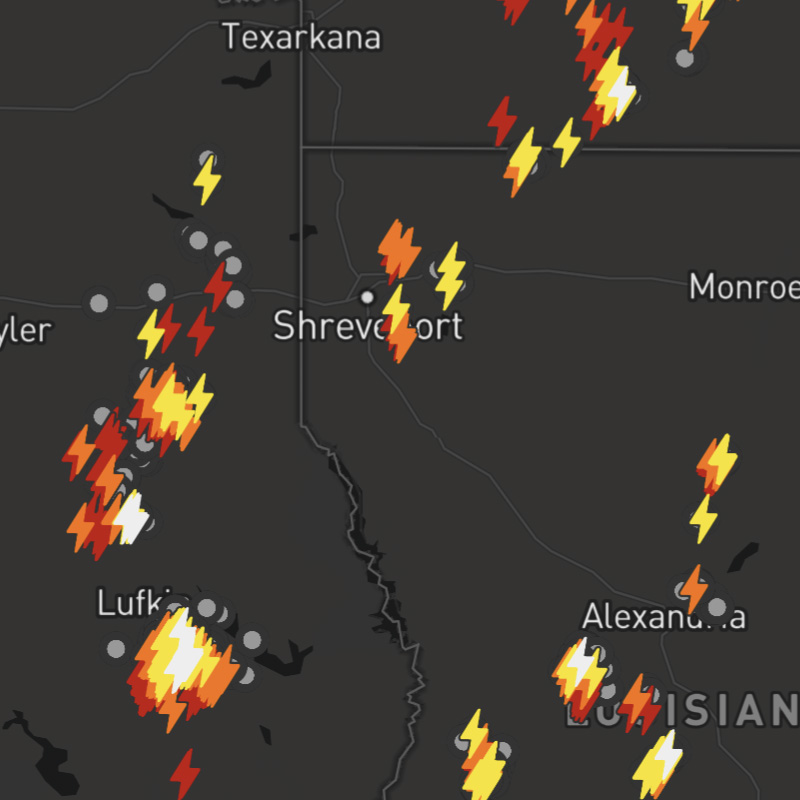
lightning-flash, lightning-strikes-icons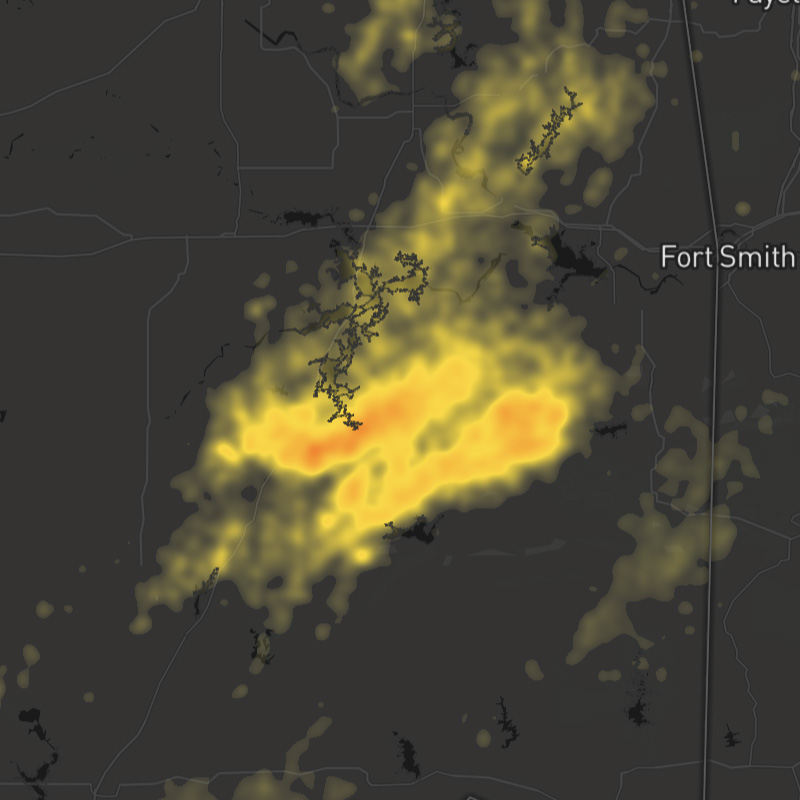
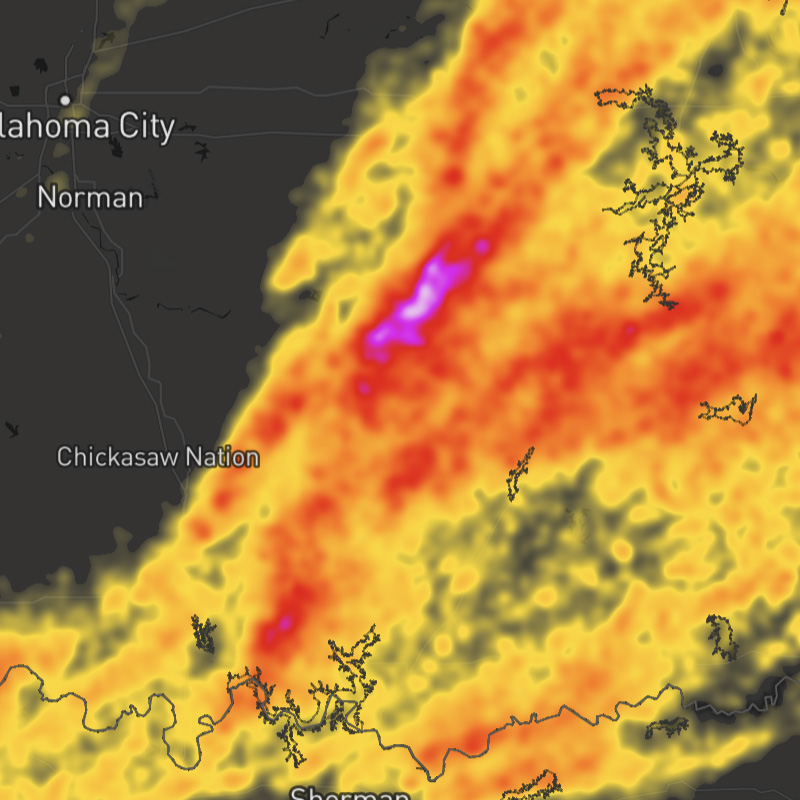
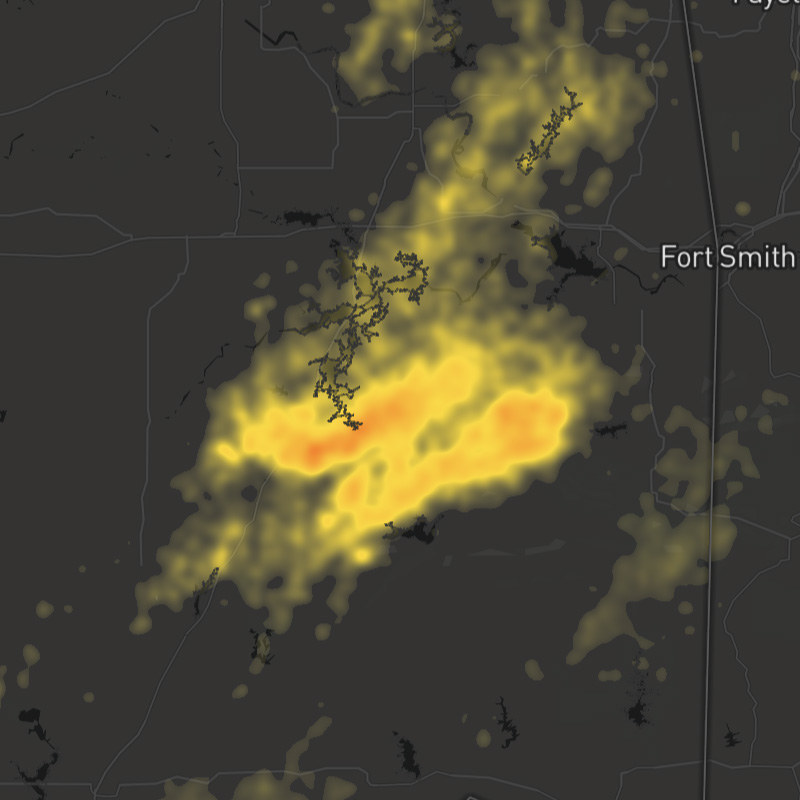
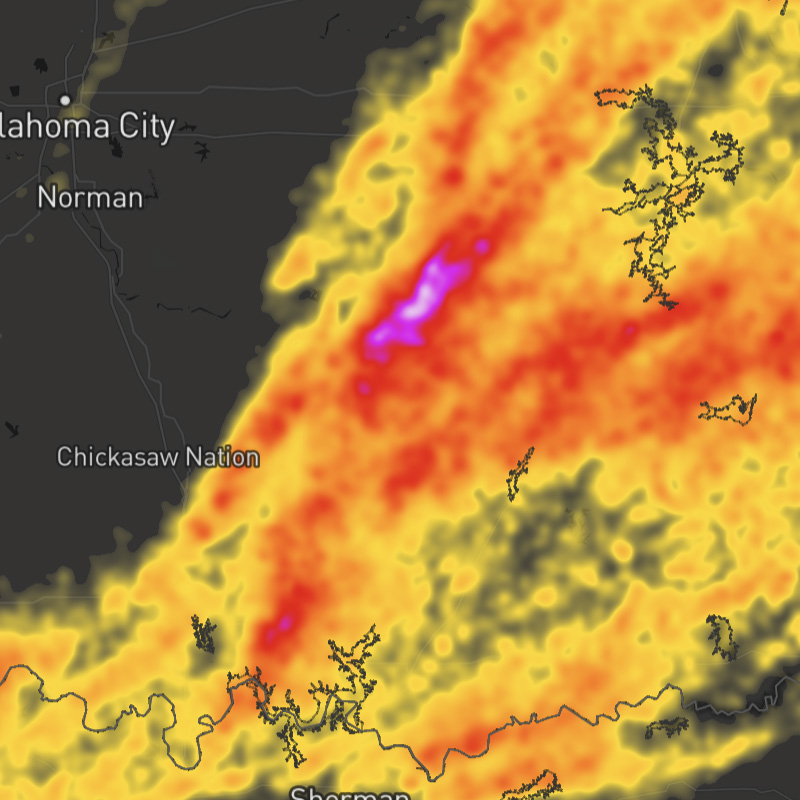
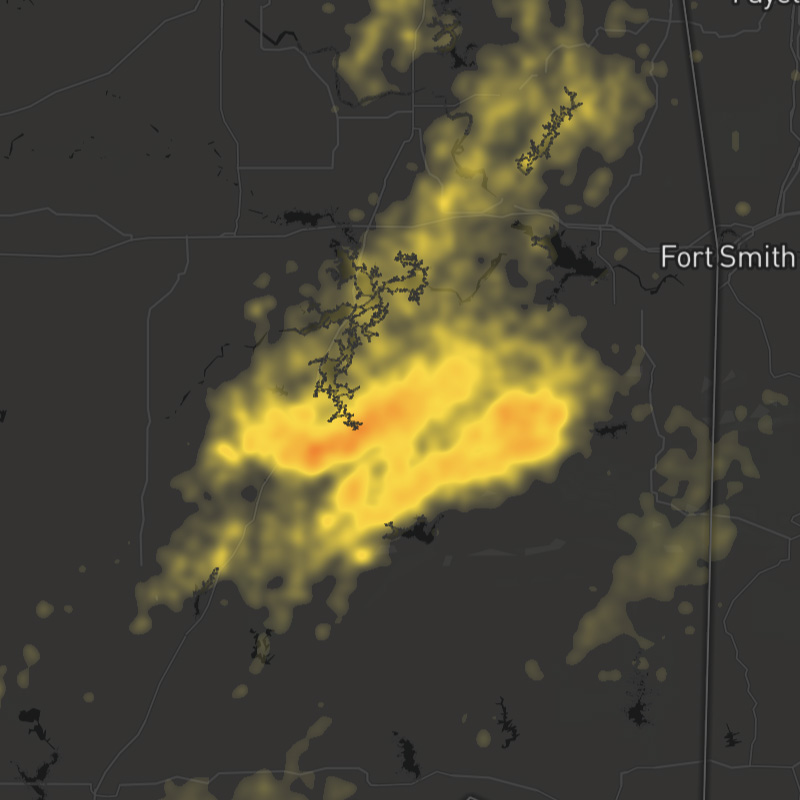
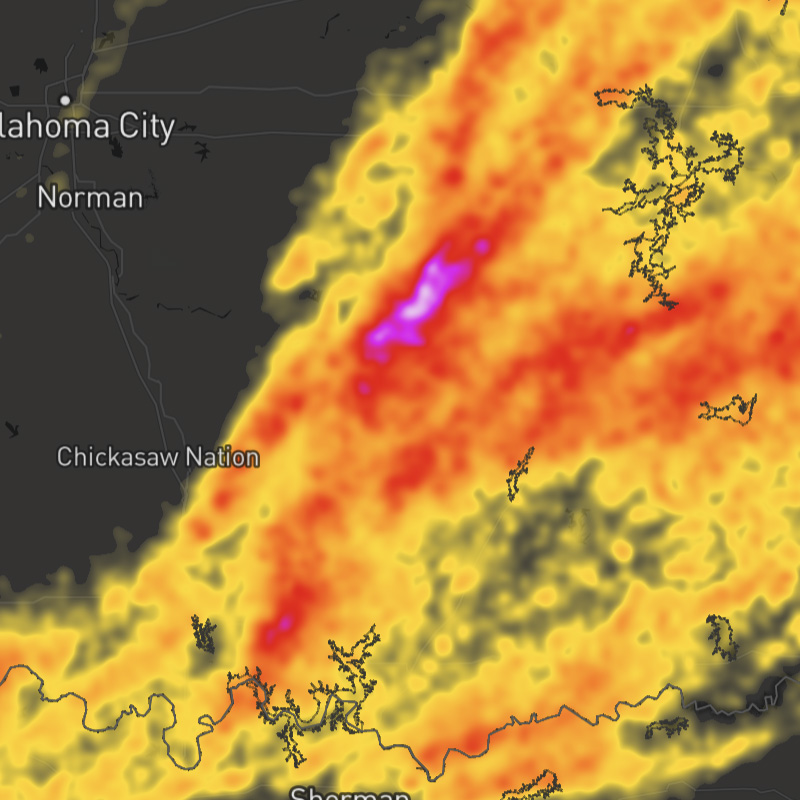
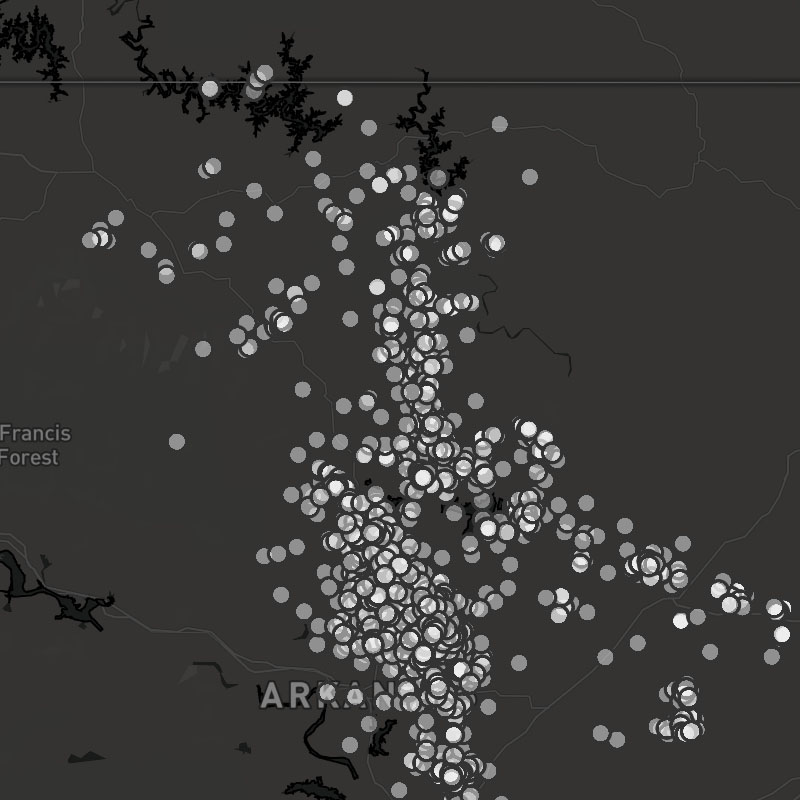
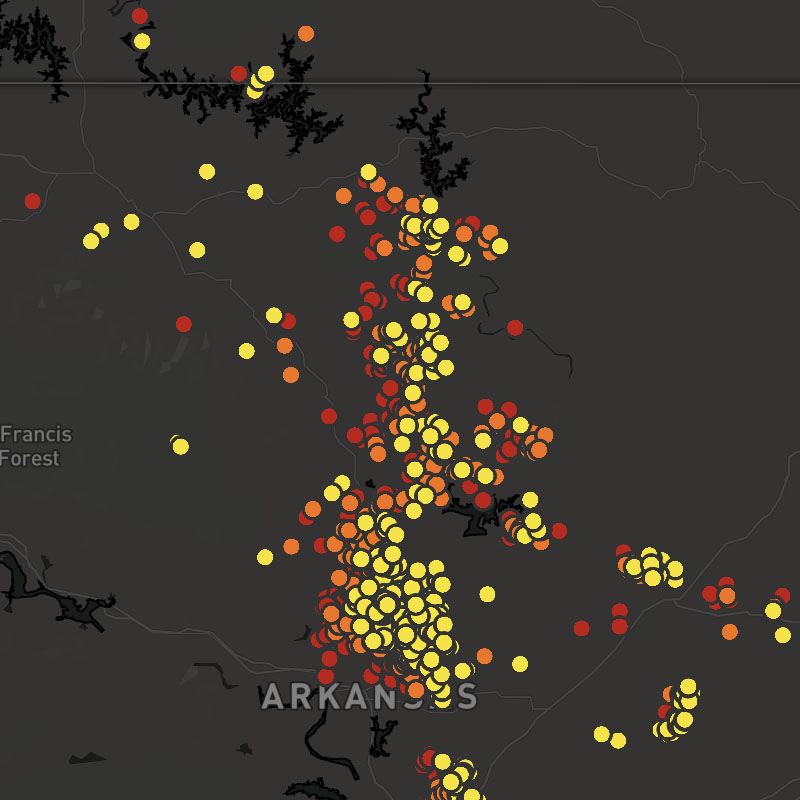
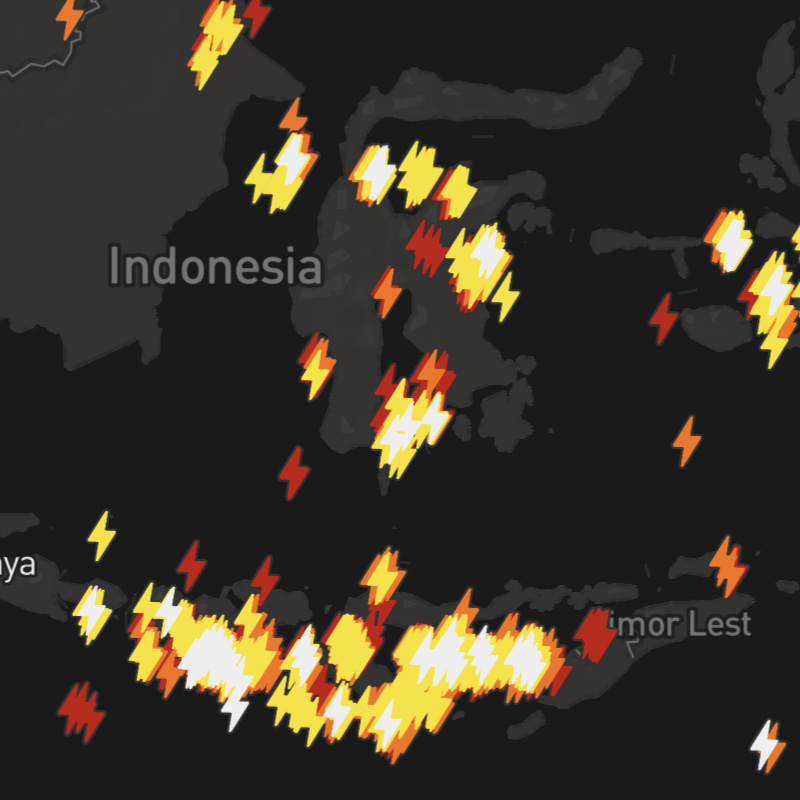
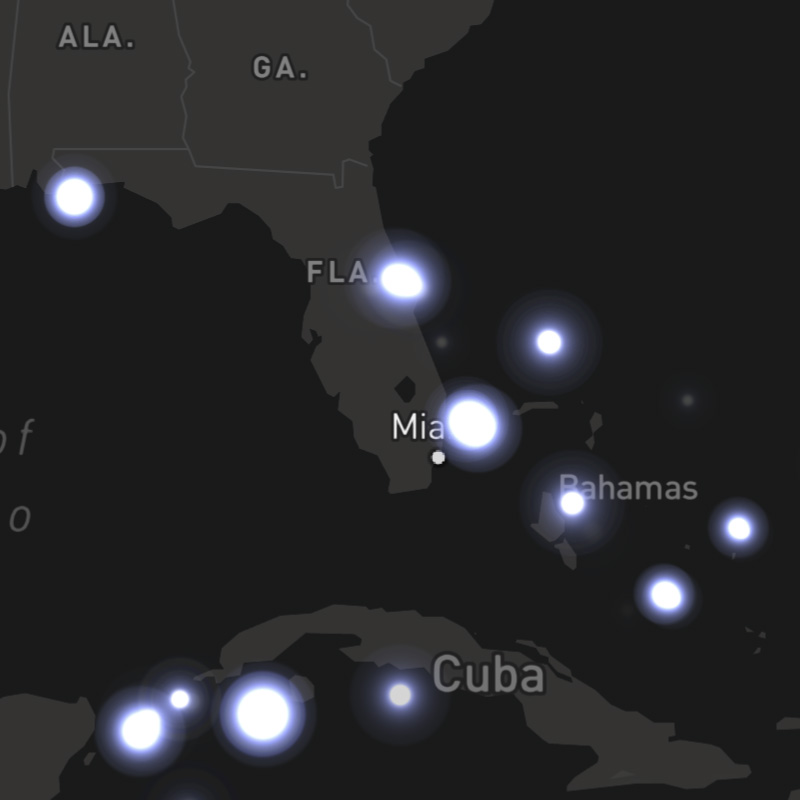
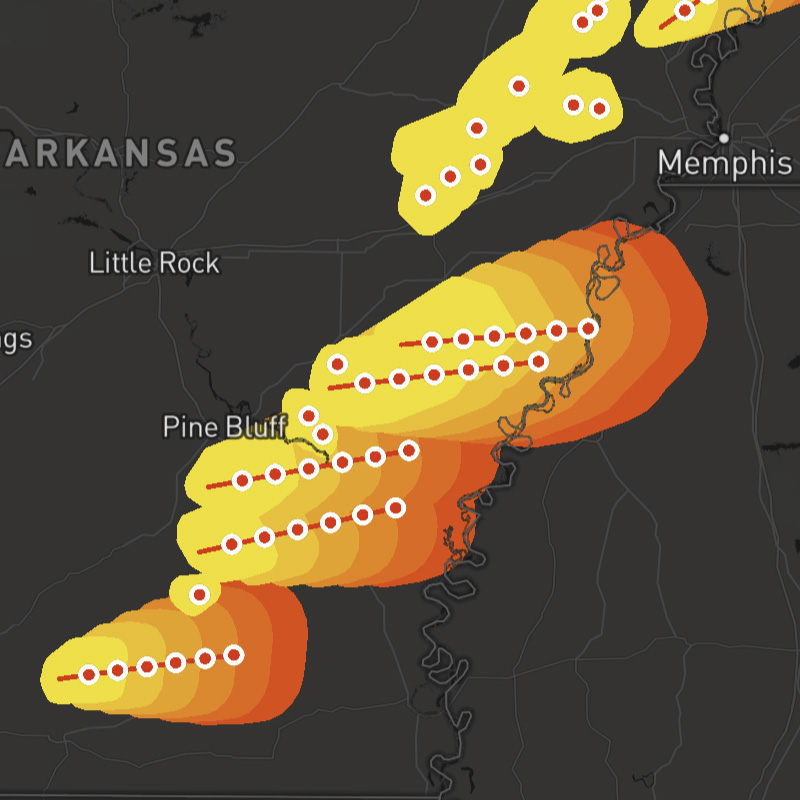
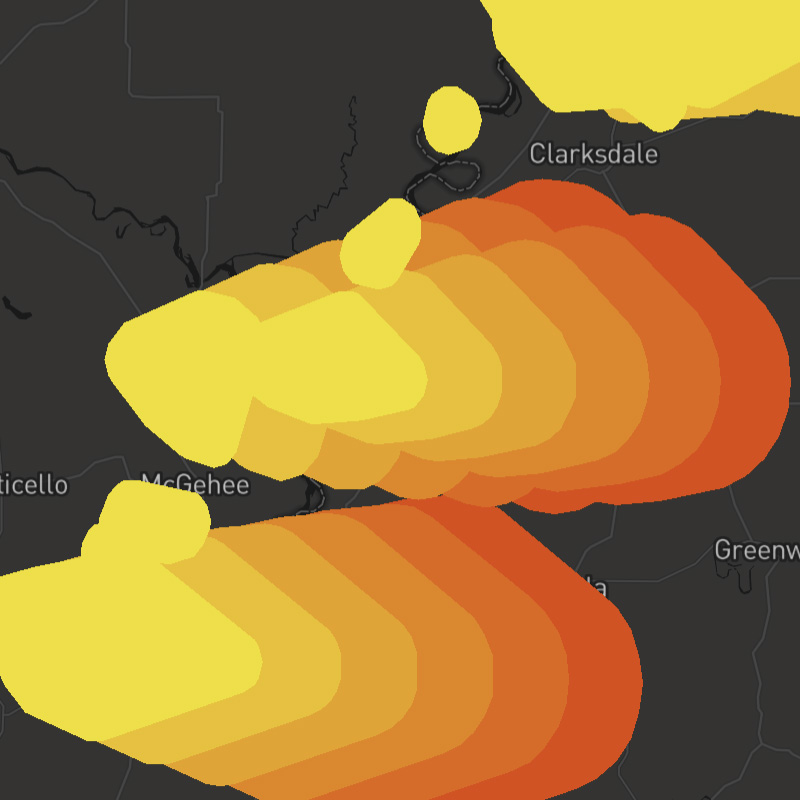
lightning-threats-polygons, lightning-threats-tracks, lightning-threats-points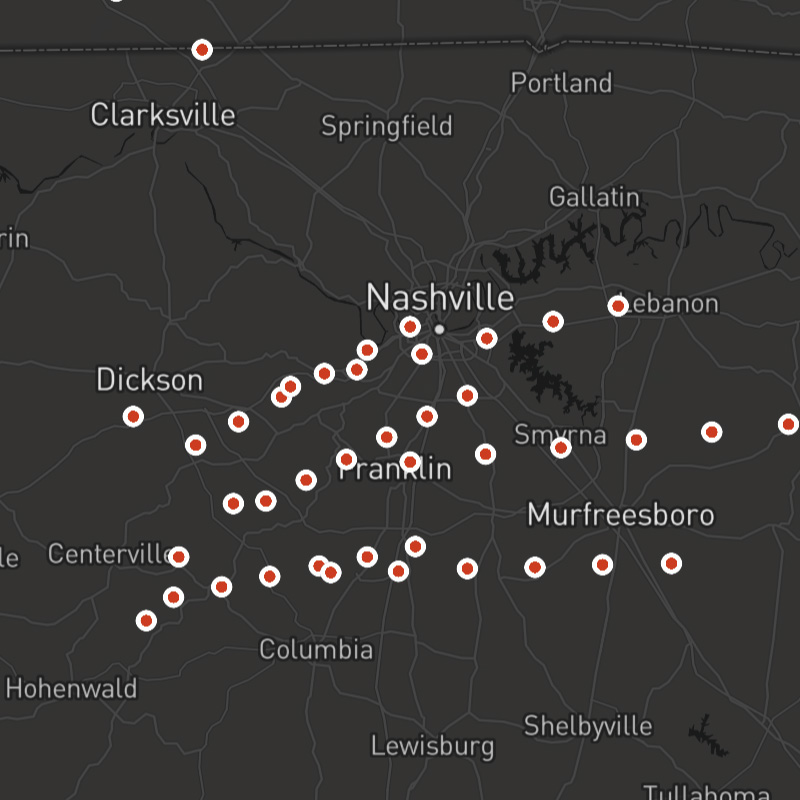
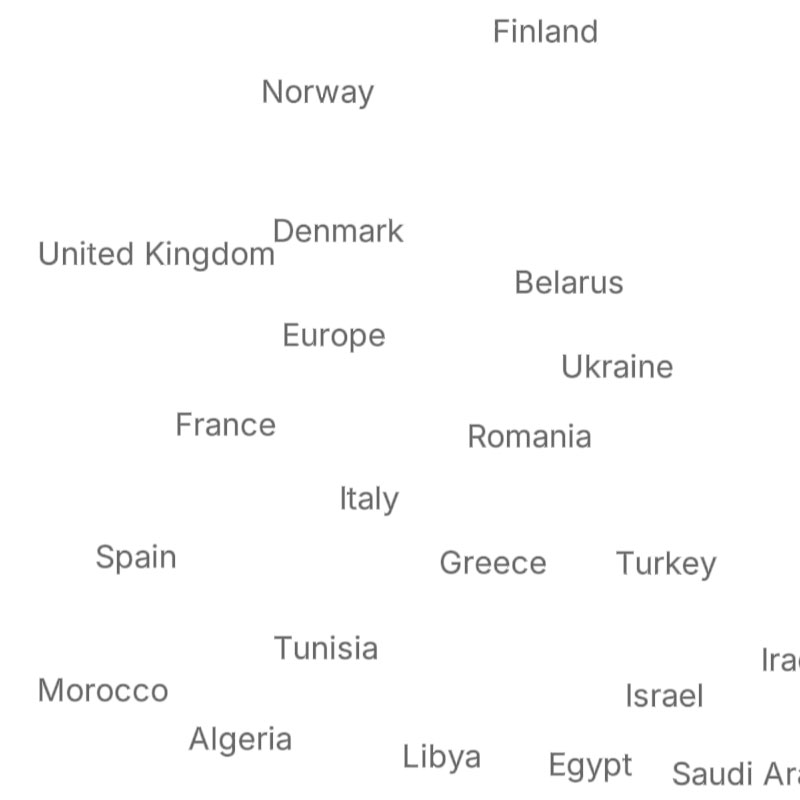
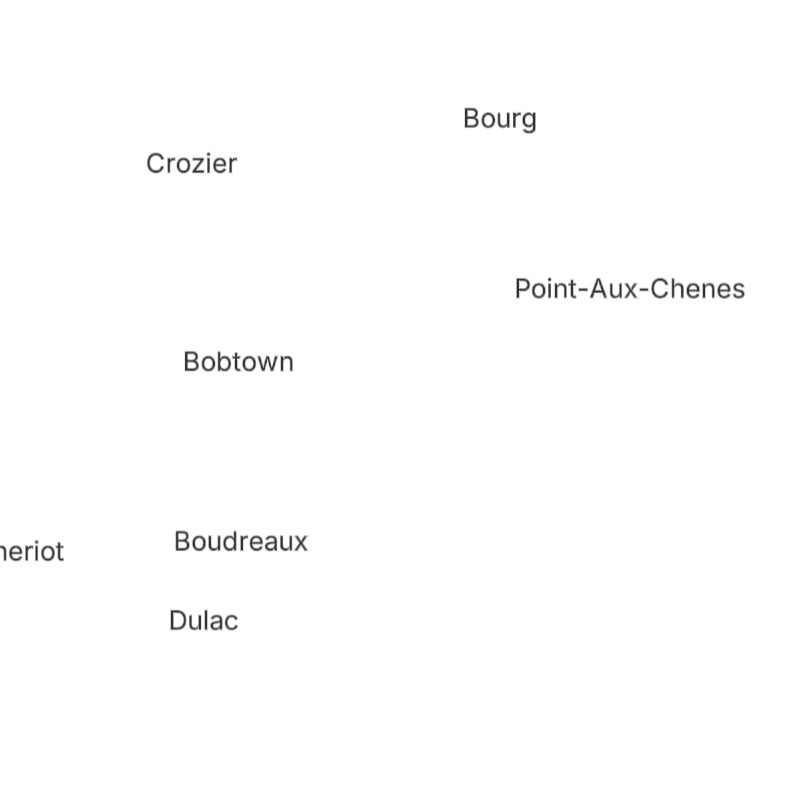
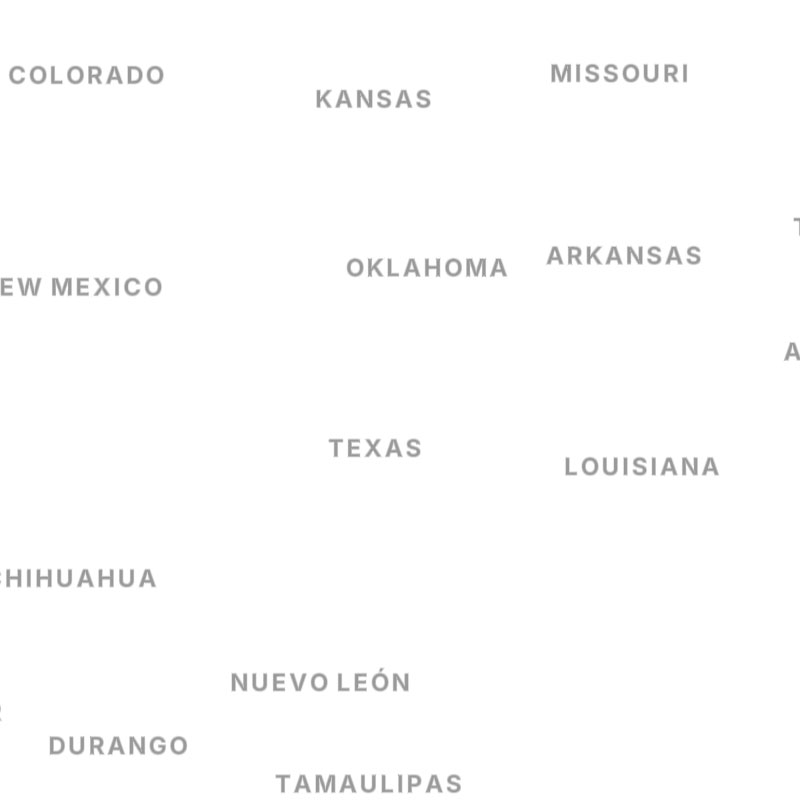
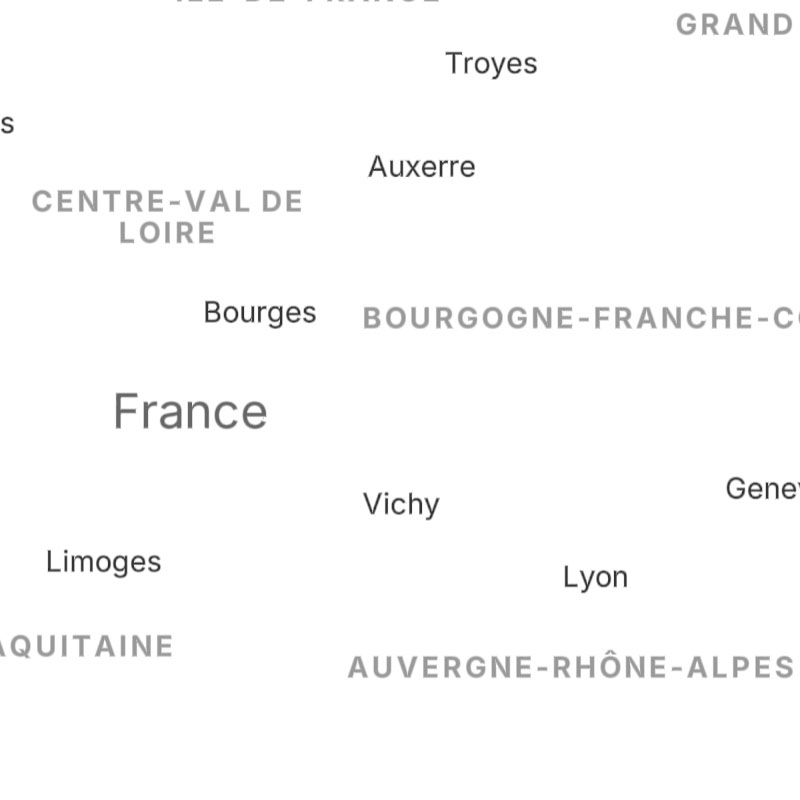
place-country, place-state, place-city, place-neighborhood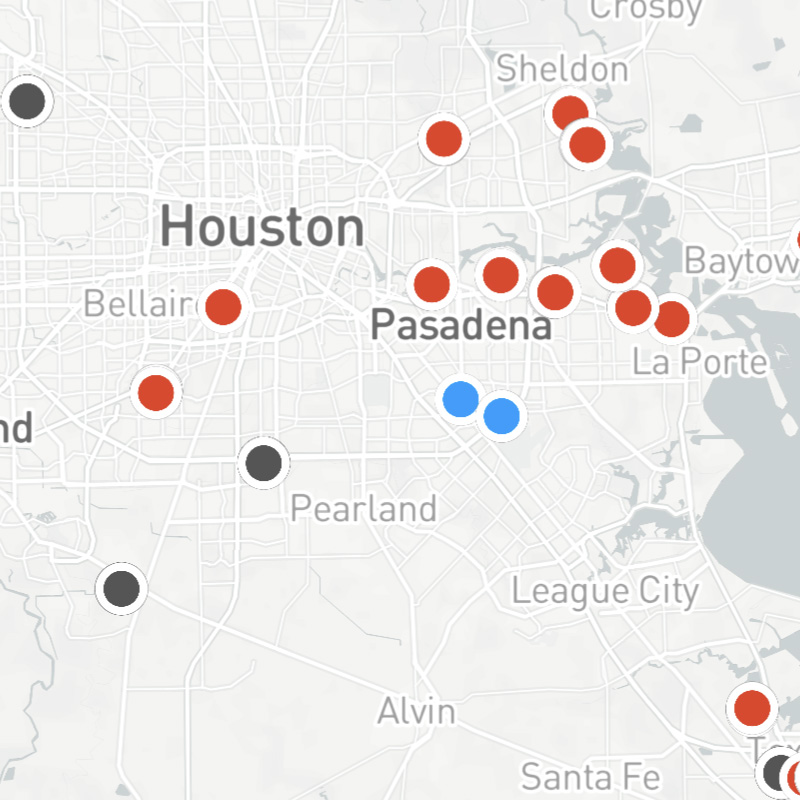
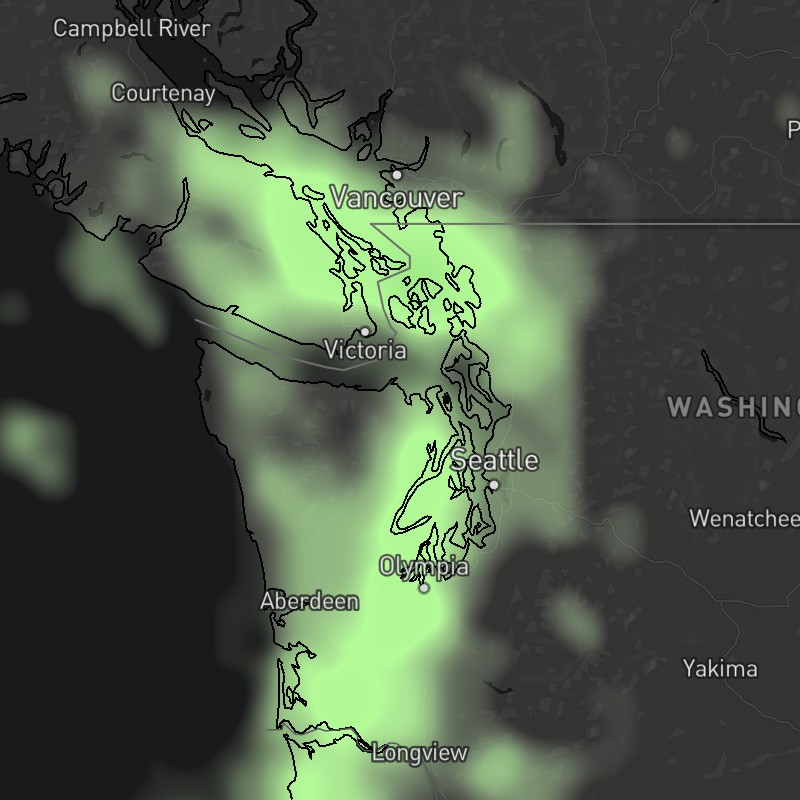
{model}-precip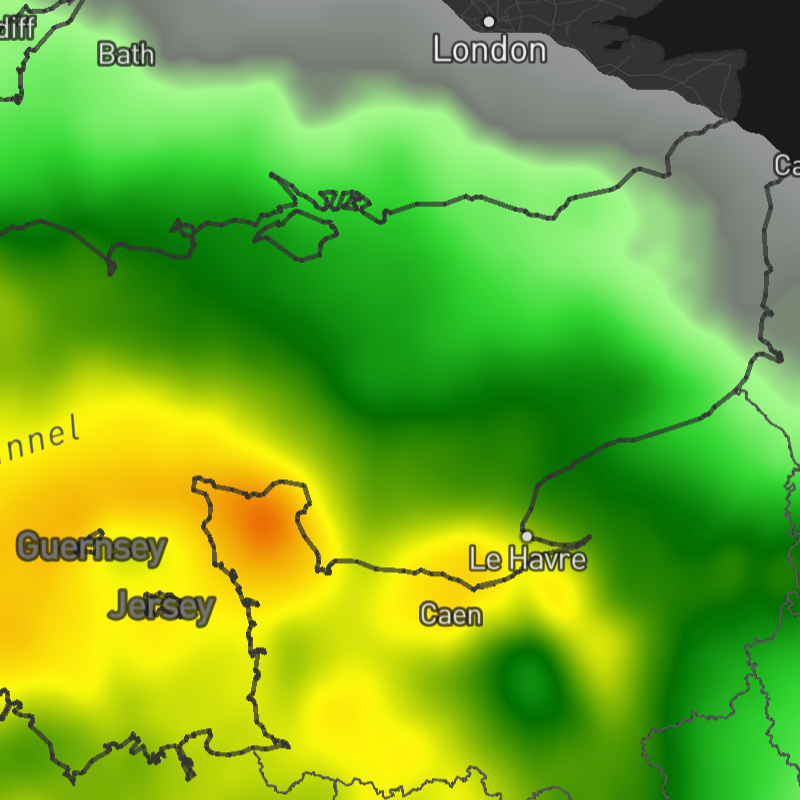
{model}-precip-accum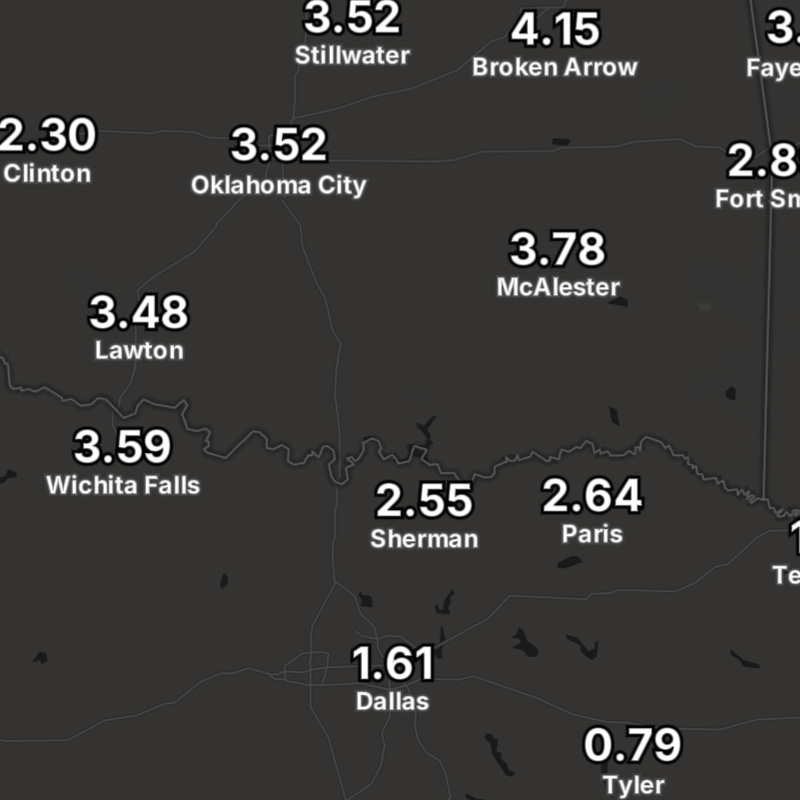
{model}-precip-accum-text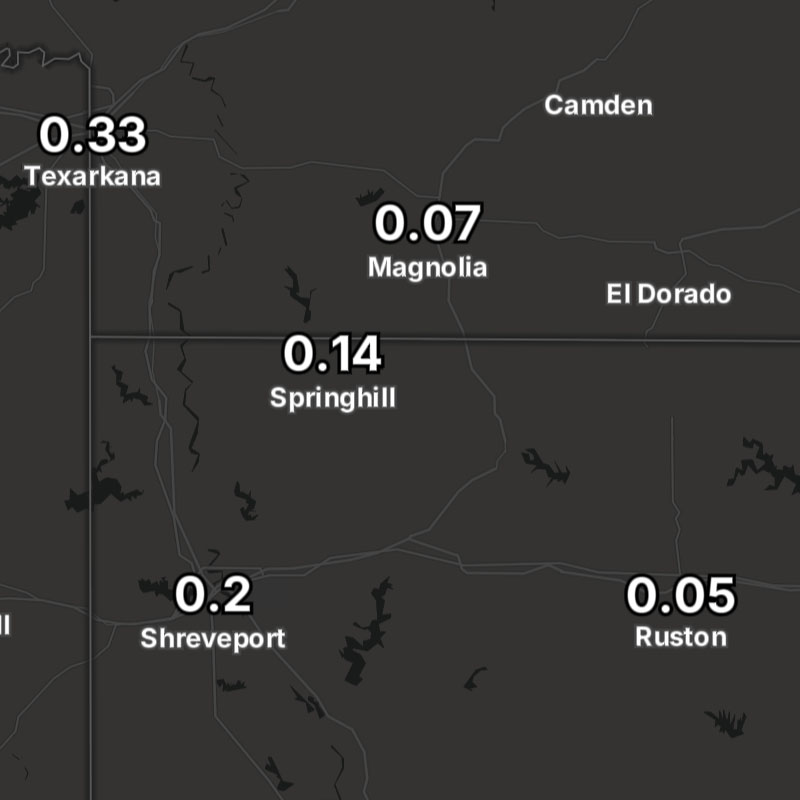
{model}-precip-text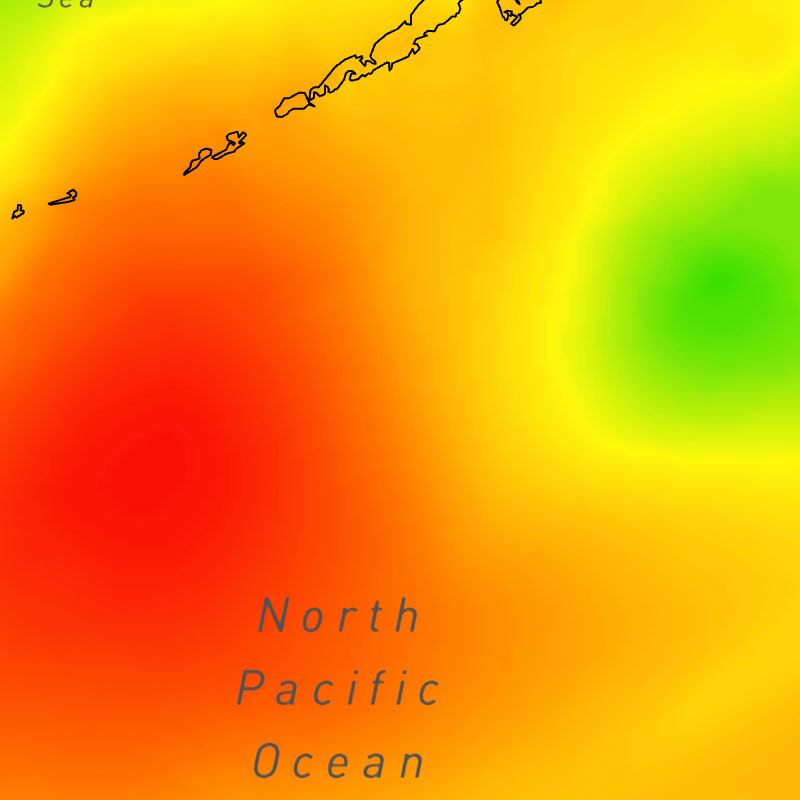
{model}-pressure-msl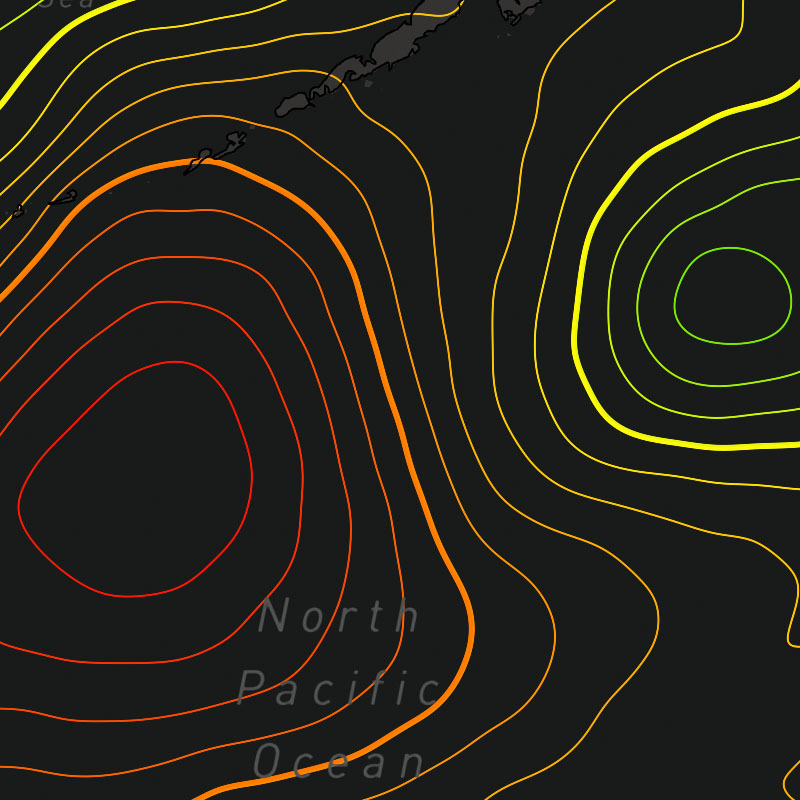
{model}-pressure-msl-contour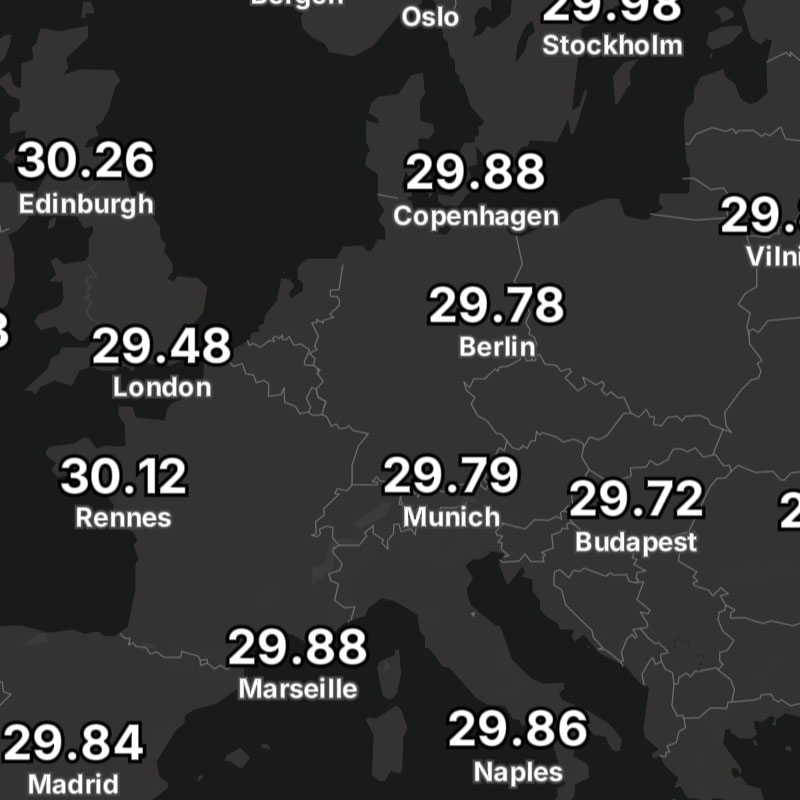
{model}-pressure-msl-text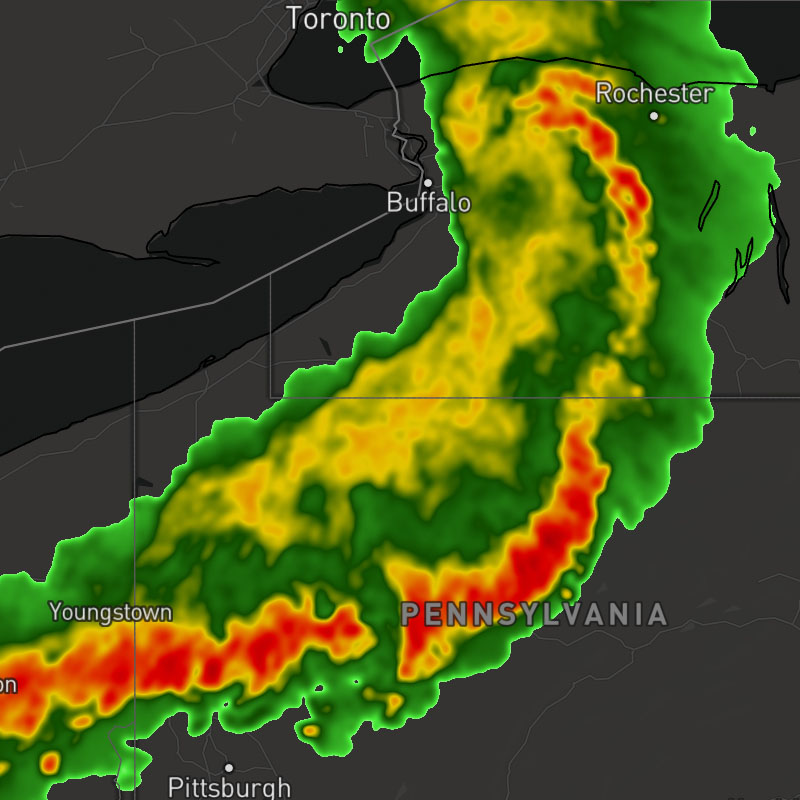
{model}-radar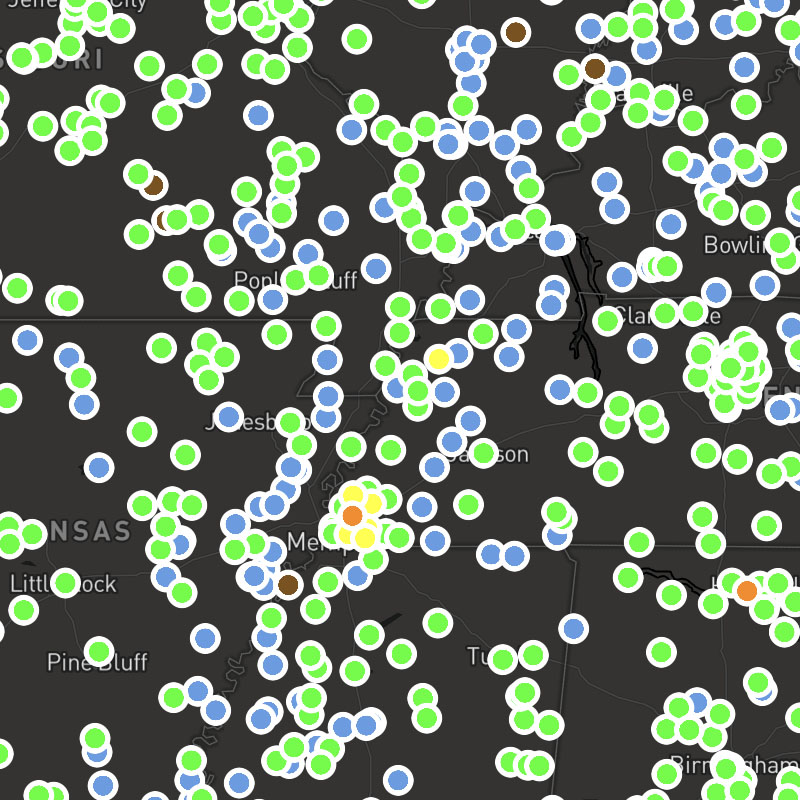
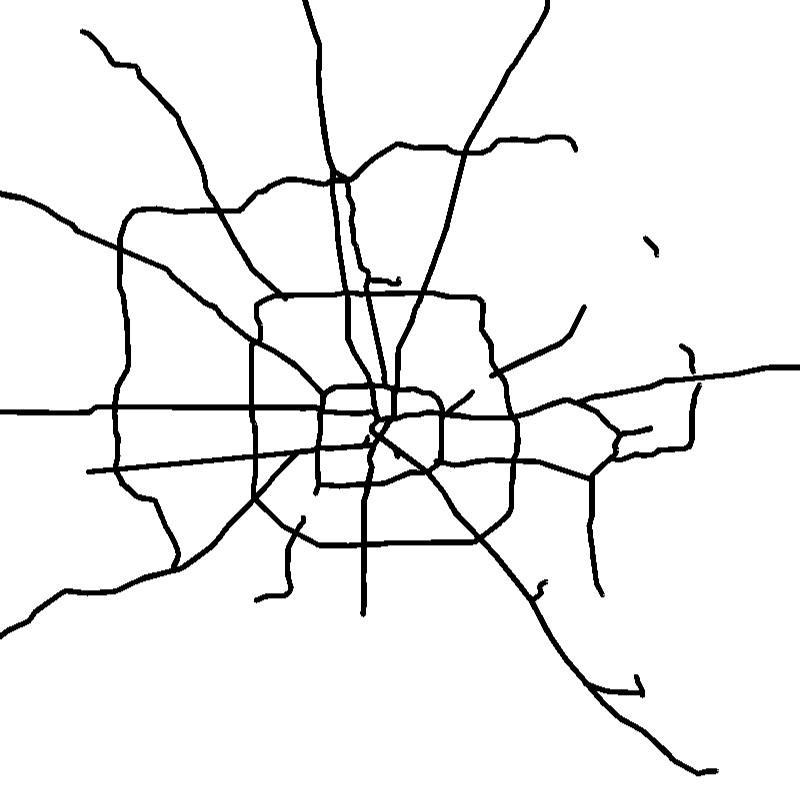
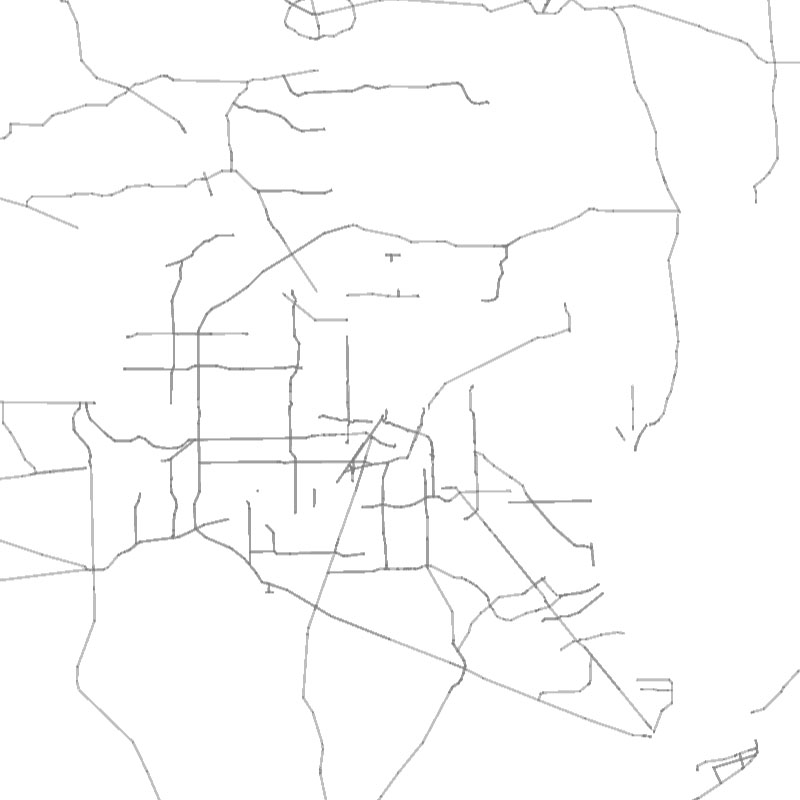
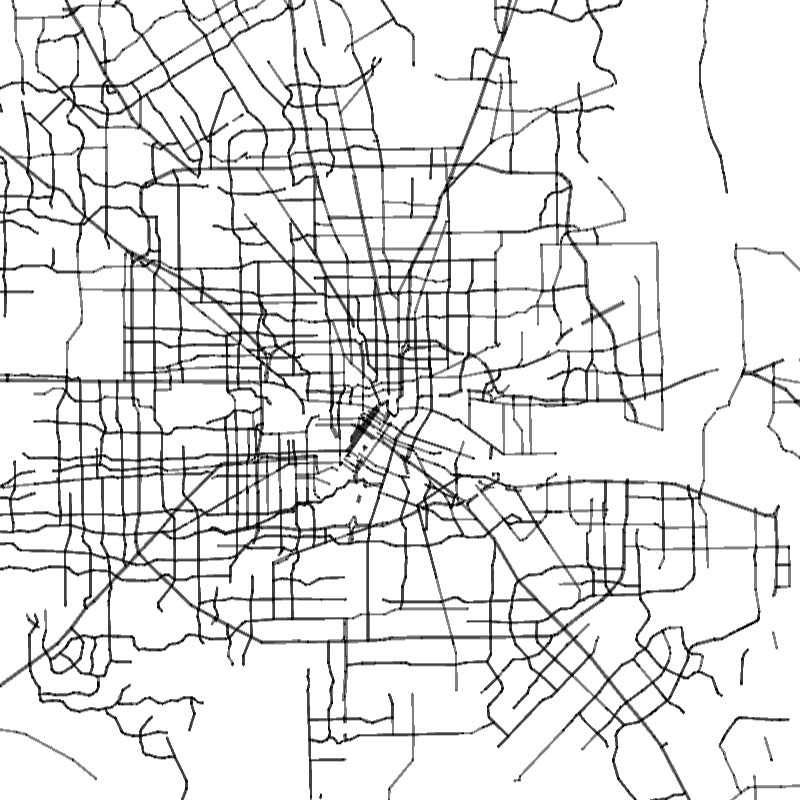
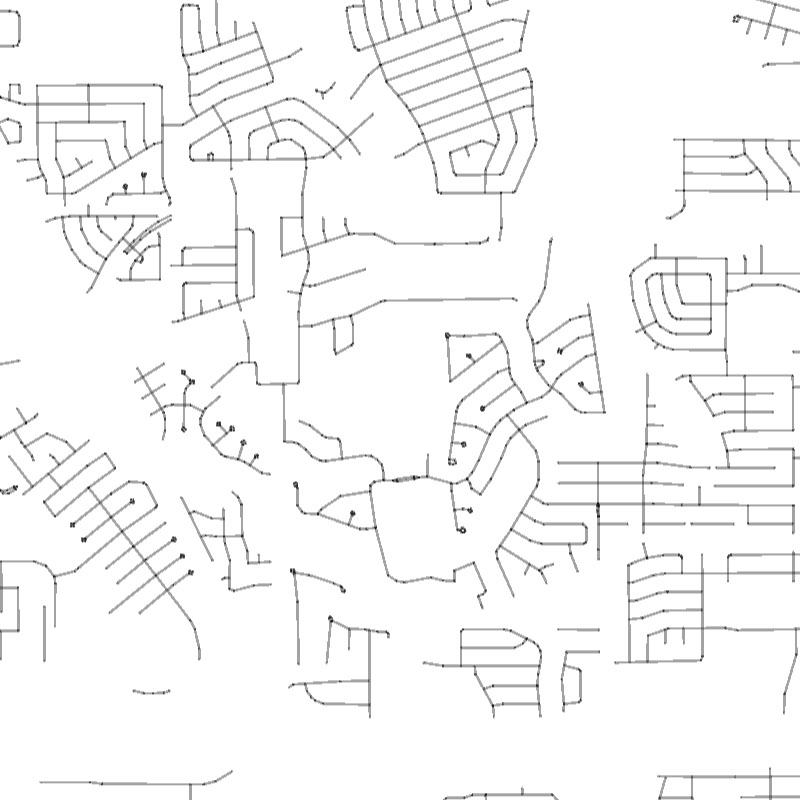

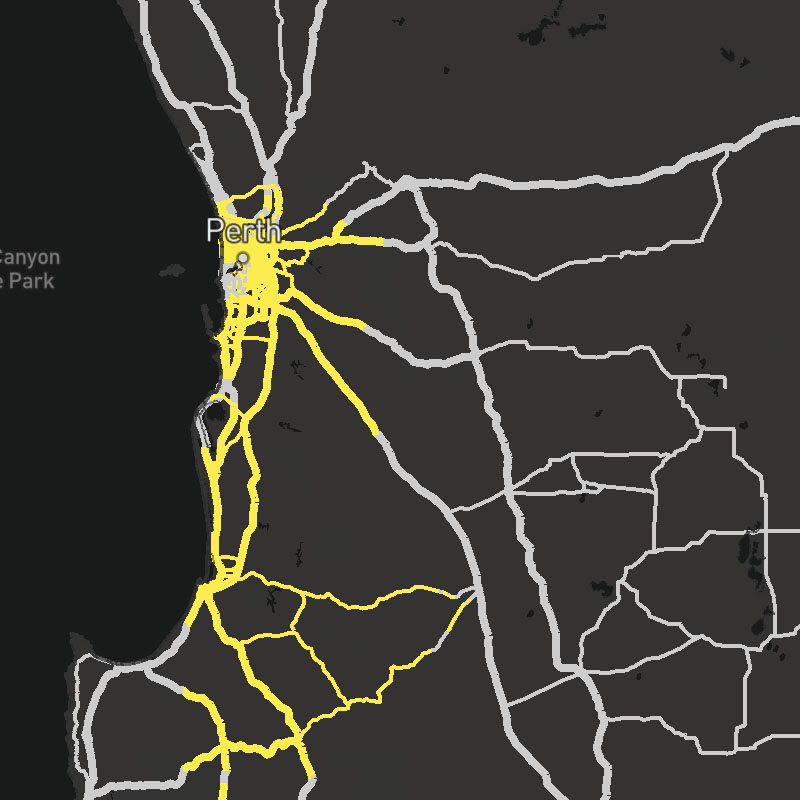
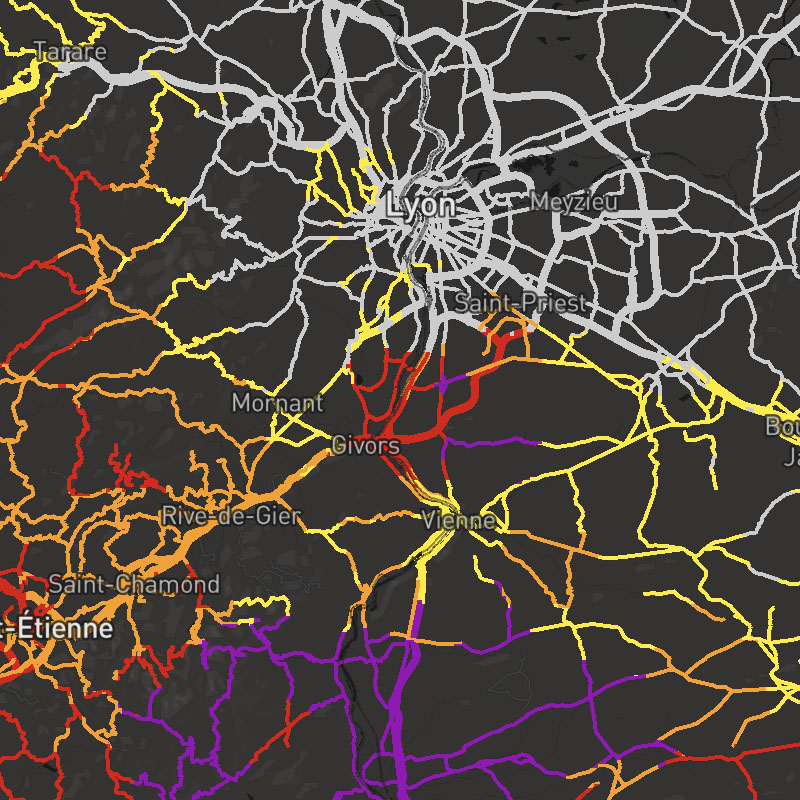
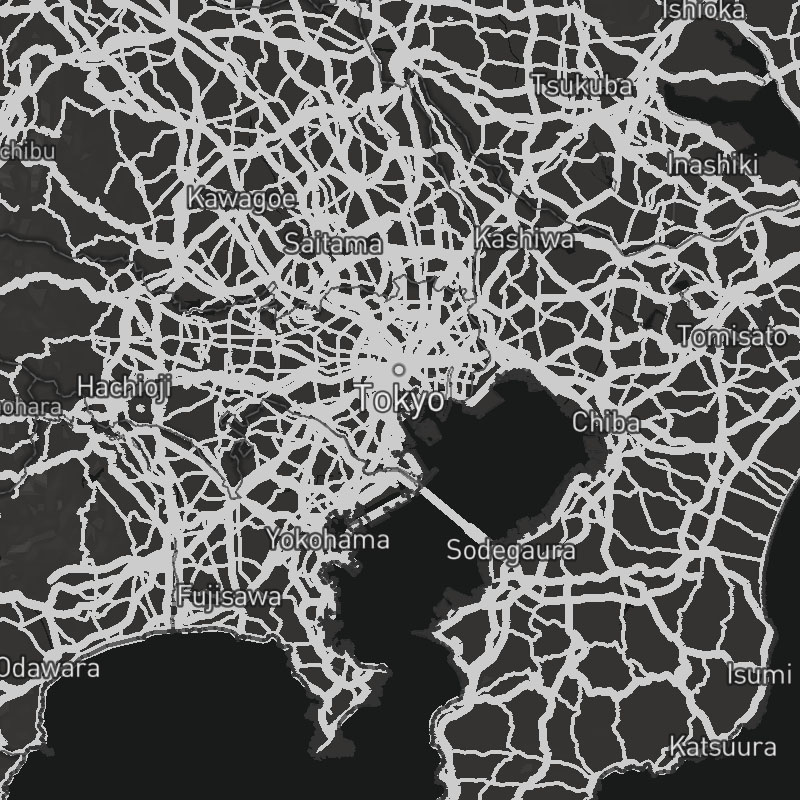
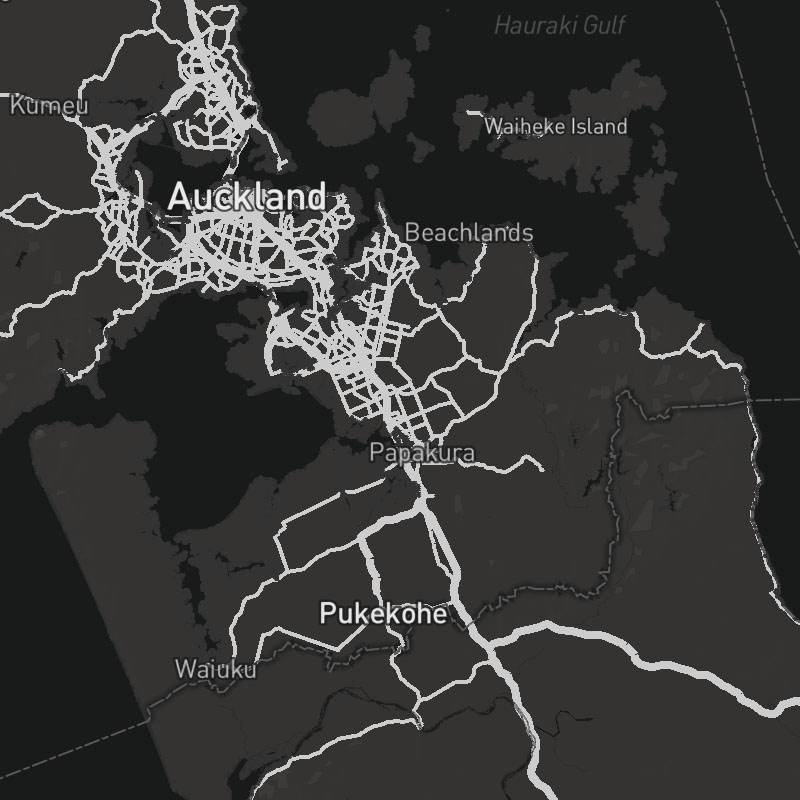
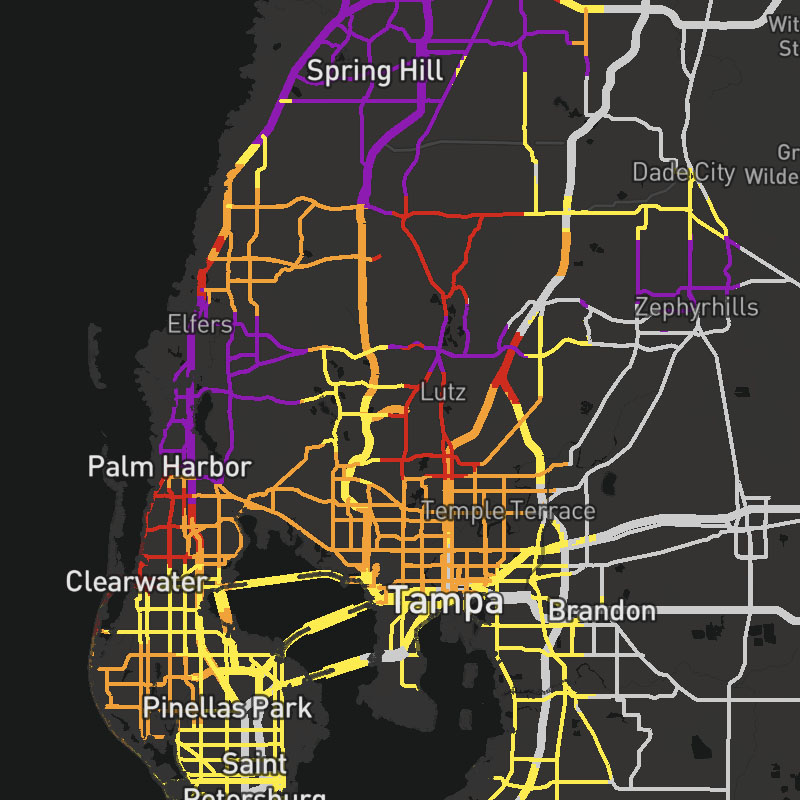
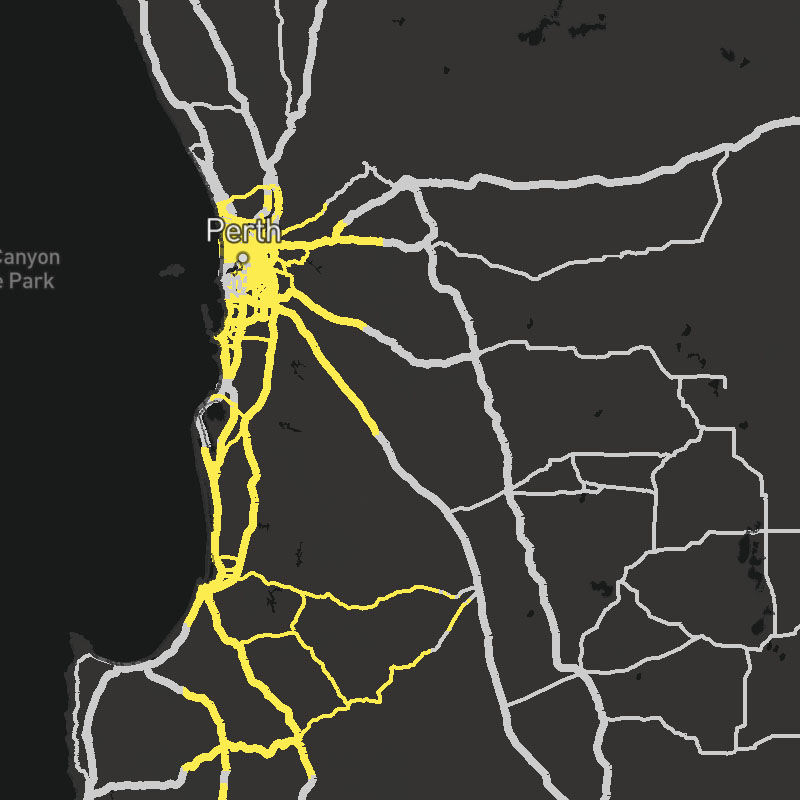
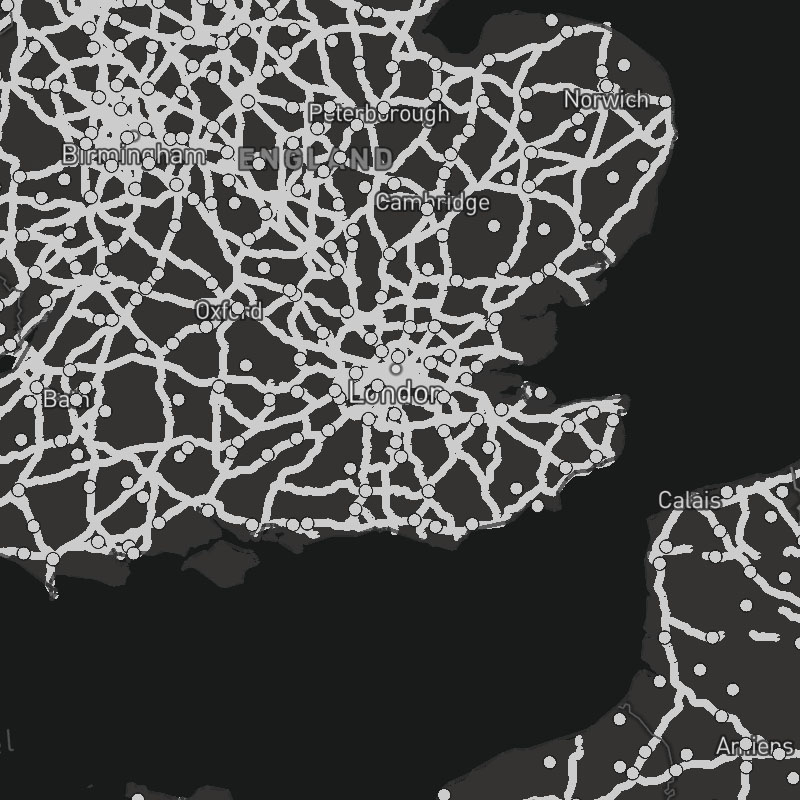
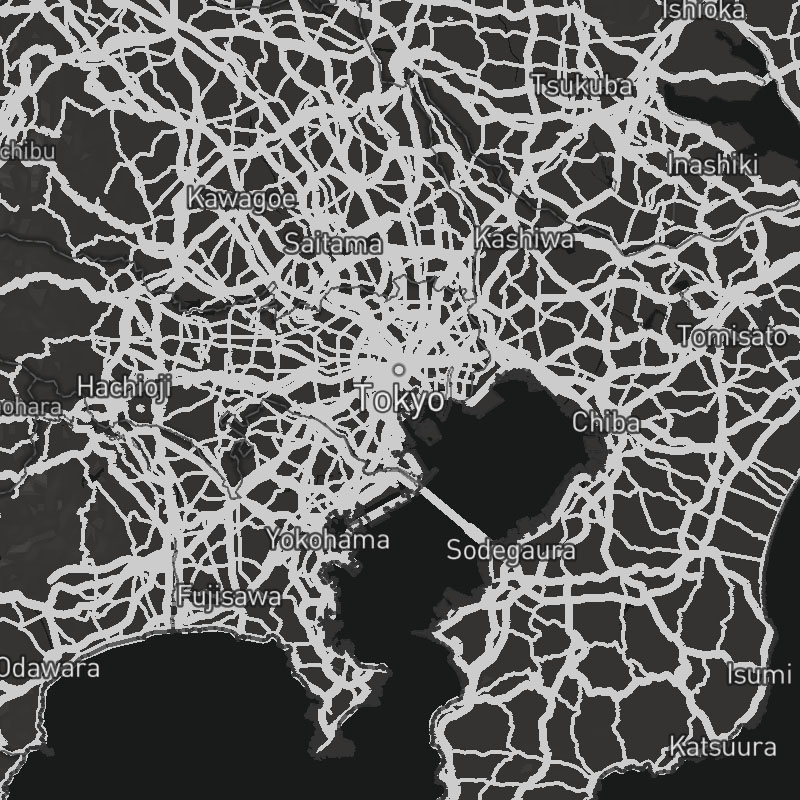
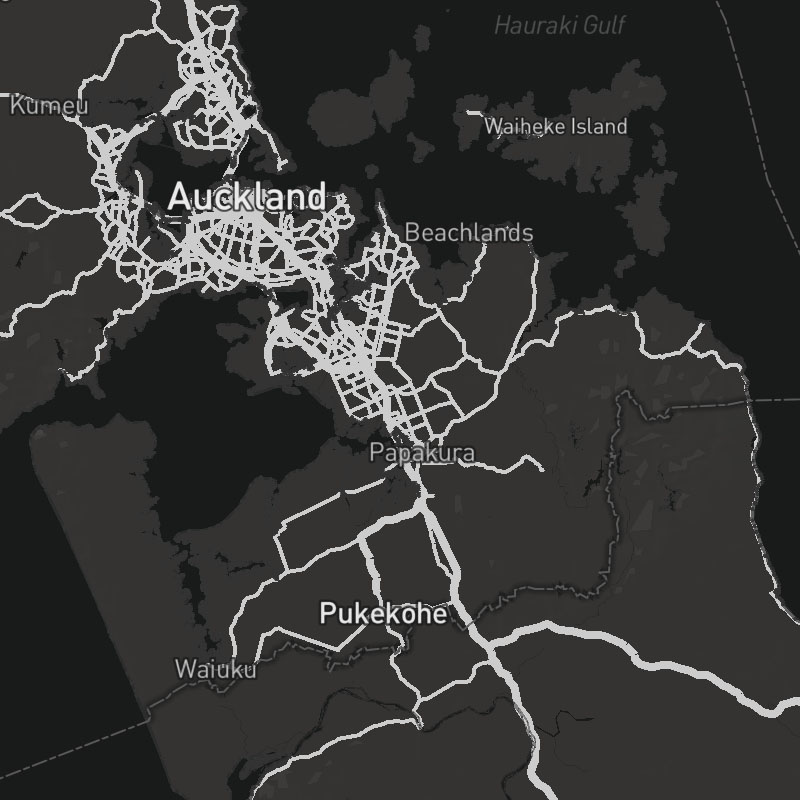
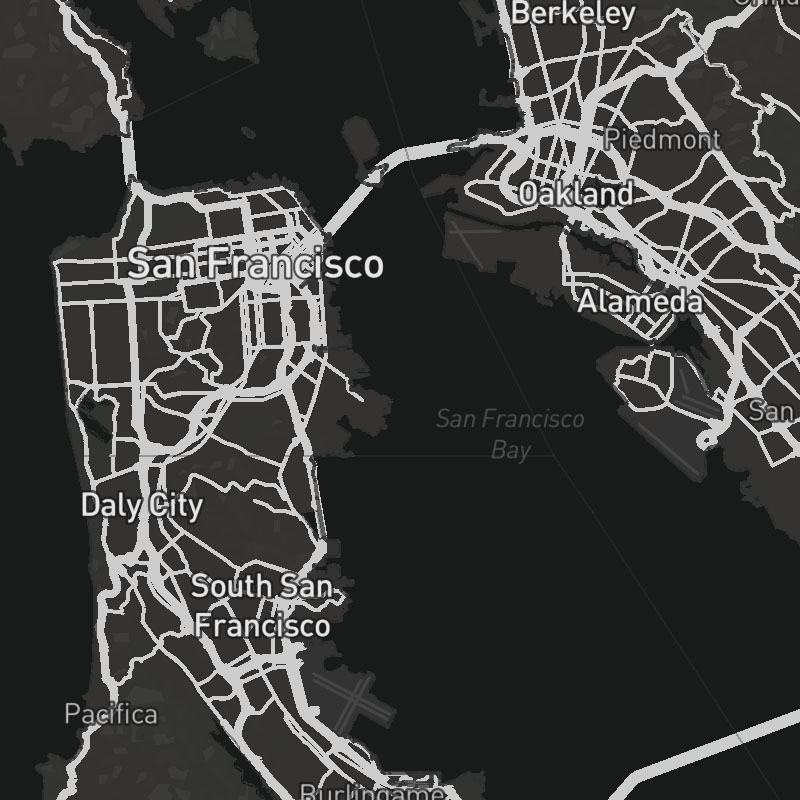
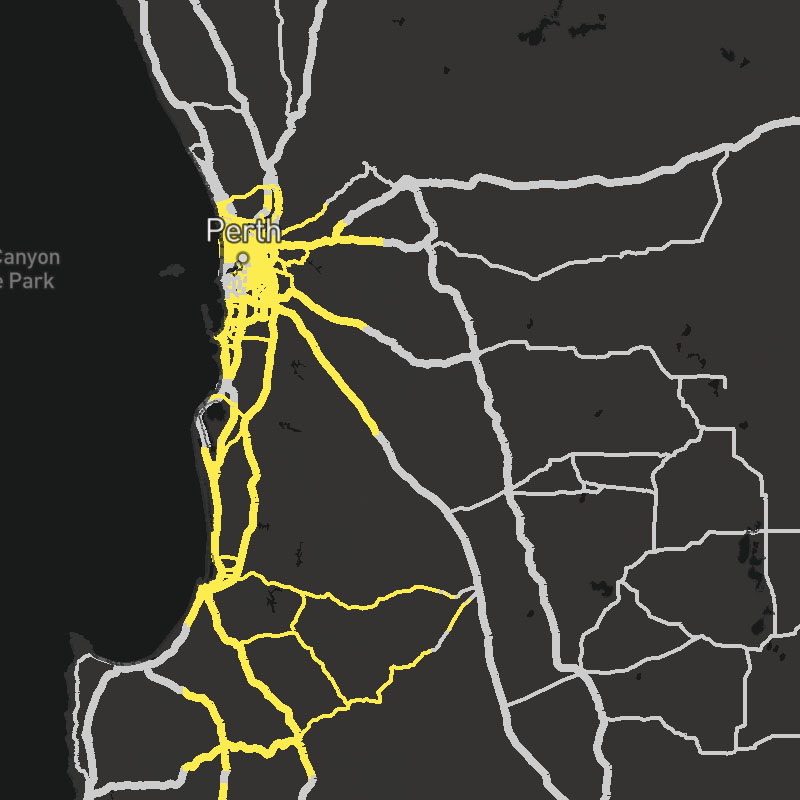
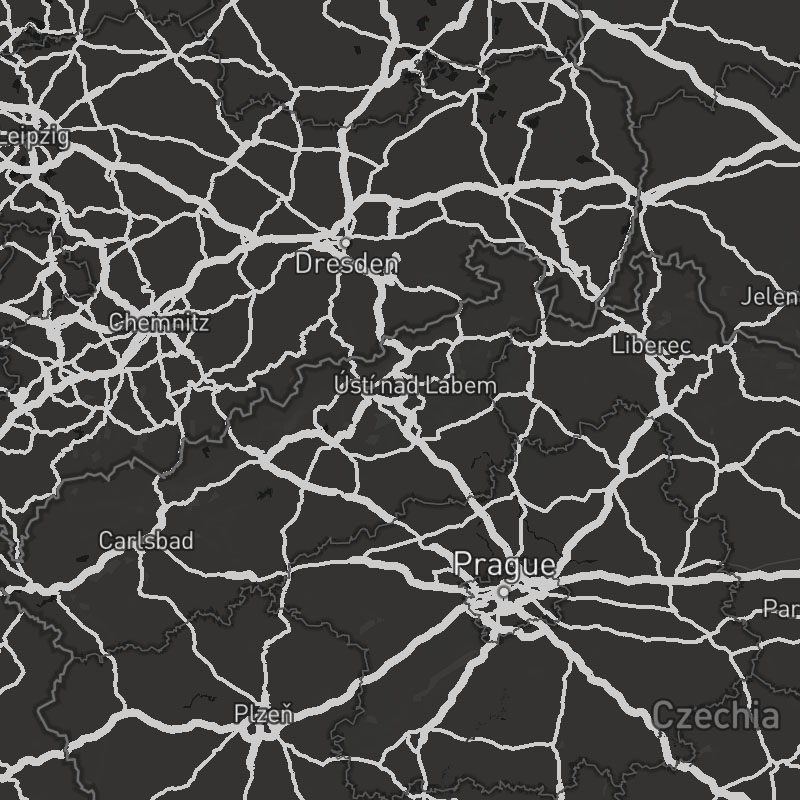
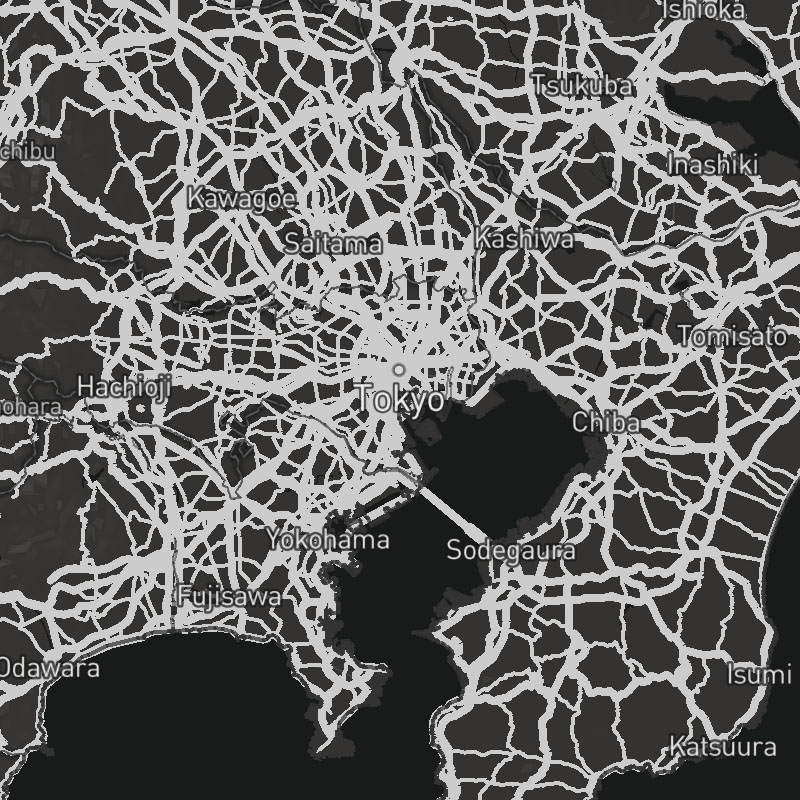
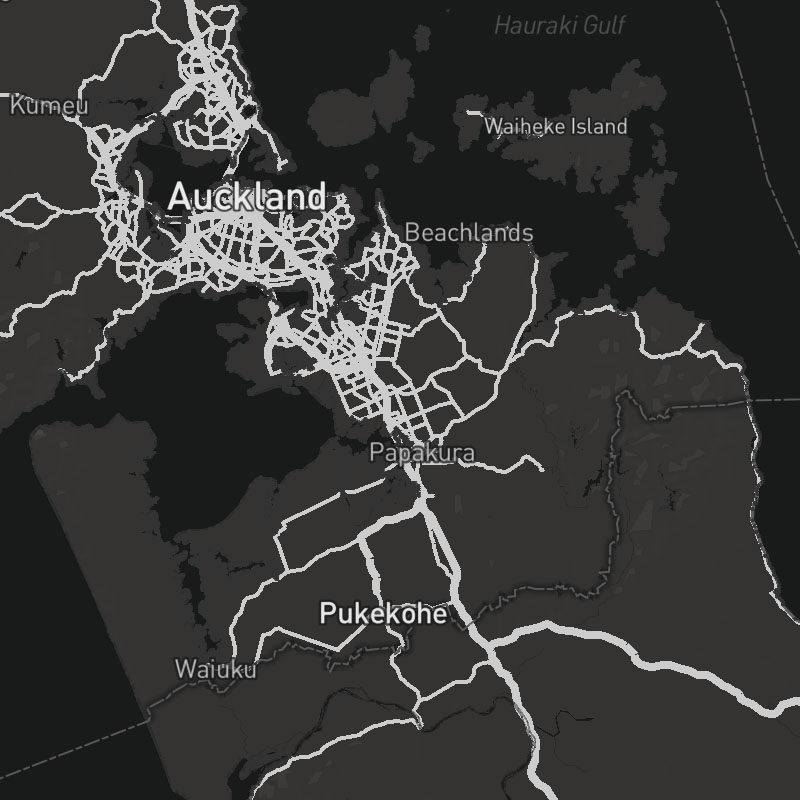
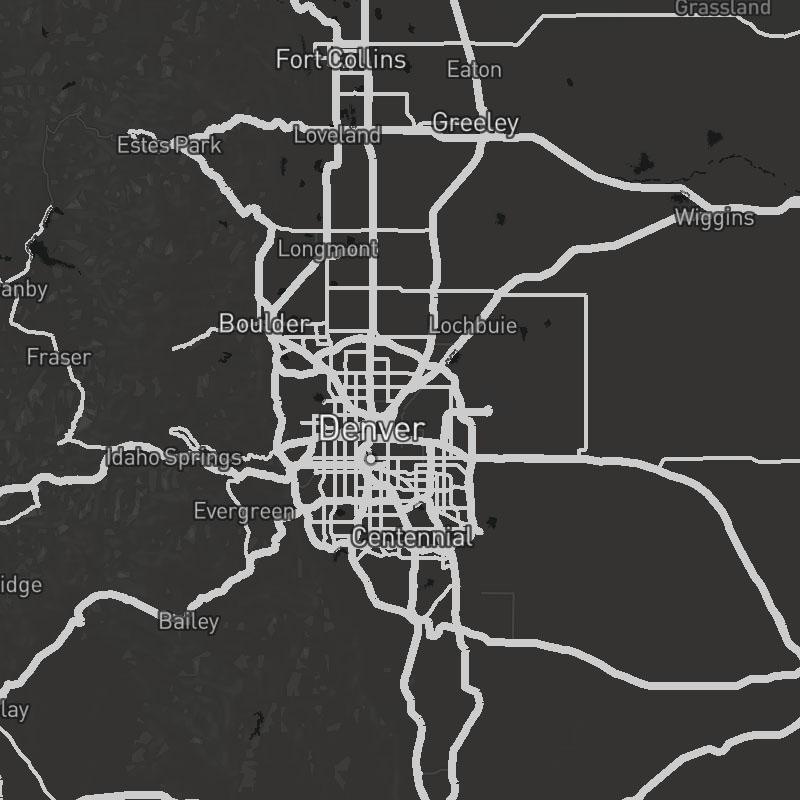
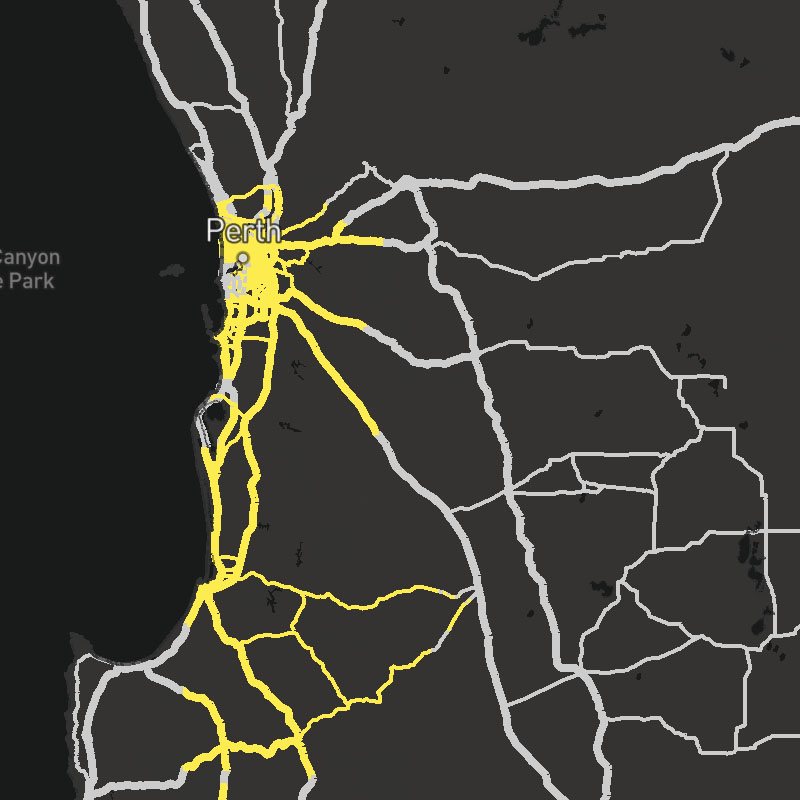
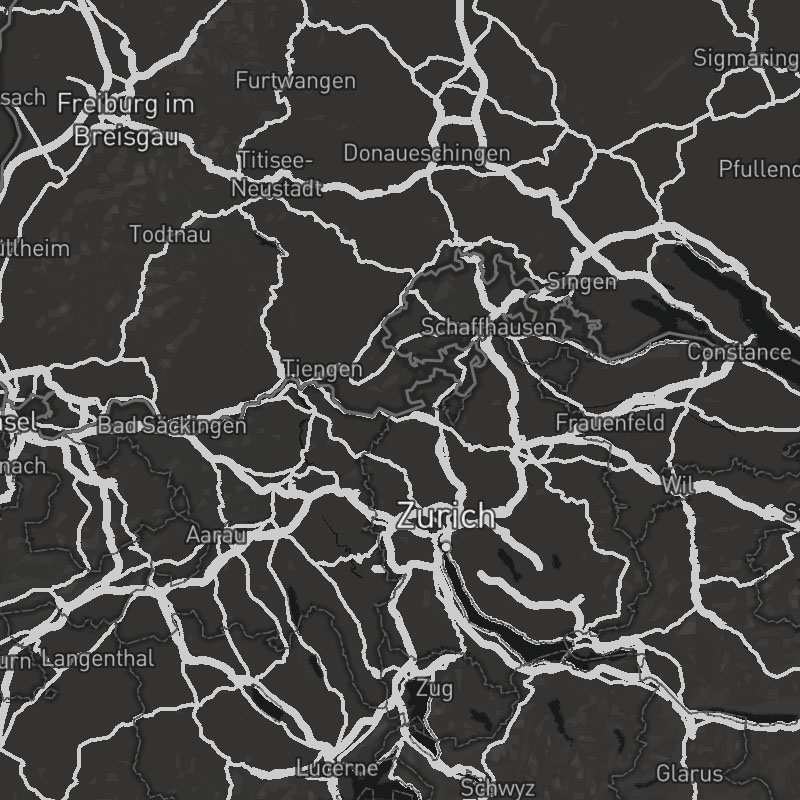
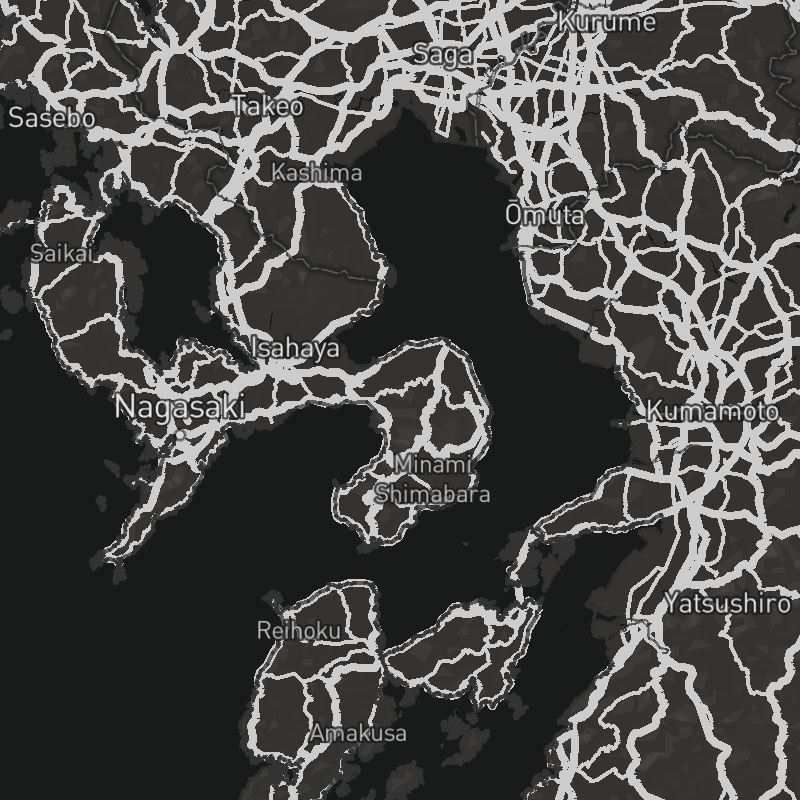
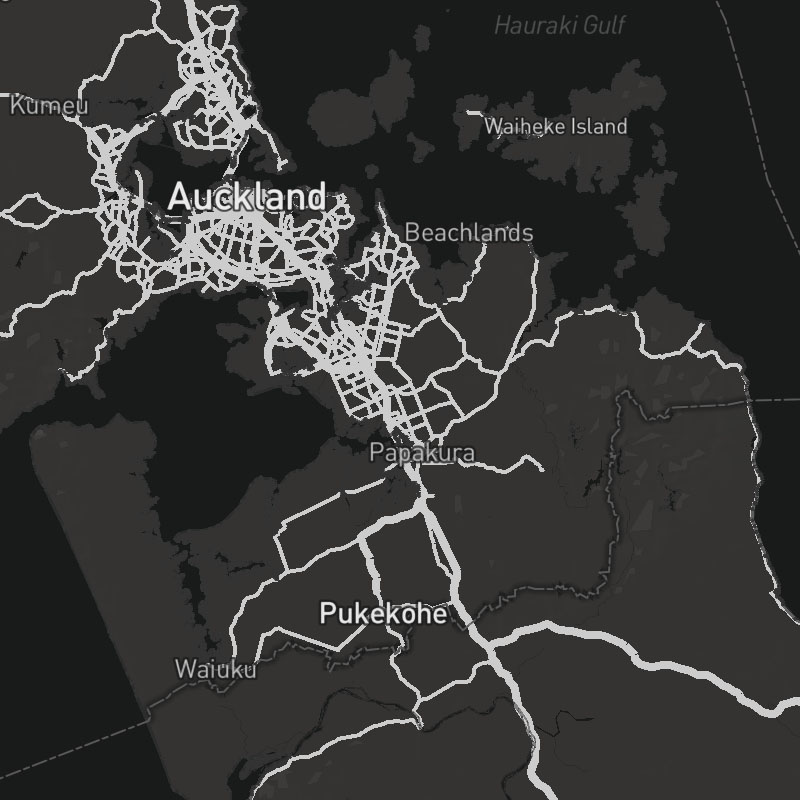
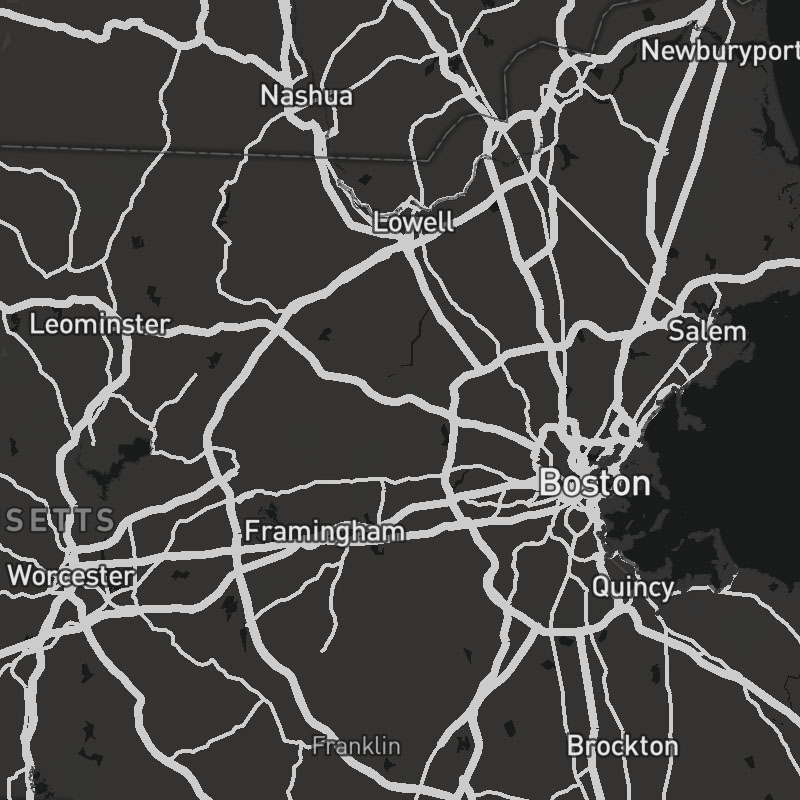
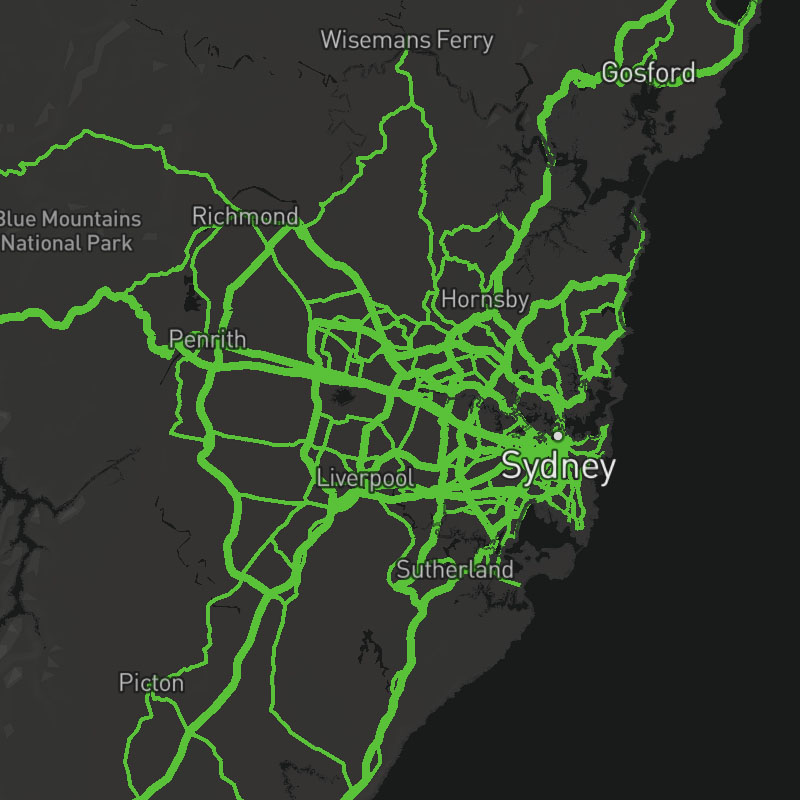
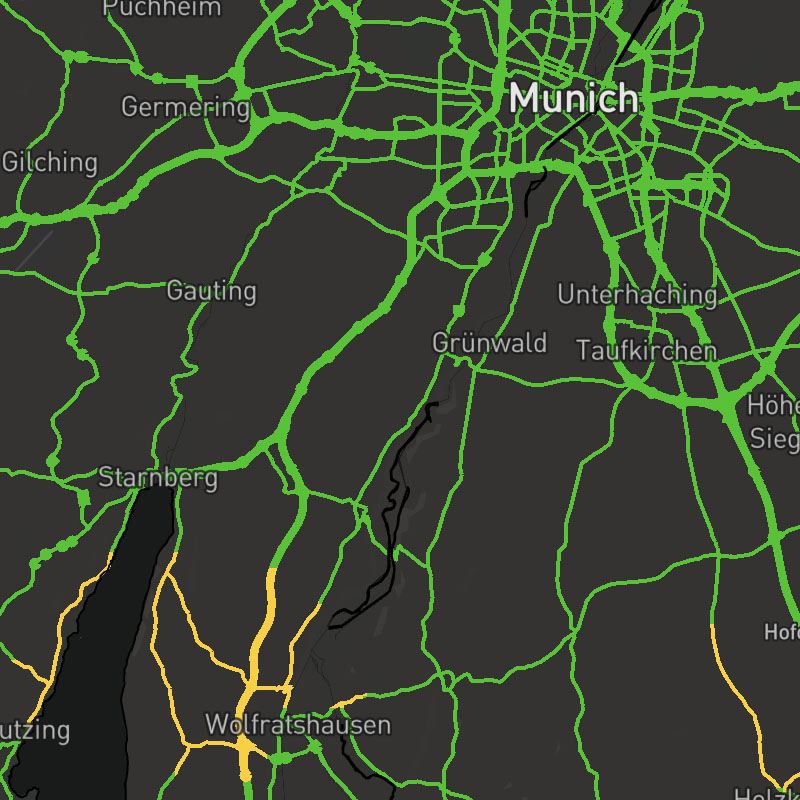
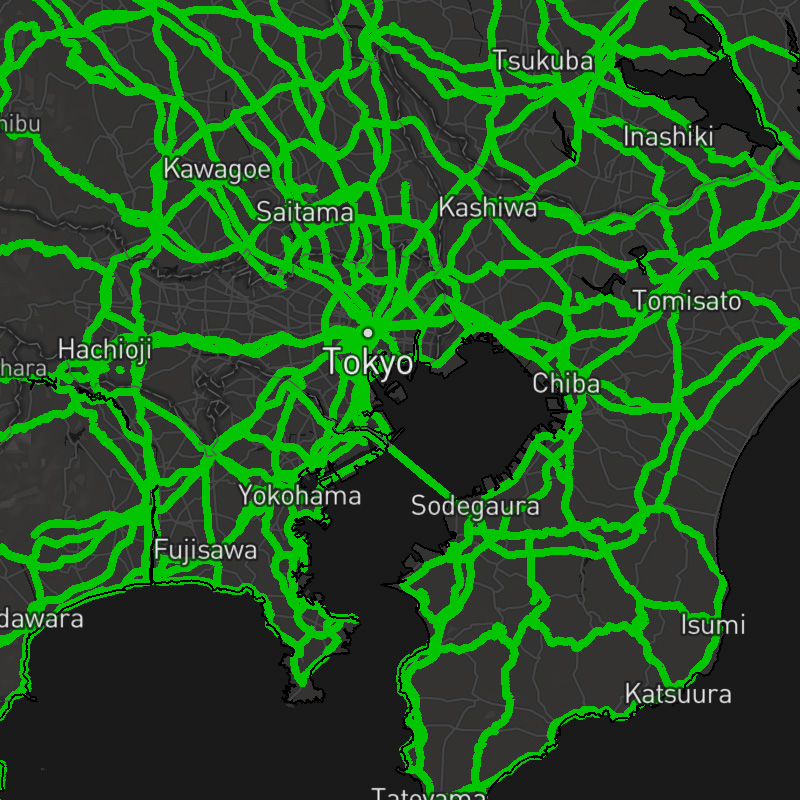
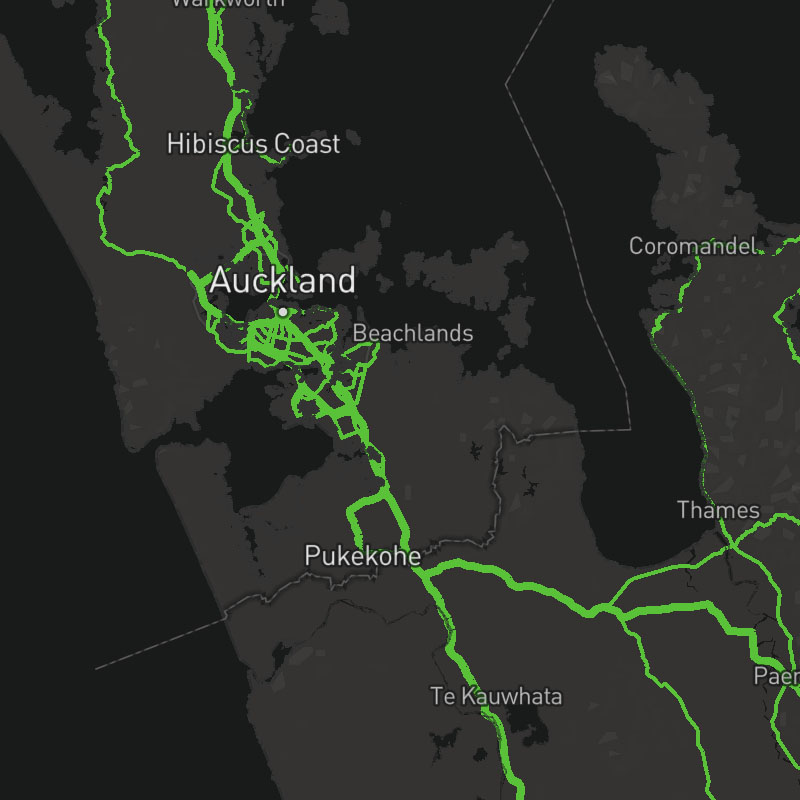
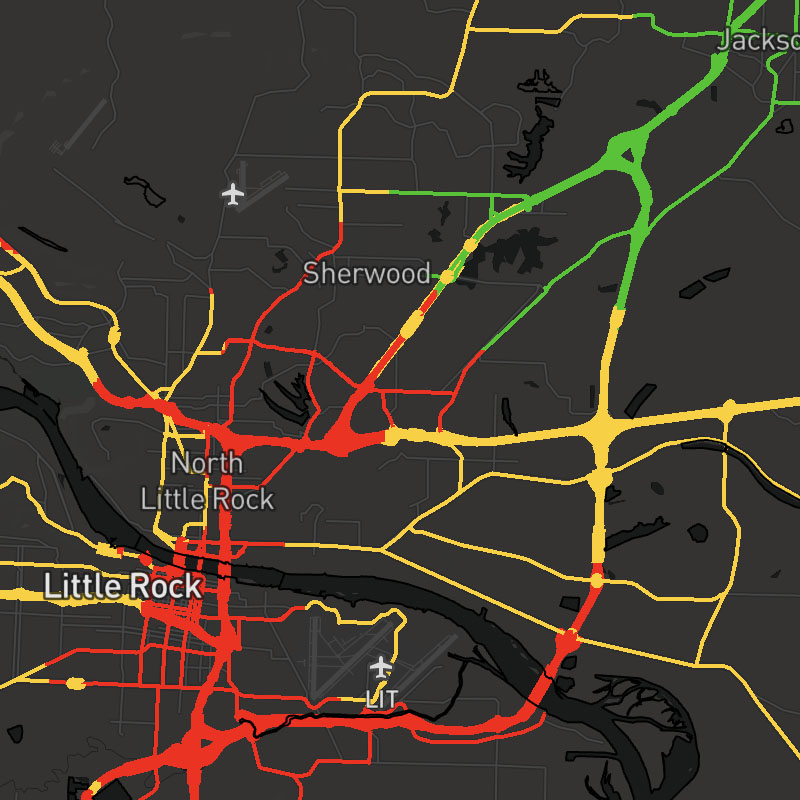
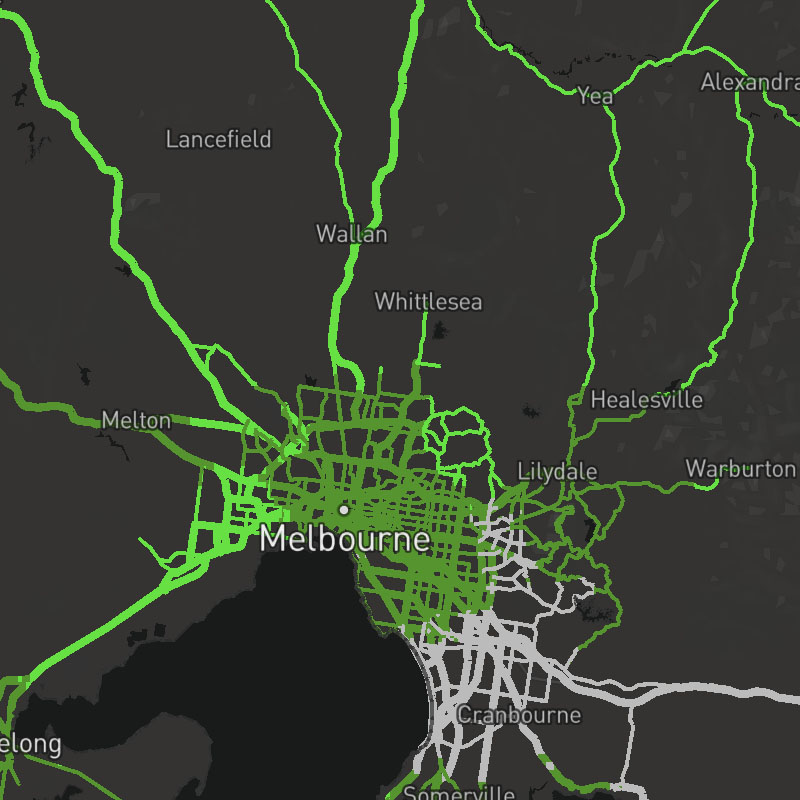
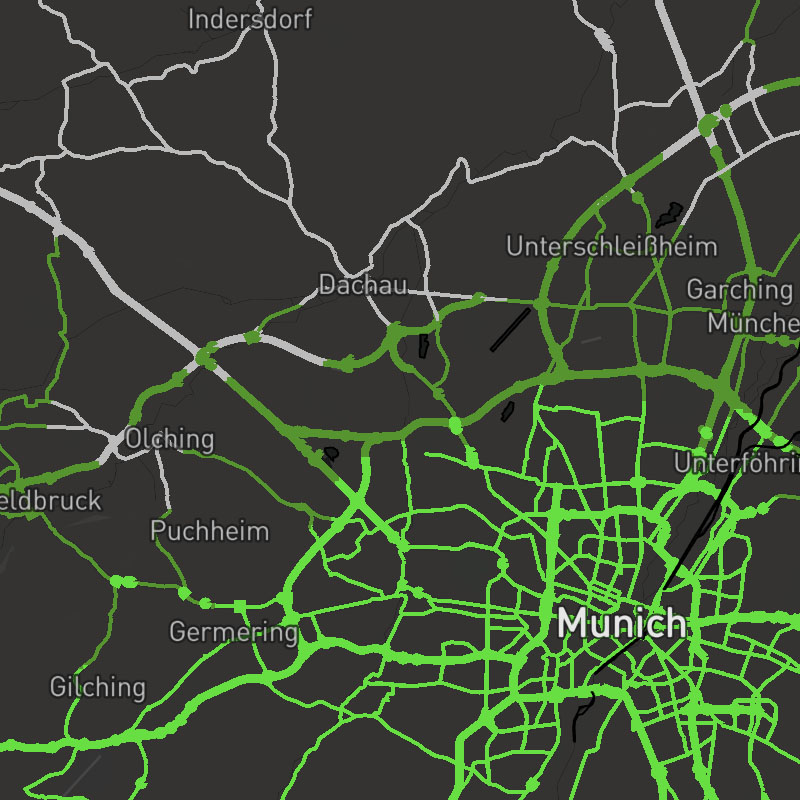
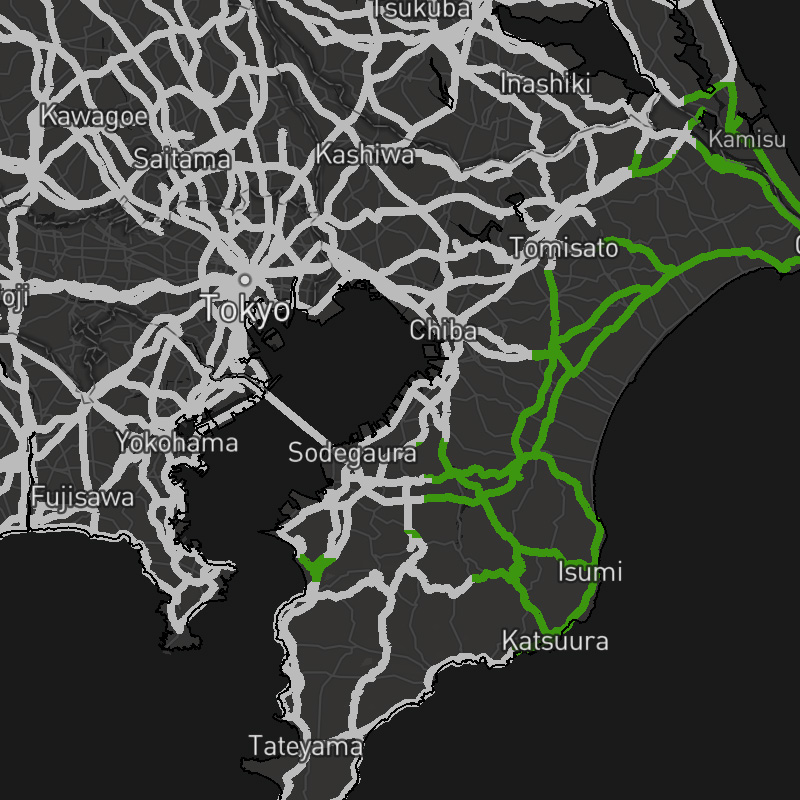
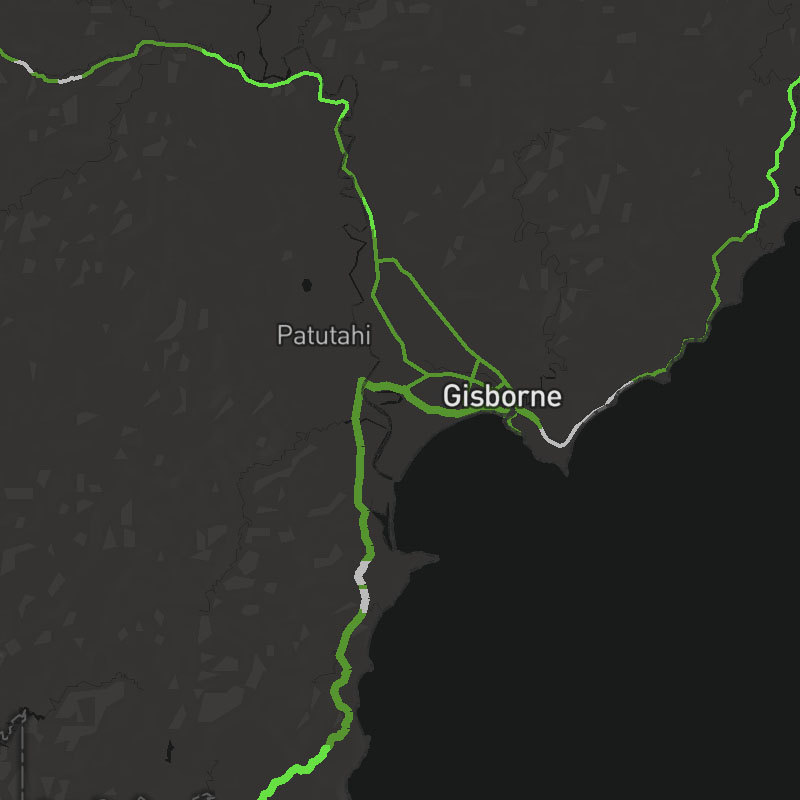
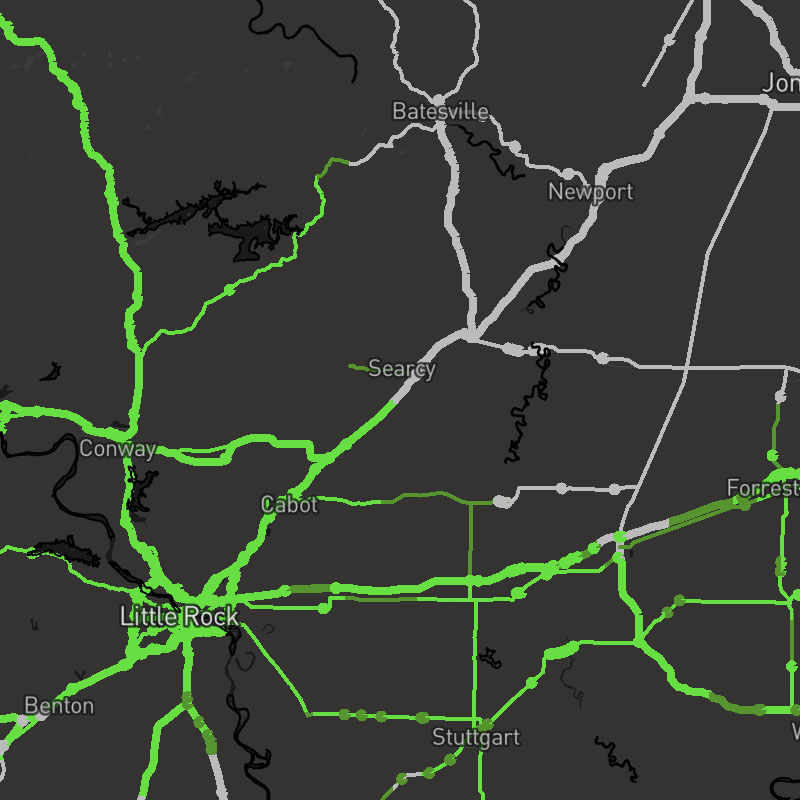
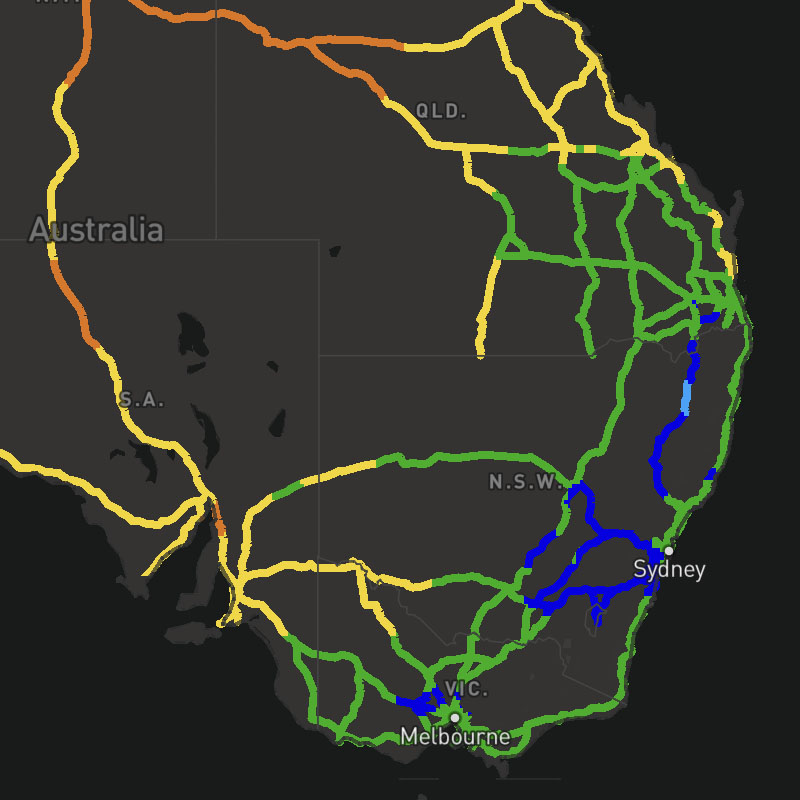
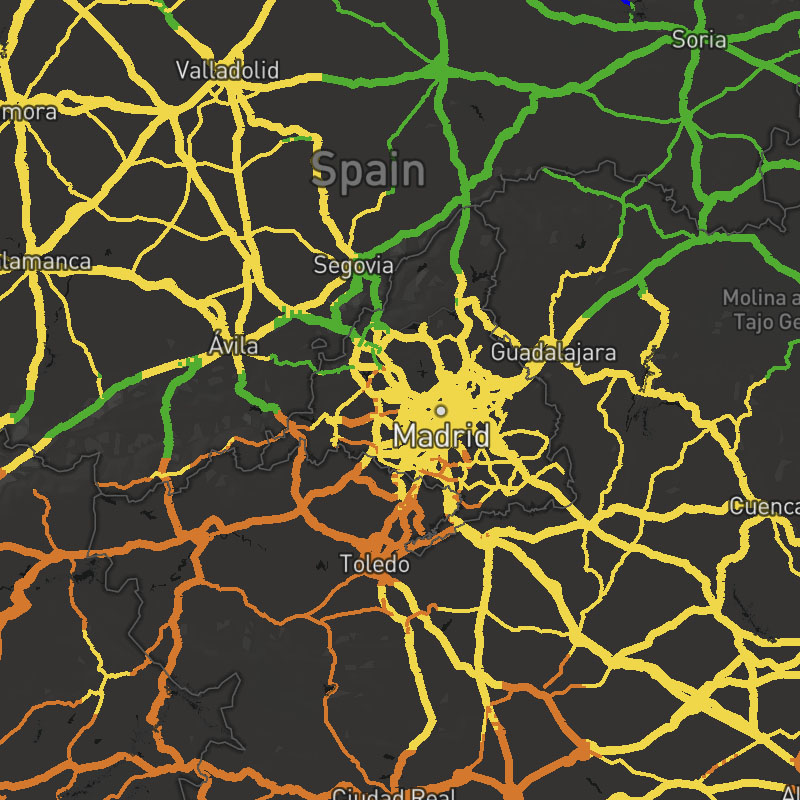
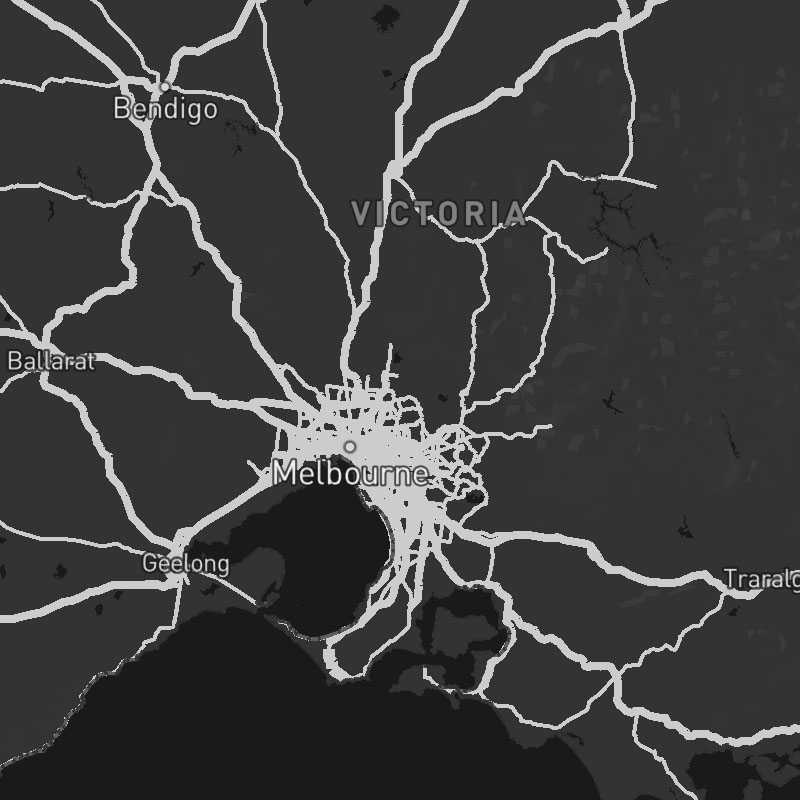
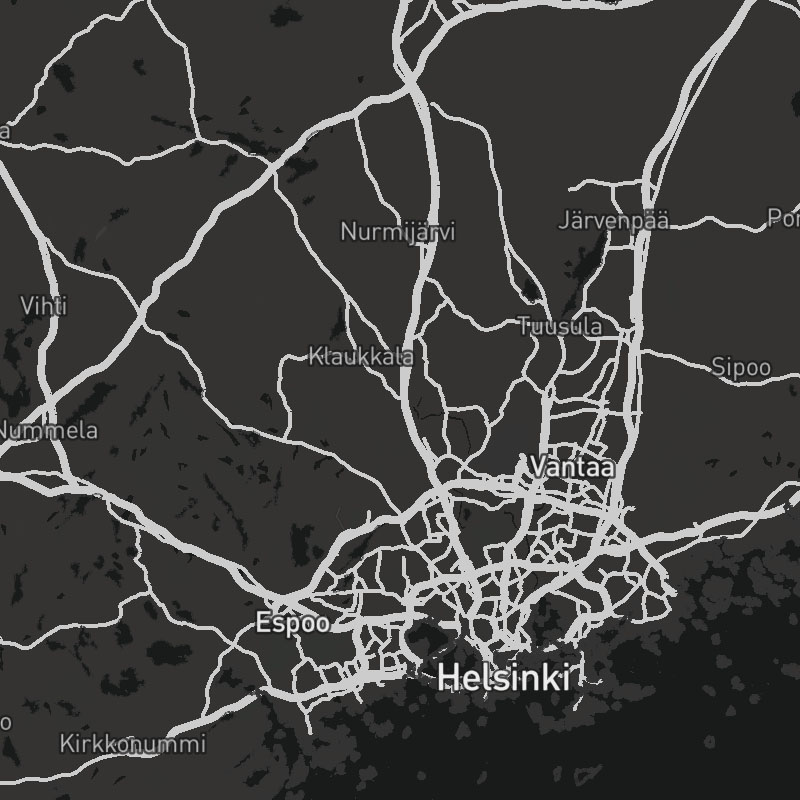
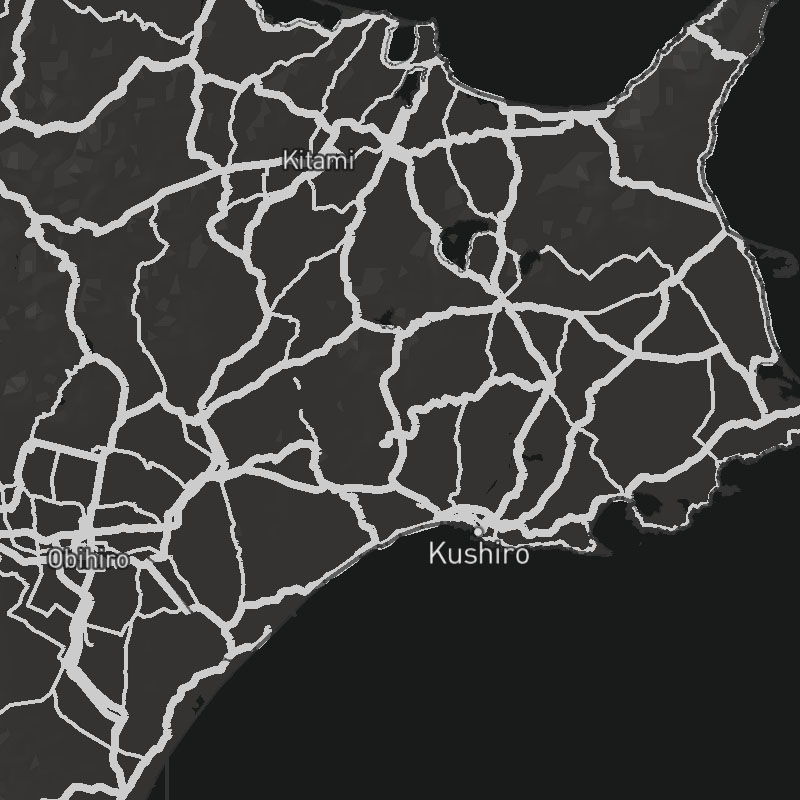
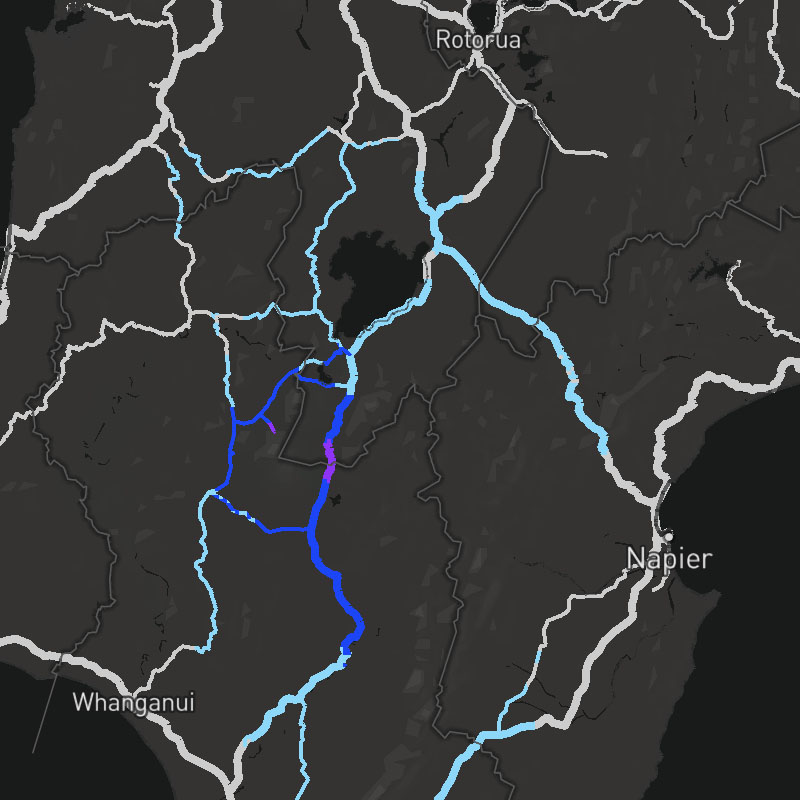
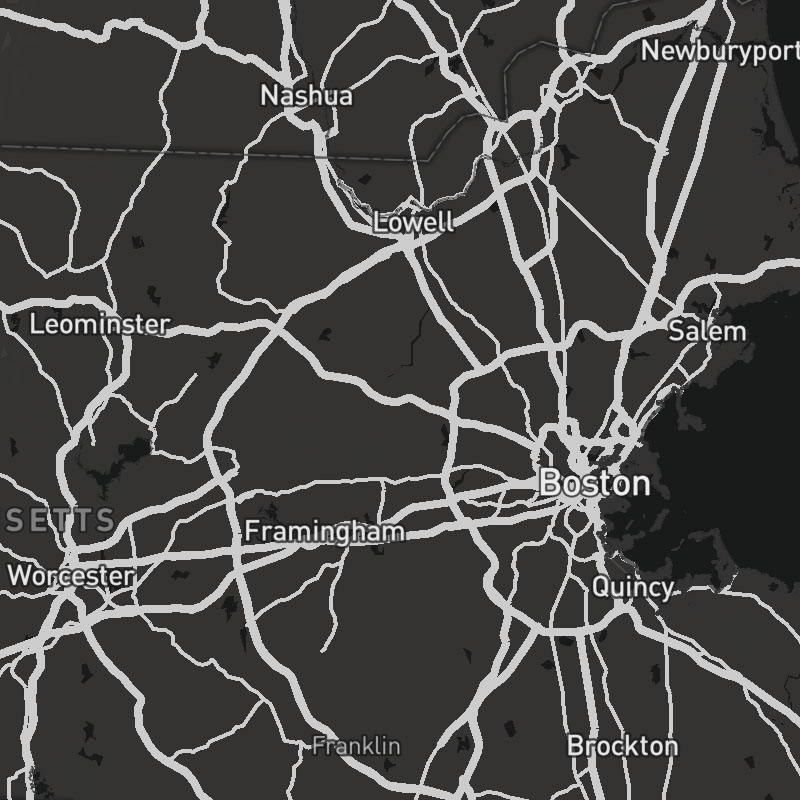
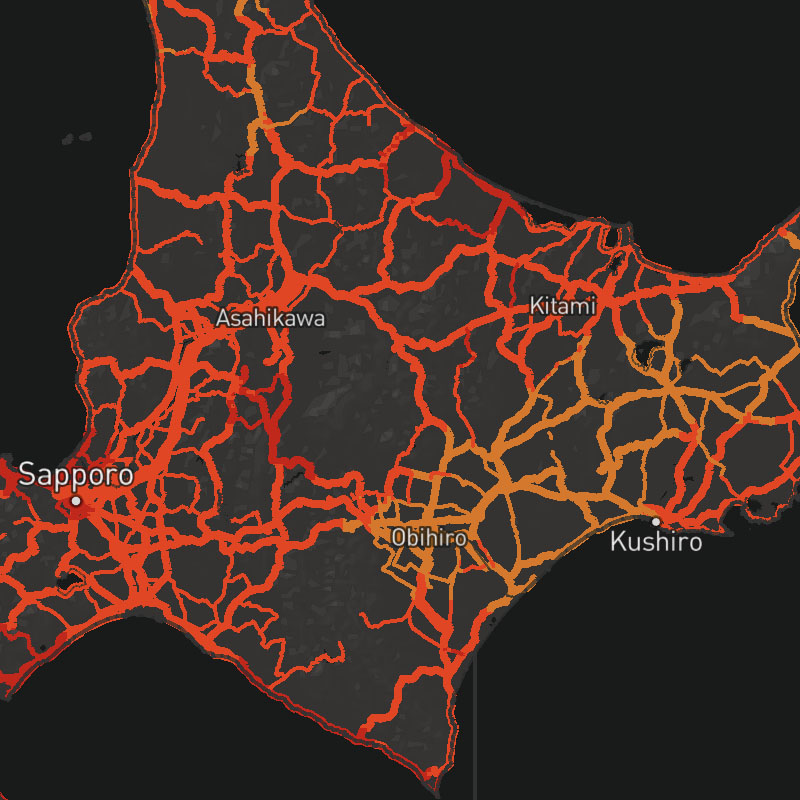
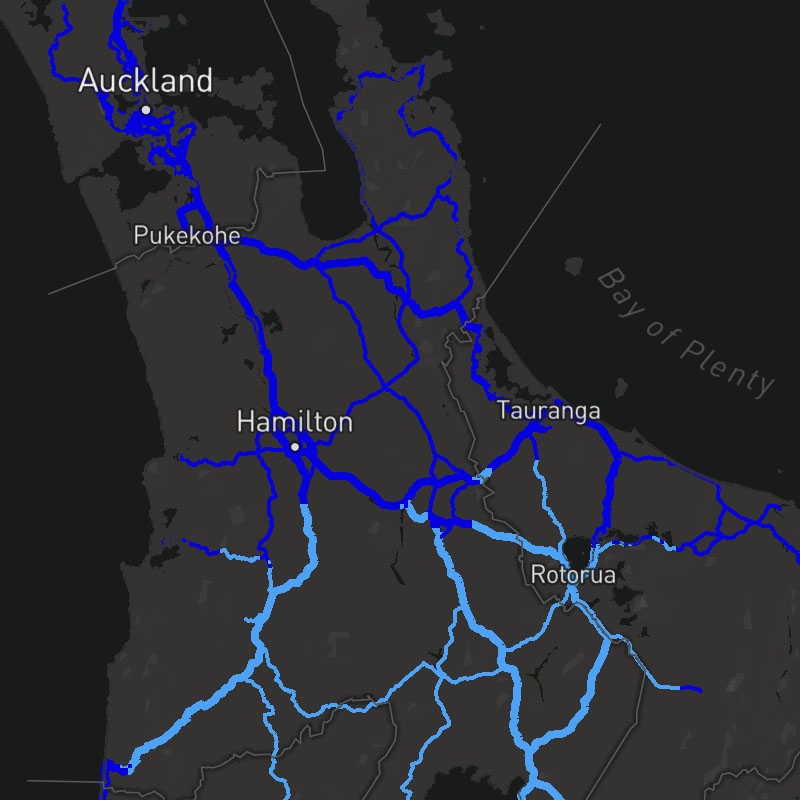
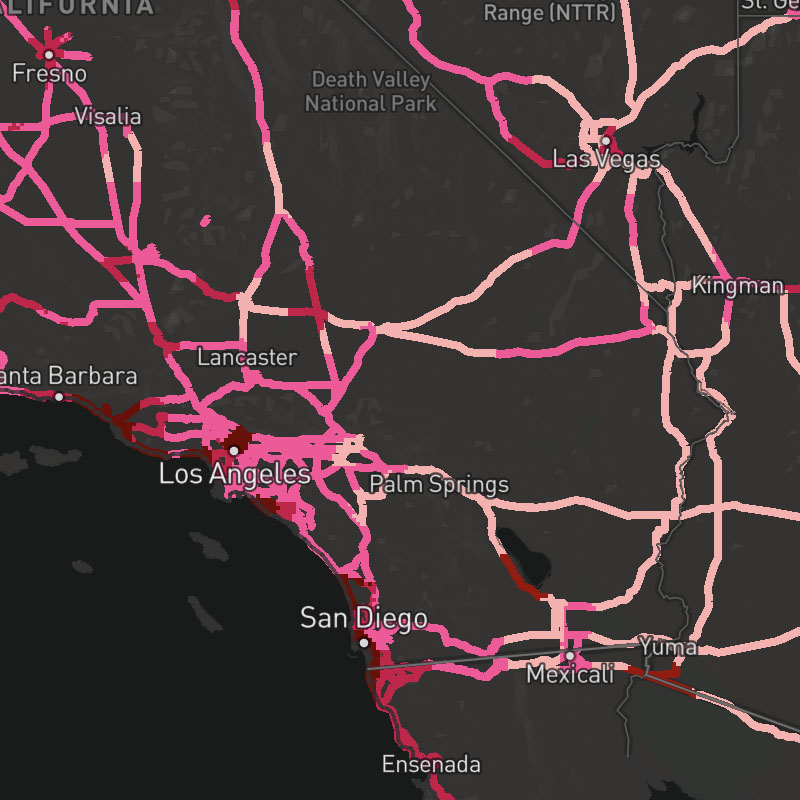
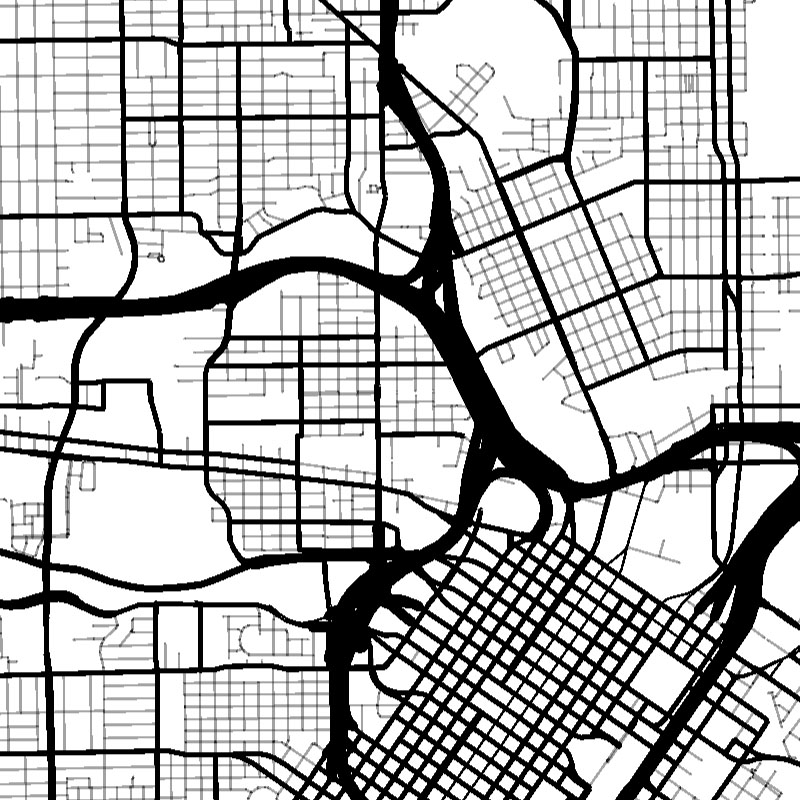
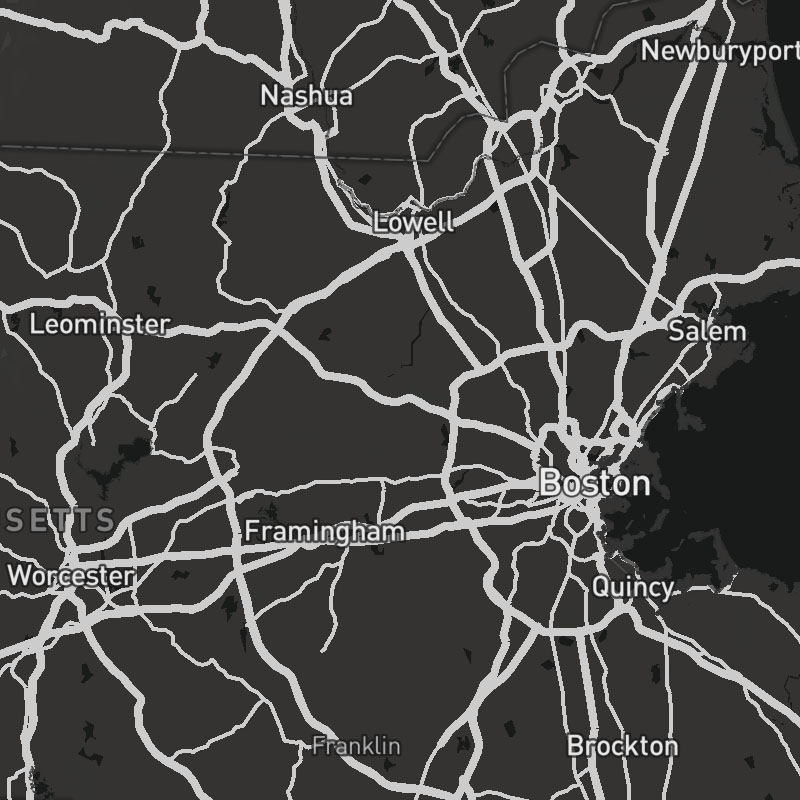
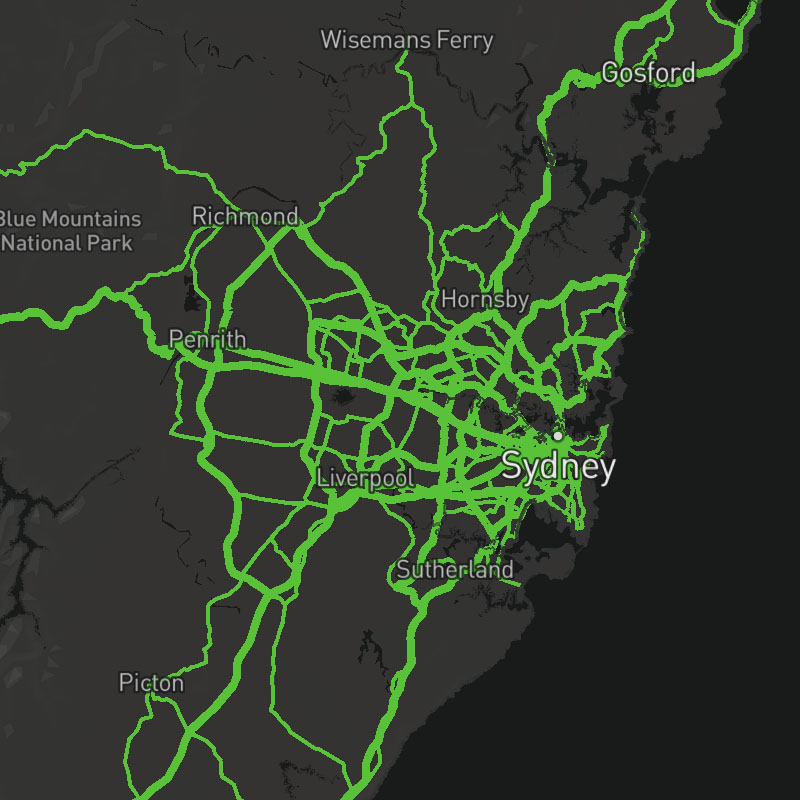
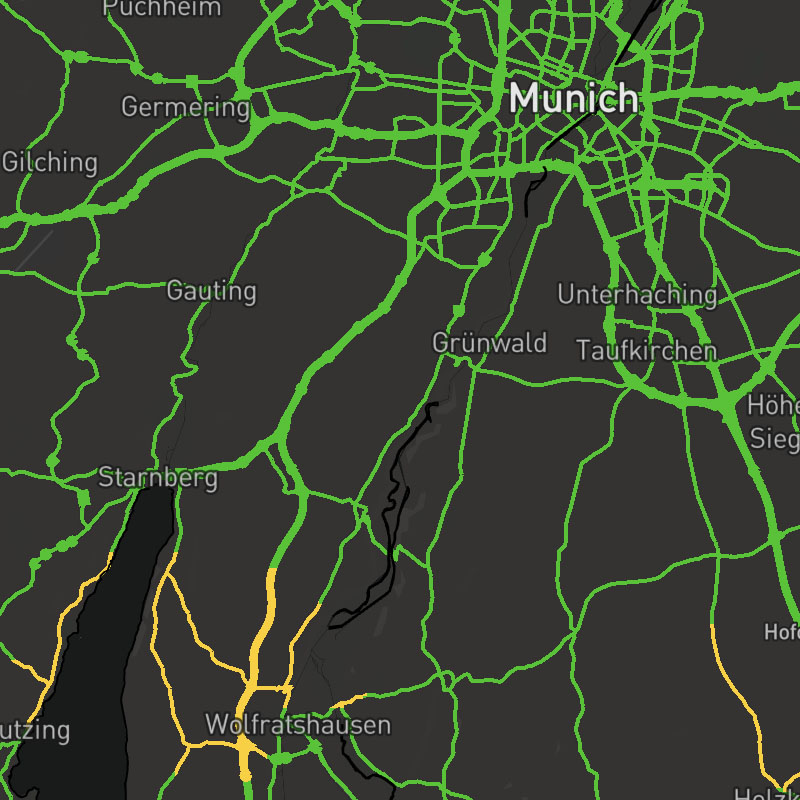
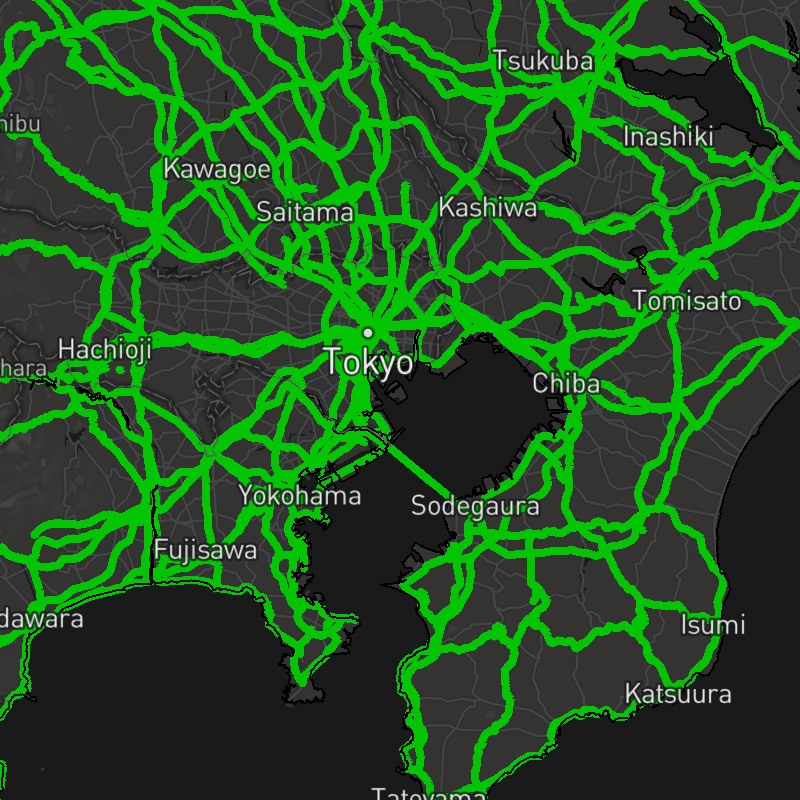
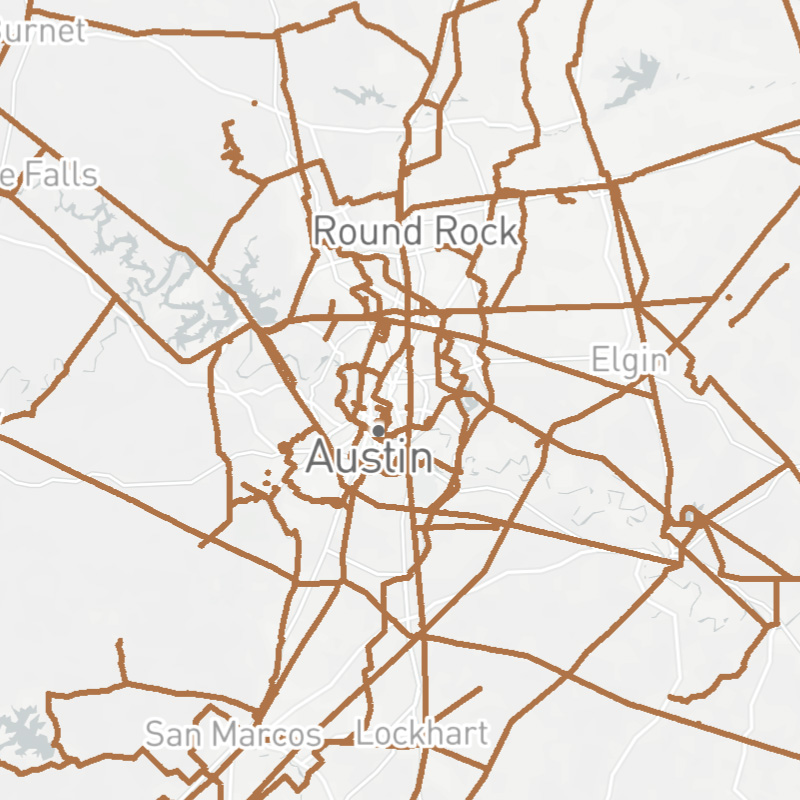
road-motorway, road-trunk, road-primary, road-secondary-tertiary, road-street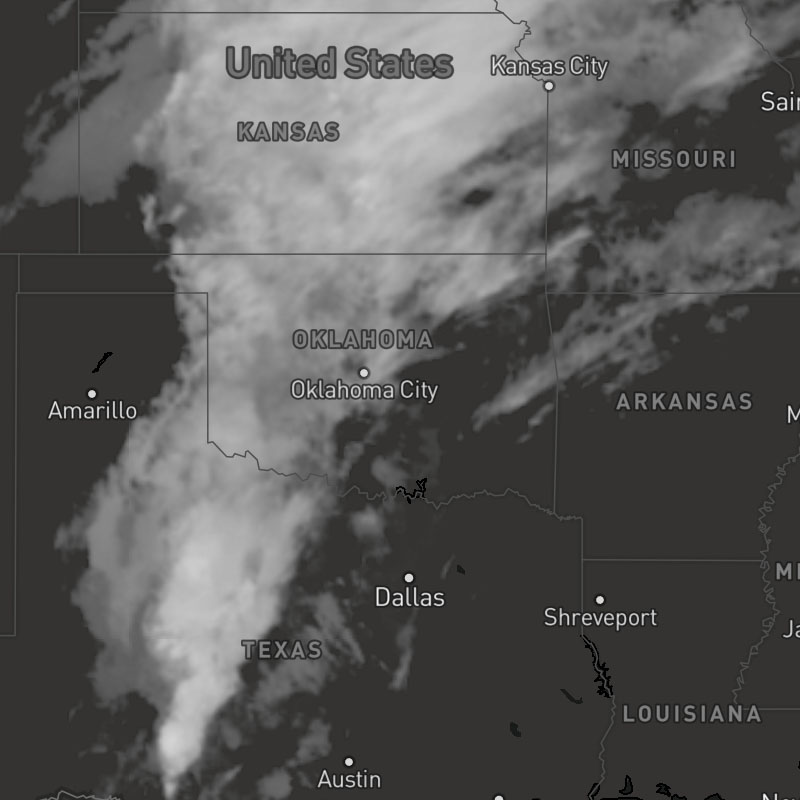
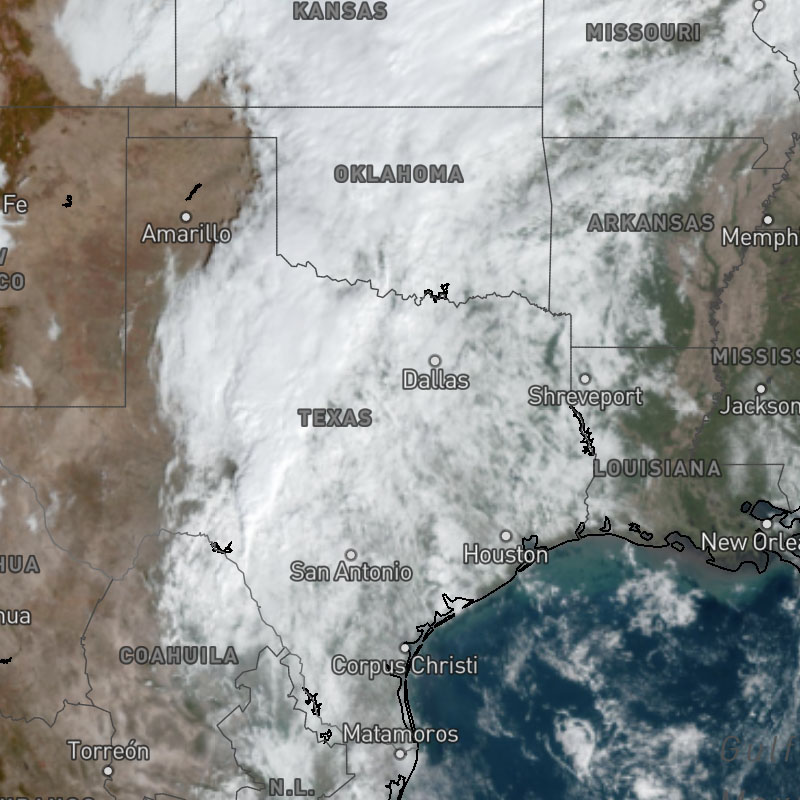
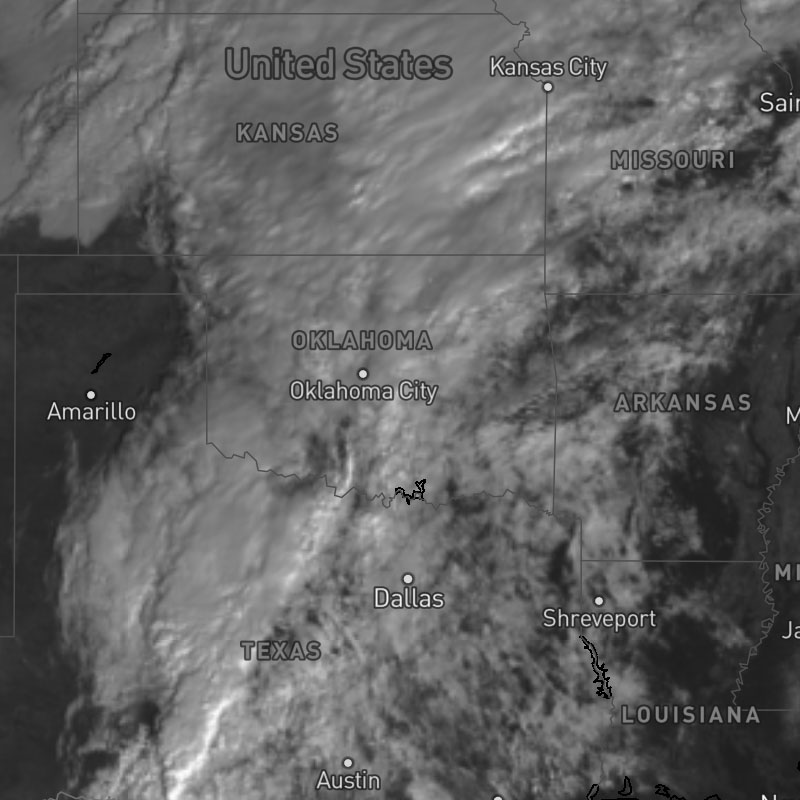
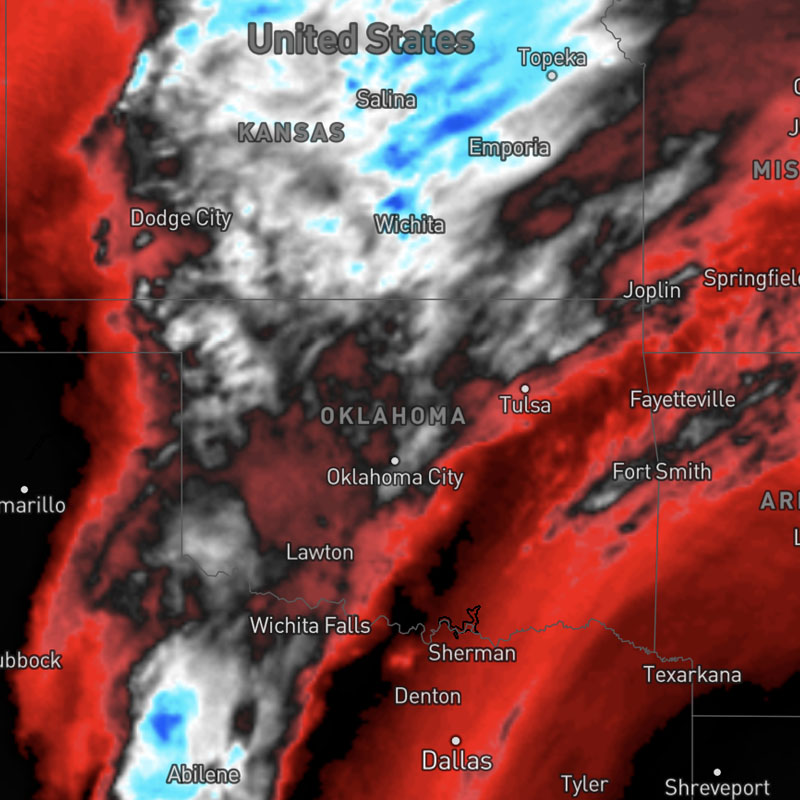
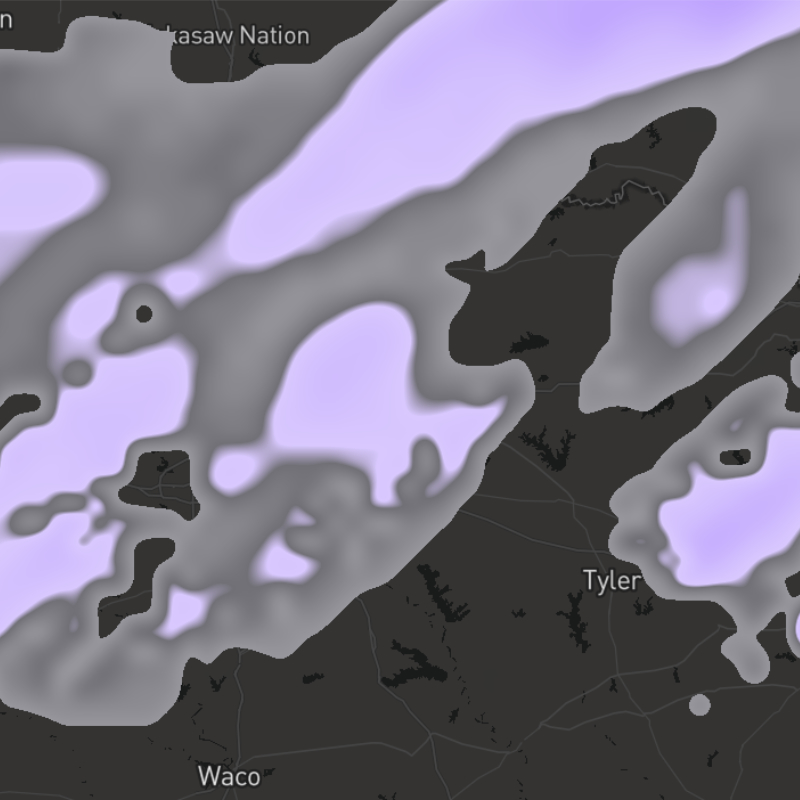
{model}-sleet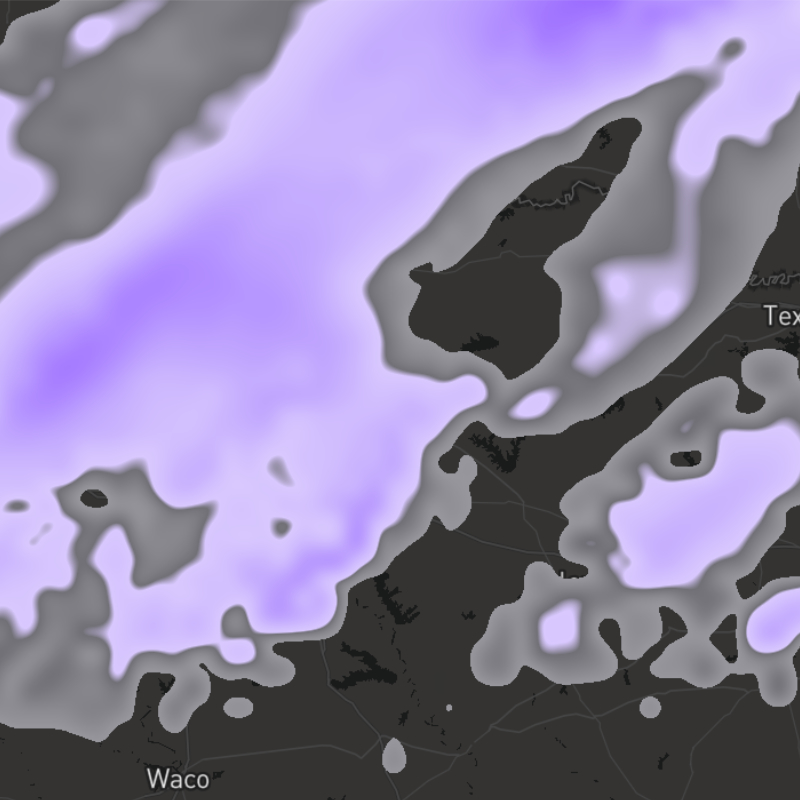
{model}-sleet-accum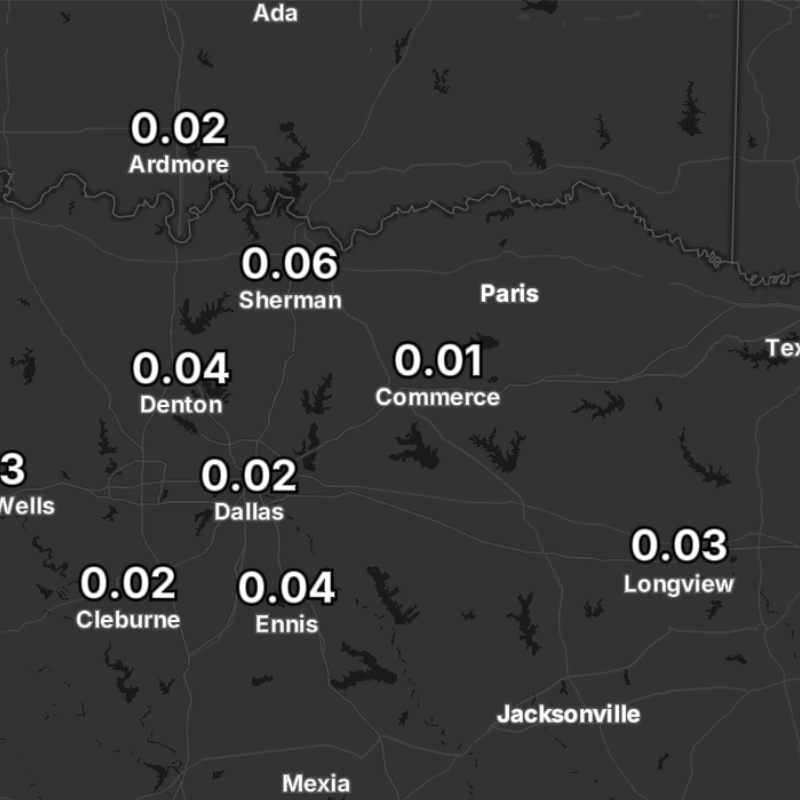
{model}-sleet-accum-text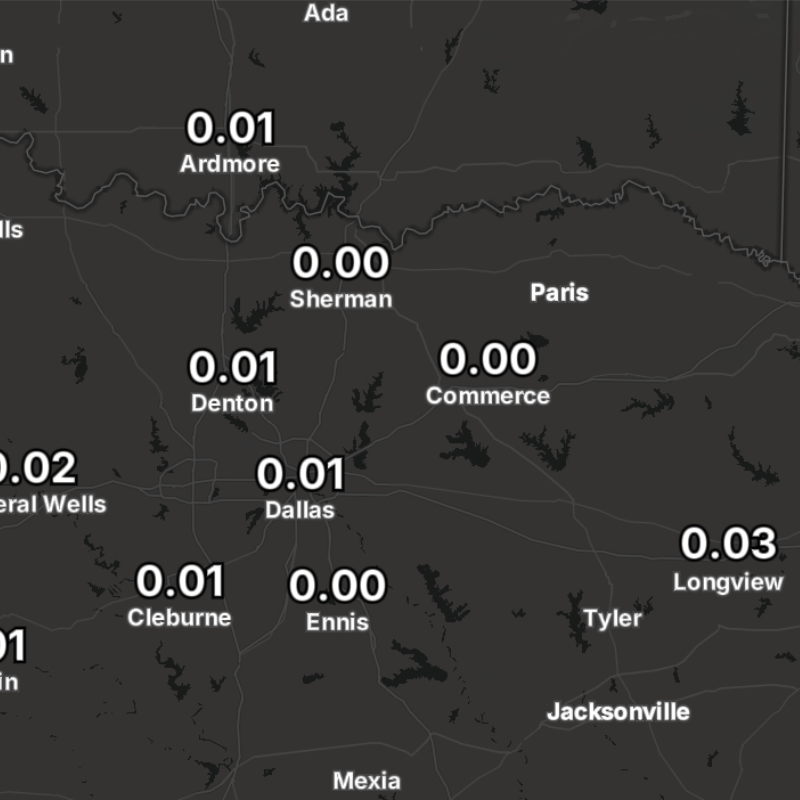
{model}-sleet-text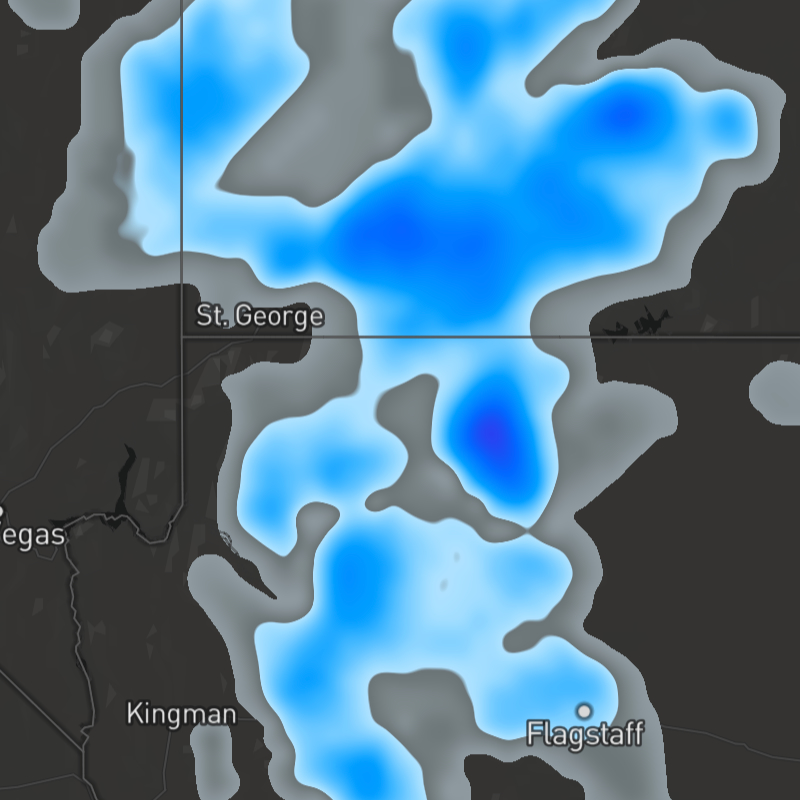
{model}-snow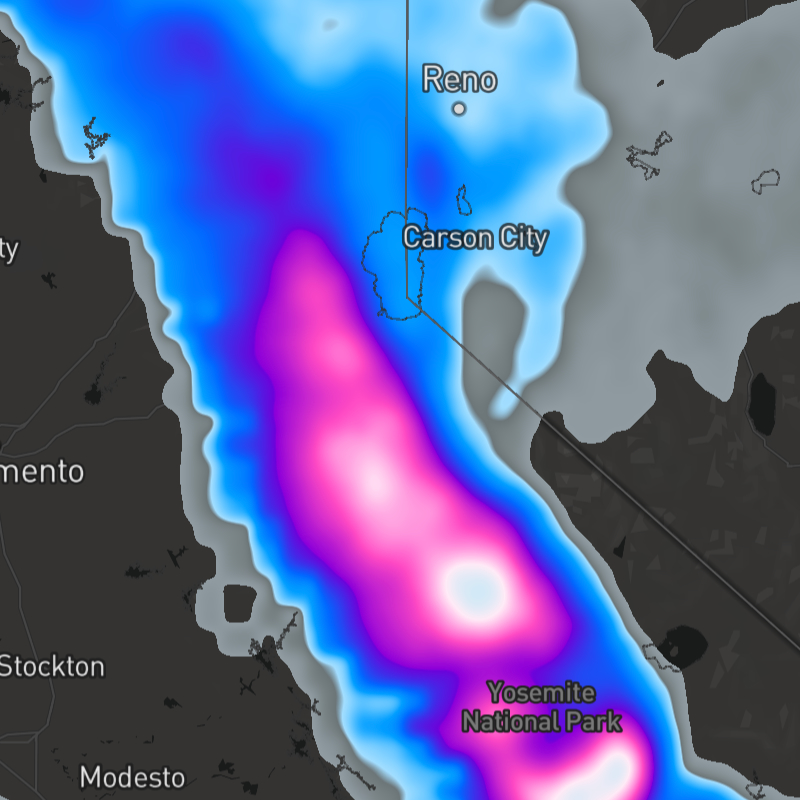
{model}-snow-accum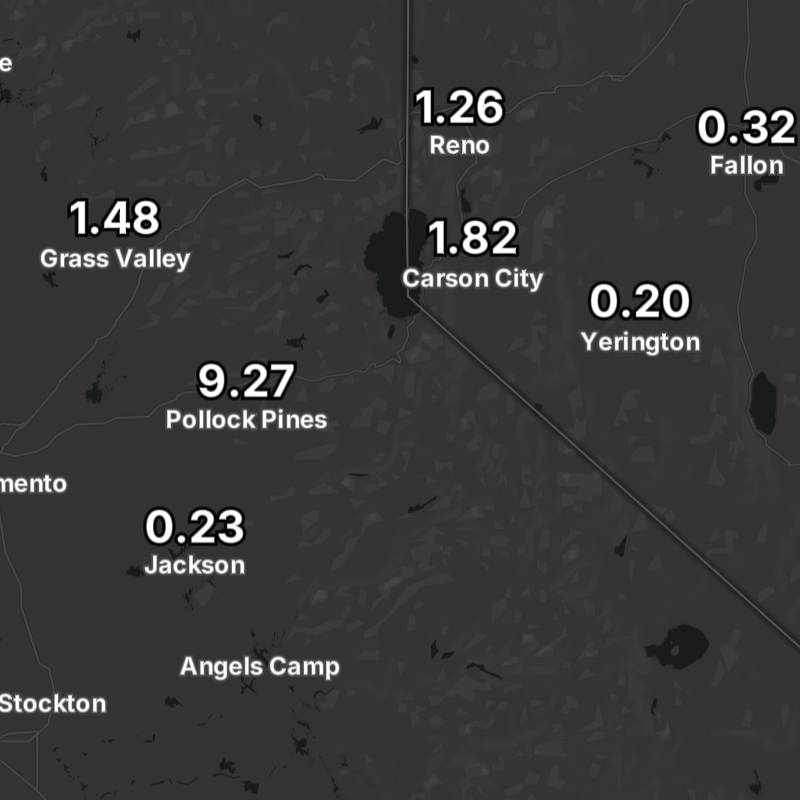
{model}-snow-accum-text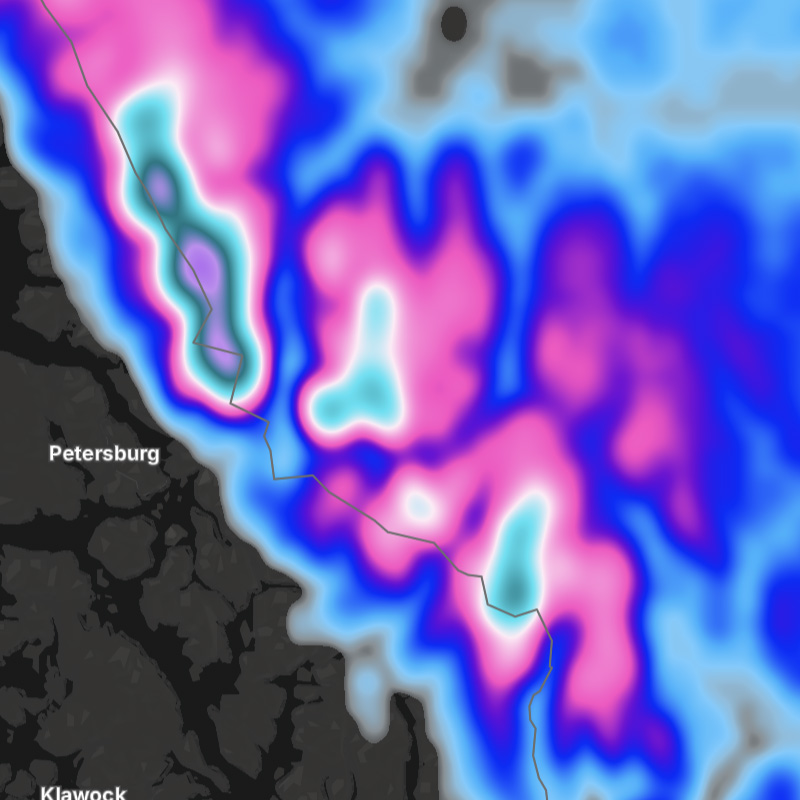
{model}-snow-depth
{model}-snow-depth-text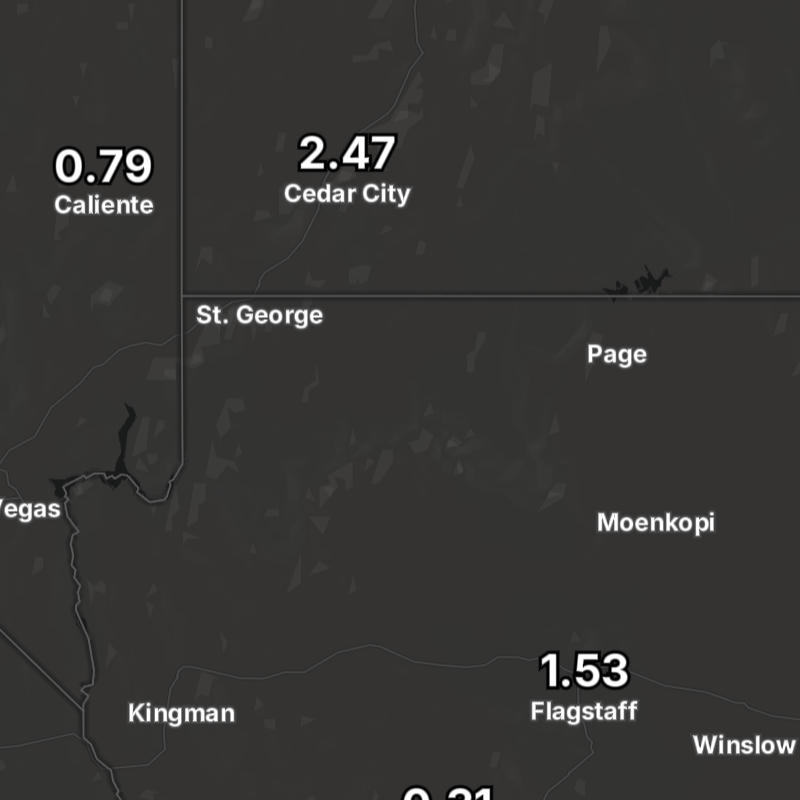
{model}-snow-text
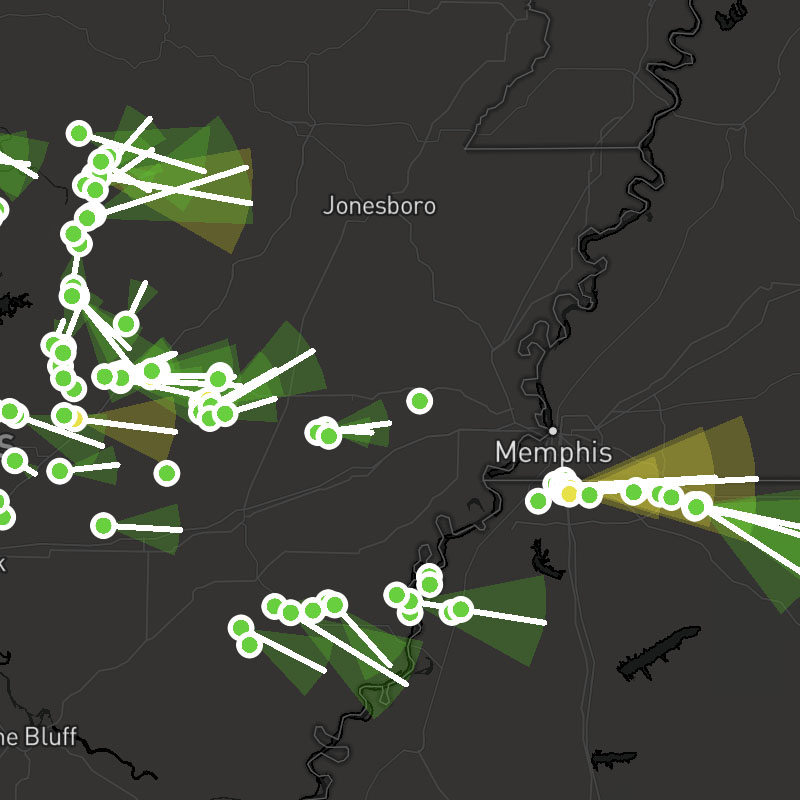
stormcells-positions, stormcells-tracks, stormcells-cones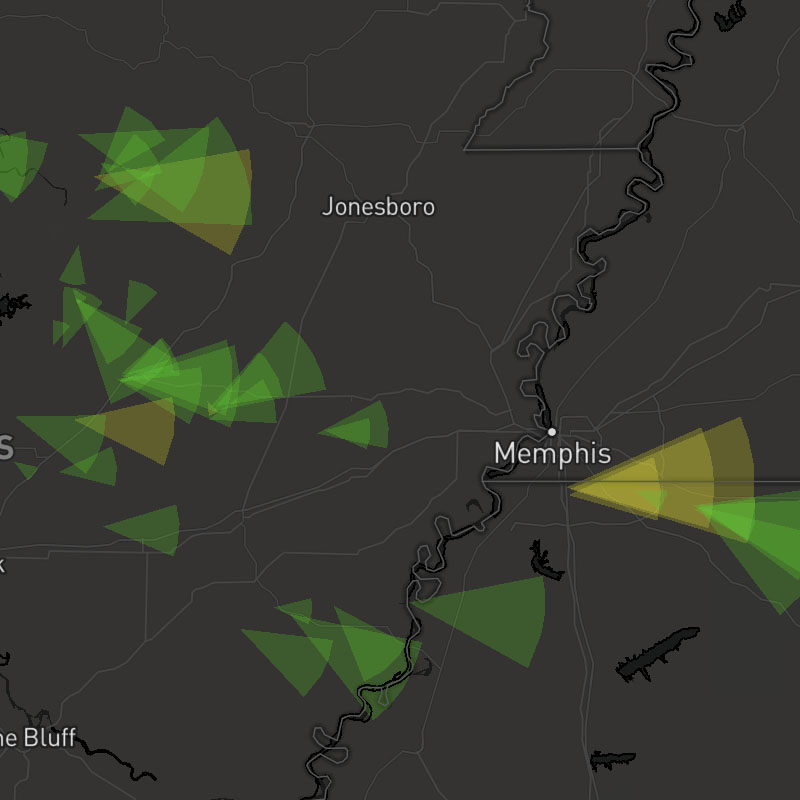
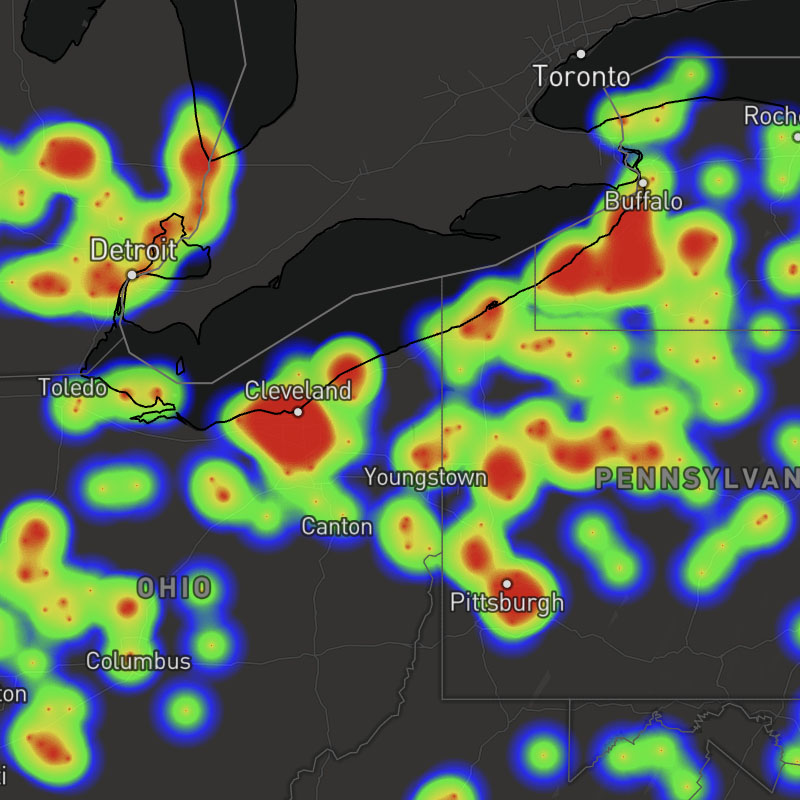
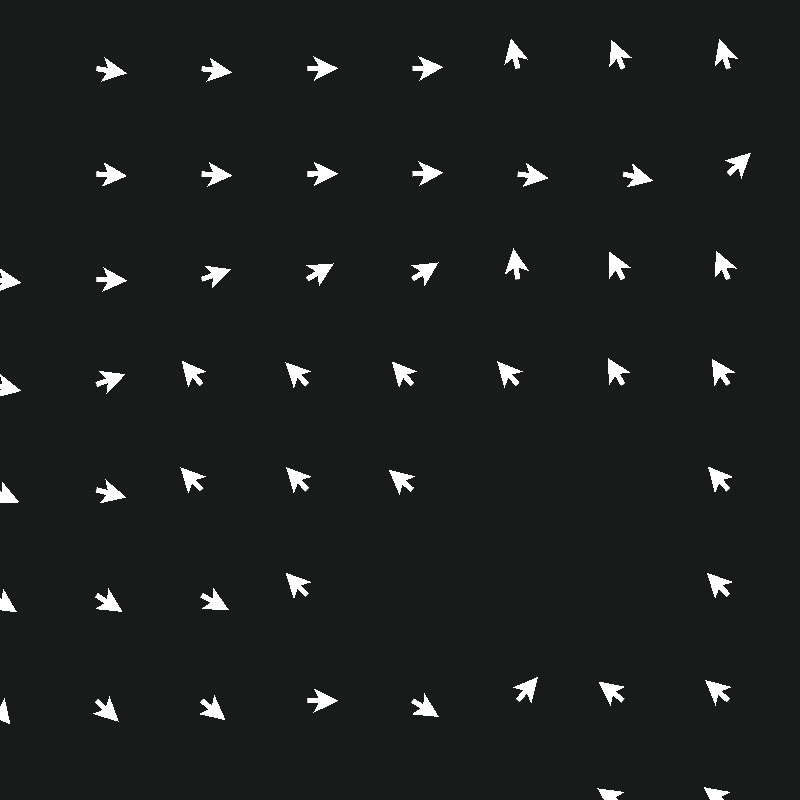
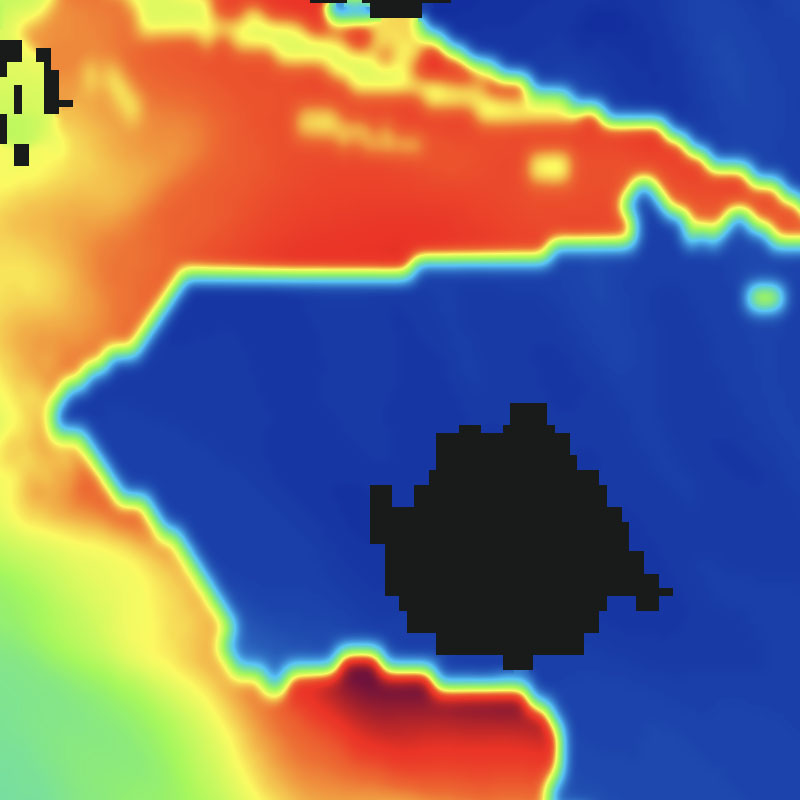

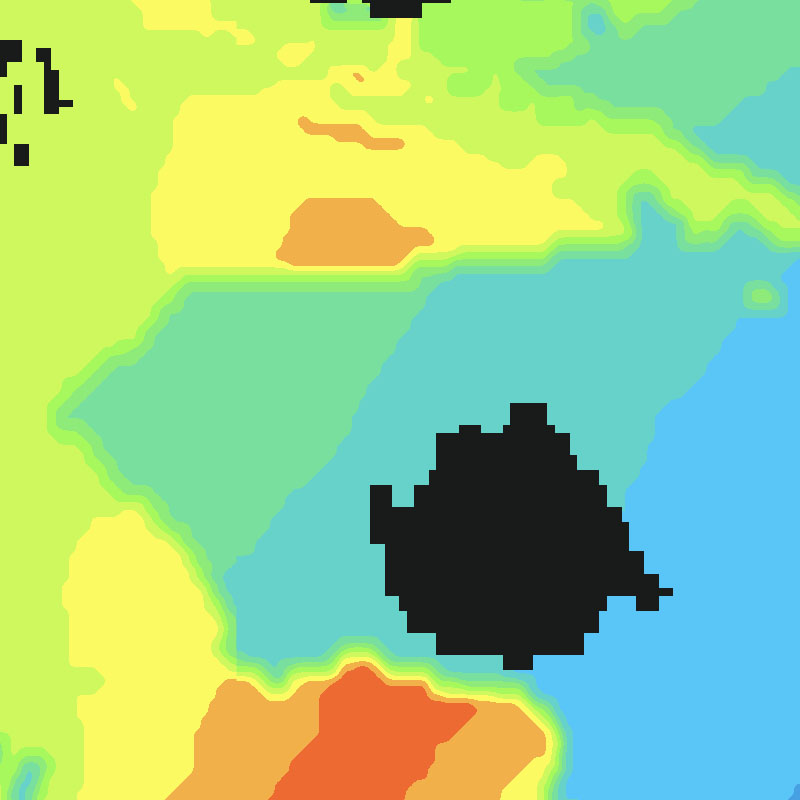
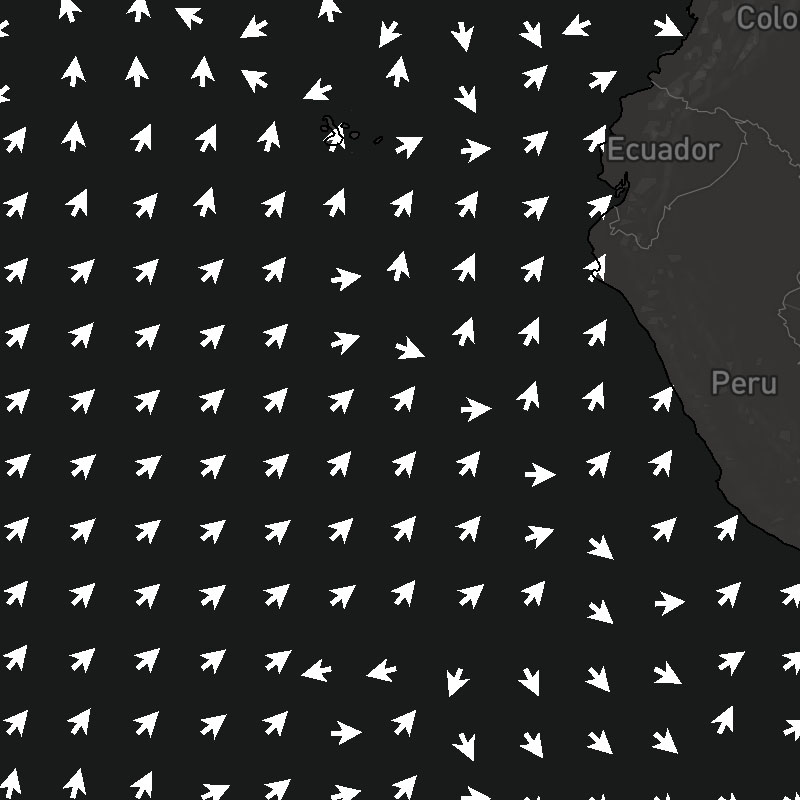
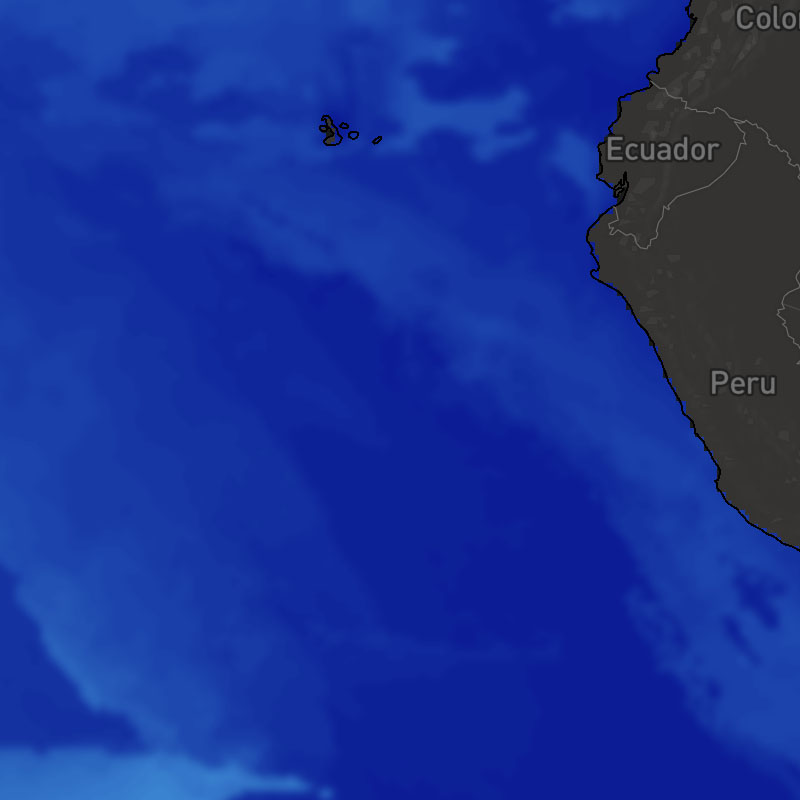
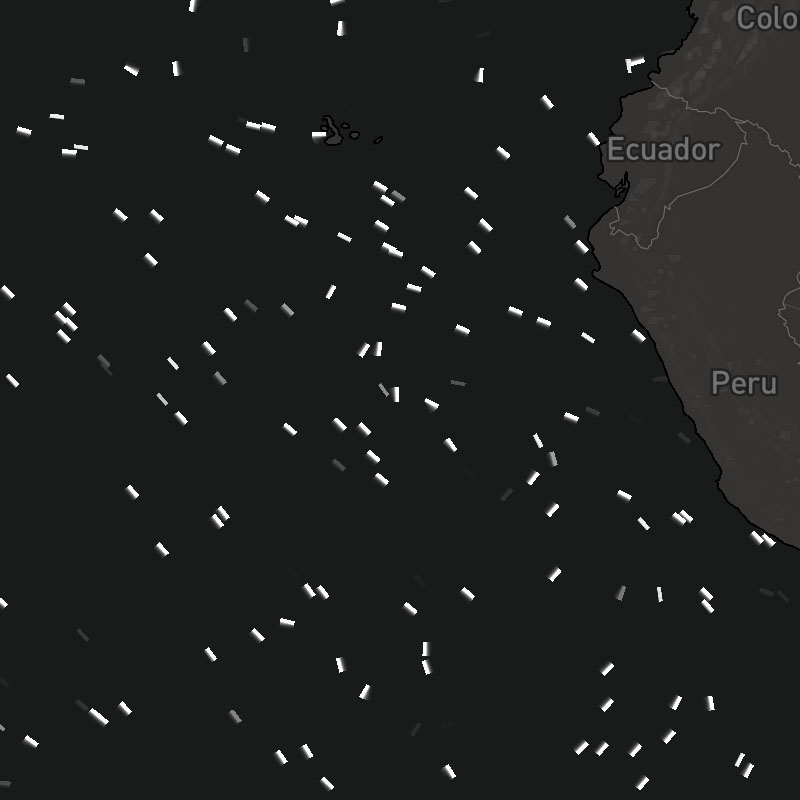
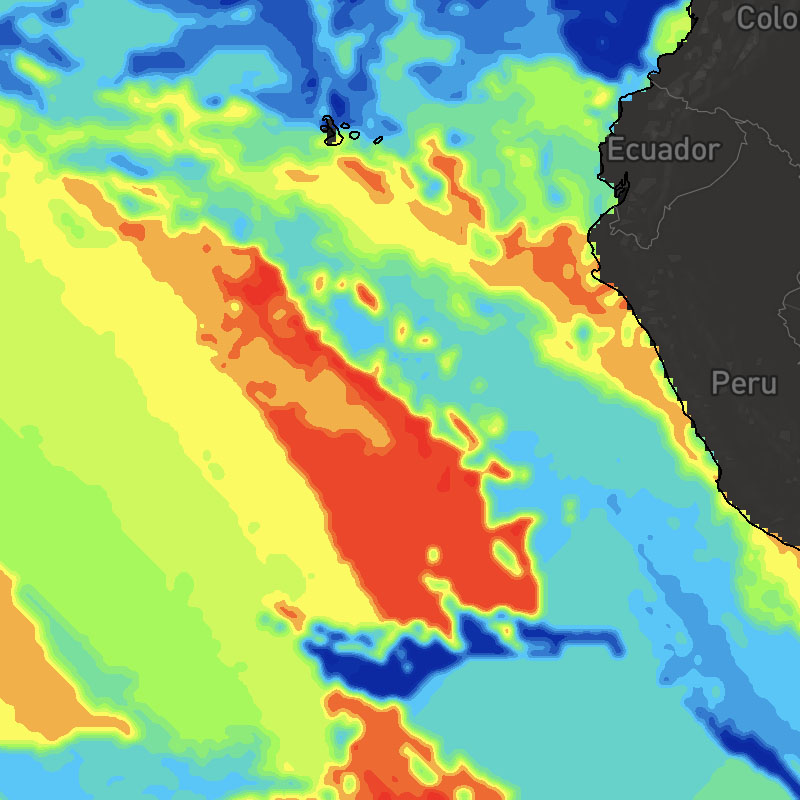
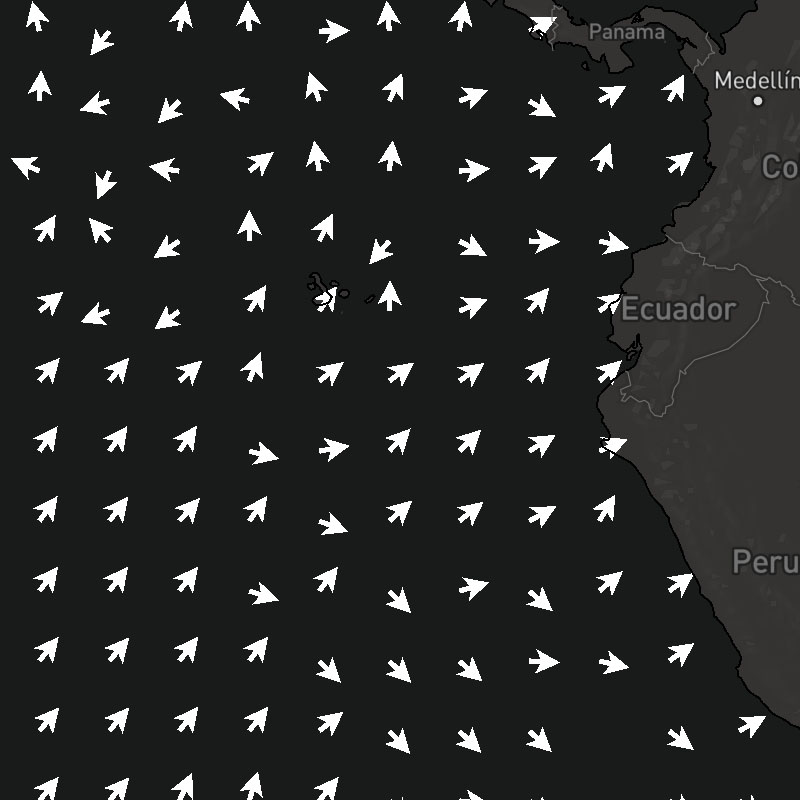
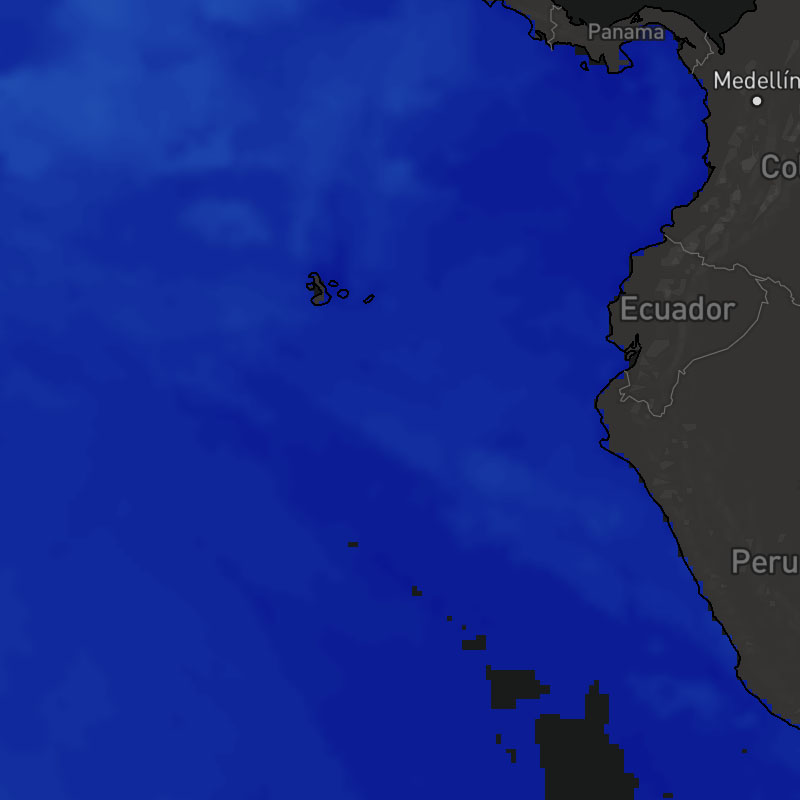
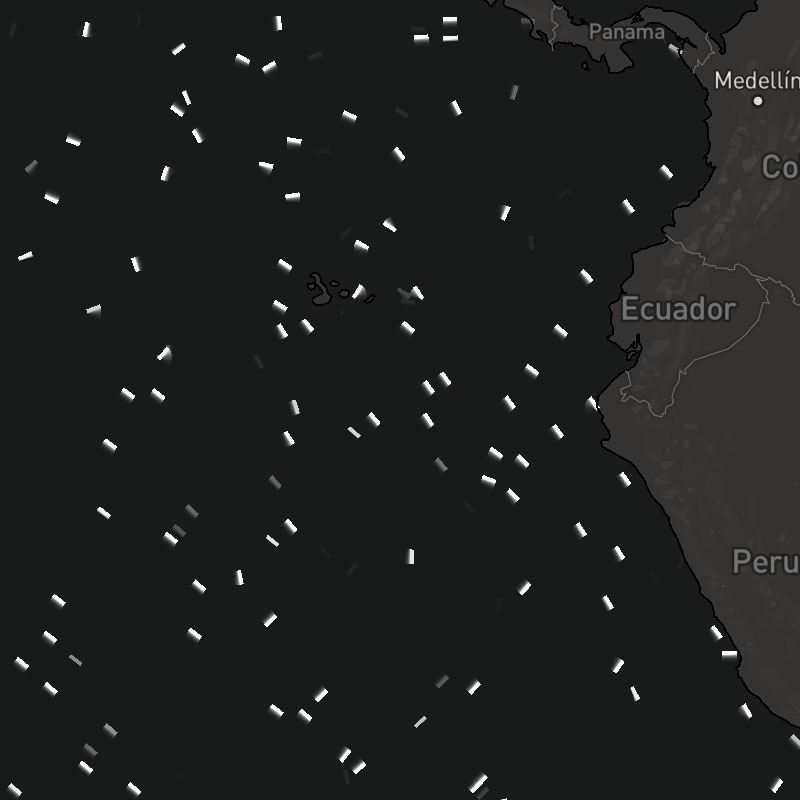
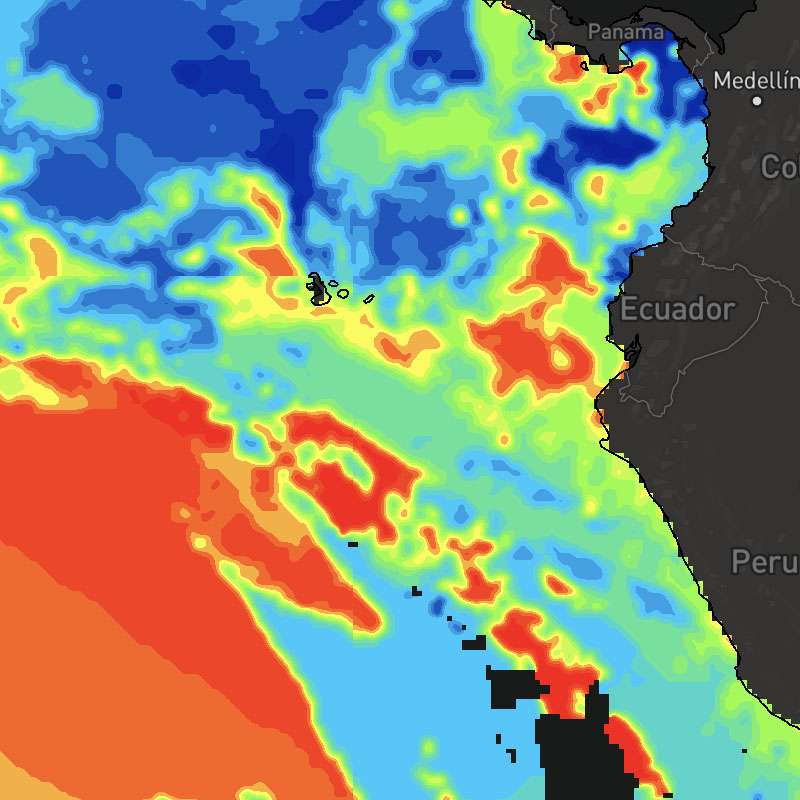
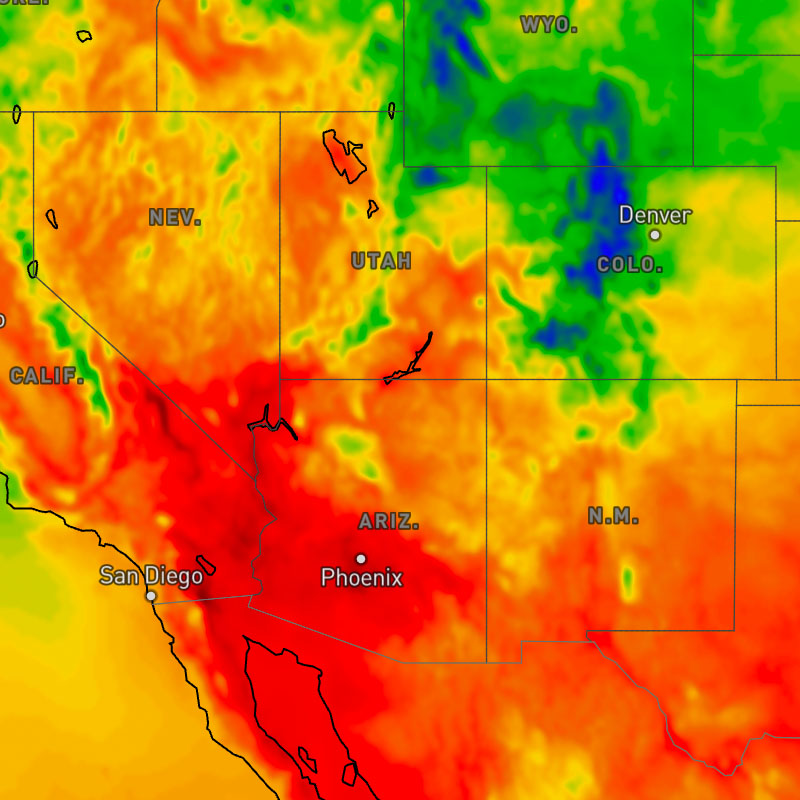
{model}-temperatures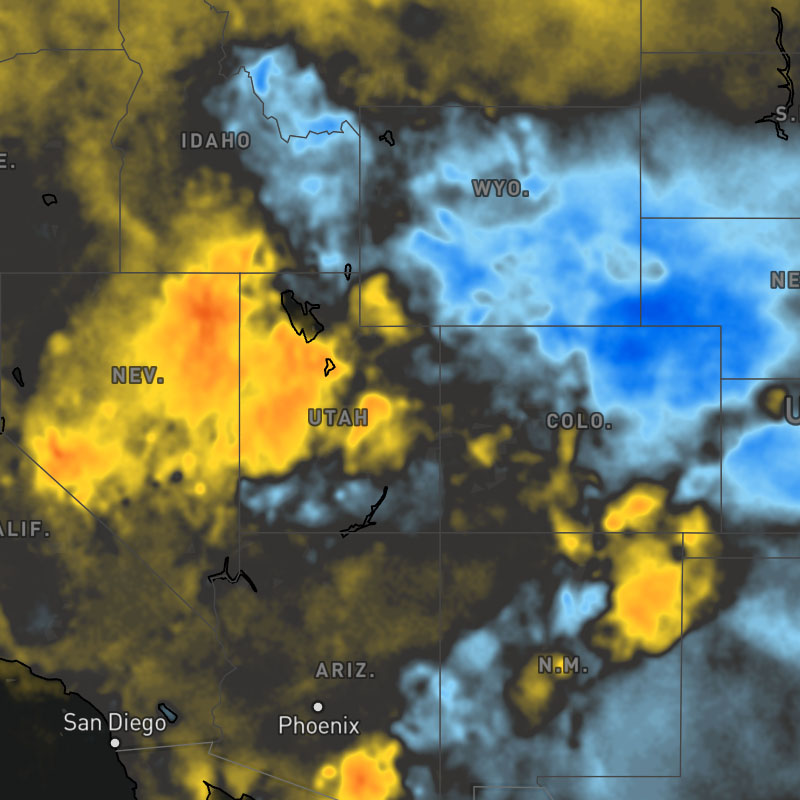
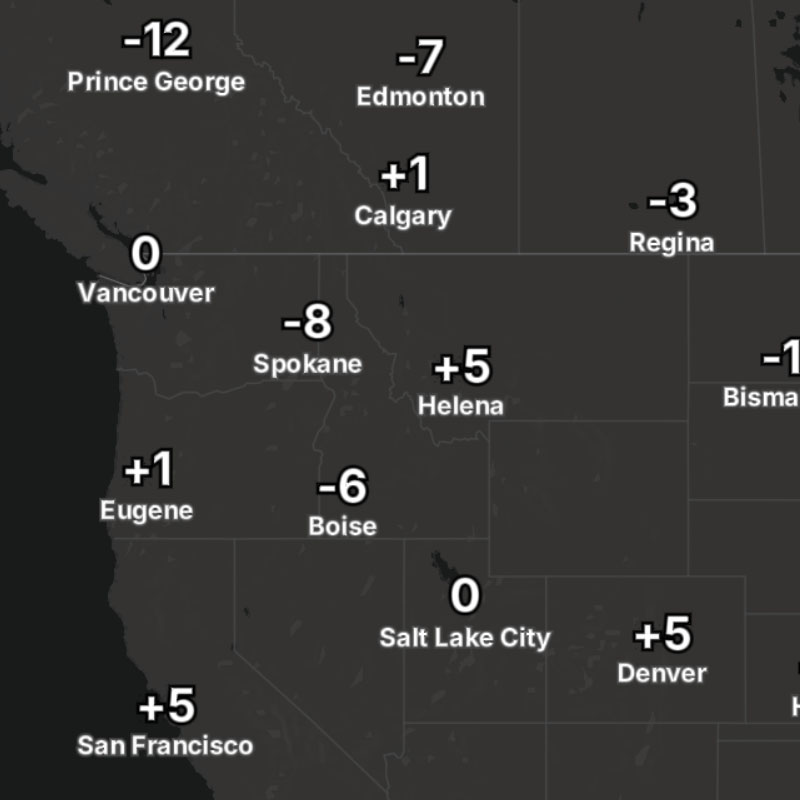
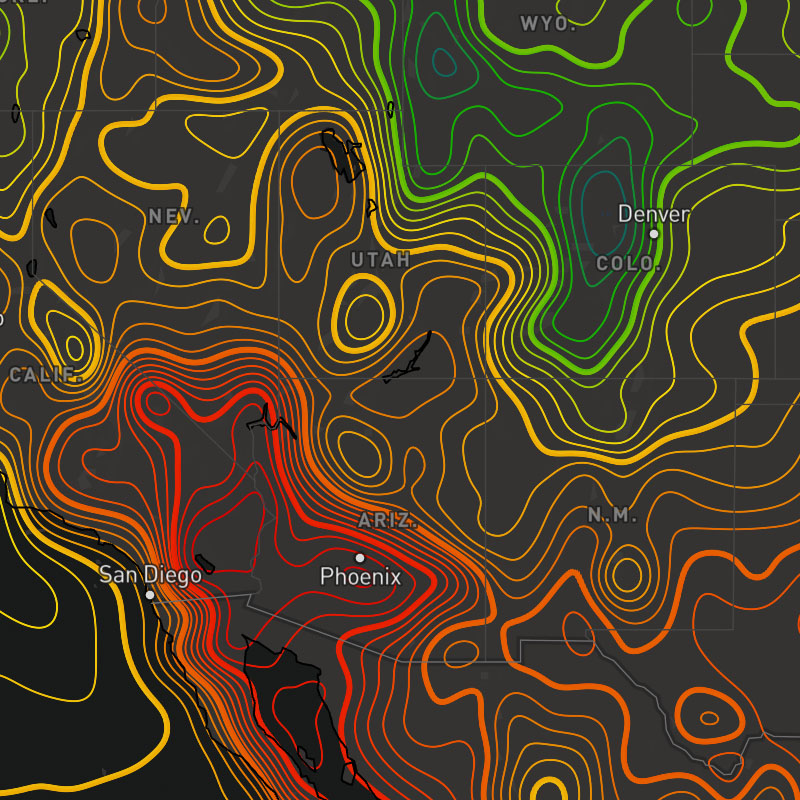
{model}-temperatures-contour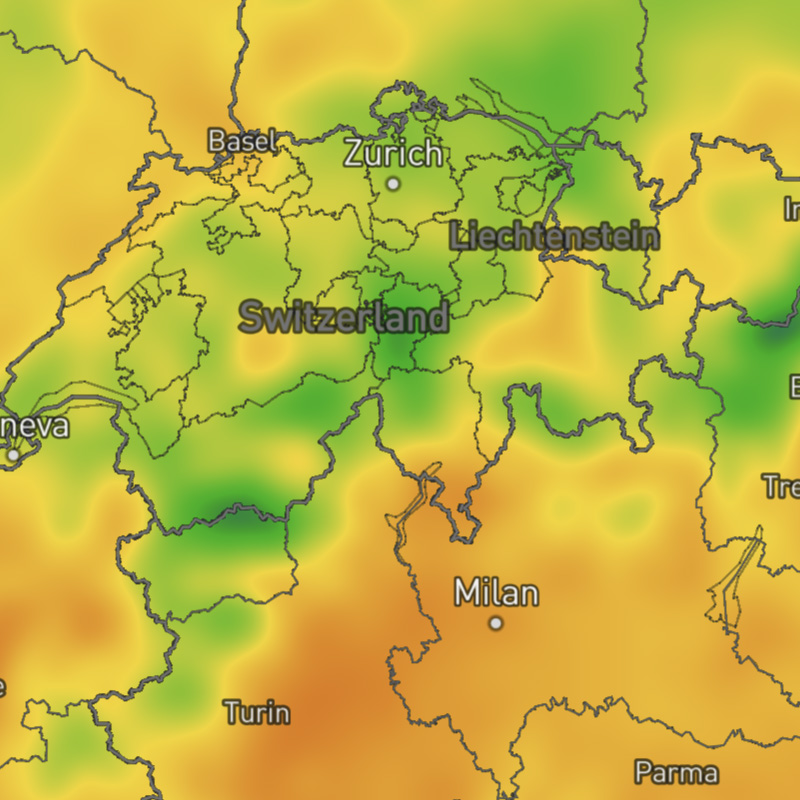
{model}-temperatures-max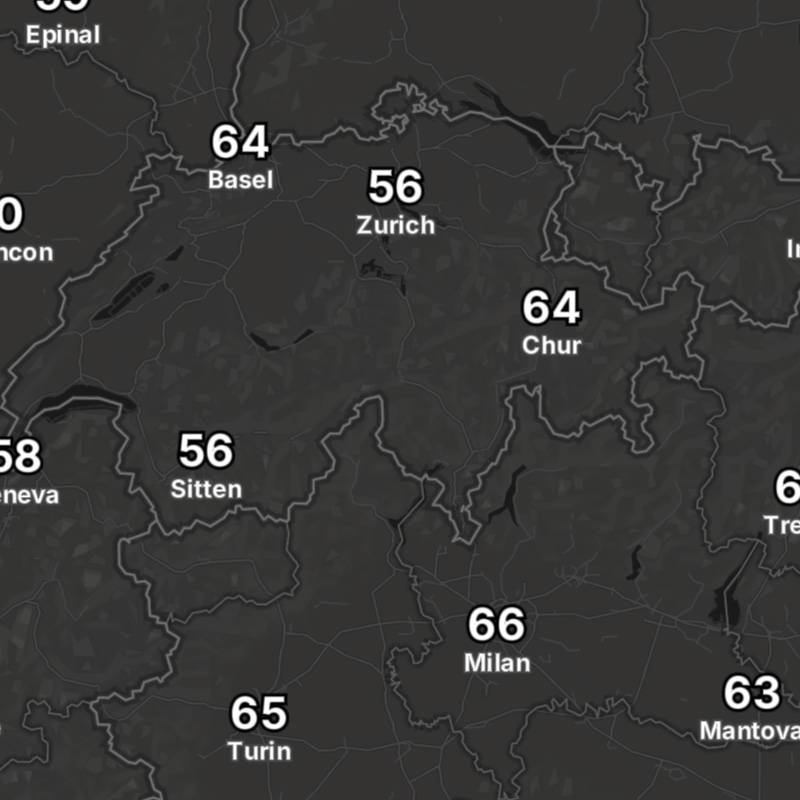
{model}-temperatures-max-text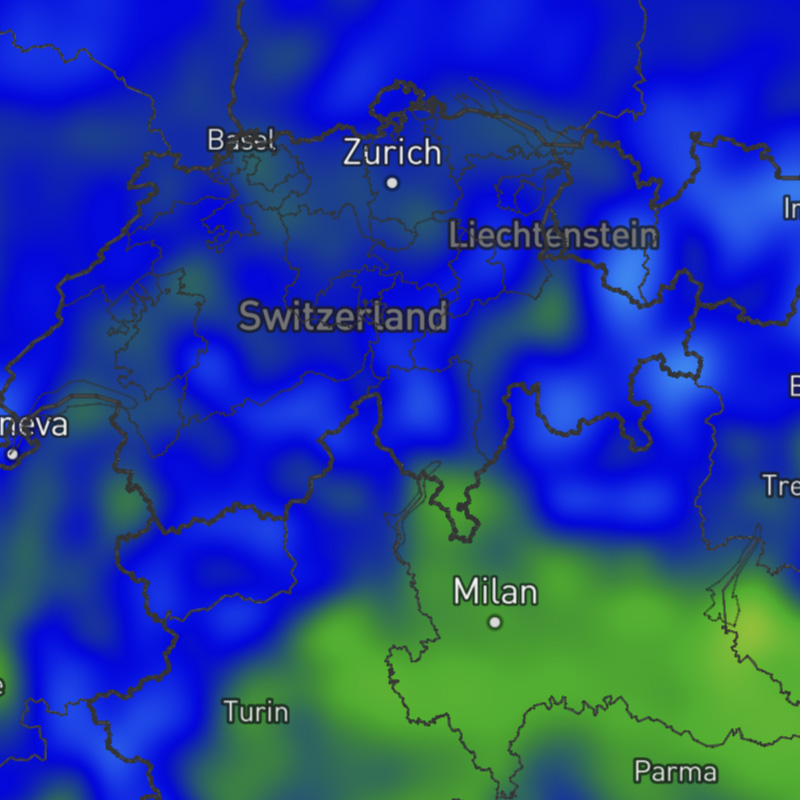
{model}-temperatures-min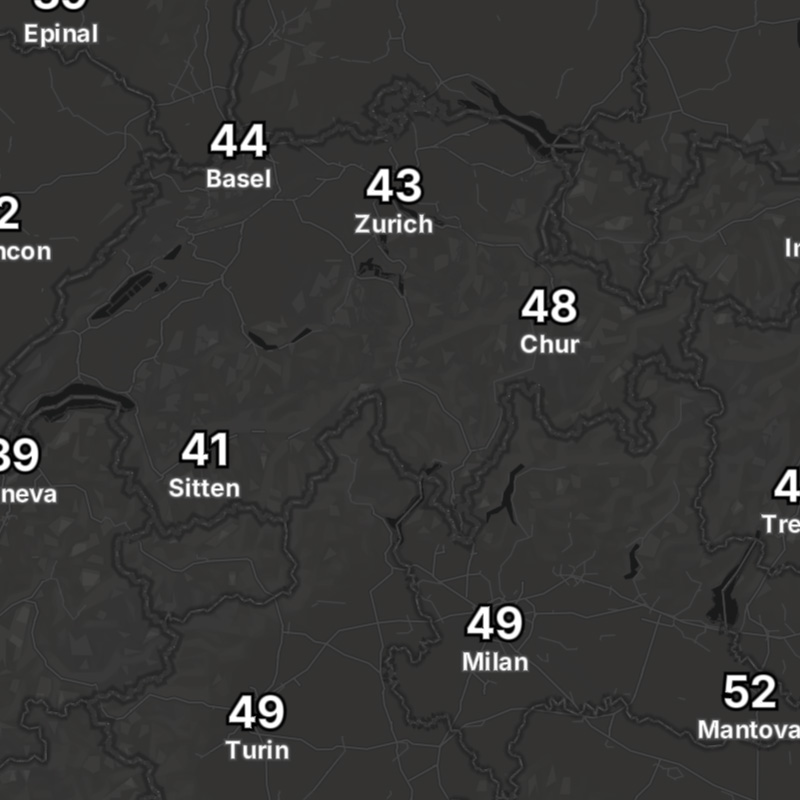
{model}-temperatures-min-text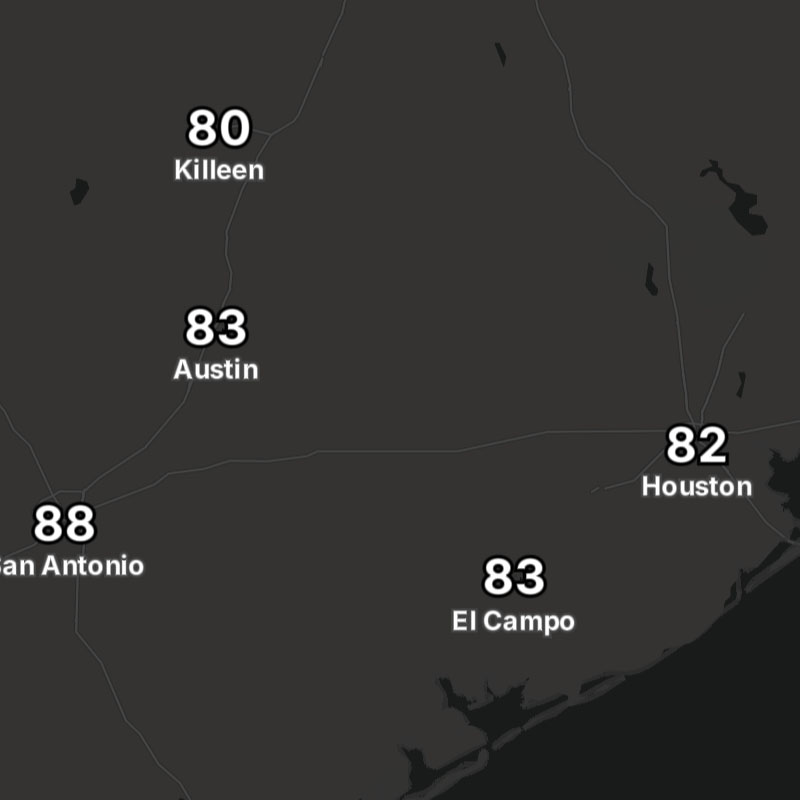
{model}-temperatures-text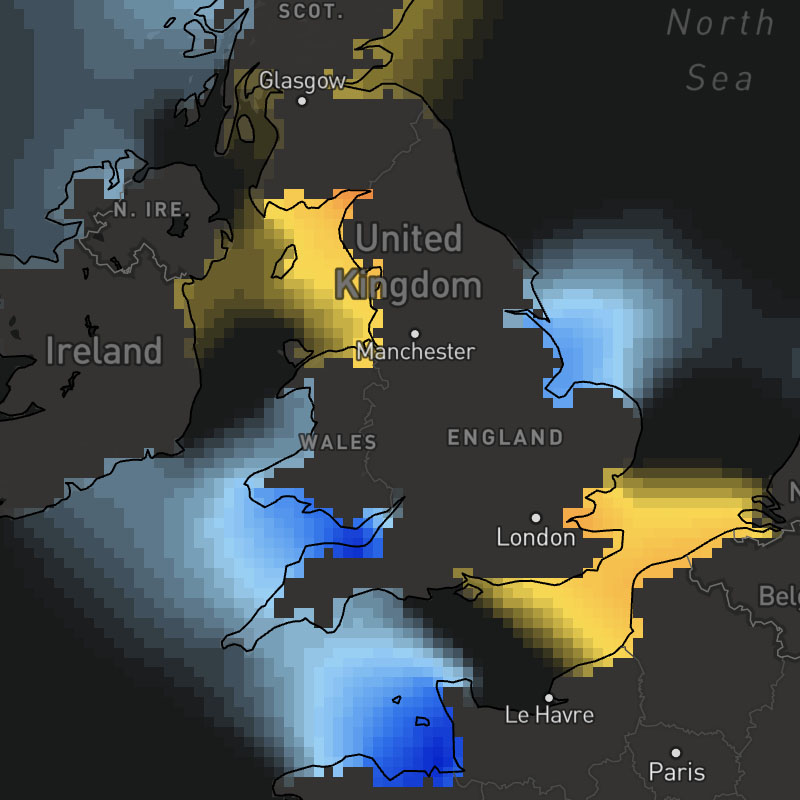
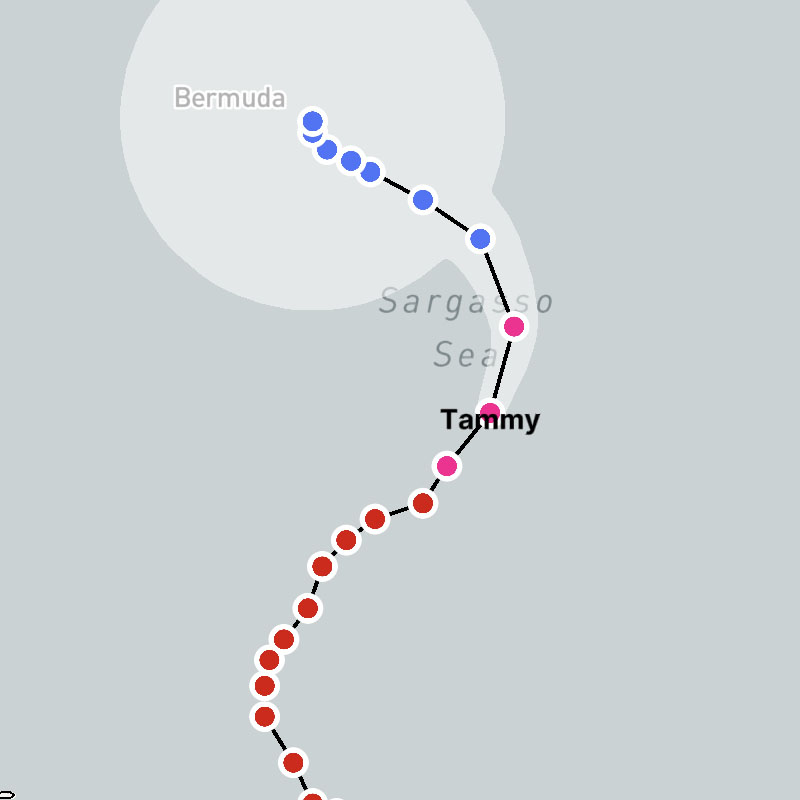
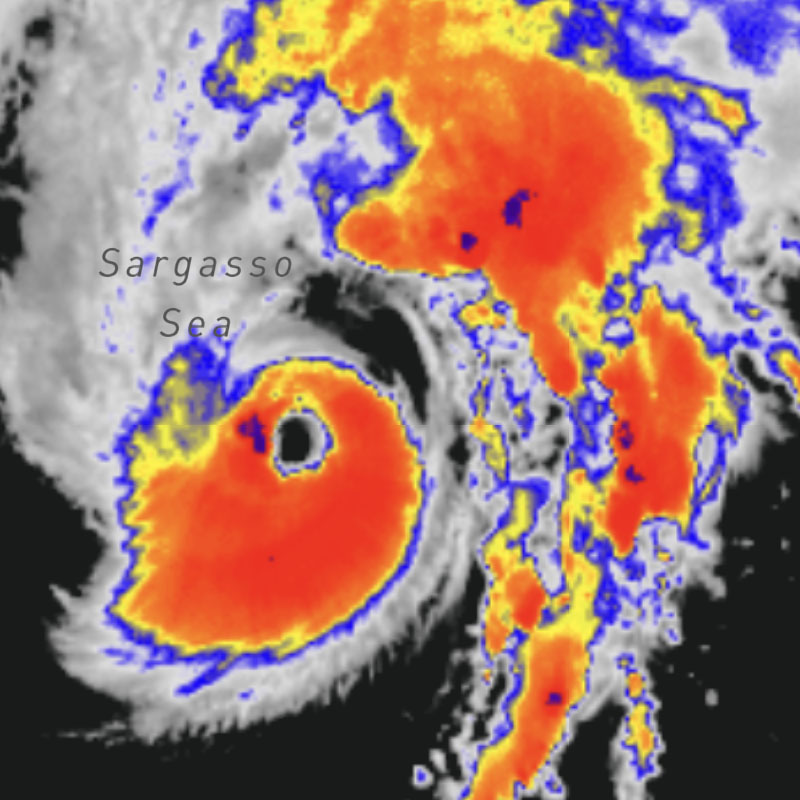
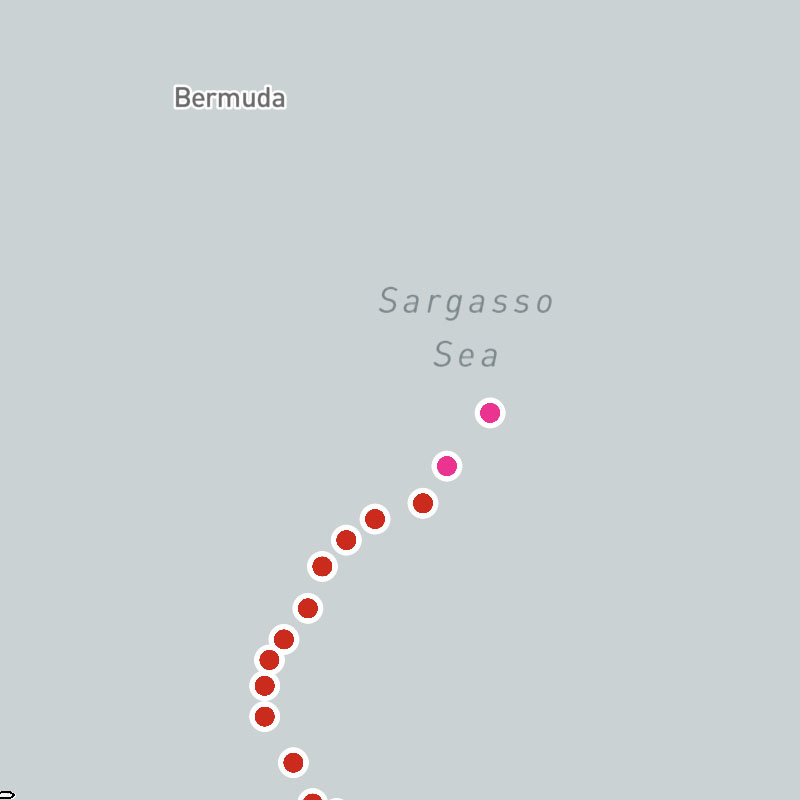
tropical-cyclones-positions, tropical-cyclones-names, tropical-cyclones-track-lines, tropical-cyclones-track-points, tropical-cyclones-forecast-lines, tropical-cyclones-forecast-points, tropical-cyclones-forecast-error-cones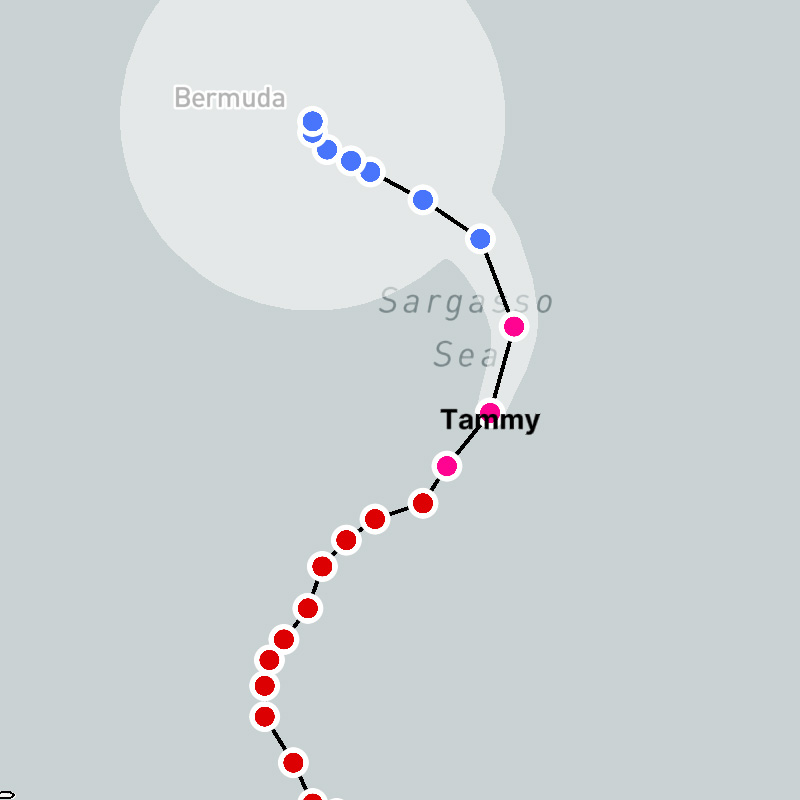
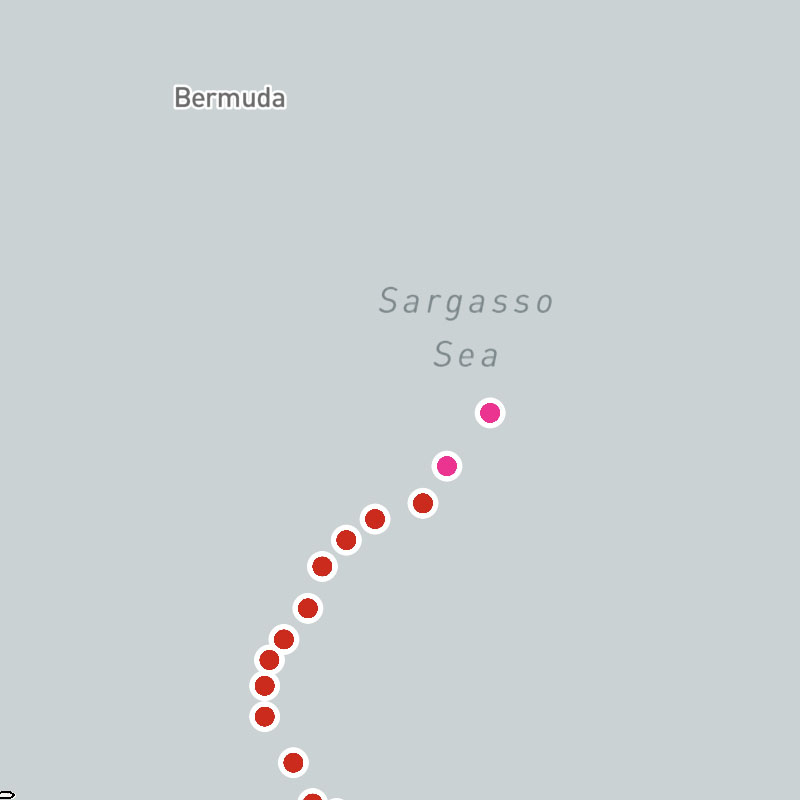
tropical-cyclones-track-lines-archive, tropical-cyclones-track-points-archive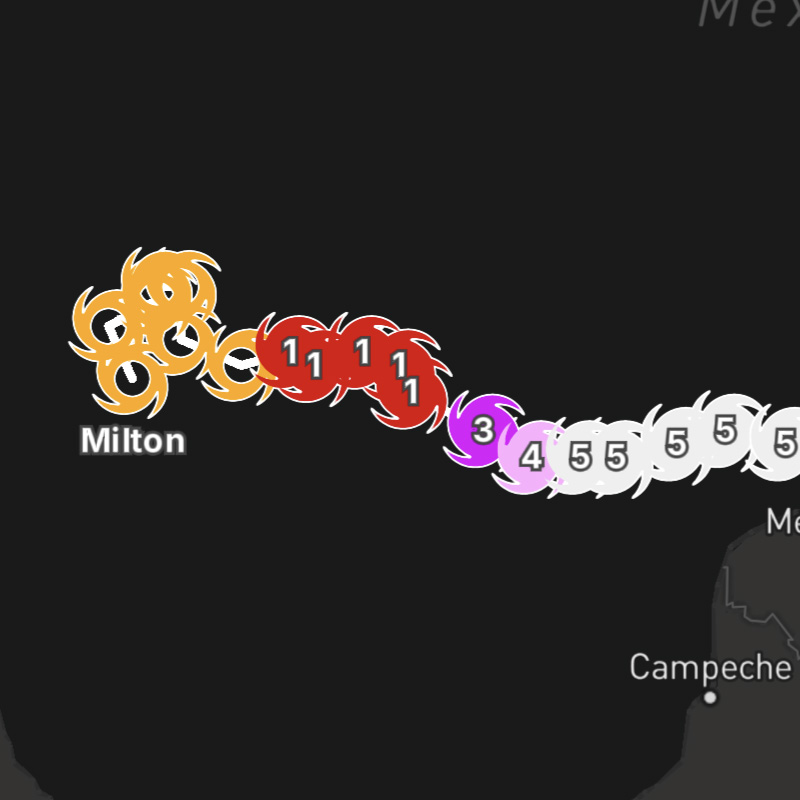
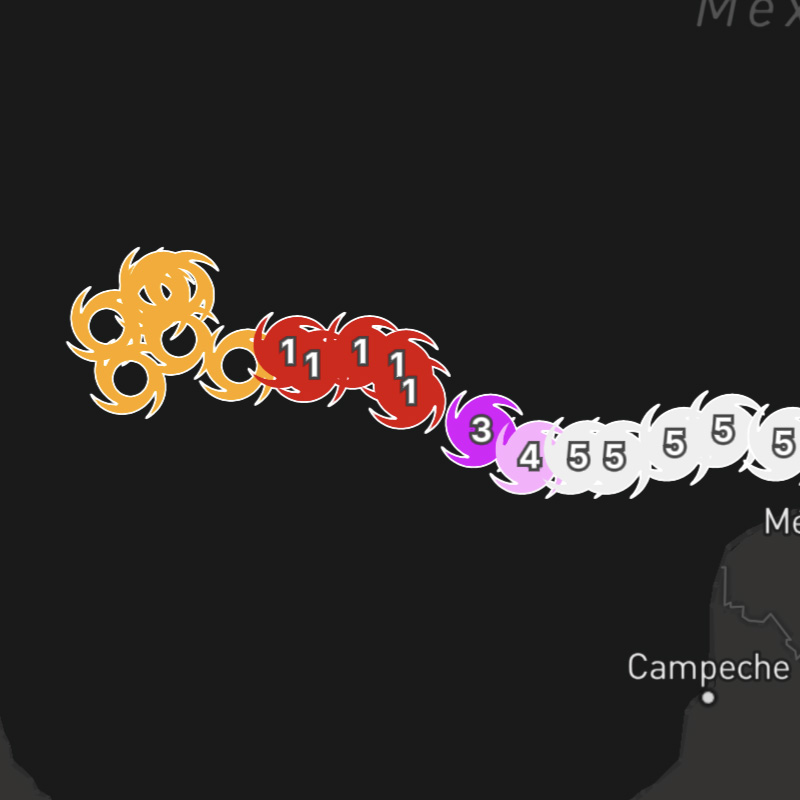
tropical-cyclones-track-lines-archive, tropical-cyclones-track-point-icons-archivetropical-cyclones-position-icons-archive-interpolated, tropical-cyclones-names-archive-interpolated, tropical-cyclones-track-lines-archive-interpolated, tropical-cyclones-track-point-icons-archivetropical-cyclones-positions-archive-interpolated, tropical-cyclones-names-archive-interpolated, tropical-cyclones-track-lines-archive-interpolated, tropical-cyclones-track-points-archive
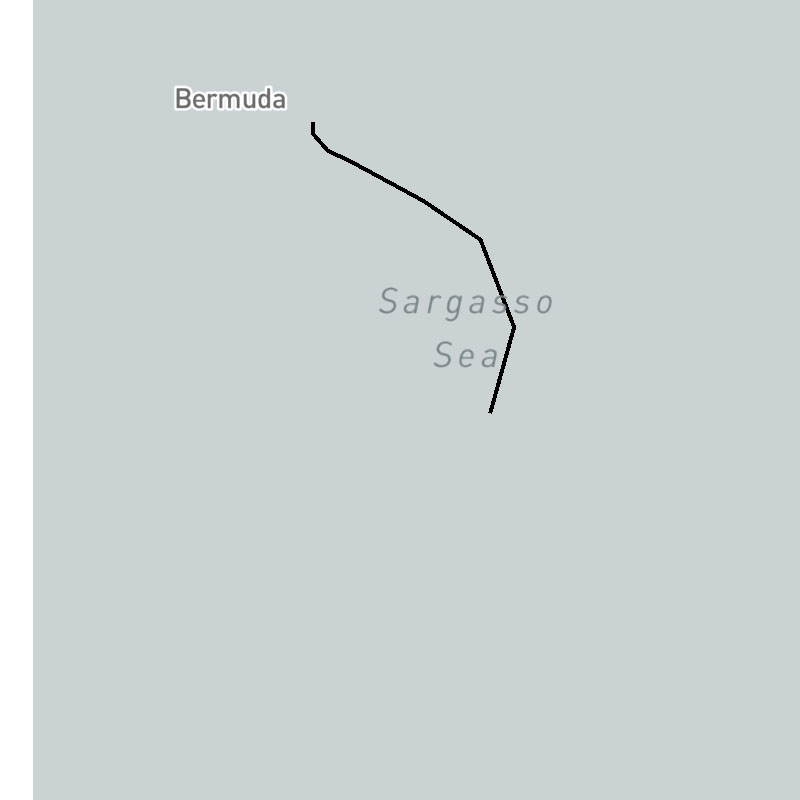
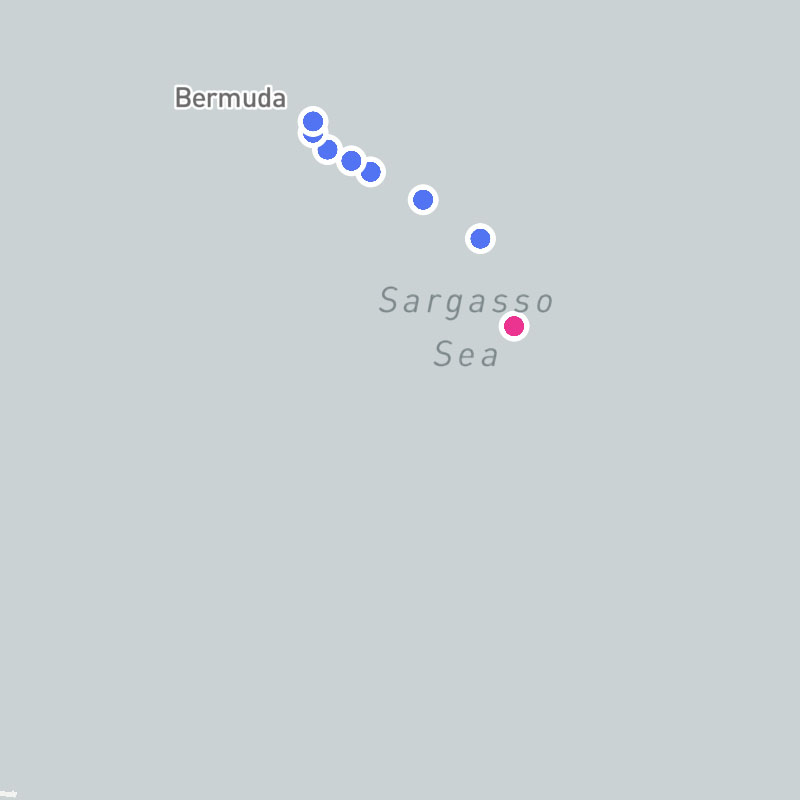
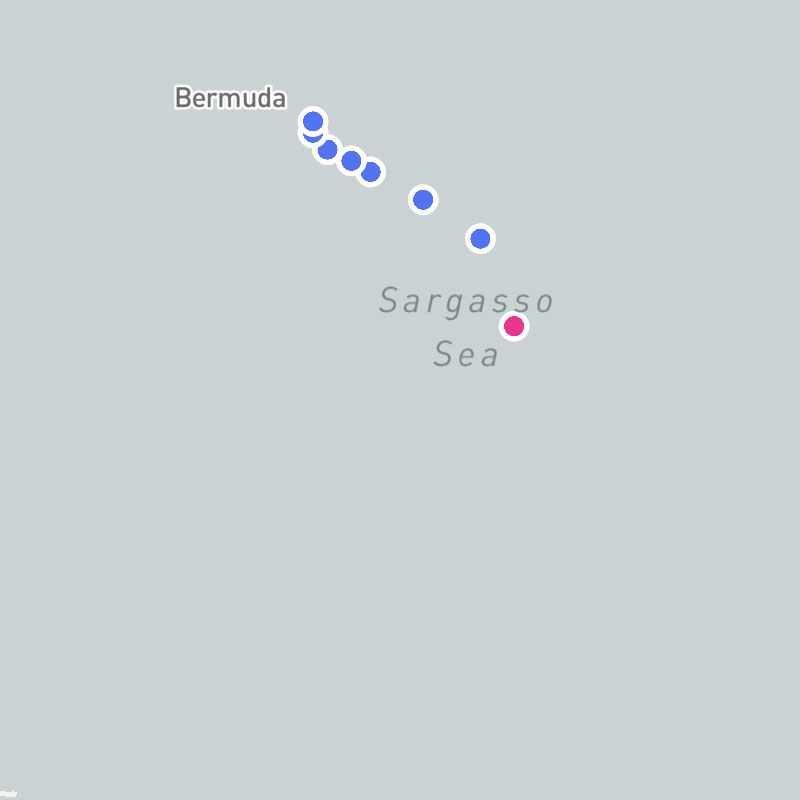
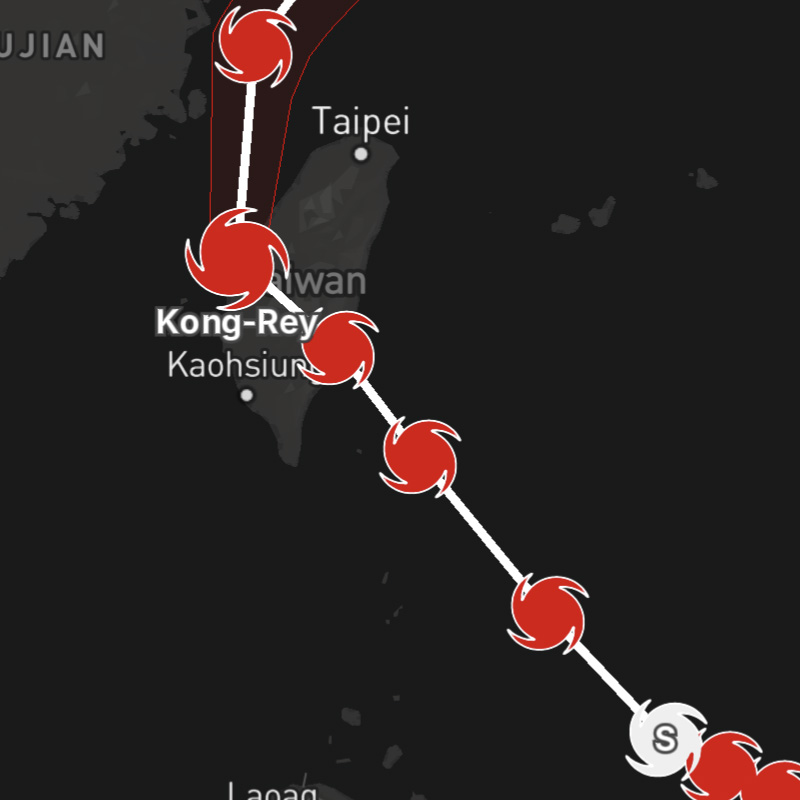
tropical-cyclones-position-icons, tropical-cyclones-names, tropical-cyclones-track-lines, tropical-cyclones-track-point-icons, tropical-cyclones-forecast-lines, tropical-cyclones-forecast-point-icons, tropical-cyclones-forecast-error-conestropical-cyclones-position-icons-interpolated, tropical-cyclones-names-interpolated, tropical-cyclones-track-lines-interpolated, tropical-cyclones-track-point-icons, tropical-cyclones-forecast-lines, tropical-cyclones-forecast-point-icons, tropical-cyclones-forecast-error-conestropical-cyclones-positions-interpolated, tropical-cyclones-names-interpolated, tropical-cyclones-track-lines-interpolated, tropical-cyclones-track-points, tropical-cyclones-forecast-lines, tropical-cyclones-forecast-points, tropical-cyclones-forecast-error-cones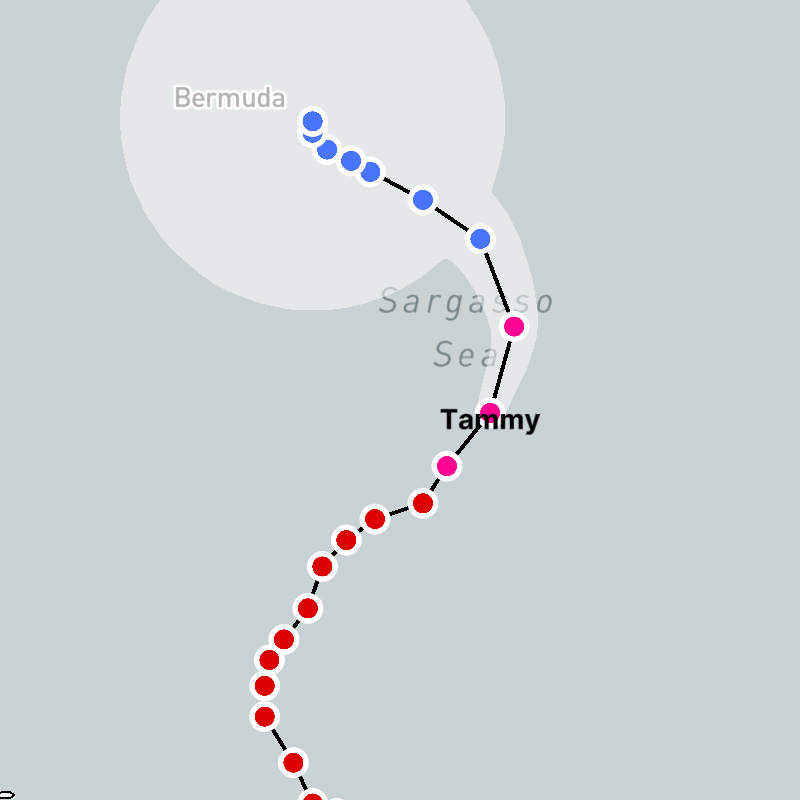
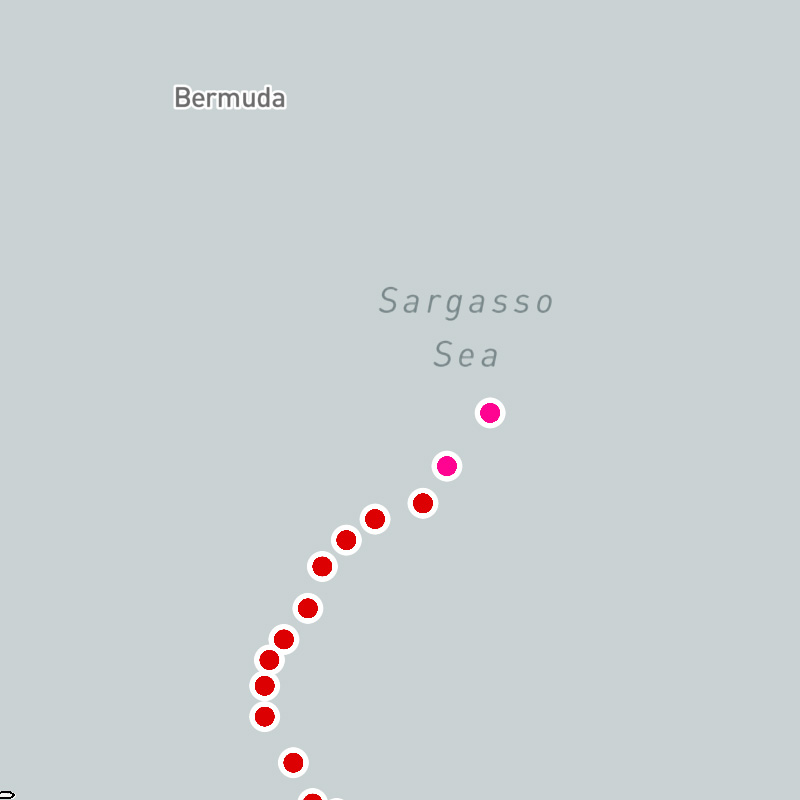
tropical-cyclones-position-icons-invests-interpolated, tropical-cyclones-names-invests-interpolated, tropical-cyclones-track-lines-invests-interpolatedtropical-cyclones-positions-invests-interpolated, tropical-cyclones-names-invests-interpolated, tropical-cyclones-track-lines-invests-interpolated
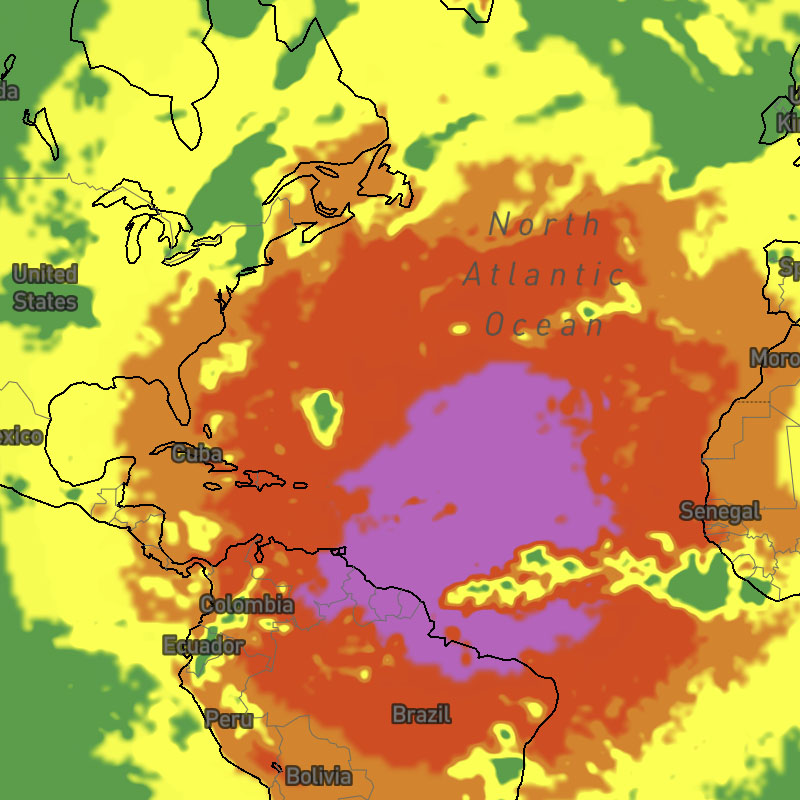
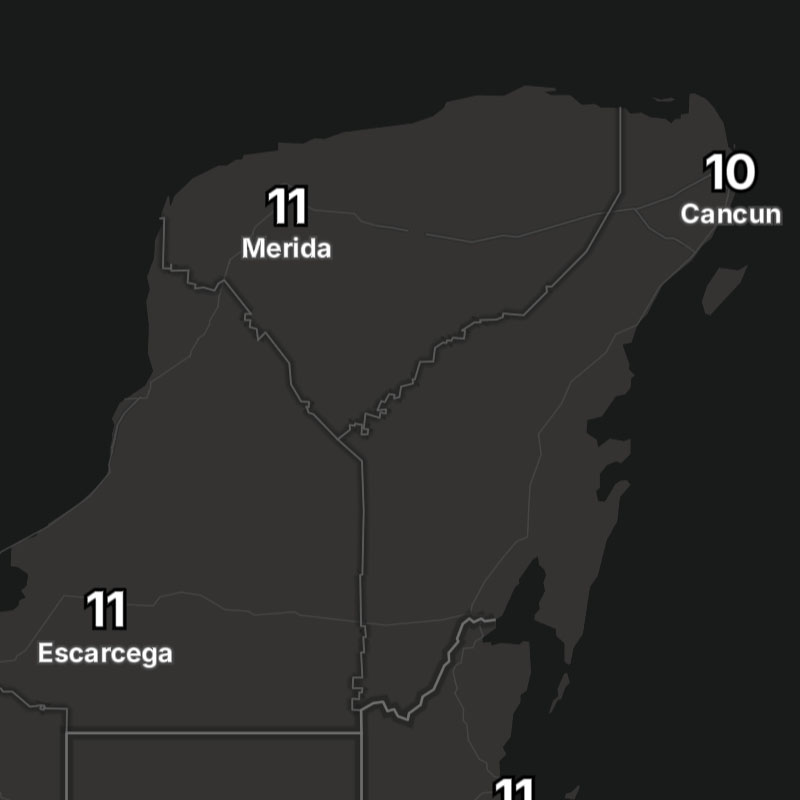
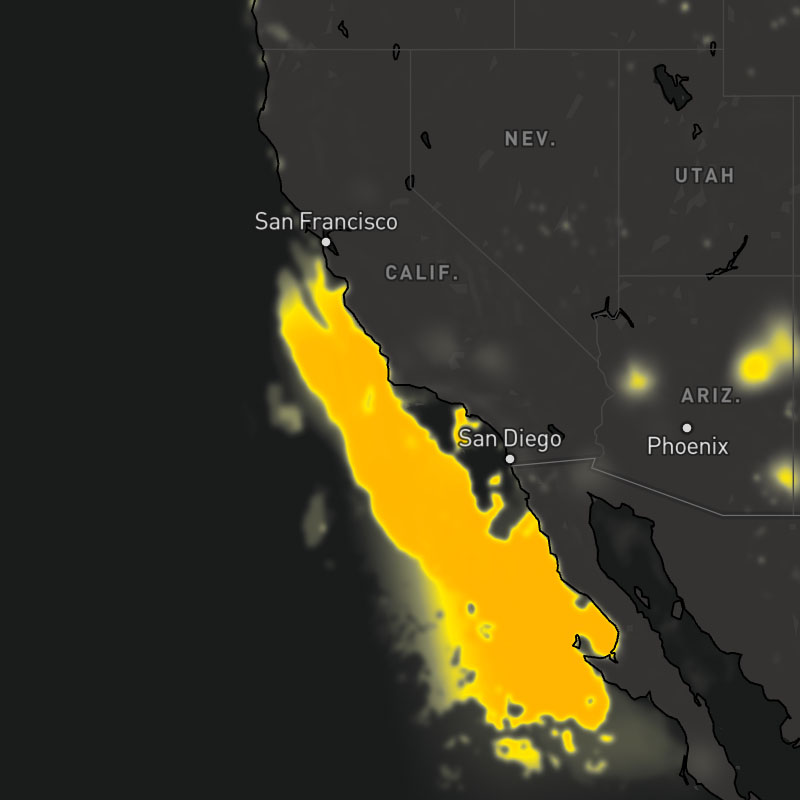
{model}-visibility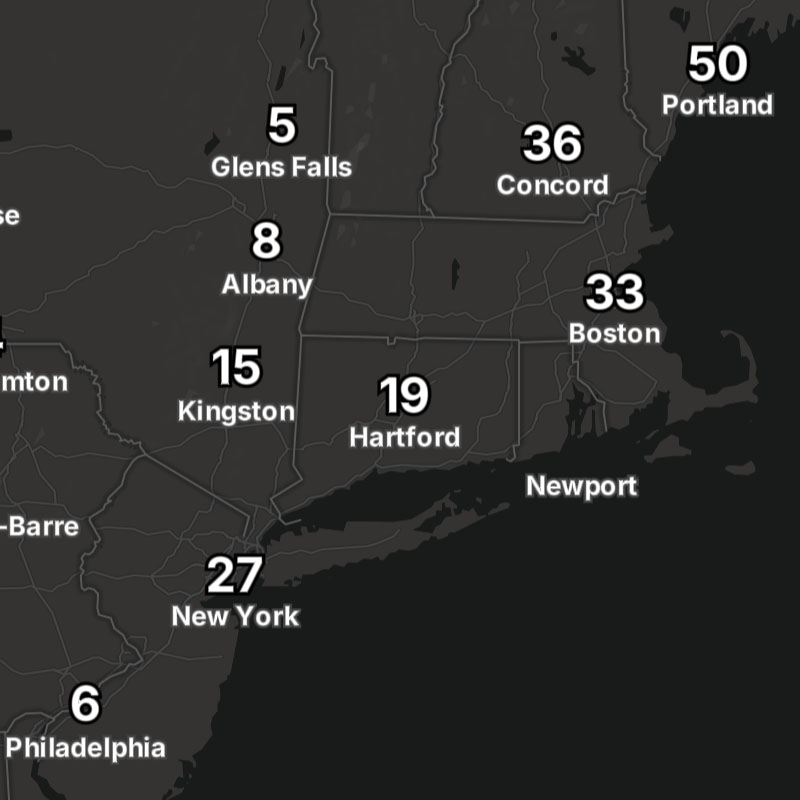
{model}-visibility-text
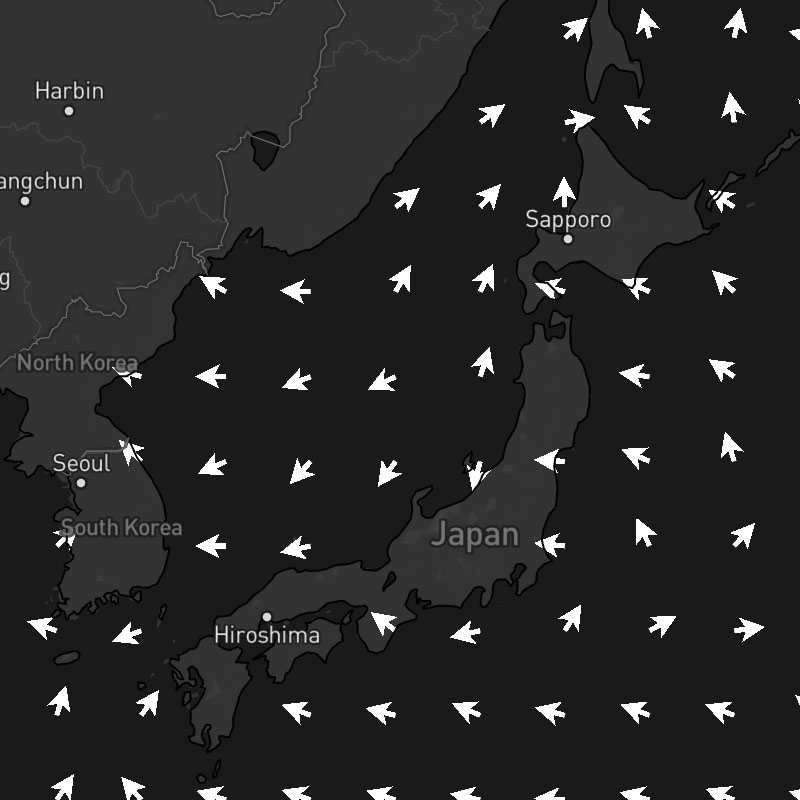
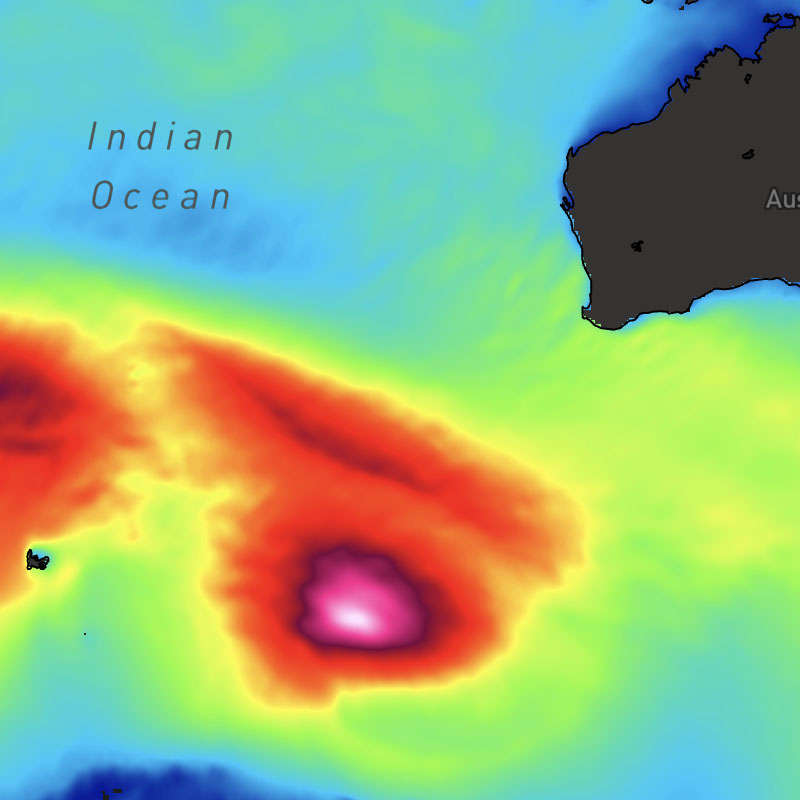
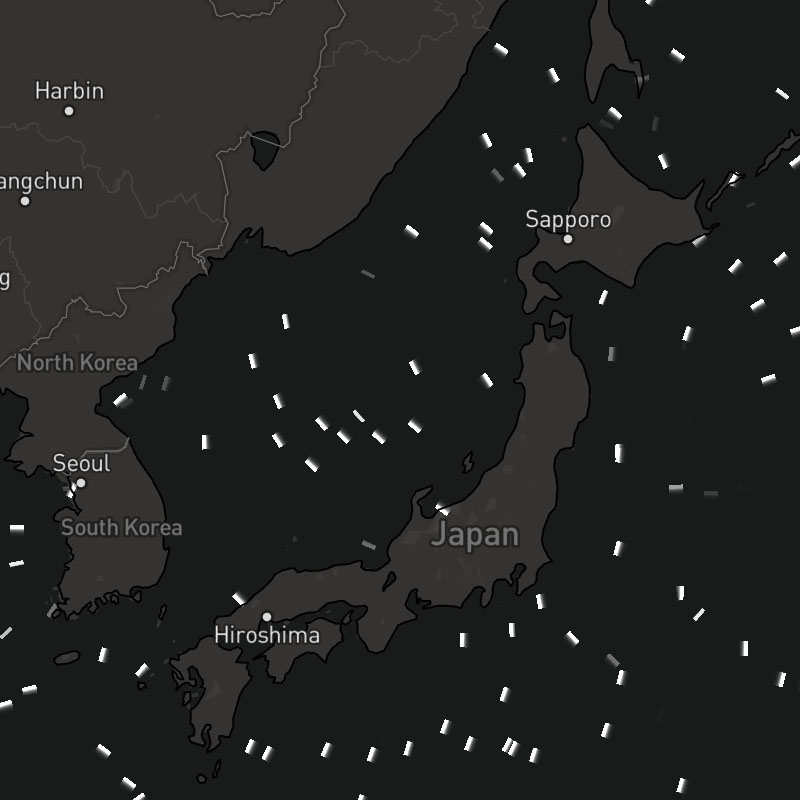
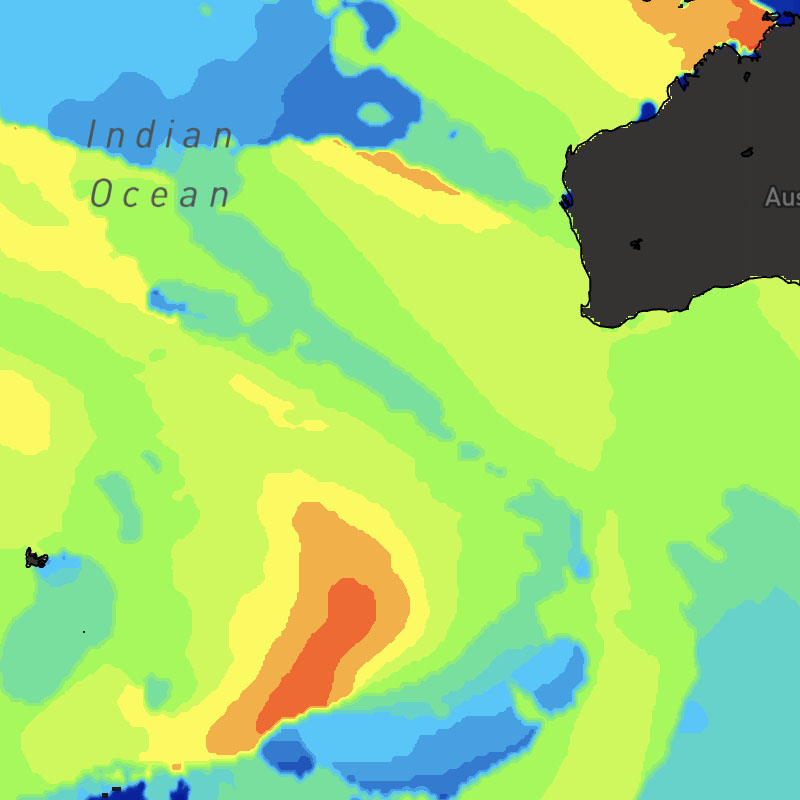
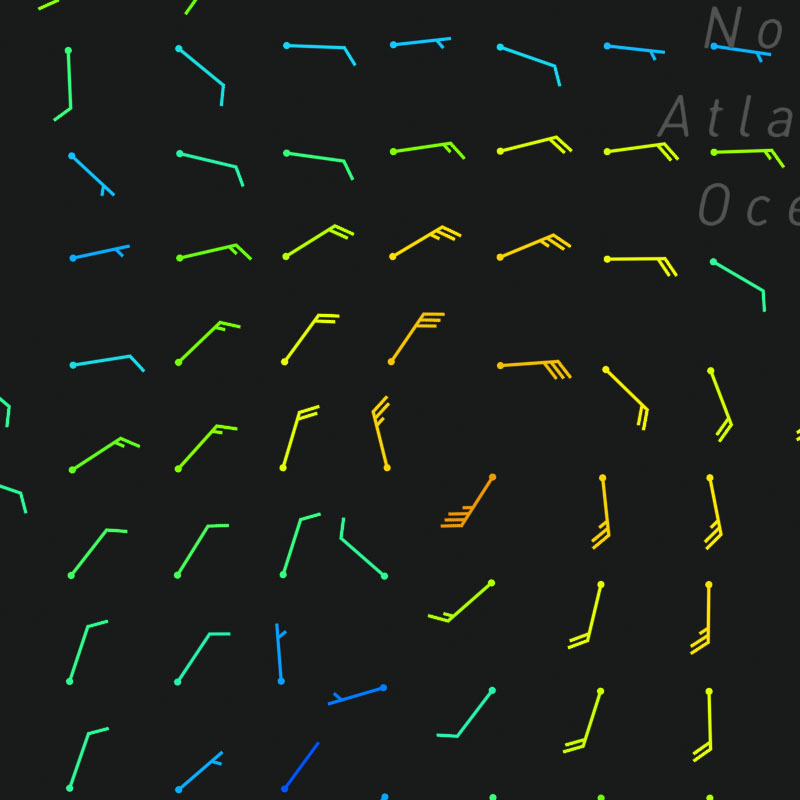
{model}-wind-barbs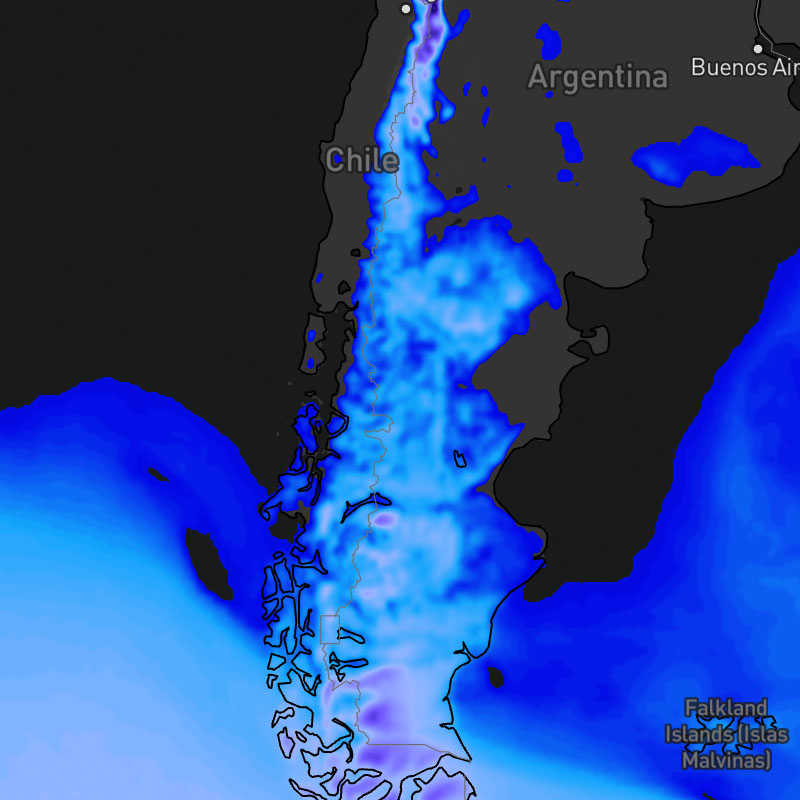
{model}-wind-chill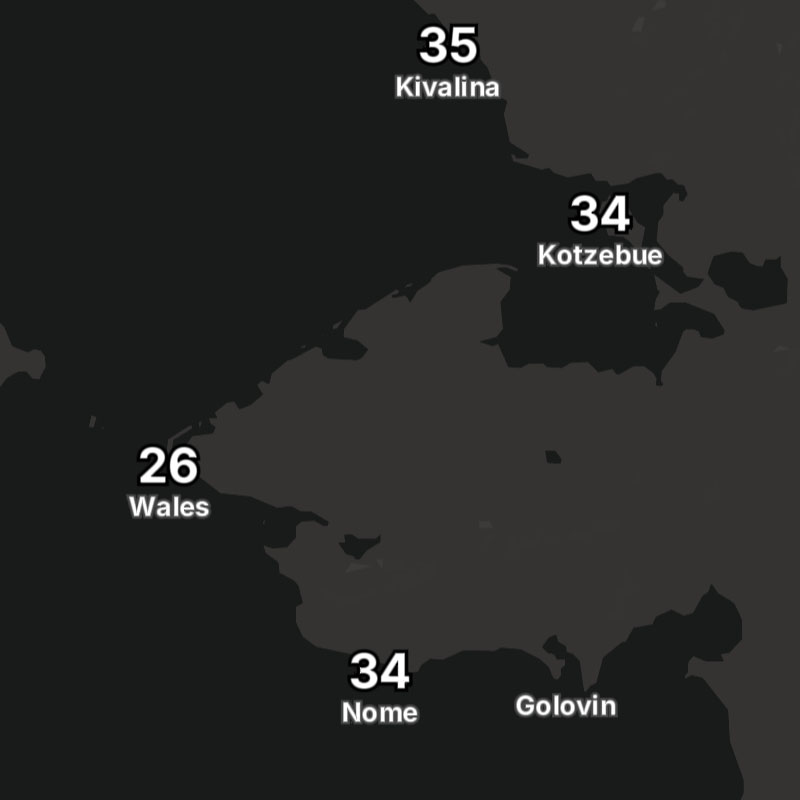
{model}-wind-chill-text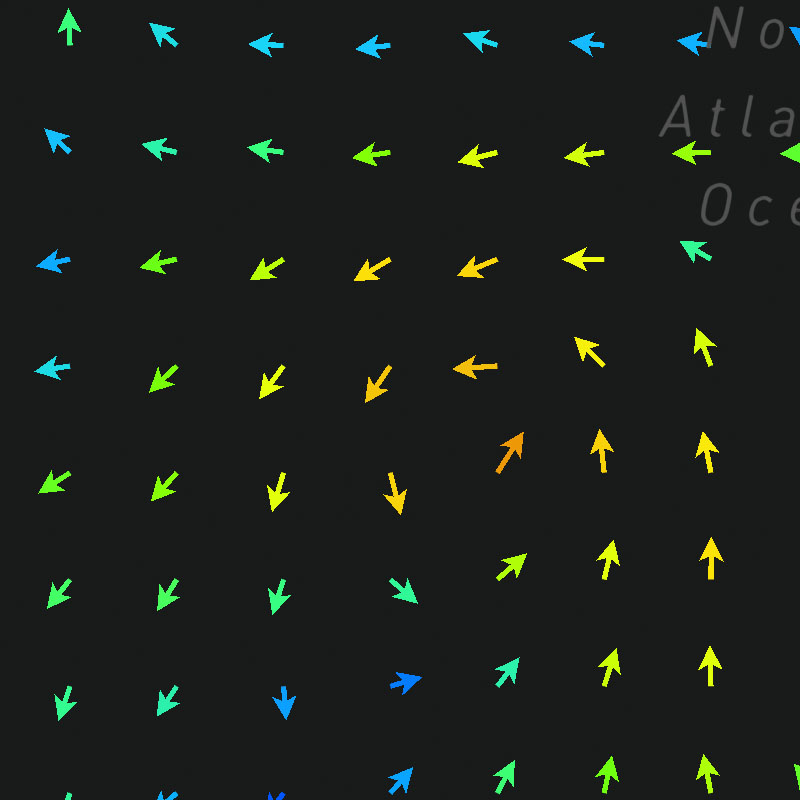
{model}-wind-dir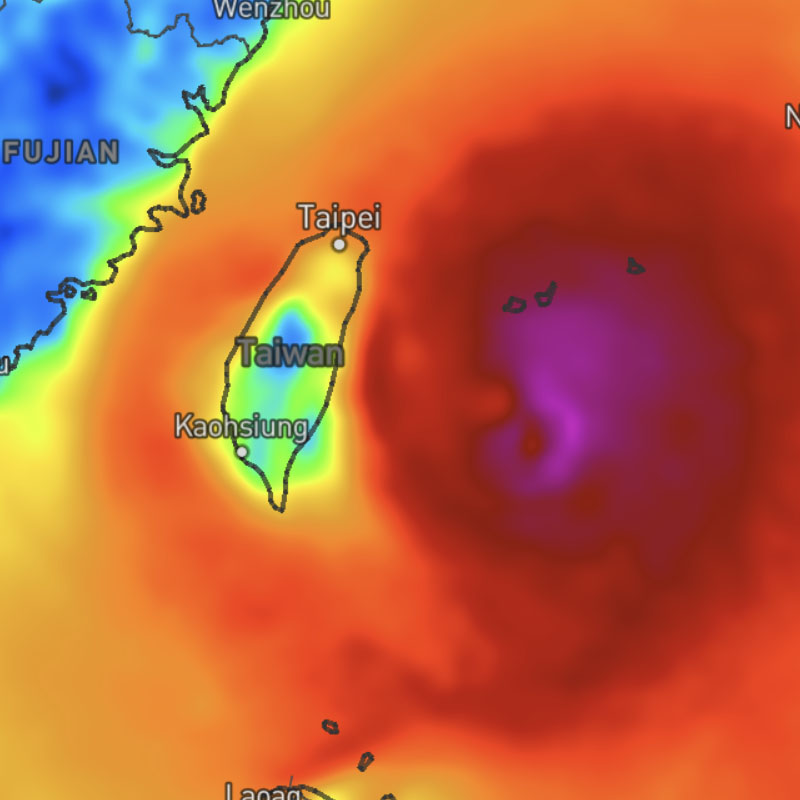
{model}-wind-gusts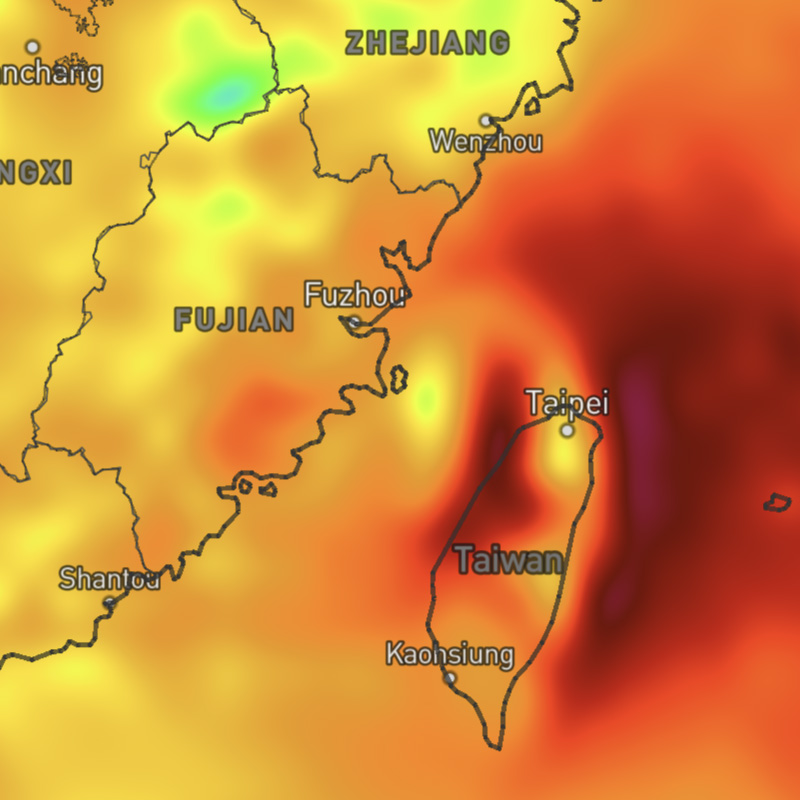
{model}-wind-gusts-max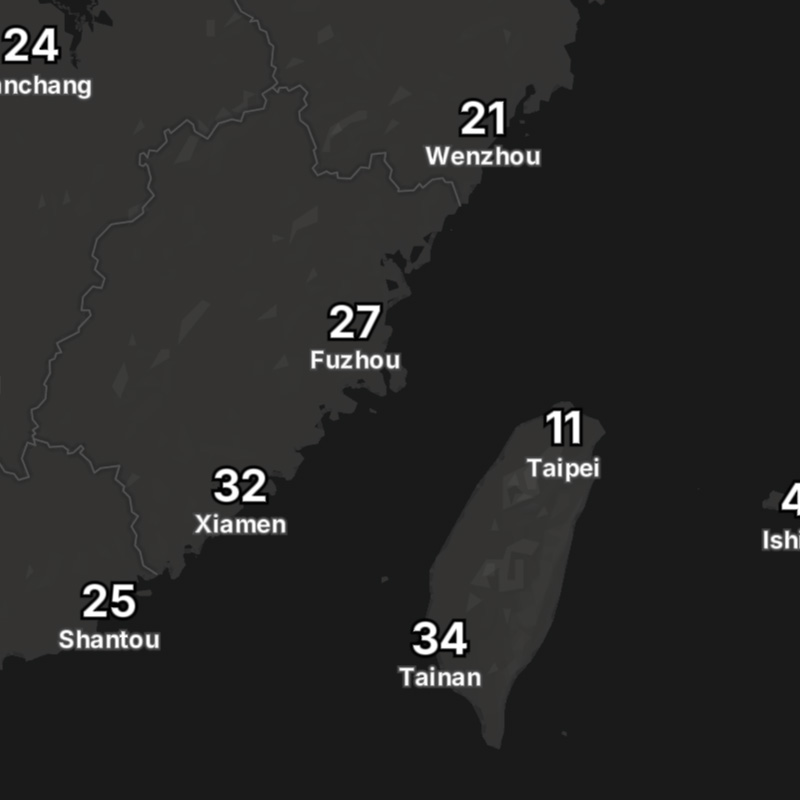
{model}-wind-gusts-max-text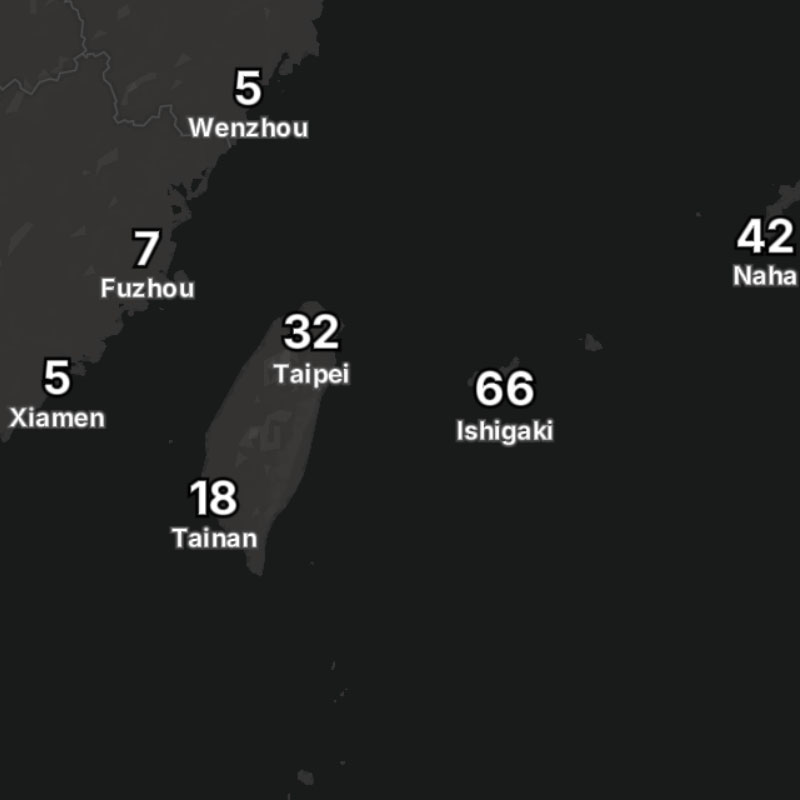
{model}-wind-gusts-text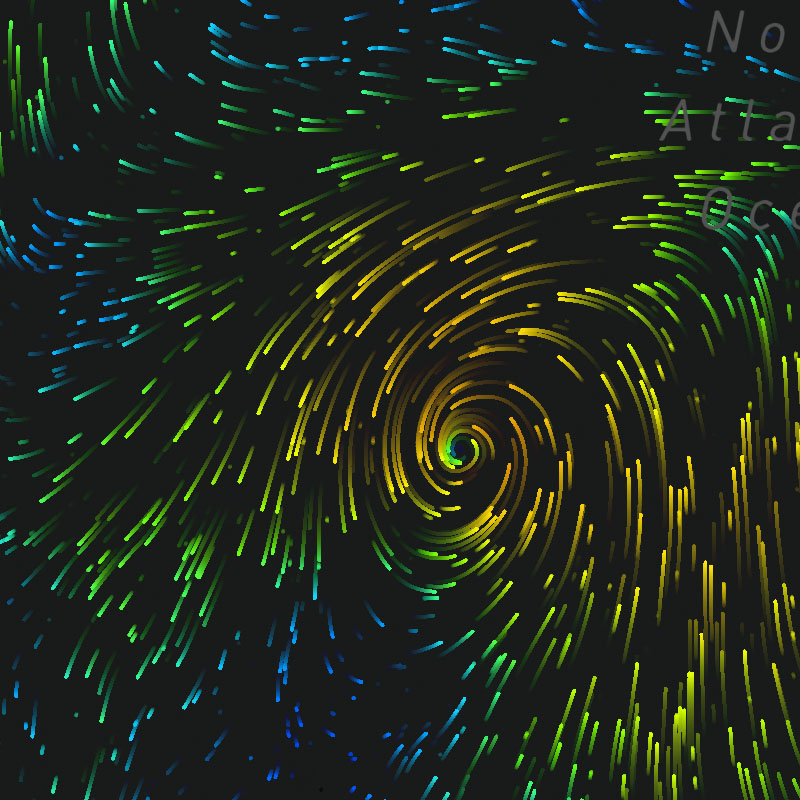
{model}-wind-particles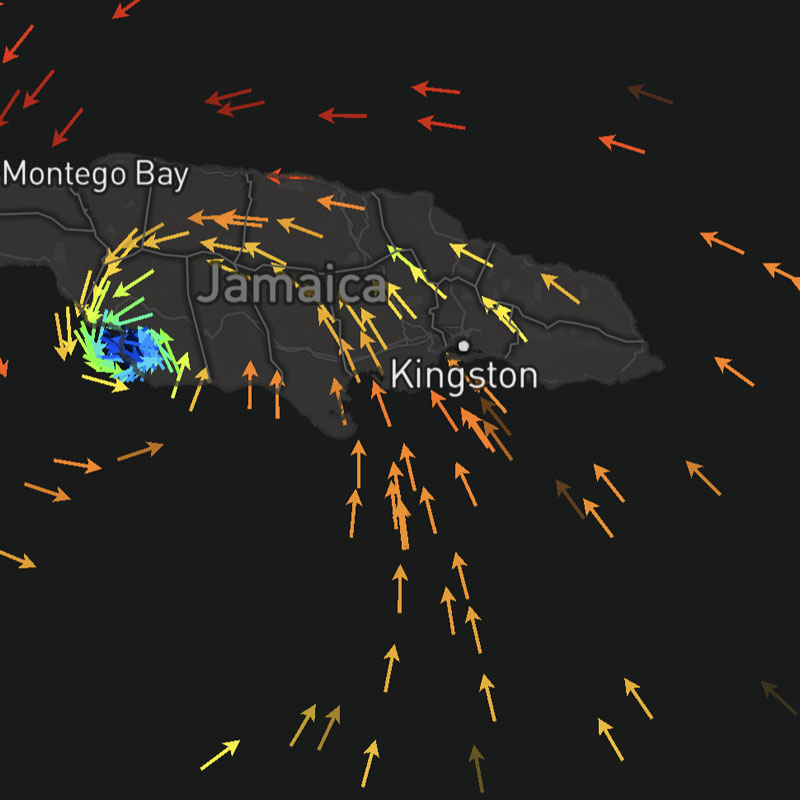
{model}-wind-particles-arrow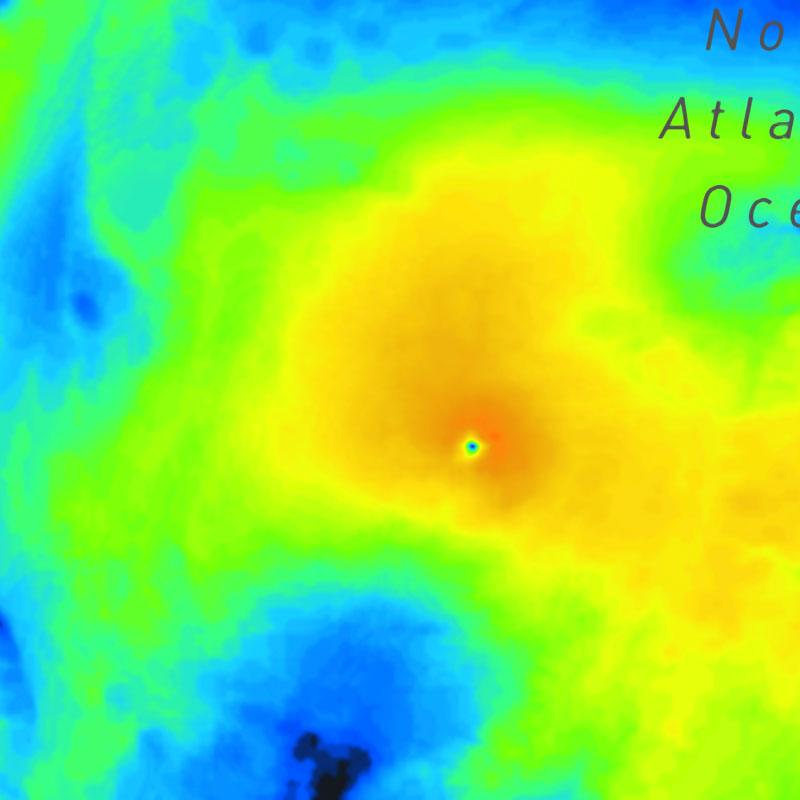
{model}-wind-speeds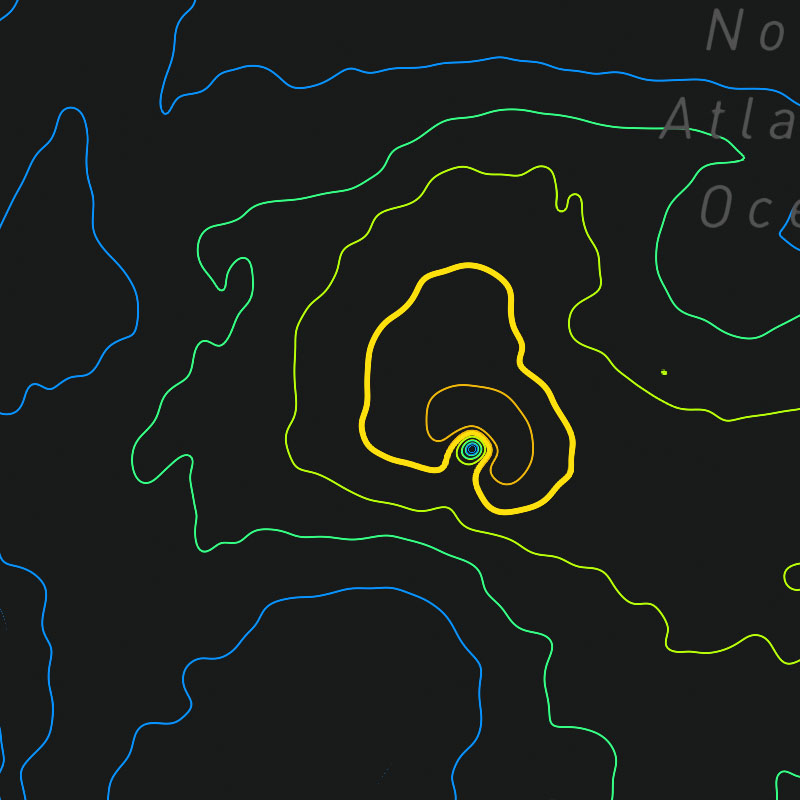
{model}-wind-speeds-contour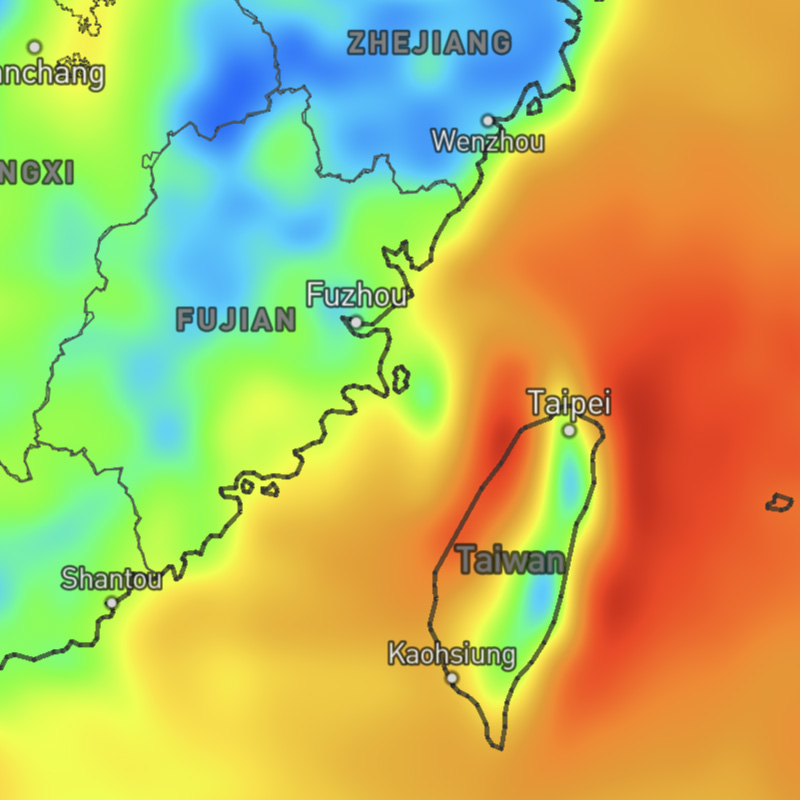
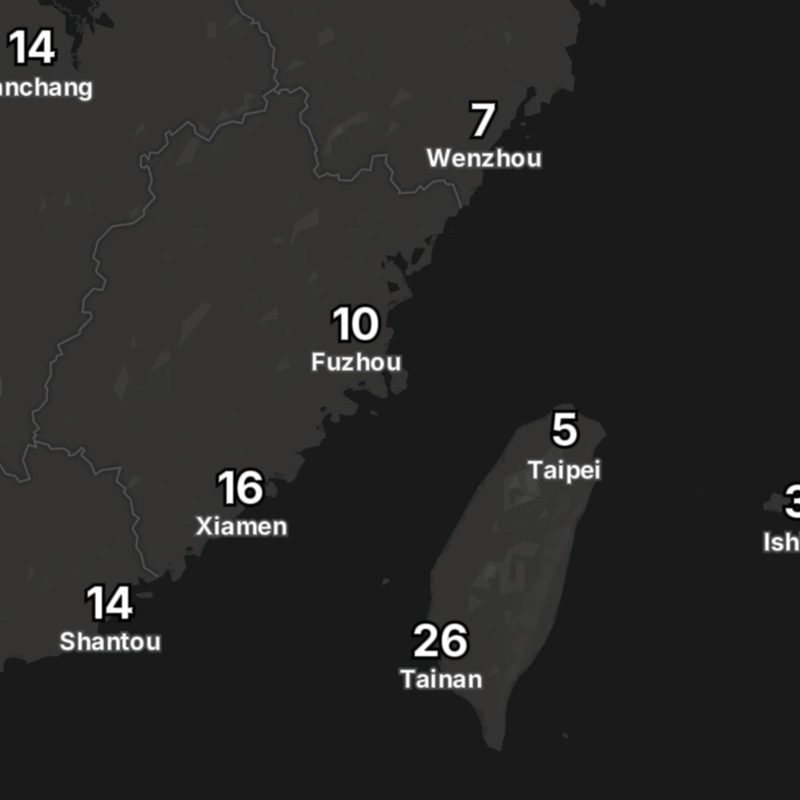
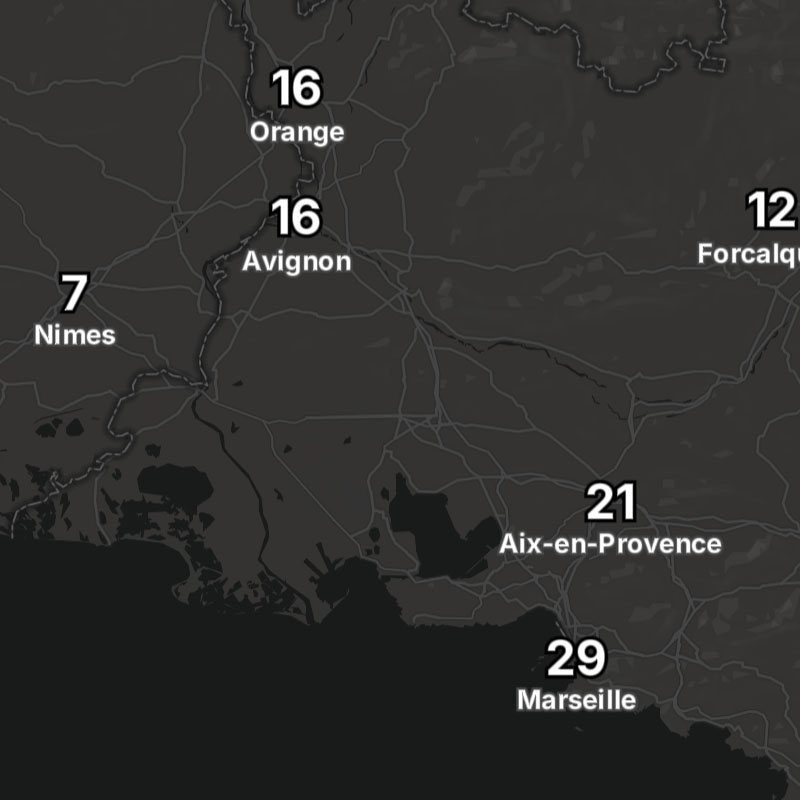
{model}-wind-speeds-text