

Ask a weather question in the AI tools you already use
The Xweather MCP server connects Claude, ChatGPT, Cursor, VS Code, and other AI assistants to Vaisala Xweather data: observations, forecasts, lightning, alerts, road weather, and air quality. No integration project needed.
15,000 free accesses each month. No credit card required.
Get started
Connect in three steps
-
01
Create your account
Sign up, then go to Apps and create a new application to get your access keys.
-
02
Add the server
Point your AI assistant at the Xweather MCP endpoint and sign in.
https://mcp.api.xweather.com/ mcp -
03
Ask a question
Try something simple first, then bring in your own data.
“What is the current weather in Minneapolis?”
Resources
Everything from today, in one place
Sign up for the Xweather MCP server
Free monthly allowance to get started, then pay as you go.
Setup guides for Claude, Cursor, VS Code, and more
Step-by-step connection for each AI assistant and code framework.
StormScope and NVIDIA Earth-2 details
AI lightning forecasts extending lead time from one hour to three.
From the session
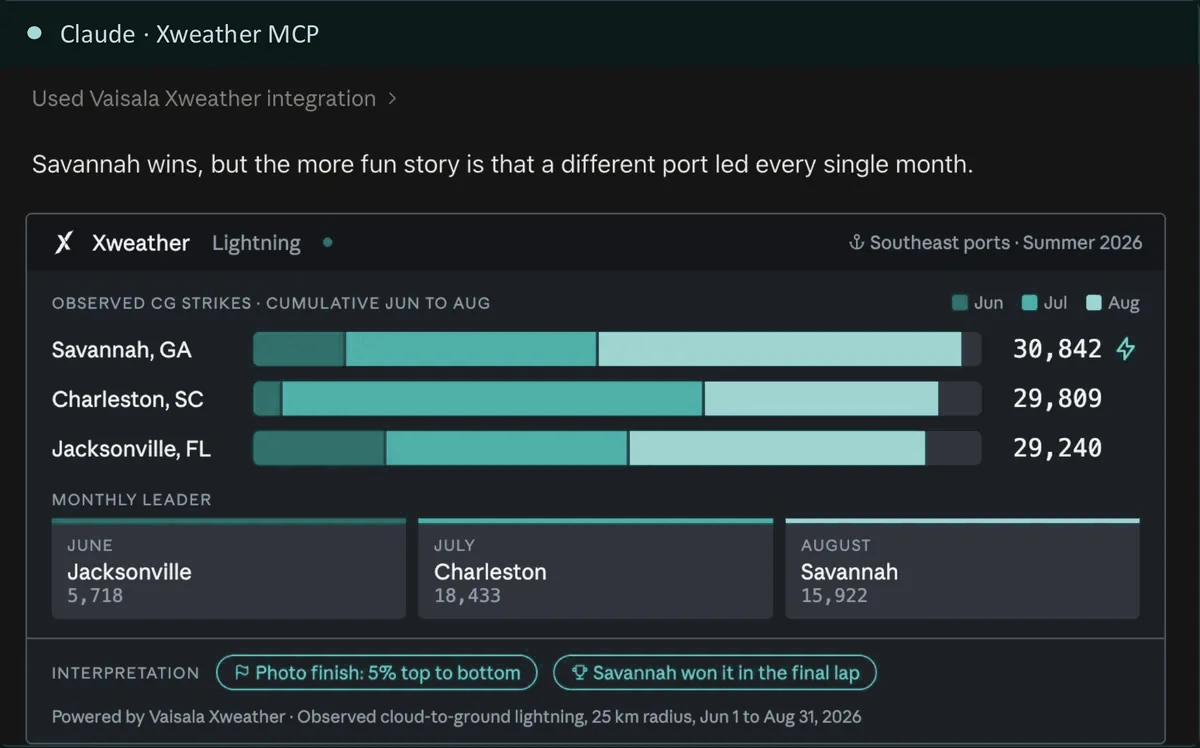
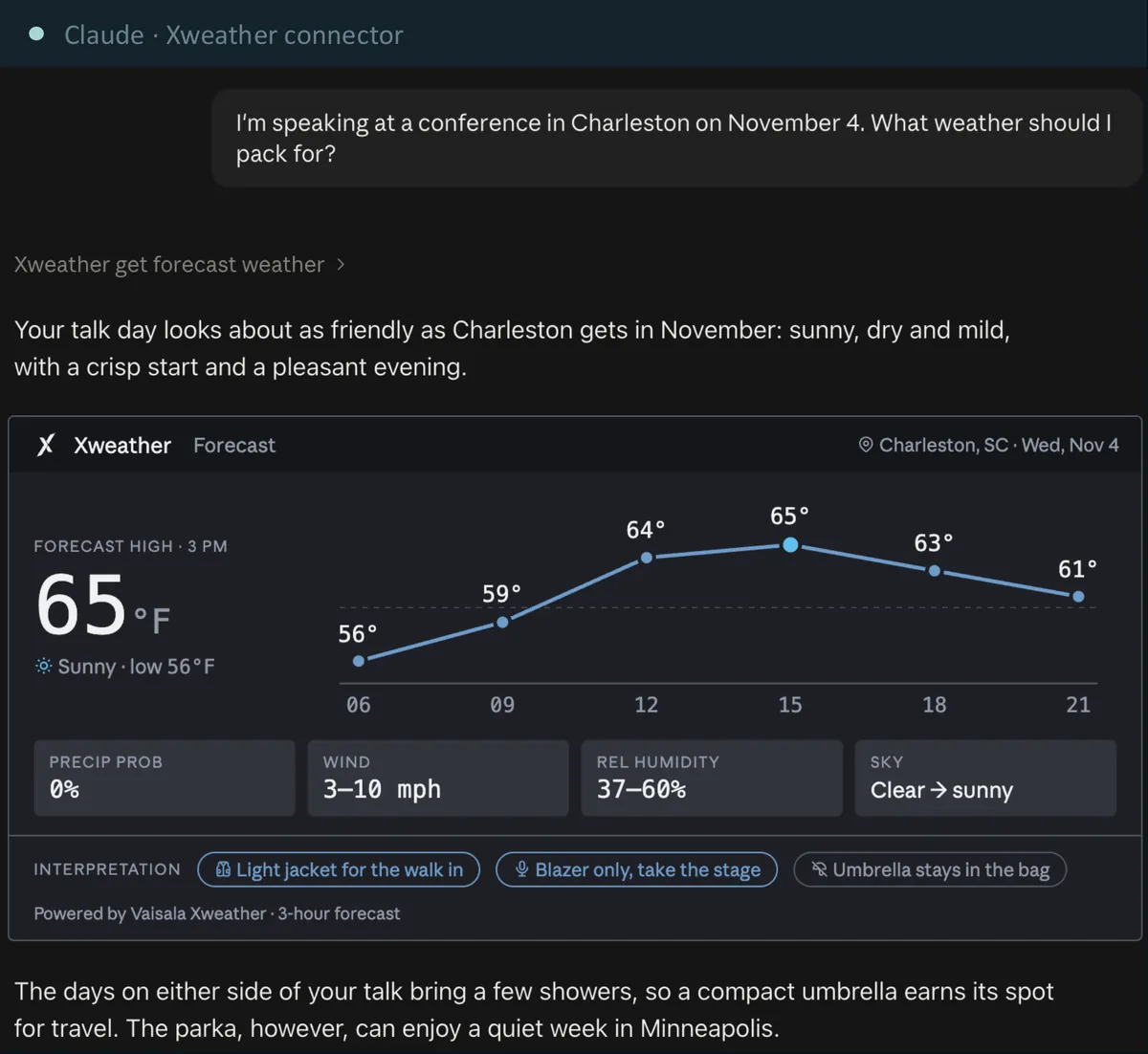
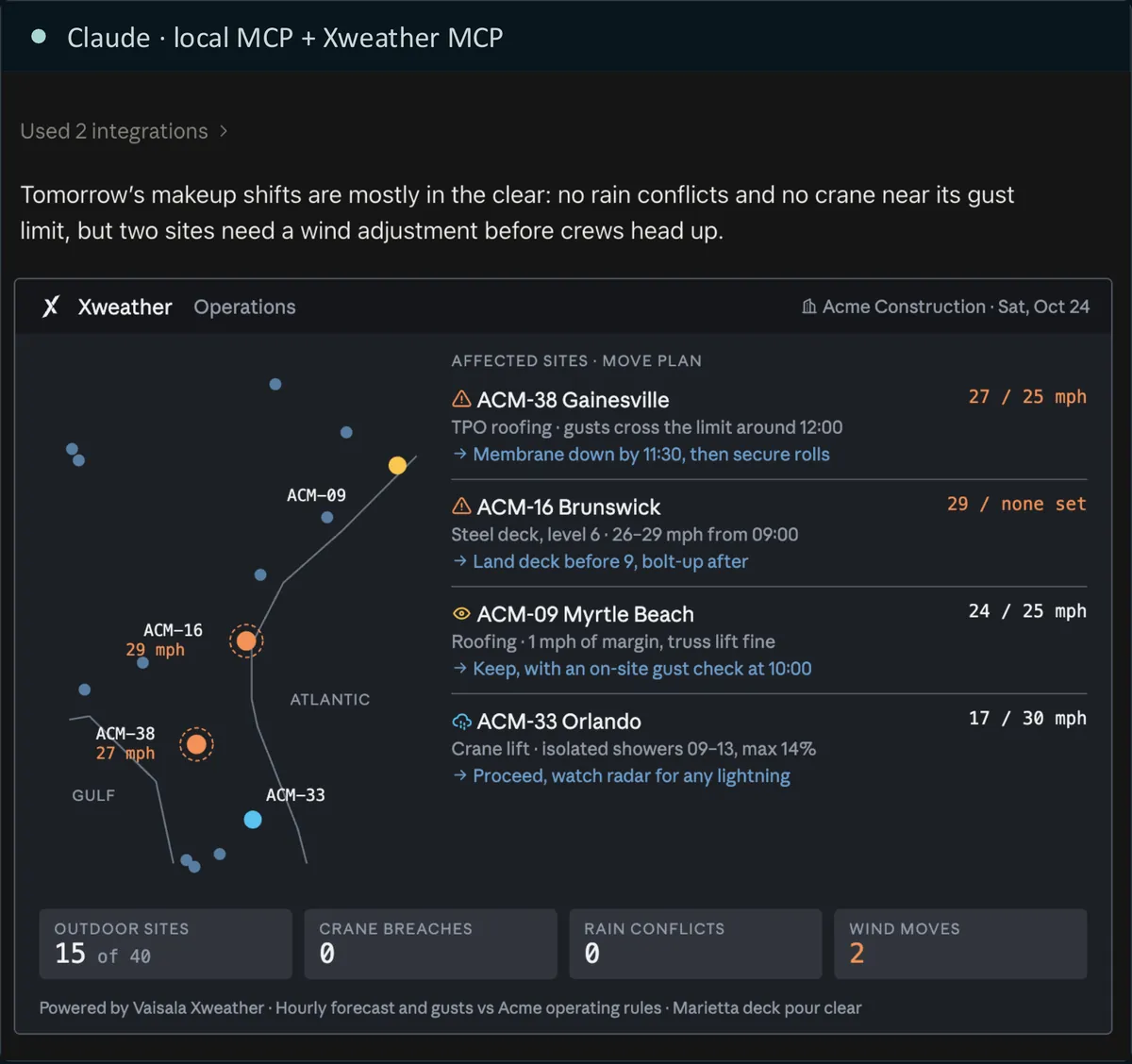
Examples from today’s demos
We formatted these answers with a custom skill. Without one, each AI assistant presents the same Xweather data in its own style.
Ask your first weather question
Create a free account, add the Xweather MCP server to your AI assistant, and start with 15,000 free accesses each month.
No credit card required.