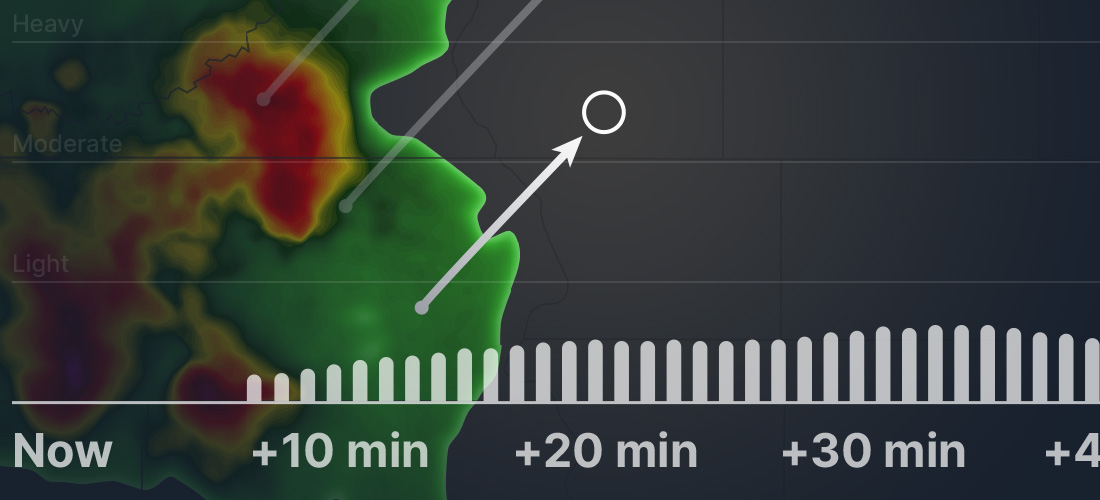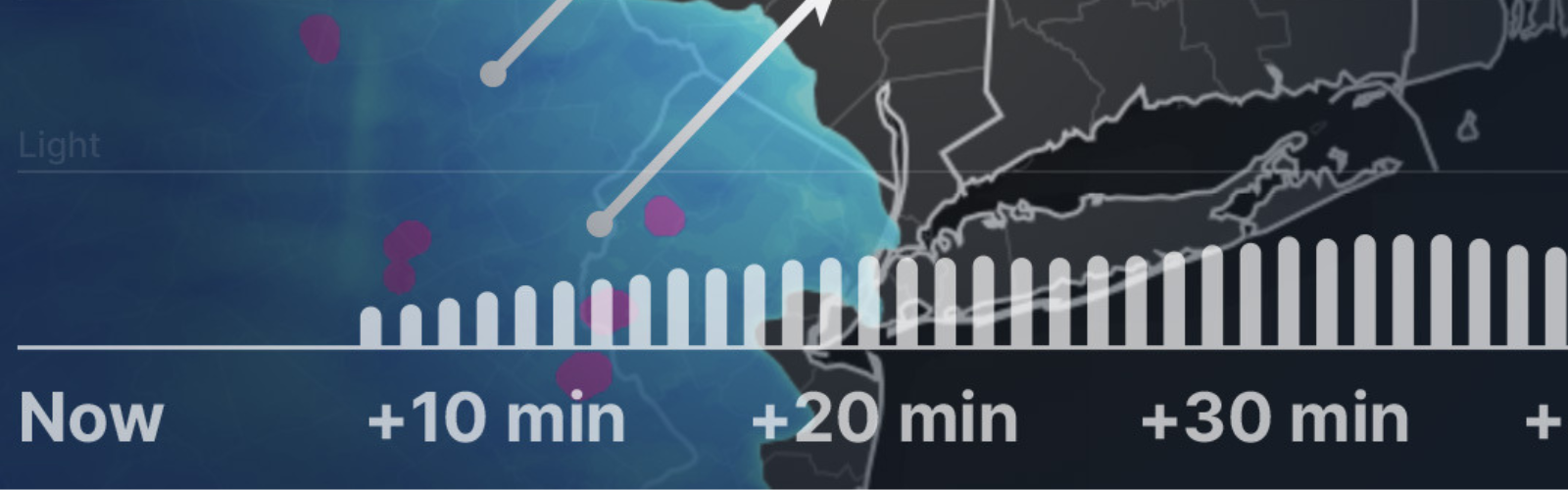
The Xweather API makes a plethora of weather data available. Today, we will look at an easy way to plot minutely precipitation data — which includes snow and rain — using Chart.js.
Getting started
We will need to load three javascript libraries. One is the Xweather Javascript SDK, and the other two are for our plotting purposes. Note that in order to set up a Time Cartesian Axis in Chart.js, you will need to load a date library. In this example, we will be using date-fns.
Setting up the request
With the tools above loaded, we are ready to roll. We will be using the Xweather Javascript SDK to request the minutely precipitation from the conditions endpoint. This is done by providing a filter parameter to the request
By default, the minutely precipitation forecast is returned in 1-minute intervals for up to 60 minutes, though for our purposes, we will add a 5-minute interval to the filter for a less condensed-looking chart.
With our conditions endpoint and filter in mind, we now can create and configure the request instance for the Javascript SDK
We will be plotting precipitation accumulation and precipitation at each interval over time. This will require us to massage some of the data for the accumulation and store all of our data in arrays that will be used for datasets in Chart.js.
Chart configuration
Now that we have our data, we need to tell Chart.js where and how to plot it. We will be using a bar chart for the interval precipitation amounts and a line chart for the total accumulation over time.
There are dozens of options you can configure for your chart but I will omit them here. Please see the full example below for more information.
The final step is to instantiate the Chart class and pass the DOM element to render the chart within (see example), as well as the chart configuration.
The result

The complete example
Here's the example in its entirety. In order for this snippet to work, you will need to replace the 'CLIENT_ID' and 'CLIENT_SECRET' with your keys.
Next steps
As you can see, obtaining and plotting the data is easy and provides a powerful visual. With all the weather data in the Xweather API, your plotting possibilities could be endless.
If you can't use this example yet because you don't have your own Xweather 'CLIENT_ID' and 'CLIENT_SECRET', you can sign up for a free 30-day account to get started. Happy coding!